English translation
OpenClaw Safe Edition: One-Click Install and Direct Use
AI Field Note Decision Snapshot
Turn the test result into evidence quality, workflow, model/API, and buying-risk checks.
Use this snapshot to decide whether the field note supports a tool shortlist, a benchmark follow-up, an API comparison, or a security review before spending budget.
Evidence quality
Separate what was tested directly from what still needs vendor docs, benchmark data, pricing checks, or source verification.
Workflow transfer
Decide whether the field note applies to coding, search, research, support, content, document review, or internal automation.
Model and API implication
Map the result to model quality, latency, context window, multimodal fit, tool calling, or API reliability questions.
Buying risk
Check pricing, privacy, integration effort, data retention, security controls, and re-test triggers before turning evidence into spend.
Hi, I am Guozhen.
This English page is a search-friendly rewrite of my Chinese field note about OpenClaw Safe Edition: One-Click Install and Direct Use. The original article was written for Chinese readers, but the underlying topic is useful for global readers too: local AI agent workflow.
I preserved the screenshot evidence from the original article and rewrote the structure for English SEO readers. The source article was published on 2026-03-17 and contained about 2,872 Chinese characters plus 16 visual assets.
Quick verdict
This note is most useful for builders who want agents to operate files, browsers, spreadsheets, or business tools. The point is not to chase a catchy headline. The useful part is whether the workflow is usable outside a demo and where the screenshots prove the result.
When reading this English version, treat it as a practical field note rather than a polished product announcement. I keep the original screenshots in order so you can inspect the evidence yourself.
What the original article covered
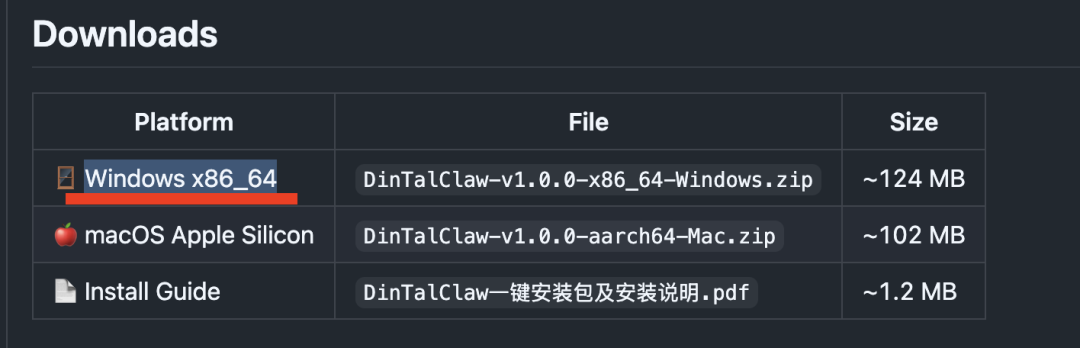
- Original section evidence: Setup and installation checkpoint
For an English SEO audience, I would frame the page around three questions:
- What problem does this local AI agent workflow solve?
- What does the actual interface or generated result look like?
- What should a reader try, avoid, or compare next?
Practical reading notes
A few things matter when evaluating this kind of AI workflow:
- Look at the screenshots before accepting the conclusion. AI tools often sound similar in text, but the interface and output quality reveal the difference.
- Check whether the workflow depends on a local model, a cloud API, a browser agent, or a document parser. That changes cost, privacy, and reliability.
- If the article mentions free tokens, model rankings, promotional access, or a newly released model, verify the current status before planning production work.
- If this is a local deployment or developer tutorial, run it in a test environment first and keep secrets, documents, and production credentials separate.
Visual evidence from the original test
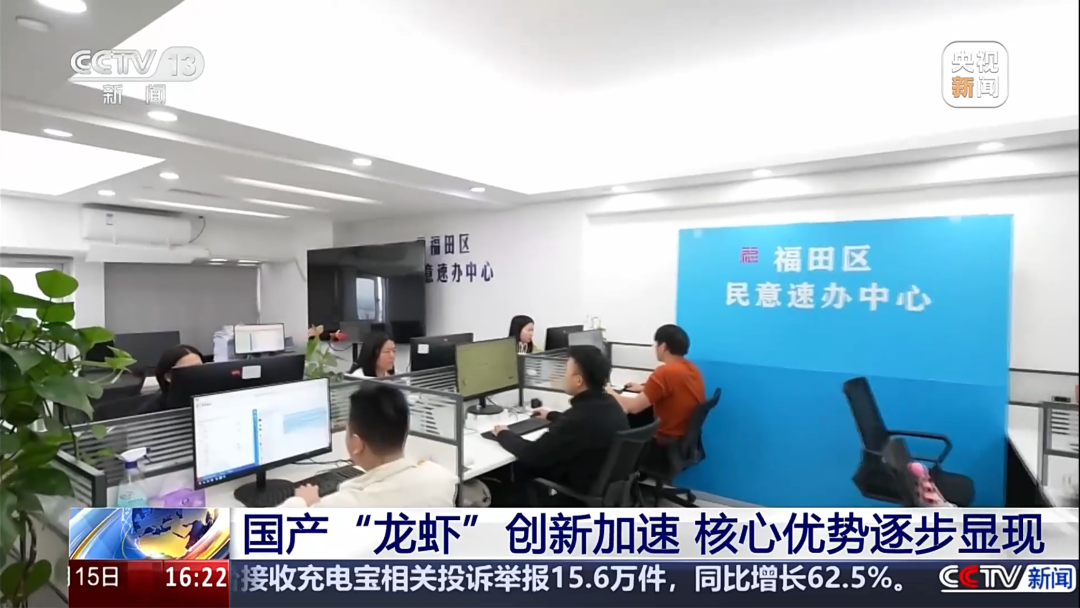
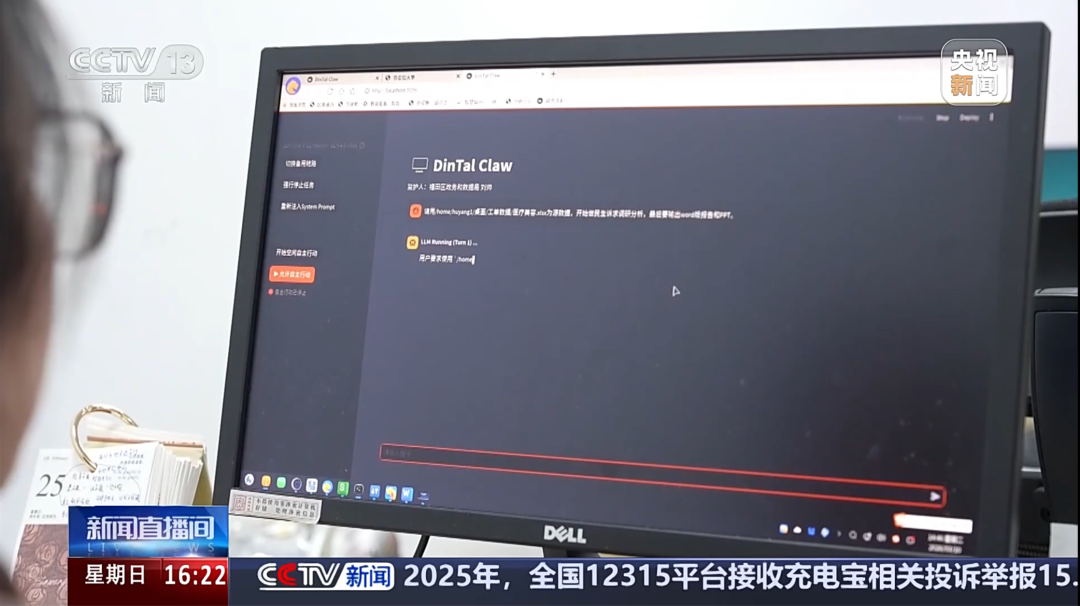
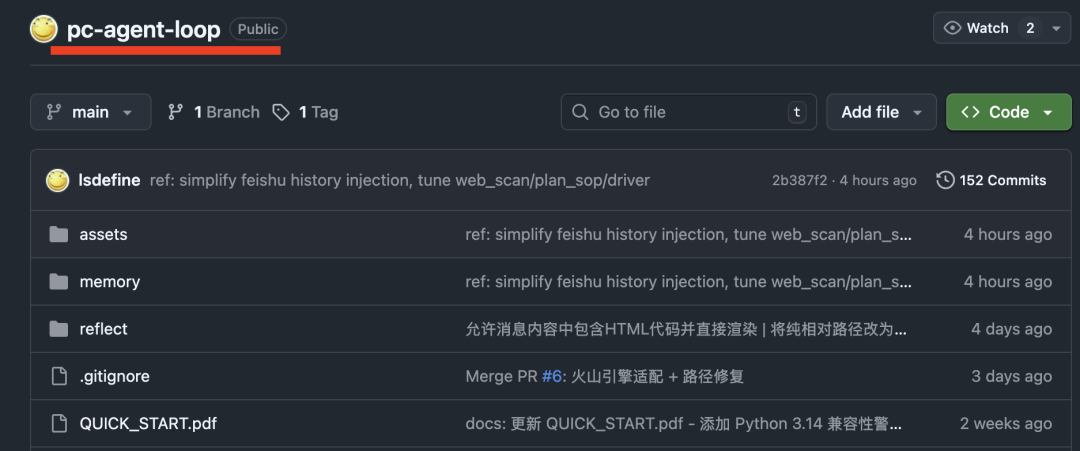
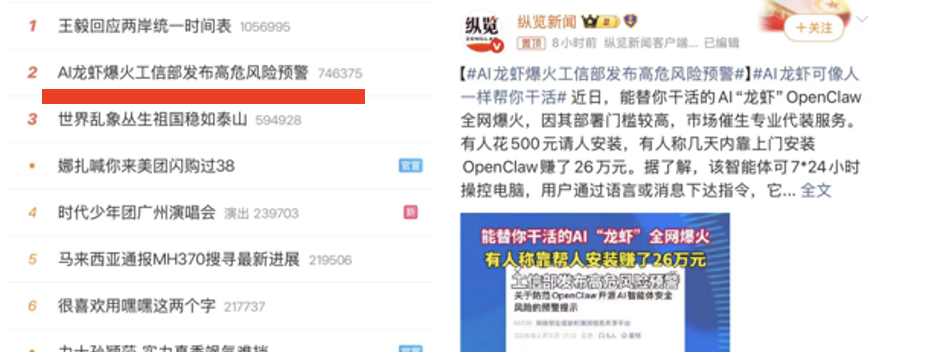
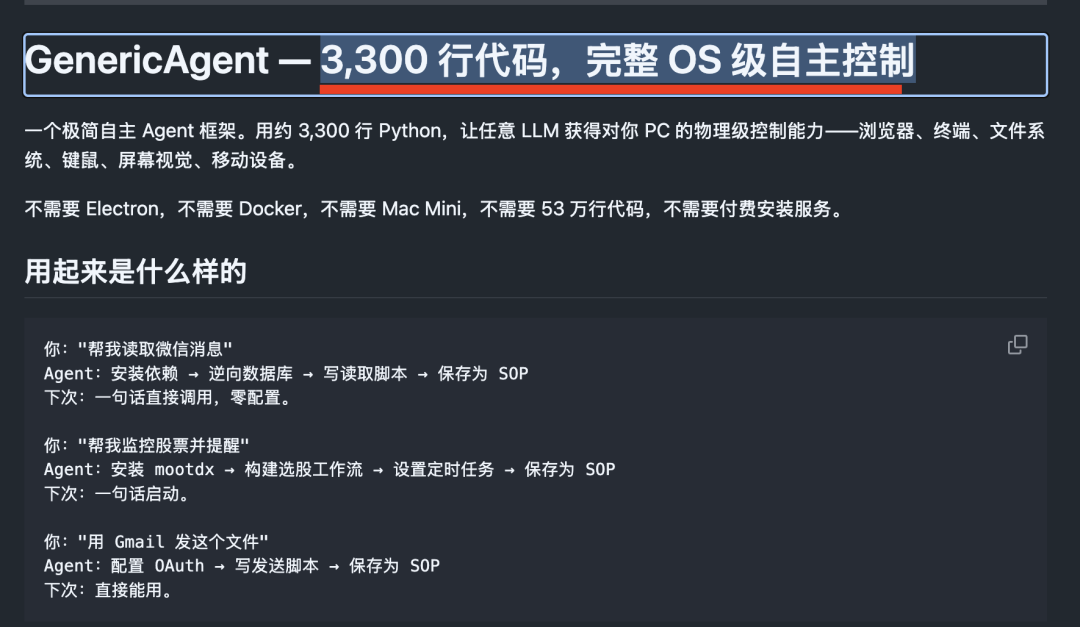
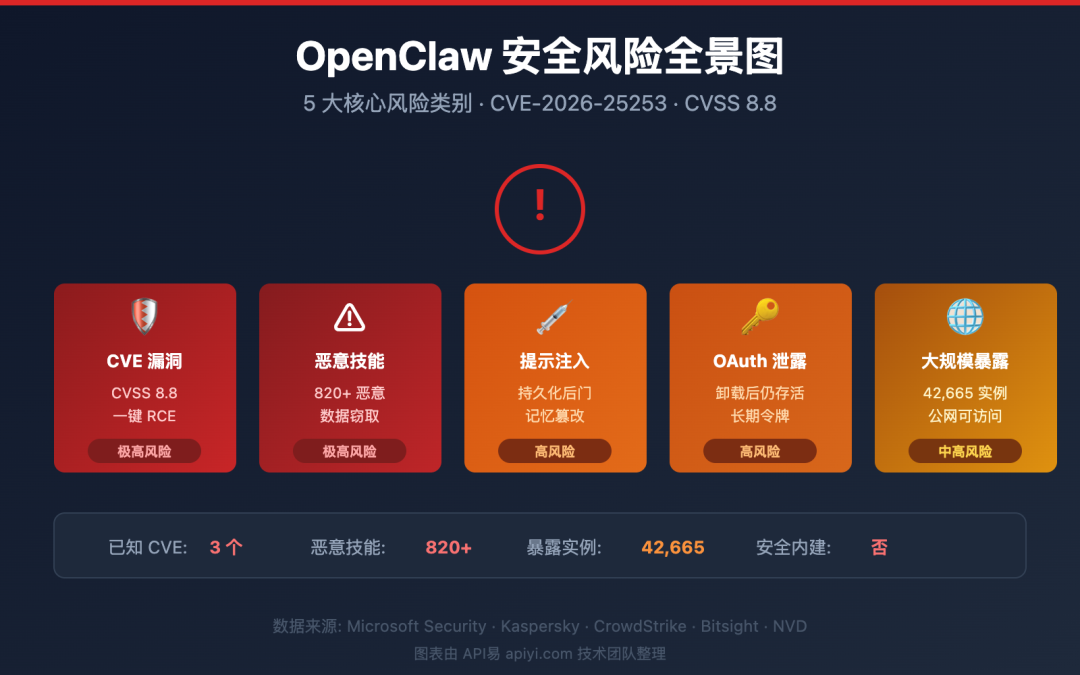
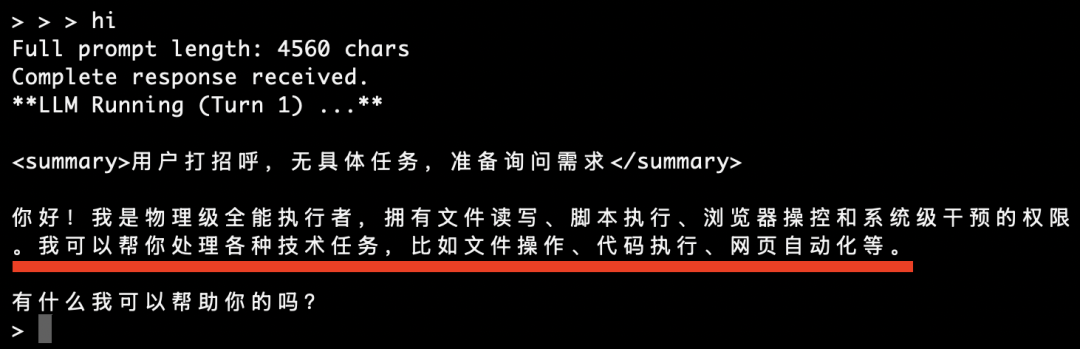
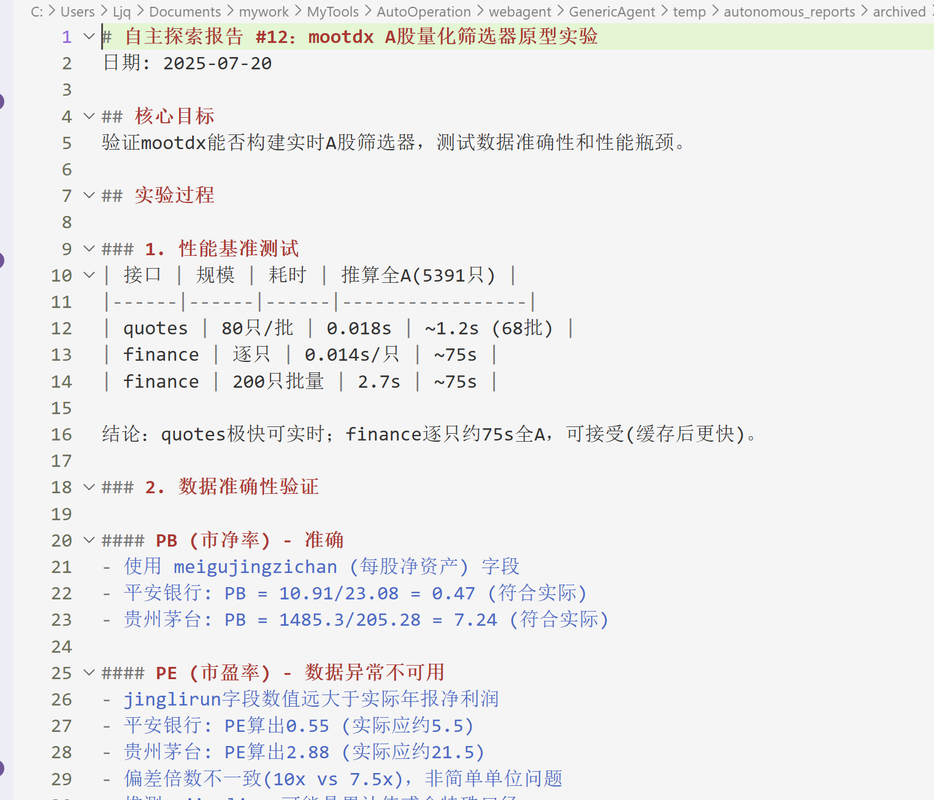
The next group of screenshots continues the same workflow. I keep them in sequence so readers can inspect the actual interface, generated output, or benchmark evidence instead of relying only on a written summary.
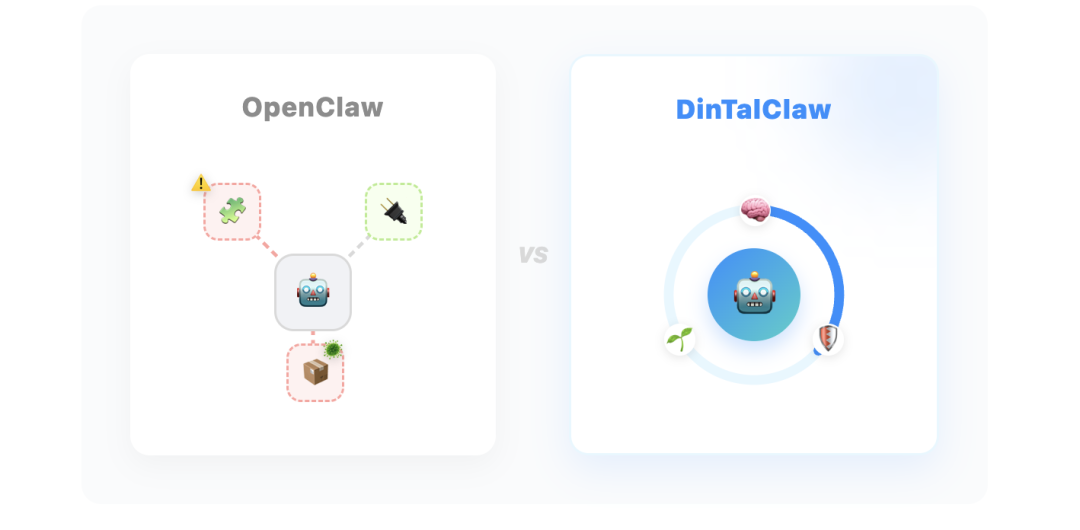
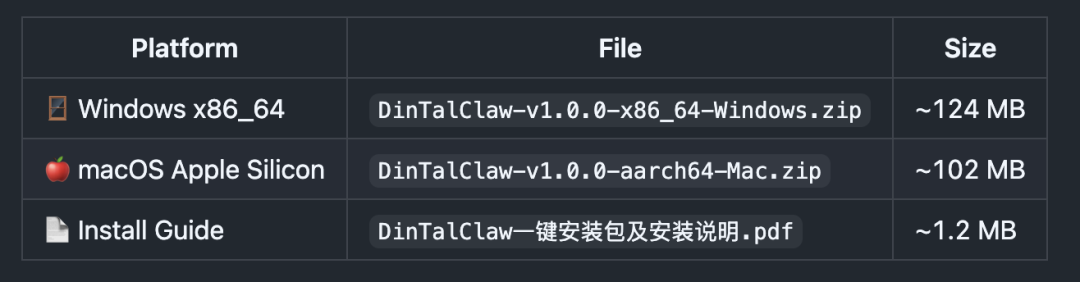

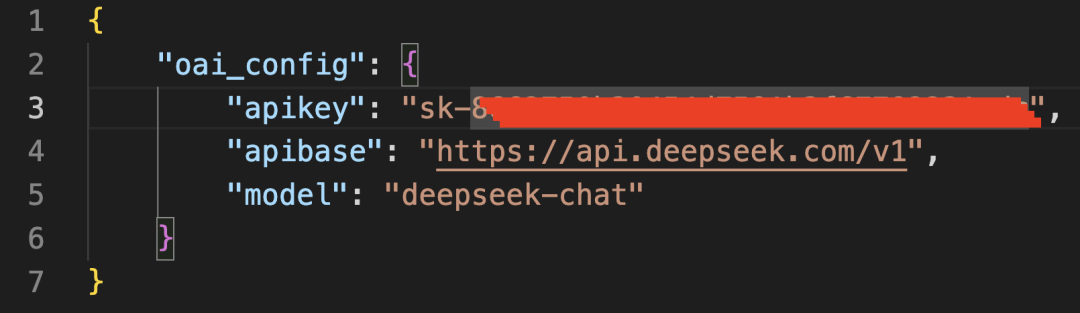
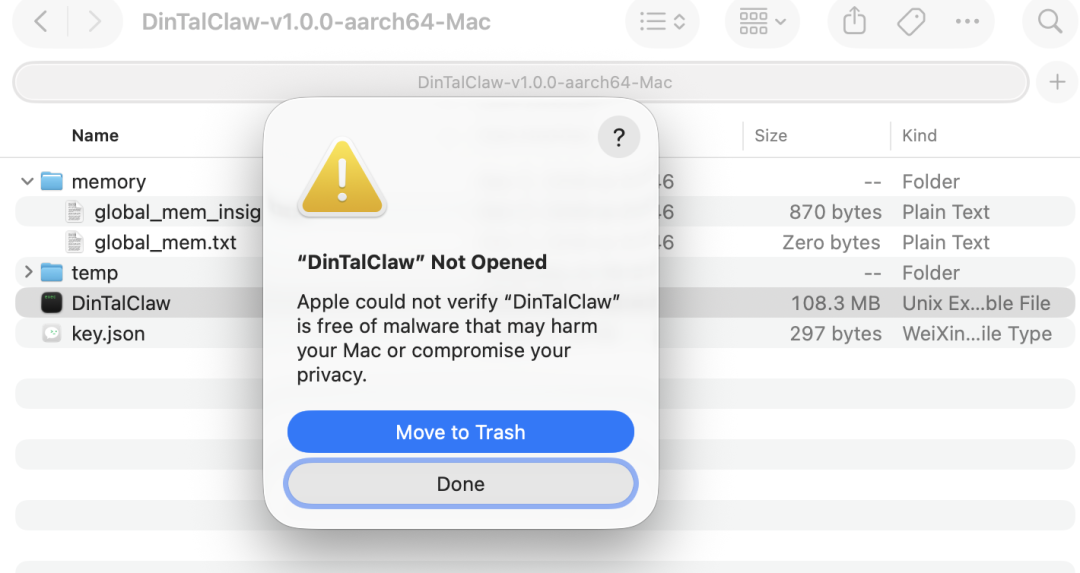
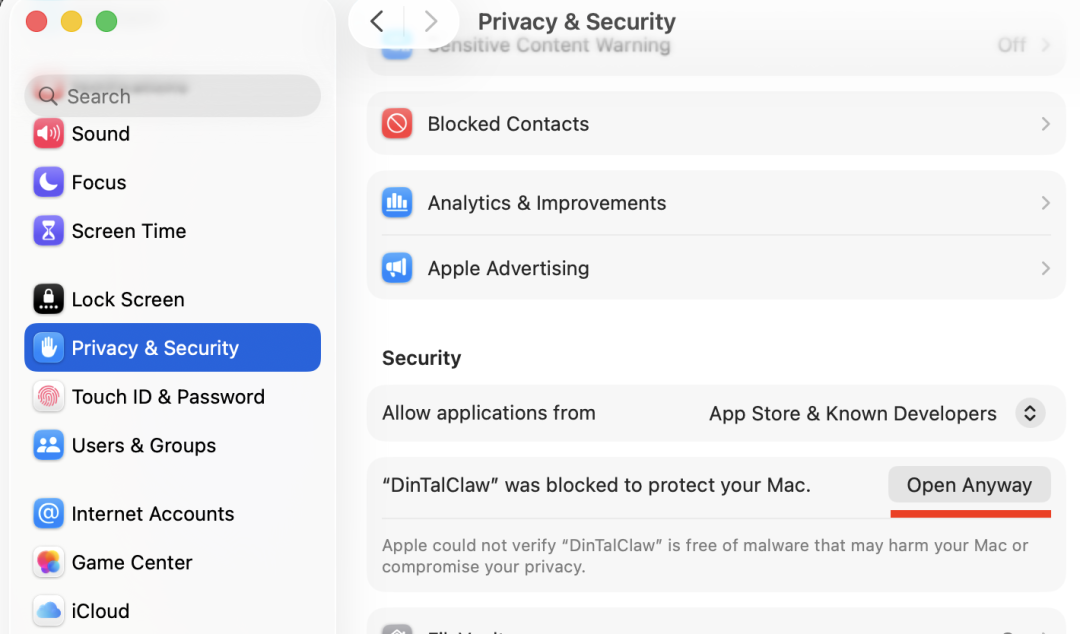
The next group of screenshots continues the same workflow. I keep them in sequence so readers can inspect the actual interface, generated output, or benchmark evidence instead of relying only on a written summary.
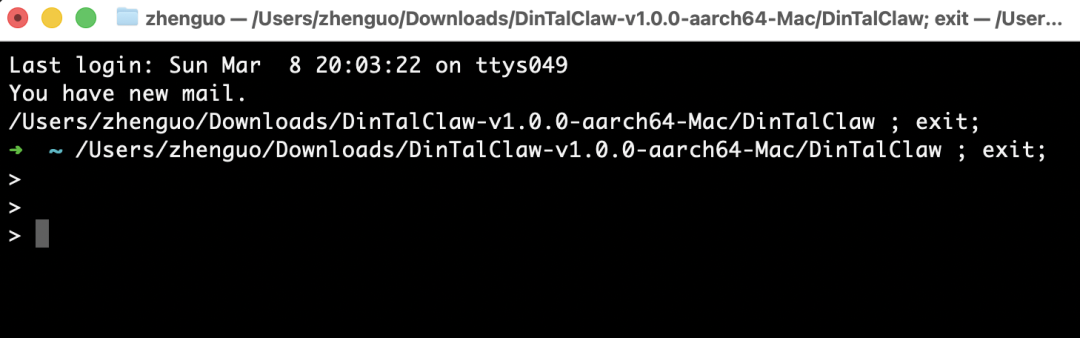
How I would use this today
If I were using this note as a starting point today, I would first reproduce the smallest useful workflow. For local AI agent workflow, that means choosing one real file, one real task, or one small demo instead of trying to rebuild the entire article at once.
Then I would compare the result against a baseline. For example, compare a local knowledge-base answer with a normal chatbot answer, compare one coding model with another on the same prompt, or compare a generated visual result with the original target.
Finally, I would keep a short result log: model version, prompt, input file, runtime, cost, failure points, and screenshots. That is the fastest way to turn an interesting AI demo into a repeatable workflow.
FAQ
Is OpenClaw Safe Edition: One-Click Install and Direct Use still current?
This page preserves a field note originally published on 2026-03-17. The workflow and screenshots are still useful as a practical reference, but model names, free quotas, rankings, and product availability can change. Always check the current product page or model provider before relying on it.
Is this only a translation of the Chinese article?
No. It is an English SEO rewrite. The original screenshots and core workflow are preserved, but the explanation is reorganized for global readers who search for tutorials, benchmarks, local deployment notes, and AI tool comparisons.
What should I inspect first?
Start with the screenshots and the quick verdict. If the visuals match your use case, read the practical notes and then open the original Chinese source link for full context.
Final verdict
The main value of this article is the evidence trail. For builders who want agents to operate files, browsers, spreadsheets, or business tools, the screenshots show how the workflow looked in practice, while this English rewrite turns the original Chinese post into a searchable reference page.
If you are building with AI tools, do not copy the workflow blindly. Use it as a tested example, reproduce a small version, measure the result, and then decide whether it belongs in your own stack.
From Field Note to Buying Decision
Use this AI field note to choose software, APIs, agents, search, and security tools.
AI Field Note FAQ
Use this field note as evidence before choosing AI tools
How should I use this AI field note?
Use it as hands-on evidence from a real AI workflow, then compare the related software category, model benchmark, API guide, security checklist, and tool alternatives before choosing a product.
Is this field note enough to choose an AI tool?
No. Treat the field note as practical context, then validate pricing, privacy, integration effort, reliability, benchmark fit, and team workflow before spending budget.
What should I read after OpenClaw Safe Edition: One-Click Install and Direct Use?
Open AI Software Buyer Guides, AI Model Benchmarks, Best AI Coding Agents, Enterprise AI Search Tools, OpenAI vs Anthropic API, or LLM Security Tools depending on the decision you need to make.
When should teams re-test the result from this field note?
Re-test when the model, product plan, pricing, API behavior, prompt workflow, data policy, browser support, or deployment environment changes.
Continue