English translation
Initialize the model
AI Article Decision Snapshot
Turn the lesson into workflow, model, budget, and security checks before choosing tools.
Use this quick snapshot before leaving the article. It keeps the next search tied to practical AI software, model/API, cost, privacy, and implementation questions.
Workflow fit
Identify the real job behind the article: coding, research, document review, support, analytics, content, or internal automation.
Model or tool decision
Decide whether the next step is a software shortlist, an AI tool comparison, an API platform choice, or a model benchmark.
Budget and usage signal
Estimate seats, API calls, prompt volume, retries, review time, and fallback work before assuming the workflow is cheap.
Security and privacy review
Check whether source code, customer data, private documents, prompts, logs, or embeddings will enter the AI workflow.
Many teams jump straight to model training—but in Dify-based applications, prompt engineering, knowledge bases, workflow nodes, and tool calls often resolve the majority of use cases. Custom training should be your last resort, not your first instinct.
If you do decide to train, start by clearly articulating where your current baseline falls short: Is it accuracy? Tone or stylistic consistency? Output formatting? Domain-specific terminology? Without precise failure categorization, it’s nearly impossible to determine whether training meaningfully improves outcomes.
In this article, we dive deep into Dify—the generative AI application innovation engine—and explore its custom model training capability. We’ll connect this topic back to our earlier discussion on “Data Processing & Cleaning” and lay the groundwork for the upcoming section on “Evaluation & Tuning.” Custom model training is one of Dify’s most powerful features: it empowers users to train models fine-tuned specifically for their unique tasks and datasets.
Core Concepts Behind Custom Model Training
Before initiating custom model training, users must understand several foundational concepts:
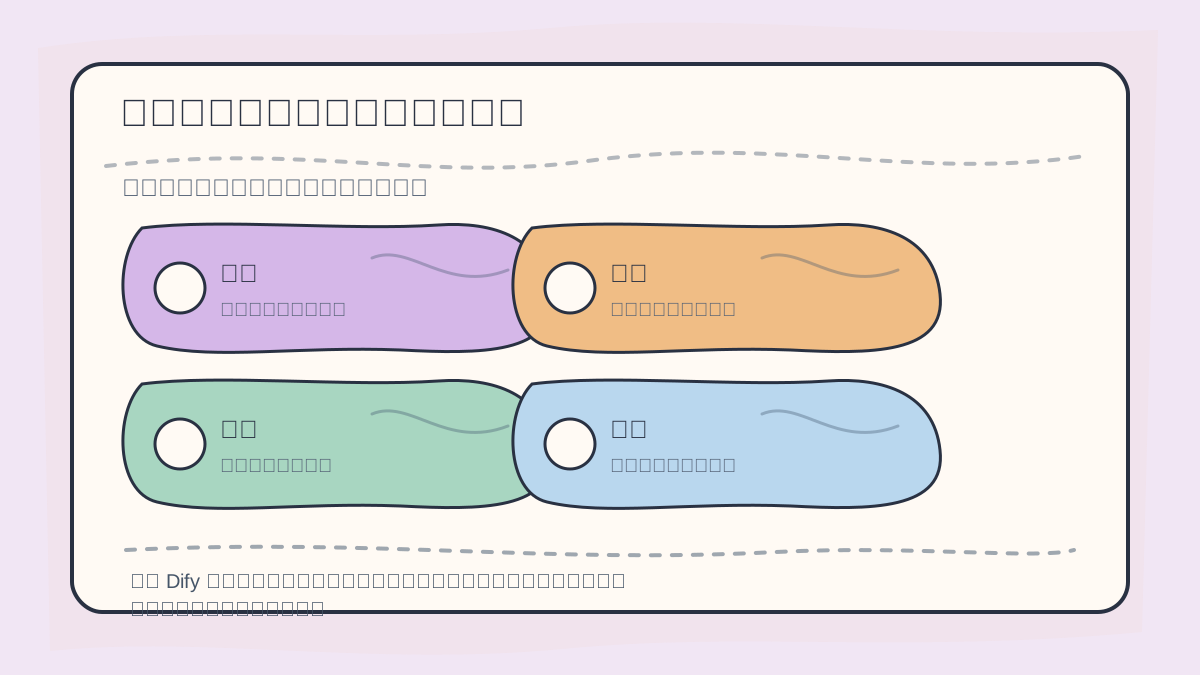
When exploring Dify’s custom model training, first clarify:
✅ Your training objective
✅ Data sources and provenance
✅ Annotation quality and consistency
✅ Evaluation examples (for validation)
✅ Fallback strategy post-deployment
- Training Dataset: Users must prepare a high-quality, task-relevant dataset to ensure the model learns meaningful and generalizable patterns.
- Model Architecture: Users may select from various architectures—e.g., Transformer or RNN—tailoring structural choices to the nature of the task.
- Hyperparameter Configuration: Hyperparameters significantly influence model performance. Key examples include learning rate, batch size, and number of training epochs.
Preparing the Training Dataset
In prior sections, we thoroughly covered data processing and cleaning—so here, we assume you already have a cleaned, ready-to-use dataset. Additionally, ensure your dataset exhibits reasonable balance, especially critical for classification tasks.
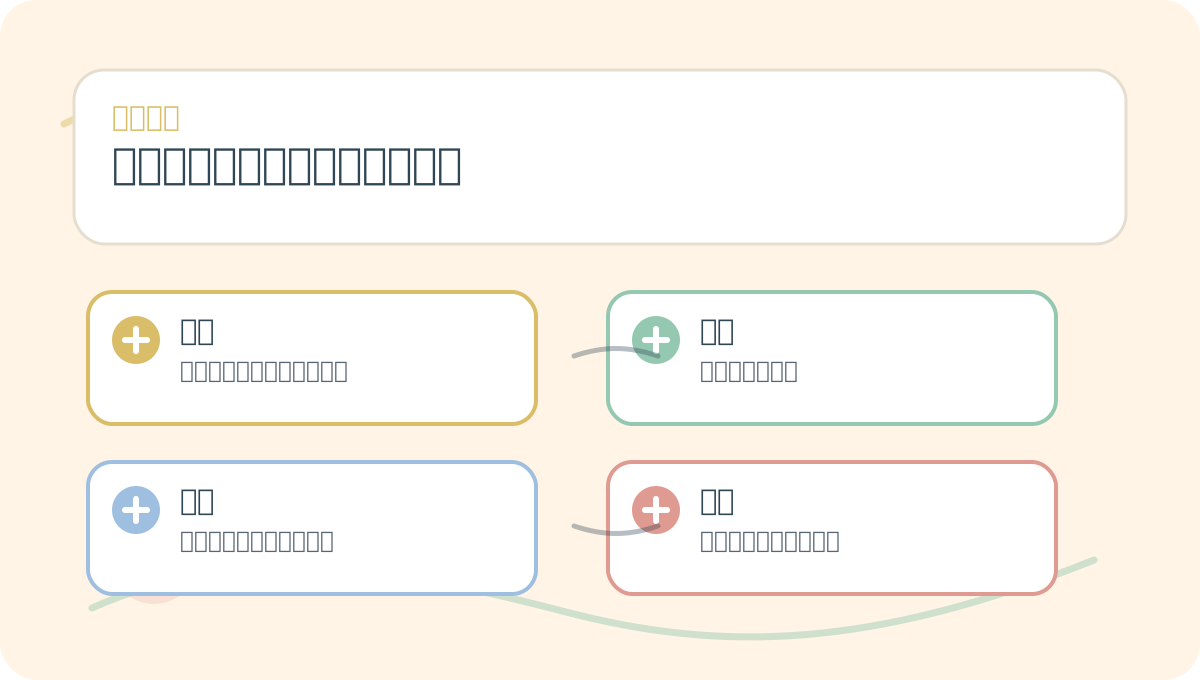
Read “Advanced Feature Exploration: Custom Model Training” through the lens of Scenario → Concept → Action → Result. Align these four dimensions first—then revisit the parameters, code snippets, or workflows in the main text.
Example: Constructing a Custom Dataset
For sentiment analysis, your dataset might look like this JSON structure:
[
  {"text": "This movie is fantastic!", "label": "positive"},
  {"text": "I dislike this storyline.", "label": "negative"},
  ...
]
Steps to Perform Custom Model Training
Step 1: Select a Model Architecture
Within the Dify platform, choose an appropriate architecture. For natural language tasks, the Transformer architecture is typically recommended due to its strong empirical performance.
Step 2: Configure Hyperparameters
Set key hyperparameters—for example:
- Learning rate: Start with
0.001 - Batch size: e.g.,
32 - Number of epochs: e.g.,
5
Step 3: Launch Training
Use Dify’s training interface to initiate the process. Assuming your dataset and model configuration are ready, initialize training via Python as shown below:
from dify import DifyModel, DifyTrainer

# Initialize the model
model = DifyModel(model_type="transformer")

# Initialize the trainer
trainer = DifyTrainer(model=model, dataset="your_dataset_path", batch_size=32, learning_rate=0.001)

# Start training
trainer.train(epochs=5)
During training, the system logs loss metrics and iteratively optimizes the model according to your specified hyperparameters.
Key Considerations for Custom Model Training
- Dataset Diversity & Representativeness: Ensure your dataset covers varied real-world examples to help the model generalize across edge cases and domain nuances.
- Training Process Monitoring: Track loss and accuracy in real time to detect overfitting (e.g., rising validation loss) or underfitting (e.g., stagnant accuracy).
- Model Persistence: Always save the trained model after completion—this enables downstream evaluation, deployment, and version control.
Example: Visualizing Training Dynamics
Monitor progress by plotting loss and accuracy across epochs:
import matplotlib.pyplot as plt

# Assume losses and accuracies were logged during training
losses = trainer.get_losses()
accuracies = trainer.get_accuracies()

plt.figure(figsize=(12, 5))
plt.subplot(1, 2, 1)
plt.plot(losses, label='Loss')
plt.title('Training Loss')
plt.xlabel('Epoch')
plt.ylabel('Loss')
plt.legend()

plt.subplot(1, 2, 2)
plt.plot(accuracies, label='Accuracy')
plt.title('Training Accuracy')
plt.xlabel('Epoch')
plt.ylabel('Accuracy')
plt.legend()

plt.show()
Visualization helps reveal training dynamics—informing decisions about early stopping, hyperparameter tuning, or architectural adjustments.
If you haven’t fully internalized “Advanced Feature Exploration: Custom Model Training,” walk through the four actions on this card to reinforce understanding.
When reviewing “Advanced Feature Exploration: Custom Model Training,” avoid launching large-scale projects upfront. Instead, validate the core workflow using just one simple example—confirming clarity of the end-to-end logic before scaling.
Summary & Next Steps
This article provided a comprehensive walkthrough of Dify’s custom model training functionality—from dataset preparation and architecture selection to hyperparameter tuning and training monitoring. We emphasized practical considerations and pitfalls to avoid. Custom training unlocks highly specialized, high-performing AI solutions—and fosters deeper user innovation in building purpose-built models.
In the next article, we’ll focus on “Evaluation & Tuning,” exploring how to rigorously assess model behavior on target tasks and systematically refine performance based on empirical results. This series aims to equip you with both conceptual clarity and hands-on proficiency—so you can confidently harness Dify’s full potential in future AI application development.
Apply This Lesson
Turn this article into AI software, model, API, and security decisions.
English Article FAQ
Use this article as evidence before choosing AI tools
How should I use this AI Tutorials article?
Use it as the implementation or learning layer, then connect the idea to AI software buyer guides, tool comparisons, benchmarks, API choices, and security checks before making a production decision.
Is this English article different from the Chinese original?
The English edition is localized for global AI readers while preserving the original diagrams, screenshots, prompts, code examples, and source context from the Chinese article.
What should I read after Initialize the model?
Continue with AI Software Buyer Guides, AI Tools Workbench, Best AI Coding Agents, AI Model Benchmarks, OpenAI vs Anthropic API, or LLM Security Tools depending on the decision you need to make.
Can this article alone choose an AI product or model?
No. Treat the article as evidence and context, then validate fit with pricing, privacy requirements, integration effort, benchmark results, workflow tests, and fallback planning.
Continue