English translation
Setting Up Dify: Software and Hardware Requirements for Building Generative AI Applications
AI Article Decision Snapshot
Turn the lesson into workflow, model, budget, and security checks before choosing tools.
Use this quick snapshot before leaving the article. It keeps the next search tied to practical AI software, model/API, cost, privacy, and implementation questions.
Workflow fit
Identify the real job behind the article: coding, research, document review, support, analytics, content, or internal automation.
Model or tool decision
Decide whether the next step is a software shortlist, an AI tool comparison, an API platform choice, or a model benchmark.
Budget and usage signal
Estimate seats, API calls, prompt volume, retries, review time, and fallback work before assuming the workflow is cheap.
Security and privacy review
Check whether source code, customer data, private documents, prompts, logs, or embeddings will enter the AI workflow.
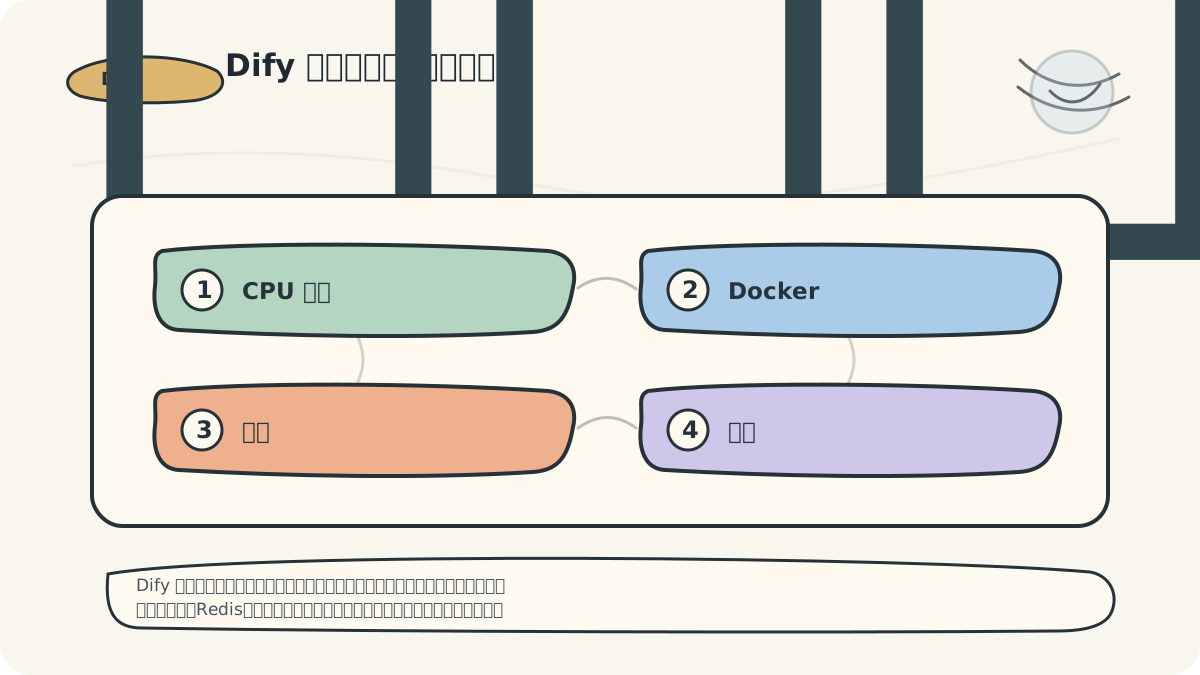
Dify environment issues are rarely caused by mistyped commands — more often, they stem from misalignment among machines, networks, and API keys. Start by mapping all required services (e.g., backend, database, Redis, vector store, and model providers) onto a single diagram. This visual alignment saves significant debugging time.
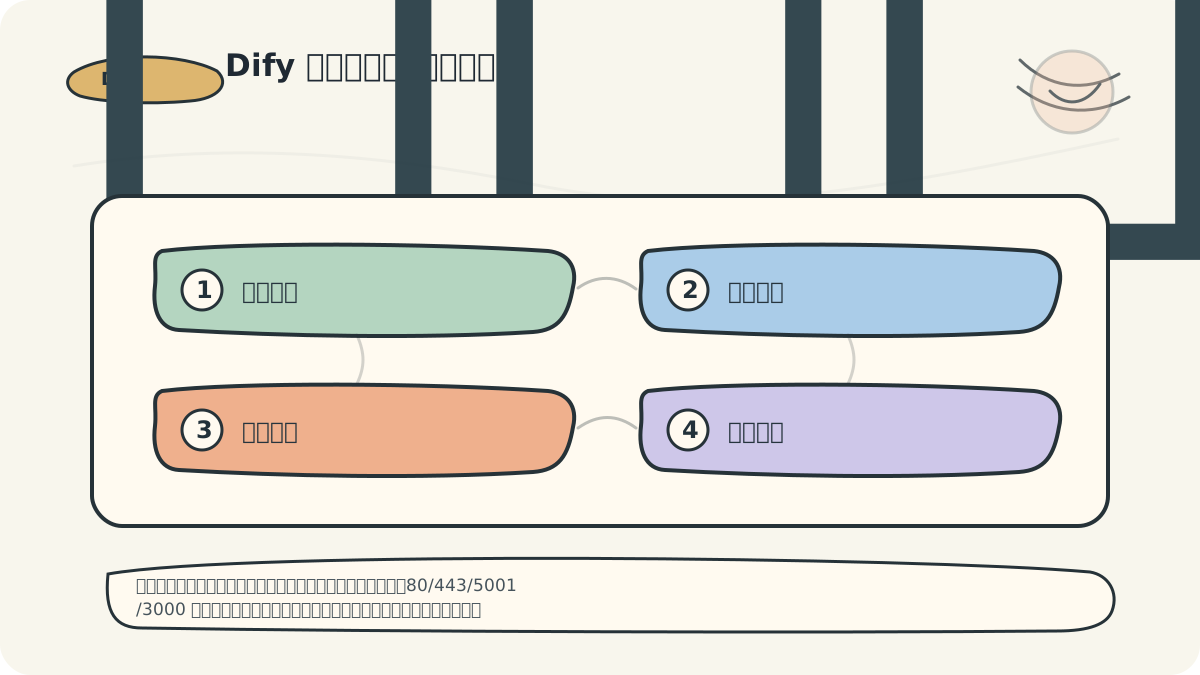
Before installing Dify, I always prepare a concise checklist:
- Can the server pull Docker images?
- Are critical ports (e.g., 80, 443, 5001, 3000) free?
- Are model API keys valid and accessible?
- Is the data directory properly configured for backup?
In the previous article, we explored Dify’s use cases—highlighting its broad applicability in natural language processing, content generation, and beyond. This article focuses on the software and hardware prerequisites needed to successfully install and run Dify. We’ll detail each requirement comprehensively, laying a solid foundation for the next article: “Dify Installation Steps.”
Hardware Requirements
Understanding appropriate hardware specifications is essential when deploying Dify for development or production. Below are recommended configurations:
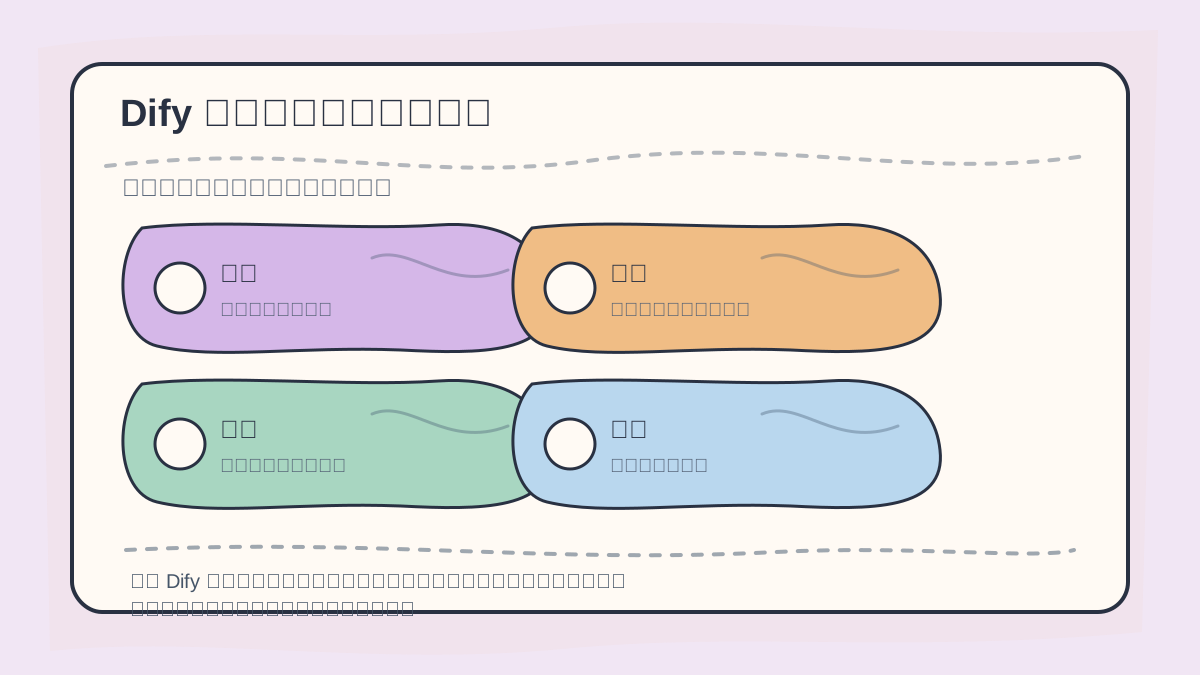
Before setting up Dify, clarify:
- Deployment mode (e.g., Docker, source code, cloud)
- Required dependent services (e.g., PostgreSQL, Redis, vector database)
- Available machine resources (CPU, RAM, disk, GPU)
- Domain name and network access permissions
Establishing these foundational boundaries early streamlines subsequent workflow debugging.
-
Processor (CPU)
- A multi-core CPU, such as an Intel Core i5 or higher, is strongly recommended. Multi-core processors significantly improve multitasking performance and prevent bottlenecks.
-
Memory (RAM)
- Minimum: 8 GB RAM
- Recommended: 16 GB or more, especially when running large models or handling concurrent tasks. Sufficient memory directly enhances responsiveness and throughput.
-
Storage (Disk)
- Prefer SSD (Solid-State Drive) with at least 256 GB capacity. SSDs drastically reduce Dify startup time and accelerate model loading.
-
Graphics Processing Unit (GPU) (Optional)
- If you plan to run large language models locally or perform fine-tuning/training, a compatible GPU is highly beneficial. Recommended: NVIDIA RTX 3060 or higher. GPUs dramatically speed up inference and training workloads.
Software Requirements
To ensure smooth Dify operation, the following software components must be installed and properly configured:
This article—“Environment Setup for Dify: Required Software & Hardware”—is designed to be read alongside diagrams. First confirm the core questions and decision criteria; then review conceptual explanations and hands-on steps. This approach helps connect information into a coherent mental model.
-
Operating System
- Dify supports multiple OS platforms, including Windows, macOS, and Linux. For optimal stability and compatibility, we recommend Ubuntu 20.04 LTS or newer.
-
Python
- Dify is built on Python, so a compatible Python runtime is mandatory. Use Python 3.7 or later. Install it via:
sudo apt-get update && sudo apt-get install python3 python3-pip
- Dify is built on Python, so a compatible Python runtime is mandatory. Use Python 3.7 or later. Install it via:
-
Python Dependencies
- Install required Python packages using
pip. To avoid dependency conflicts, always use a virtual environment:# Create a virtual environment python3 -m venv dify-env source dify-env/bin/activate # Install dependencies pip install -r requirements.txtrequirements.txtfile contains all third-party libraries needed for Dify.
- Install required Python packages using
-
Version Control System (Optional but Recommended)
- Use Git to manage code, track changes, and collaborate effectively:
sudo apt-get install git
- Use Git to manage code, track changes, and collaborate effectively:
-
IDE (Integrated Development Environment) (Optional)
- While not required, a robust IDE—such as Visual Studio Code or PyCharm—greatly improves coding efficiency, debugging, and project navigation. We strongly recommend installing one.
Practical Example
Suppose you’re preparing to deploy a Dify-based NLP application. Here’s how you might configure your environment:
-
Hardware
- A workstation equipped with:
- Intel Core i7 CPU
- 16 GB RAM
- 512 GB SSD
- NVIDIA RTX 3060 GPU
- A workstation equipped with:
-
Software
- Ubuntu 20.04 LTS installed
- Python 3.8, Git, and all required dependencies deployed
-
Virtual Environment
- A dedicated Python virtual environment named
dify-env, ensuring clean, isolated dependency management
- A dedicated Python virtual environment named
With this configuration, your system is well-prepared to host and scale Dify applications.
At this point, consolidate “Environment Setup for Dify: Required Software & Hardware” into a retrospective table: first articulate the central narrative, then validate it with a small, concrete task.
After reading “Environment Setup for Dify: Required Software & Hardware”, try executing a minimal end-to-end setup. Then assess which steps you can now complete independently.
Summary
Selecting appropriate hardware and configuring compatible software are pivotal to both development velocity and model performance when deploying Dify. In the next article, we’ll walk through “Dify Installation Steps” in depth—stay tuned!
We hope this guide helps you confidently set up your Dify environment. If you have any questions, feel free to ask!
Apply This Lesson
Turn this article into AI software, model, API, and security decisions.
English Article FAQ
Use this article as evidence before choosing AI tools
How should I use this AI Tutorials article?
Use it as the implementation or learning layer, then connect the idea to AI software buyer guides, tool comparisons, benchmarks, API choices, and security checks before making a production decision.
Is this English article different from the Chinese original?
The English edition is localized for global AI readers while preserving the original diagrams, screenshots, prompts, code examples, and source context from the Chinese article.
What should I read after Setting Up Dify: Software and Hardware Requirements for Building Generative AI Applications?
Continue with AI Software Buyer Guides, AI Tools Workbench, Best AI Coding Agents, AI Model Benchmarks, OpenAI vs Anthropic API, or LLM Security Tools depending on the decision you need to make.
Can this article alone choose an AI product or model?
No. Treat the article as evidence and context, then validate fit with pricing, privacy requirements, integration effort, benchmark results, workflow tests, and fallback planning.
Continue