English translation
Using the built-in venv module
AI Article Decision Snapshot
Turn the lesson into workflow, model, budget, and security checks before choosing tools.
Use this quick snapshot before leaving the article. It keeps the next search tied to practical AI software, model/API, cost, privacy, and implementation questions.
Workflow fit
Identify the real job behind the article: coding, research, document review, support, analytics, content, or internal automation.
Model or tool decision
Decide whether the next step is a software shortlist, an AI tool comparison, an API platform choice, or a model benchmark.
Budget and usage signal
Estimate seats, API calls, prompt volume, retries, review time, and fallback work before assuming the workflow is cheap.
Security and privacy review
Check whether source code, customer data, private documents, prompts, logs, or embeddings will enter the AI workflow.
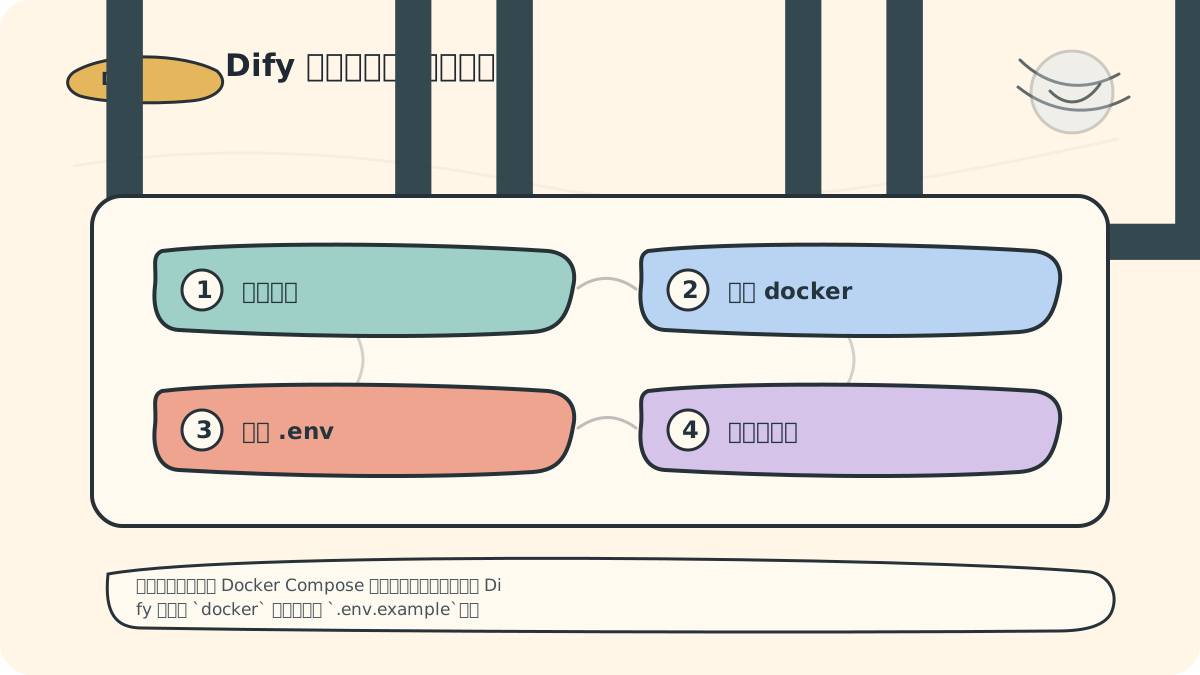
The official self-hosting documentation treats Docker Compose as the primary path for rapid deployment: after cloning Dify, navigate into the docker directory, copy .env.example, then launch with docker compose up -d. Any outdated repository names or manage.py commands found in older articles must be re-verified before actual execution.
Before proceeding, cross-check with the Official Dify Docker Compose Deployment Documentation.
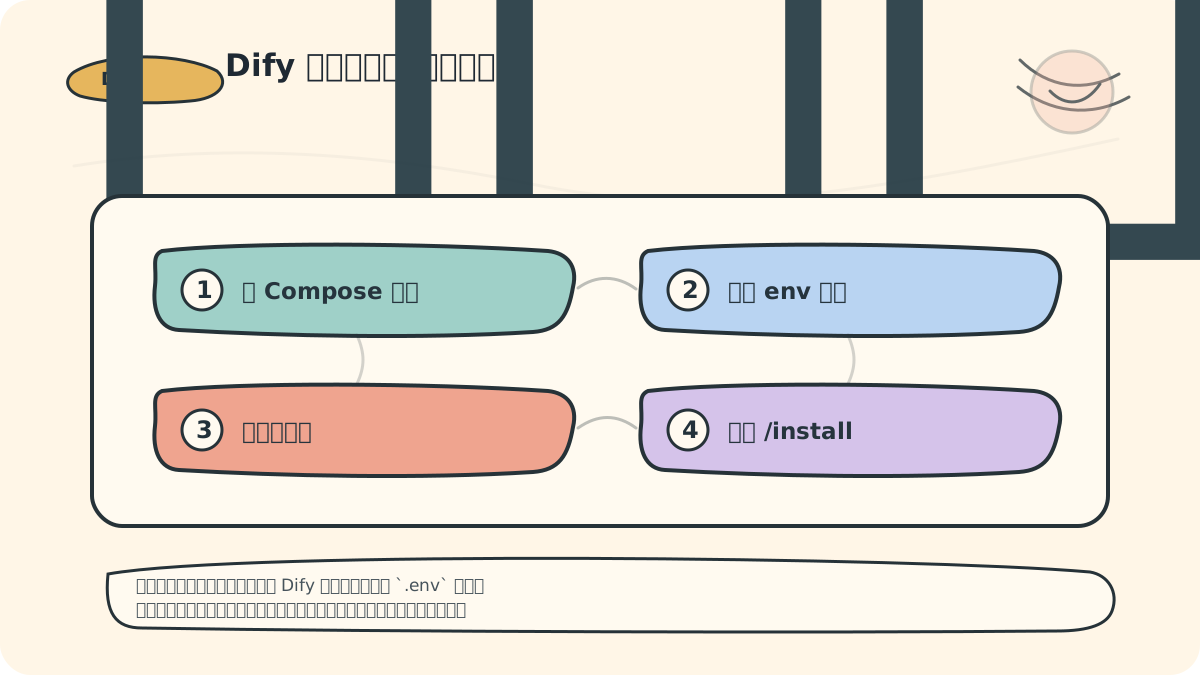
During installation, I maintain three key records:
- The current Dify version,
- Modified entries in the
.envfile, - Container status immediately after first startup.
These three records prove far more valuable than a sequence of commands when upgrading or migrating later.
In the previous article, we covered the required software and hardware prerequisites for environment setup—ensuring your system is ready to install Dify, the generative AI application innovation engine. This article details the step-by-step Dify installation process to help you successfully deploy Dify in your local environment.
Prerequisites
Ensure you have completed the following preparations, as outlined in the previous article:
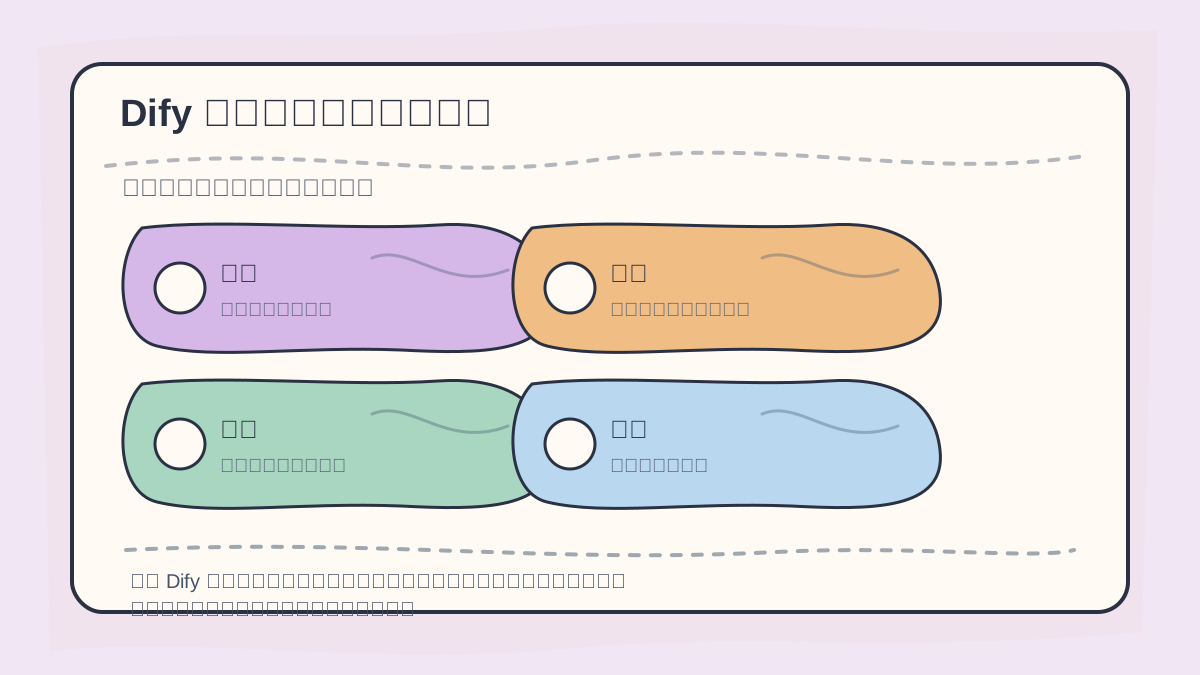
Before installing Dify, verify dependencies, environment variables, ports, account settings, and startup logs. Each step yields verifiable outcomes—this ensures clarity and simplifies troubleshooting later.
- Operating System: Windows, macOS, or Linux
- Python: Python 3.7 or later recommended
- Required Tools: e.g.,
git,pip, etc.
Installation Steps
1. Clone the Dify Repository
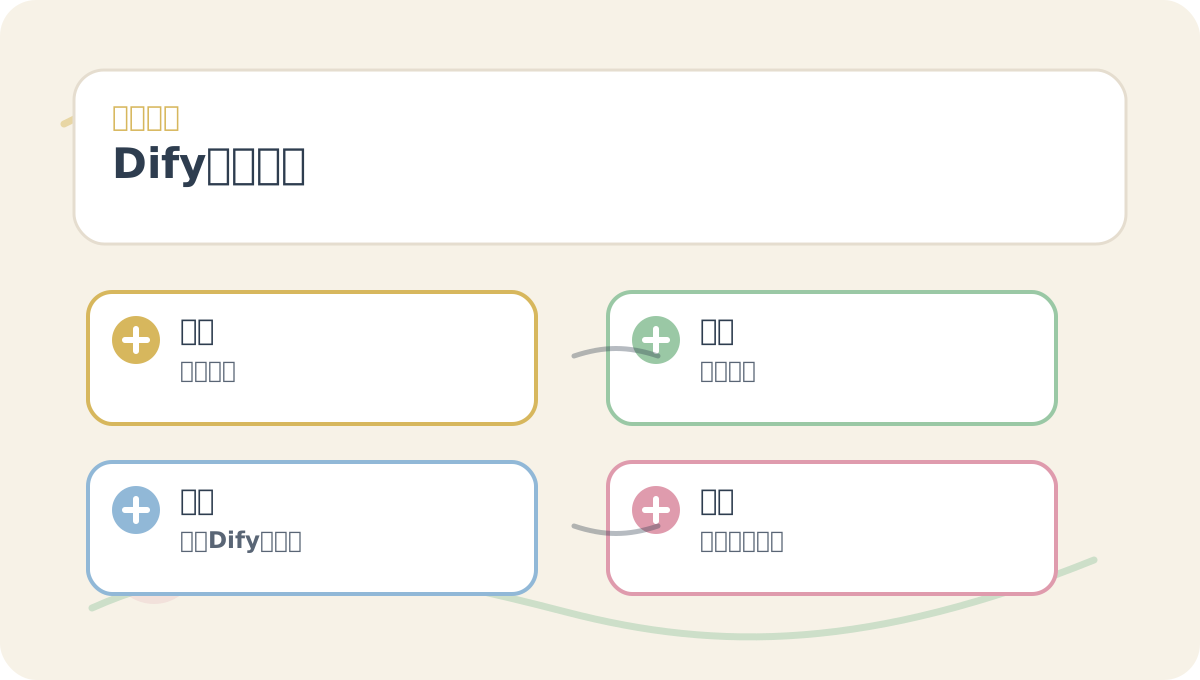
The Dify Installation Steps guide is designed to be read alongside visual aids. First confirm the problem statement and evaluation criteria; then review conceptual explanations and hands-on steps—this helps connect information into a coherent workflow.
Begin by running the following command in your terminal or command line to clone the Dify codebase:
git clone https://github.com/your-username/Dify.git
Replace your-username with the actual GitHub username or organization name hosting the Dify repository. After cloning completes, enter the project directory:
cd Dify
2. Create a Virtual Environment
To manage dependencies cleanly, we recommend using a virtual environment. Create one with:
# Using the built-in venv module
python -m venv venv
Activate the virtual environment:
-
Windows:
venv\Scripts\activate -
macOS/Linux:
source venv/bin/activate
3. Install Dependencies
With the virtual environment activated, install Dify’s required Python packages:
pip install -r requirements.txt
This command reads requirements.txt and installs all listed dependencies automatically.
4. Configure Environment Variables
Dify requires certain environment variables to run properly. Create a .env file and populate it with necessary configurations. Example content:
# .env example
API_KEY=your_api_key
DATABASE_URL=your_database_url
Replace your_api_key and your_database_url with values appropriate for your deployment.
5. Initialize the Database
If Dify uses a database backend, initialization is required. Refer to the project documentation for precise instructions—but typically, run:
python manage.py migrate
This creates and configures the required database tables.
6. Launch Dify
Once everything is set up, start Dify with:
python manage.py runserver
After successful startup, Dify will be accessible at http://127.0.0.1:8000/.
7. Verify the Installation
Open your browser and visit http://127.0.0.1:8000/. You should see Dify’s welcome page—confirming that the installation succeeded.
When reviewing Dify Installation Steps, keep key concepts, operational steps, and observable outcomes on the same page for efficient reflection.
When practicing Dify Installation Steps, record input conditions, actions performed, and resulting outputs together—this makes future verification straightforward.
Conclusion
You’ve now completed the Dify installation process. In the next article, we’ll perform an environment configuration audit to ensure all installations and configurations are correct—preparing you for seamless development with generative AI tools. Should you encounter issues during installation, consult the official project documentation or community resources for support.
By following these steps, you’ll have successfully deployed Dify—a powerful generative AI application innovation engine—in your local environment. From here, you can proceed to customize features and build applications tailored to your specific needs.
Apply This Lesson
Turn this article into AI software, model, API, and security decisions.
English Article FAQ
Use this article as evidence before choosing AI tools
How should I use this AI Tutorials article?
Use it as the implementation or learning layer, then connect the idea to AI software buyer guides, tool comparisons, benchmarks, API choices, and security checks before making a production decision.
Is this English article different from the Chinese original?
The English edition is localized for global AI readers while preserving the original diagrams, screenshots, prompts, code examples, and source context from the Chinese article.
What should I read after Using the built-in venv module?
Continue with AI Software Buyer Guides, AI Tools Workbench, Best AI Coding Agents, AI Model Benchmarks, OpenAI vs Anthropic API, or LLM Security Tools depending on the decision you need to make.
Can this article alone choose an AI product or model?
No. Treat the article as evidence and context, then validate fit with pricing, privacy requirements, integration effort, benchmark results, workflow tests, and fallback planning.
Continue