English translation
Initialize Dify client
AI Article Decision Snapshot
Turn the lesson into workflow, model, budget, and security checks before choosing tools.
Use this quick snapshot before leaving the article. It keeps the next search tied to practical AI software, model/API, cost, privacy, and implementation questions.
Workflow fit
Identify the real job behind the article: coding, research, document review, support, analytics, content, or internal automation.
Model or tool decision
Decide whether the next step is a software shortlist, an AI tool comparison, an API platform choice, or a model benchmark.
Budget and usage signal
Estimate seats, API calls, prompt volume, retries, review time, and fallback work before assuming the workflow is cheap.
Security and privacy review
Check whether source code, customer data, private documents, prompts, logs, or embeddings will enter the AI workflow.
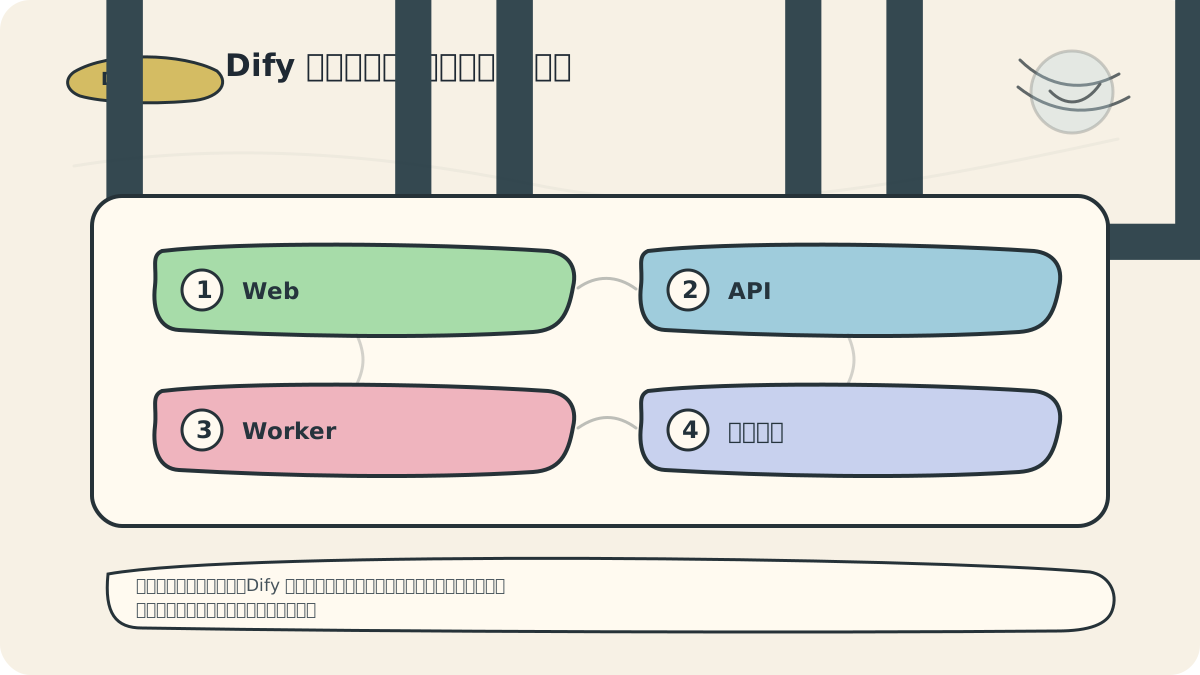
Being able to load the web interface is only the first step. For Dify to function properly, all its core components must be up and connected: frontend, backend, task queue, database, cache, vector search engine, and model providers.
I’ll create a minimal application for smoke testing: input a sentence, invoke a model, write logs, and access the result via the published endpoint. This end-to-end test is far more reliable than checking individual service ports in isolation.
In the previous article, we walked through the complete Dify installation process to ensure a smooth setup of your development environment. Now, we move into the environment configuration verification phase. While installation is critical, confirming that your environment is correctly configured is equally essential for successful Dify usage.
Why Environment Configuration Verification Matters
Before using Dify for generative AI application development, it’s vital to verify that your environment meets Dify’s runtime requirements. Proper environment verification helps you:
- Confirm correct installation of all required dependencies.
- Validate correctness of system-level configuration parameters.
- Identify potential errors or compatibility issues early—avoiding costly debugging and maintenance later.
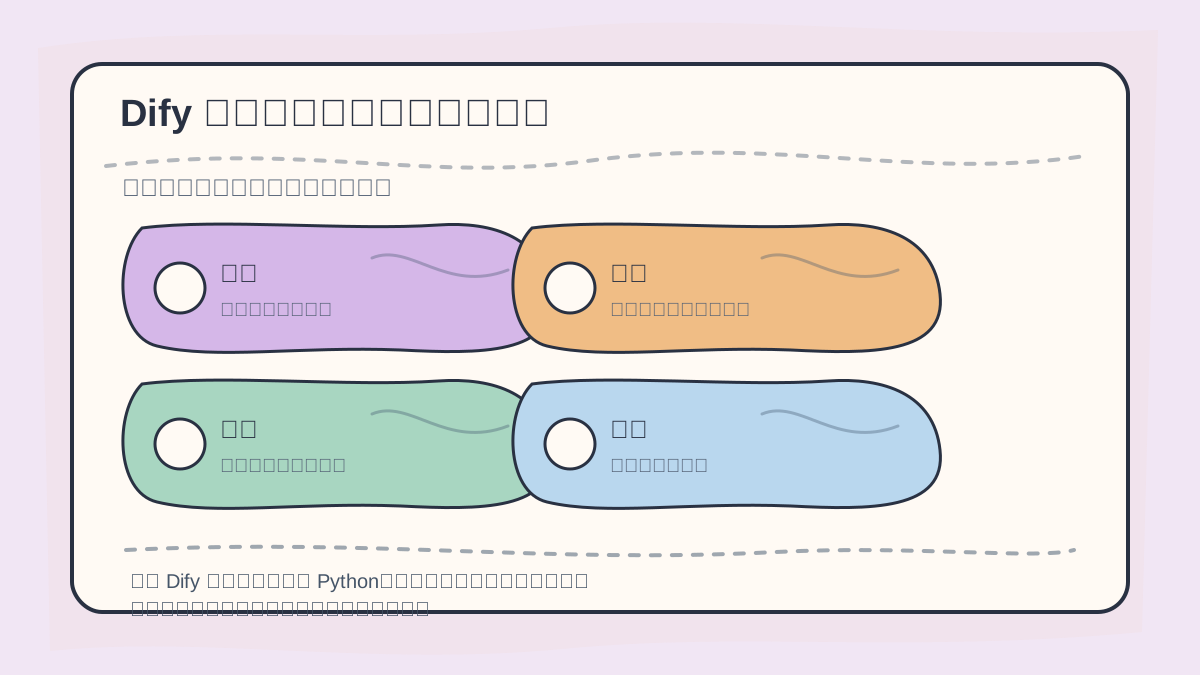
When configuring Dify, first verify Python version, dependent services, database connectivity, environment variables, and startup logs. Only after stability is confirmed should you proceed to build workflows.
Steps for Environment Configuration Verification
1. Check Python Version
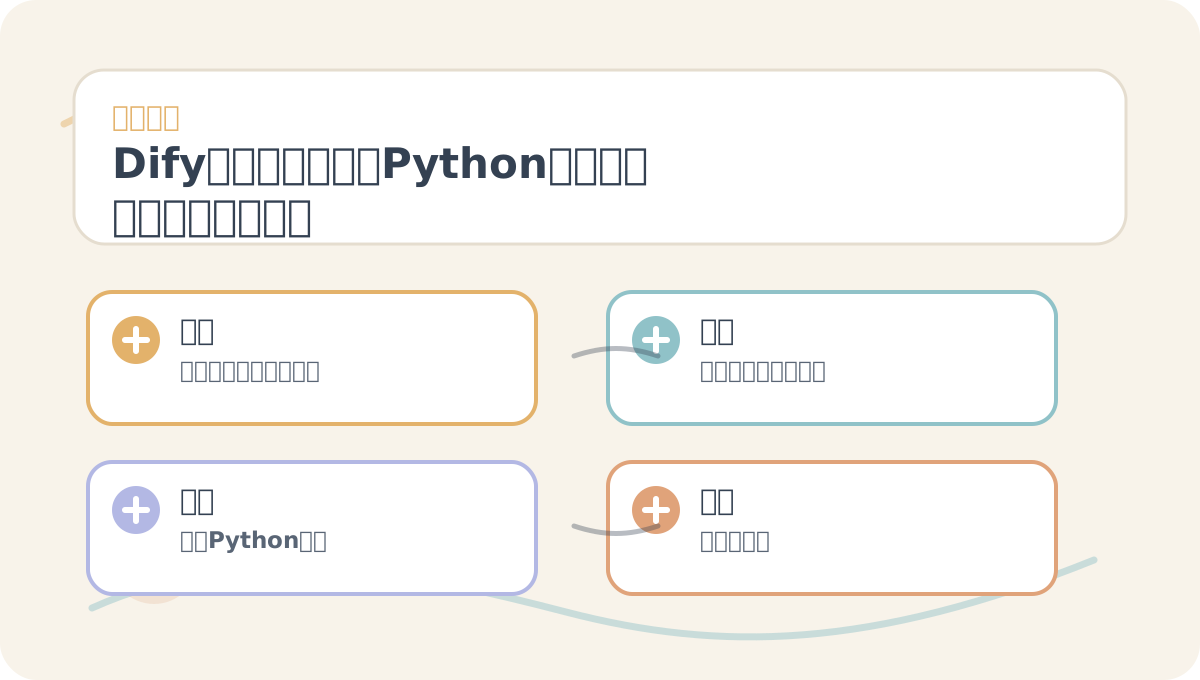
While reading “Dify Environment Configuration Verification: Python, Dependencies, Database, and Startup Validation”, treat the illustrations as navigation cards: first grasp the overall sequence, then understand why each step matters, and finally examine edge cases and boundary conditions.
Dify is built on Python—so verifying your installed Python version is the first step. Run this command in your terminal:
python --version
Dify recommends Python 3.7 or newer. If your version falls below this requirement, download and install the latest stable release from the official Python website.
2. Verify Required Dependencies
Although some dependencies are installed automatically during Dify setup, manually verifying them ensures robustness. Create a requirements.txt file with the following content:
dify
numpy
pandas
transformers
Then run in your terminal:
pip install -r requirements.txt
This guarantees Dify and its key dependencies are installed and up to date.
3. Confirm Environment Variables Are Set
Dify relies on specific environment variables to configure its runtime behavior. Ensure the following variables are correctly defined. Check them in your terminal:
echo $DIFY_HOME
echo $PATH
Make sure $DIFY_HOME points to your Dify installation directory and that $PATH includes Dify’s binary location (e.g., $DIFY_HOME/bin).
Setting Environment Variables (if missing)
If these variables aren’t set, add the following lines to your ~/.bashrc or ~/.bash_profile:
export DIFY_HOME=/path/to/dify
export PATH=$DIFY_HOME/bin:$PATH
Replace /path/to/dify with your actual Dify installation path. Then reload the configuration:
source ~/.bashrc
4. Validate Installation and Configuration
After completing the above steps, verify your setup by running:
dify --help
You should see Dify’s help output. If not, revisit your installation or environment variable configuration.
5. Explore a Sample Project
To better understand Dify’s capabilities, let’s run a simple example project. First, create a new project directory named sample_project:
mkdir sample_project && cd sample_project
Next, create a file named example.py with the following content:
from dify import Dify

# Initialize Dify client
dify = Dify()

# Generate text with a simple prompt
prompt = "What's the weather like today?"
response = dify.generate(prompt)

print(response)
Once all configurations are confirmed, execute the script:
python example.py
If you successfully see generated text output, your environment verification is complete! Your Dify environment is now fully operational and ready for basic use.
After finishing “Dify Environment Configuration Verification: Python, Dependencies, Database, and Startup Validation”, try adapting it to your own scenario. Pay close attention to how inputs, processing, and outputs align end-to-end.
To apply “Dify Environment Configuration Verification: Python, Dependencies, Database, and Startup Validation” to your own tasks, start small: isolate and validate just one critical checkpoint.
Summary
Through the steps above, you’ve performed a comprehensive environment configuration verification—ensuring Dify runs reliably on your machine and laying a solid foundation for using its core features. In the next article, we’ll dive into Dify’s fundamental operations, walking through practical examples to help you get up to speed quickly. Ready? Let’s continue exploring Dify’s powerful capabilities!
Apply This Lesson
Turn this article into AI software, model, API, and security decisions.
English Article FAQ
Use this article as evidence before choosing AI tools
How should I use this AI Tutorials article?
Use it as the implementation or learning layer, then connect the idea to AI software buyer guides, tool comparisons, benchmarks, API choices, and security checks before making a production decision.
Is this English article different from the Chinese original?
The English edition is localized for global AI readers while preserving the original diagrams, screenshots, prompts, code examples, and source context from the Chinese article.
What should I read after Initialize Dify client?
Continue with AI Software Buyer Guides, AI Tools Workbench, Best AI Coding Agents, AI Model Benchmarks, OpenAI vs Anthropic API, or LLM Security Tools depending on the decision you need to make.
Can this article alone choose an AI product or model?
No. Treat the article as evidence and context, then validate fit with pricing, privacy requirements, integration effort, benchmark results, workflow tests, and fallback planning.
Continue