English translation
Create a text generation model
AI Article Decision Snapshot
Turn the lesson into workflow, model, budget, and security checks before choosing tools.
Use this quick snapshot before leaving the article. It keeps the next search tied to practical AI software, model/API, cost, privacy, and implementation questions.
Workflow fit
Identify the real job behind the article: coding, research, document review, support, analytics, content, or internal automation.
Model or tool decision
Decide whether the next step is a software shortlist, an AI tool comparison, an API platform choice, or a model benchmark.
Budget and usage signal
Estimate seats, API calls, prompt volume, retries, review time, and fallback work before assuming the workflow is cheap.
Security and privacy review
Check whether source code, customer data, private documents, prompts, logs, or embeddings will enter the AI workflow.

When tuning parameters in Dify, I avoid changing multiple settings simultaneously. Temperature, context length, knowledge base retrieval count, prompt engineering, and the underlying model itself can all influence outputs—so I adjust only one parameter at a time to clearly identify its specific impact.

Prepare 10 fixed test inputs. After each round of parameter tuning, run all 10 inputs and save failing examples separately. The clearer your failure cases, the more engineering-like—and less luck-dependent—your subsequent optimization becomes.
In the previous tutorial, we explored how to create your first AI model—a foundational step in your generative AI journey. Next, we’ll focus specifically on configuring and fine-tuning model parameters, which directly affect model performance and output quality. Mastering these skills will prepare you for more advanced data processing and cleaning tasks ahead.
Why Model Parameters Matter
When using Dify for generative AI, model performance heavily depends on parameter configuration. Common model parameters include:

When tuning Dify model parameters:
→ First fix your test questions,
→ Then systematically observe how temperature, max output length, context window size, and retrieval settings individually affect outputs.
-
Learning Rate: Controls how quickly model weights are updated during training. Too high a learning rate may cause unstable training; too low may result in excessively slow convergence.
-
Epochs: The number of complete passes through the entire training dataset. Choosing an appropriate number of epochs helps achieve optimal model performance.
-
Batch Size: The number of samples used per training iteration to compute gradients. An appropriate batch size improves training efficiency.
-
Regularization Parameters: Techniques to prevent overfitting—commonly L1 or L2 regularization.
Example: Setting Basic Model Parameters
Suppose you’re launching a text-generation project with Dify and want to build a short-story generator. Before finalizing your model, start with a simple baseline configuration, then iteratively refine key parameters.
Here’s how to implement this in Dify:
from dify import Model

# Create a text generation model
model = Model(
    model_type='text-generation',
    learning_rate=0.001,
    epochs=10,
    batch_size=32,
    regularization='L2'
)

# Train the model
model.train(training_data)
Common Parameter Tuning Strategies
-
Learning Rate Tuning: Begin with a modest value (e.g., 0.001), then monitor loss curves during training and adjust accordingly.
-
Epoch Selection: Start with 10 epochs, then increase or decrease based on validation-set performance.
-
Batch Size Adjustment: If GPU memory permits, try increasing batch size—for example, from 32 to 64—and compare training speed and output quality.
Iteratively refining these parameters helps you converge toward an optimal configuration.
Real-World Case Study
Let’s examine a concrete example: building a poetry-generation model with carefully chosen initial parameters—and achieving significantly improved results after systematic tuning.
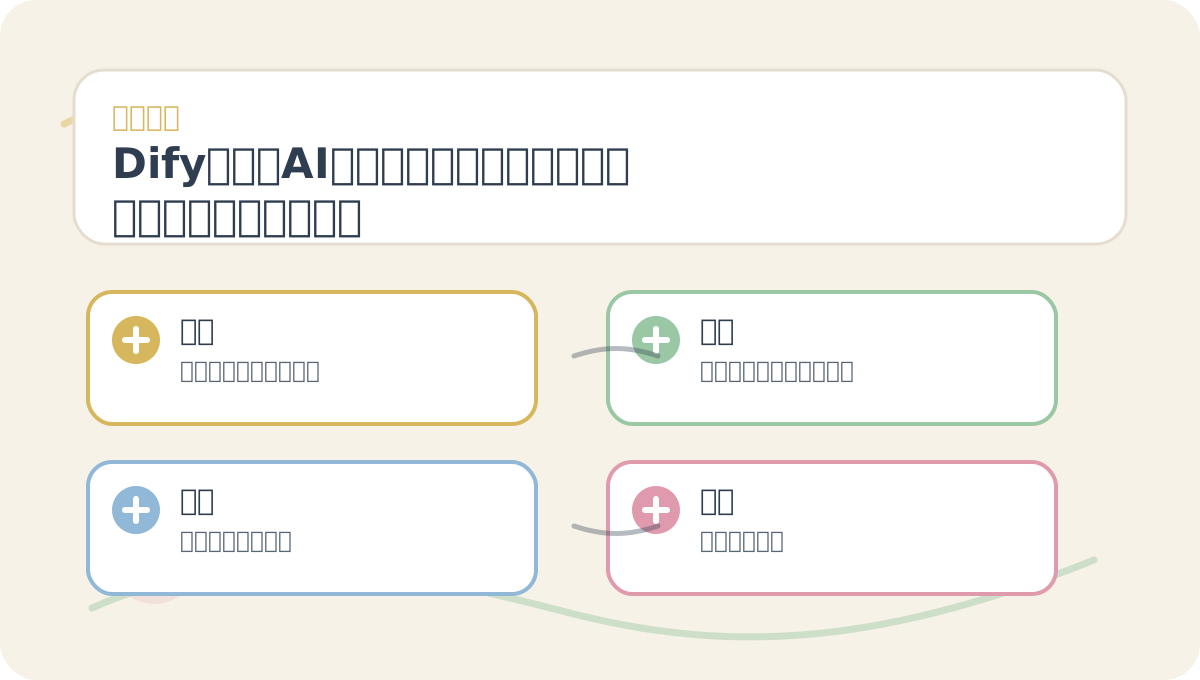
Before diving into “9. Dify Generative AI Application Innovation Engine: Core Functionality — Model Parameter Configuration & Tuning”, quickly scan the accompanying visuals:
→ What question does each image pose?
→ Which concepts need clear distinction?
→ Which step invites hands-on experimentation?
→ What criteria define successful completion?
We built a poetry-generation model with the following initial configuration:
poem_model = Model(
    model_type='text-generation',
    learning_rate=0.01,  # Initially set too high
    epochs=5,
    batch_size=16,
)

# Train the model
poem_model.train(poem_data)

# Validate output
poems = poem_model.generate(prompt="Spring flowers")
print(poems)
After the first training run, output quality was subpar—so we reduced the learning rate to 0.001 and increased epochs to 10. The resulting poems showed marked improvement. This demonstrates how iterative, disciplined parameter tuning is essential to unlocking model potential.
When reviewing “9. Dify Generative AI Application Innovation Engine: Core Functionality — Model Parameter Configuration & Tuning”, place key concepts, procedural steps, and observable outcomes side-by-side on a single page for efficient reflection.
When practicing “9. Dify Generative AI Application Innovation Engine: Core Functionality — Model Parameter Configuration & Tuning”, document input conditions, applied actions, and resulting outputs together—making future review and replication straightforward.
Summary
In this tutorial, we covered how to configure and fine-tune fundamental parameters of generative AI models in Dify. These choices directly shape model behavior and output quality. Through deliberate experimentation and incremental adjustment, you’ll discover configurations that maximize performance—laying solid groundwork for mastering advanced features.
In the next tutorial, we’ll dive deep into data preprocessing and cleaning—equipping you to curate high-quality training datasets. We encourage you to apply the parameter tuning techniques introduced here flexibly and rigorously, continuously elevating your generative AI models’ capabilities.
Apply This Lesson
Turn this article into AI software, model, API, and security decisions.
English Article FAQ
Use this article as evidence before choosing AI tools
How should I use this AI Tutorials article?
Use it as the implementation or learning layer, then connect the idea to AI software buyer guides, tool comparisons, benchmarks, API choices, and security checks before making a production decision.
Is this English article different from the Chinese original?
The English edition is localized for global AI readers while preserving the original diagrams, screenshots, prompts, code examples, and source context from the Chinese article.
What should I read after Create a text generation model?
Continue with AI Software Buyer Guides, AI Tools Workbench, Best AI Coding Agents, AI Model Benchmarks, OpenAI vs Anthropic API, or LLM Security Tools depending on the decision you need to make.
Can this article alone choose an AI product or model?
No. Treat the article as evidence and context, then validate fit with pricing, privacy requirements, integration effort, benchmark results, workflow tests, and fallback planning.
Continue