English translation
Load data
AI Article Decision Snapshot
Turn the lesson into workflow, model, budget, and security checks before choosing tools.
Use this quick snapshot before leaving the article. It keeps the next search tied to practical AI software, model/API, cost, privacy, and implementation questions.
Workflow fit
Identify the real job behind the article: coding, research, document review, support, analytics, content, or internal automation.
Model or tool decision
Decide whether the next step is a software shortlist, an AI tool comparison, an API platform choice, or a model benchmark.
Budget and usage signal
Estimate seats, API calls, prompt volume, retries, review time, and fallback work before assuming the workflow is cheap.
Security and privacy review
Check whether source code, customer data, private documents, prompts, logs, or embeddings will enter the AI workflow.

Open-source solutions offer flexibility; commercial ones reduce integration overhead. Selection shouldn’t rely solely on demos—also consider whether your data can leave your infrastructure and how models are delivered.

I run all candidate tools on the same small dataset to compare installation effort, speed, model performance, and model export capabilities.
In the previous tutorial, we explored common AutoML software—including their core features and typical use cases. This article focuses specifically on different AutoML tools, especially comparing open-source versus commercial offerings. As AutoML has matured, numerous solutions have emerged—each with distinct strengths, suited to varying needs and budgets.
Open-Source AutoML Tools
Open-source AutoML tools typically benefit from strong community support and high flexibility, enabling users to freely customize and extend functionality. Below are some widely recognized open-source AutoML tools:
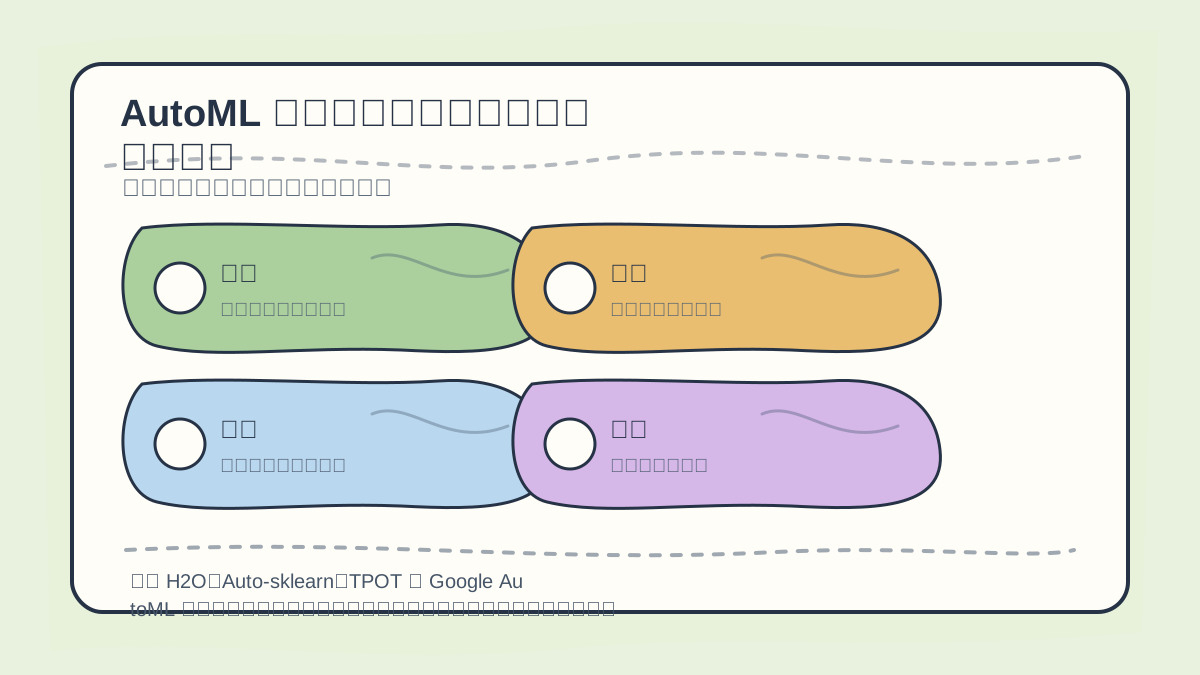
When comparing H2O, Auto-sklearn, TPOT, and Google AutoML, first assess your data type, available training resources, hyperparameter tuning capability, model interpretability, and deployment requirements.
1. Auto-sklearn
Auto-sklearn is an AutoML tool built on top of scikit-learn. It automatically selects optimal models and hyperparameters by combining diverse machine learning algorithms and optimization strategies.
-
Advantages:
- Fully compatible with
scikit-learn, making it easy to adopt. - Supports automatic feature selection and model selection.
- Fully compatible with
-
Example Code:
import autosklearn.classification
import sklearn.datasets
import sklearn.model_selection

# Load data
X, y = sklearn.datasets.load_iris(return_X_y=True)
X_train, X_test, y_train, y_test = sklearn.model_selection.train_test_split(X, y, random_state=42)

# Define Auto-sklearn classifier
clf = autosklearn.classification.AutoSklearnClassifier(time_left_for_this_task=120, per_run_time_limit=30)

# Fit model
clf.fit(X_train, y_train)

# Predict
y_pred = clf.predict(X_test)
2. TPOT
TPOT (Tree-based Pipeline Optimization Tool) is a genetic-algorithm–based AutoML tool designed to optimize end-to-end machine learning pipelines. It evolves pipeline configurations through simulated natural selection to discover high-performing models and parameter settings.
-
Advantages:
- Generates complete, executable Python code—enabling full reproducibility.
- Especially well-suited for complex machine learning problems.
-
Example Code:
from tpot import TPOTClassifier
from sklearn.datasets import load_iris
from sklearn.model_selection import train_test_split

# Load data
X, y = load_iris(return_X_y=True)
X_train, X_test, y_train, y_test = train_test_split(X, y, random_state=42)

# Define TPOT classifier
tpot = TPOTClassifier(verbosity=2, generations=5, population_size=20, random_state=42)

# Fit model
tpot.fit(X_train, y_train)

# Evaluate
accuracy = tpot.score(X_test, y_test)
print(f'TPOT Accuracy: {accuracy}')
3. H2O.ai
H2O.ai is an open-source platform offering comprehensive machine learning capabilities—including AutoML—designed to handle large-scale datasets. It supports a wide range of algorithms, including Random Forest, Gradient Boosting Machines (GBM), and deep learning.
-
Advantages:
- High performance and scalability for big data.
- Offers both a web UI and REST API, simplifying integration.
-
Example Code:
import h2o
from h2o.automl import H2OAutoML

# Initialize H2O
h2o.init()

# Load data
data = h2o.import_file('path/to/dataset.csv')

# Specify target and feature columns
y = 'target_column'
X = data.columns
X.remove(y)

# Define AutoML model
aml = H2OAutoML(max_runtime_secs=300)

# Train model
aml.train(x=X, y=y, training_frame=data)

# View results
lb = aml.leaderboard
print(lb)
Commercial AutoML Solutions
Commercial AutoML tools generally provide broader support and services—including user training, dedicated technical support, and private-cloud deployment options. Below are several popular commercial AutoML platforms:
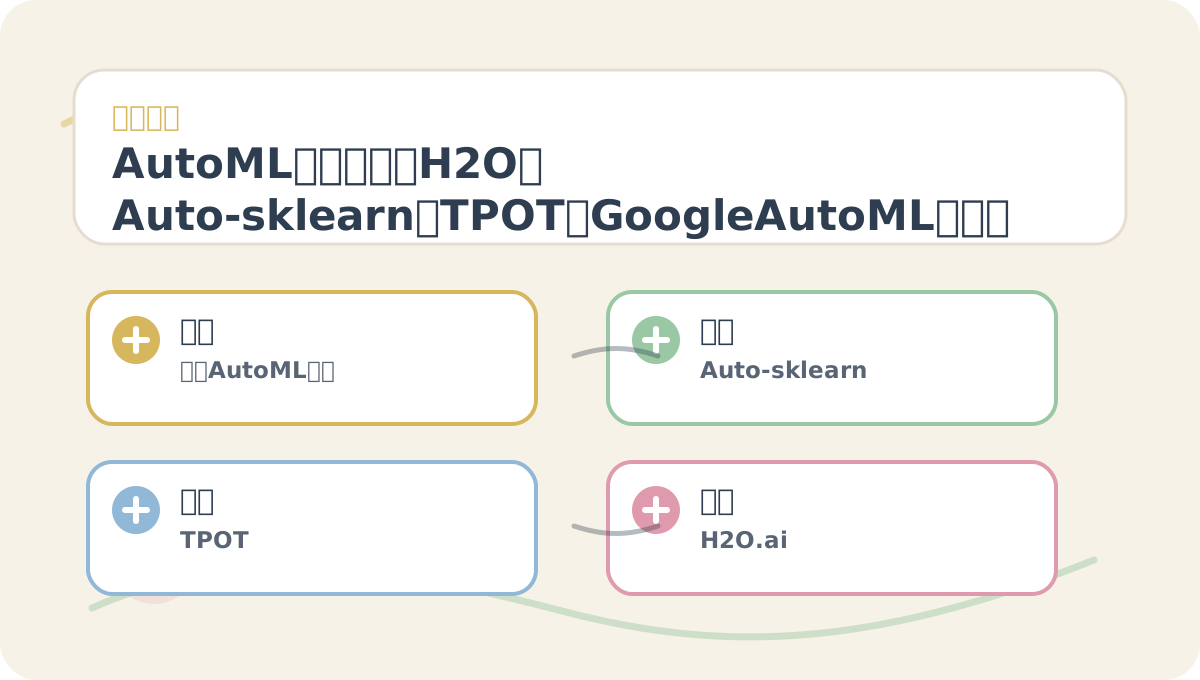
The article “AutoML Tool Comparison: How to Choose Among H2O, Auto-sklearn, TPOT, and Google AutoML” is best read alongside its diagrams. First clarify your problem and evaluation criteria, then read conceptual explanations and step-by-step exercises—the information will naturally connect into a coherent narrative.
1. Google Cloud AutoML
Google Cloud AutoML offers a suite of tools enabling users—even without deep machine learning expertise—to build custom models. It excels particularly with image, text, and video data.
- Key Features:
- Intuitive graphical interface significantly lowers the learning curve.
- Leverages powerful deep learning algorithms across multiple modalities.
2. DataRobot
DataRobot is an enterprise-grade AI platform delivering fully automated modeling workflows. It supports extensive data preprocessing, robust model evaluation techniques, and rich reporting/visualization to help users understand model behavior and performance.
- Key Features:
- Integrates dozens of algorithms and frameworks.
- Streamlines model comparison and selection—letting users focus on business outcomes.
3. H2O Driverless AI
H2O Driverless AI is the commercial edition offered by H2O.ai, optimized for building high-performance, interpretable machine learning models. It automates feature engineering and model interpretation—making it ideal for enterprise users requiring transparency and auditability.
- Key Features:
- Provides visual model summaries and intuitive explanation outputs.
- Prioritizes usability and reproducibility.
After completing “AutoML Tool Comparison: How to Choose Among H2O, Auto-sklearn, TPOT, and Google AutoML”, try applying it to one of your own use cases. Pay special attention to whether inputs, processing steps, and outputs align coherently.
To apply “AutoML Tool Comparison: How to Choose Among H2O, Auto-sklearn, TPOT, and Google AutoML” to your own task, start by narrowing scope—focus validation on just one critical decision criterion.
Summary
Each AutoML tool brings unique strengths. Choosing between open-source and commercial solutions depends on your project’s specific requirements, budget constraints, and interpretability needs. In the next tutorial, we’ll walk through a structured framework for selecting the right AutoML tool—helping you make confident, evidence-based decisions amid today’s crowded landscape.
Apply This Lesson
Turn this article into AI software, model, API, and security decisions.
English Article FAQ
Use this article as evidence before choosing AI tools
How should I use this AI Tutorials article?
Use it as the implementation or learning layer, then connect the idea to AI software buyer guides, tool comparisons, benchmarks, API choices, and security checks before making a production decision.
Is this English article different from the Chinese original?
The English edition is localized for global AI readers while preserving the original diagrams, screenshots, prompts, code examples, and source context from the Chinese article.
What should I read after Load data?
Continue with AI Software Buyer Guides, AI Tools Workbench, Best AI Coding Agents, AI Model Benchmarks, OpenAI vs Anthropic API, or LLM Security Tools depending on the decision you need to make.
Can this article alone choose an AI product or model?
No. Treat the article as evidence and context, then validate fit with pricing, privacy requirements, integration effort, benchmark results, workflow tests, and fallback planning.
Continue