English translation
How to Choose the Right AutoML Tool
AI Article Decision Snapshot
Turn the lesson into workflow, model, budget, and security checks before choosing tools.
Use this quick snapshot before leaving the article. It keeps the next search tied to practical AI software, model/API, cost, privacy, and implementation questions.
Workflow fit
Identify the real job behind the article: coding, research, document review, support, analytics, content, or internal automation.
Model or tool decision
Decide whether the next step is a software shortlist, an AI tool comparison, an API platform choice, or a model benchmark.
Budget and usage signal
Estimate seats, API calls, prompt volume, retries, review time, and fallback work before assuming the workflow is cheap.
Security and privacy review
Check whether source code, customer data, private documents, prompts, logs, or embeddings will enter the AI workflow.

The core of selecting an AutoML tool is matching constraints. Whether your team knows Python, requires on-premises deployment, or handles sensitive data—these conditions directly shape the answer.

I always define constraints before evaluating tools. Tool recommendations without clear constraints easily devolve into generic, unactionable lists.
In the previous article, we surveyed common AutoML tools—including both open-source and commercial solutions. This article dives deeper, helping you select the right AutoML tool for your specific needs and project context. Several key factors will influence your decision:
1. Requirement Analysis
Before choosing an AutoML tool, clearly define your requirements. Different projects and teams have distinct goals and constraints. Consider the following questions as a starting point:
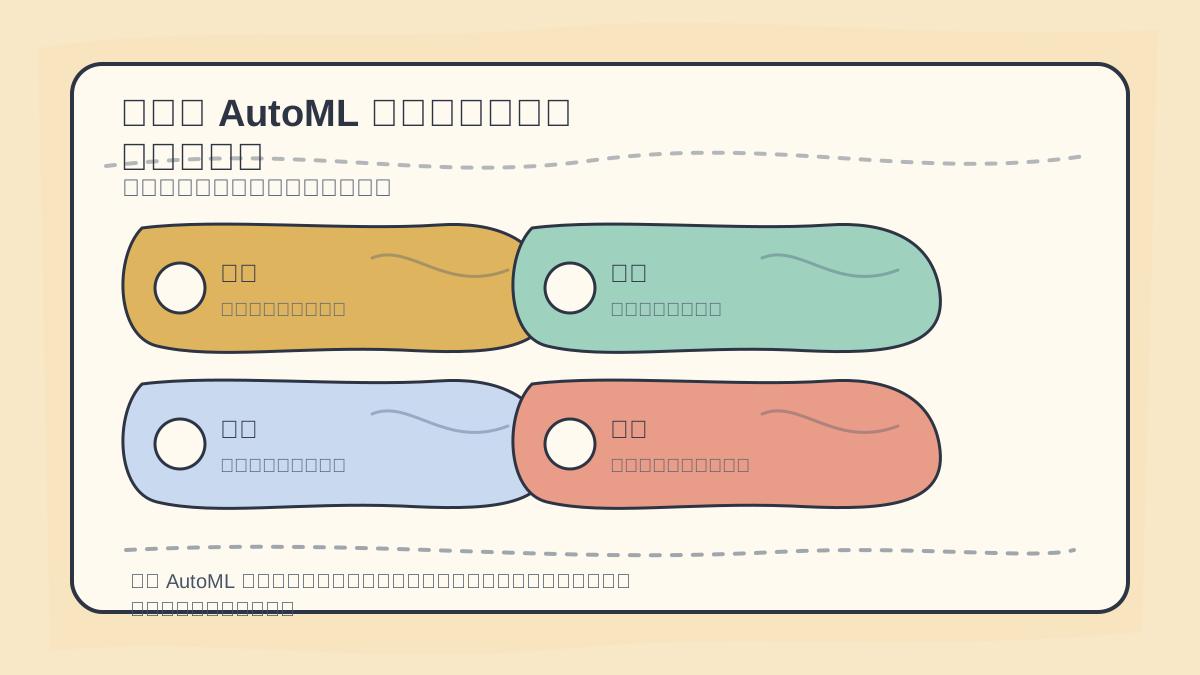
When selecting an AutoML tool, first assess: data type, model transparency, deployment environment, team coding proficiency, cost, and maintainability.
- Project scale: How large is your dataset? Is this a small-scale experiment or large-scale production?
- Task type: Are you performing classification, regression, or other tasks (e.g., time-series forecasting, image processing)?
- Level of automation: How much automation do you need? Fully automated modeling—or do you prefer room for manual intervention?
- Resource constraints: Are there limitations on compute resources? Data storage and computational costs also matter.
Case Study
Suppose you’re a startup building a customer-demand prediction model. Your dataset is small (a few thousand records), and you need rapid prototyping. In this case, an open-source tool with fast modeling capabilities and a simple interface—such as TPOT or Auto-Sklearn—would likely be the best fit.
2. Tool Capabilities and Features
A tool’s functionality and features significantly impact suitability. Key aspects to evaluate include:
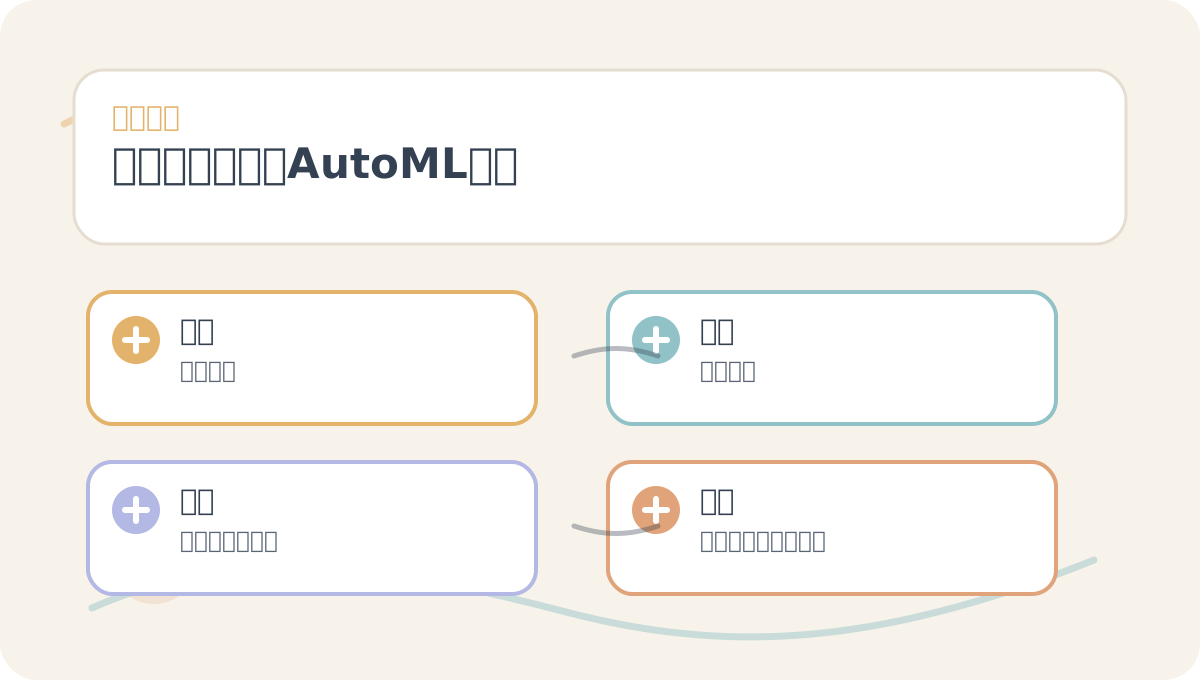
When reading How to Choose the Right AutoML Tool, treat the accompanying diagrams as roadmap cards: first grasp the overall sequence; then understand why each step matters; finally, verify boundary conditions.
- Degree of automation: Is your goal rapid modeling—or fine-grained hyperparameter tuning?
- Algorithm support: Does the tool support the algorithms and models you require?
- Interpretability: For projects where you must explain model decisions to non-technical stakeholders, is the tool sufficiently interpretable?
- Integration capability: Can it integrate smoothly into your existing workflows and tech stack?
Case Study
For complex image classification tasks, consider tools like H2O.ai or AutoKeras, which offer extensive deep learning model support.
3. Ecosystem and Community Support
Choosing a tool with strong community support and documentation ensures timely help when issues arise. Open-source tools typically benefit from active communities, while commercial tools provide centralized, professional support.
- Community activity: Are there active user forums and discussion channels?
- Documentation & tutorials: Is comprehensive documentation and learning material available?
- Update frequency: Is the tool regularly updated and maintained?
Case Study
For example, TPOT, an actively maintained open-source AutoML tool, boasts a large user base and abundant tutorials. In contrast, DataRobot, as a commercial solution, offers dedicated enterprise support teams and professionally curated documentation.
4. Processing Time and Performance
AutoML tools vary widely in training speed and model performance. When evaluating options, consider:
- Training time: Does the tool meet your project timeline?
- Model performance: Do generated models satisfy your business requirements? Performance should be rigorously assessed—e.g., via cross-validation.
Case Study
For large-scale datasets, H2O.ai’s AutoML is often preferred due to its robust parallel processing capabilities and high-performance model generation.
5. Cost Considerations
Cost remains a critical factor. Open-source tools are typically free—but may demand time investment for setup and maintenance. Commercial tools usually charge per usage or subscription, enabling faster adoption—but require careful budget planning.
Case Study
With limited budget and a small team, an open-source tool like Auto-Sklearn helps control costs while delivering solid performance.
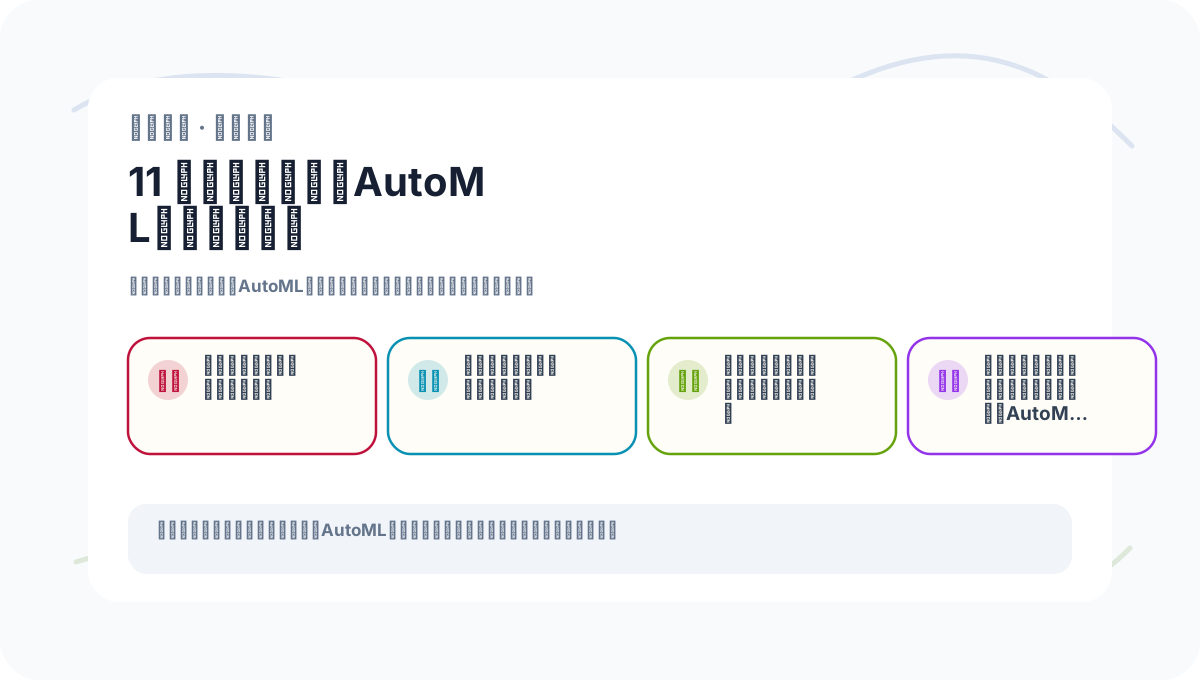
If you haven’t fully internalized How to Choose the Right AutoML Tool, revisit this card’s four actions to walk through the process again.
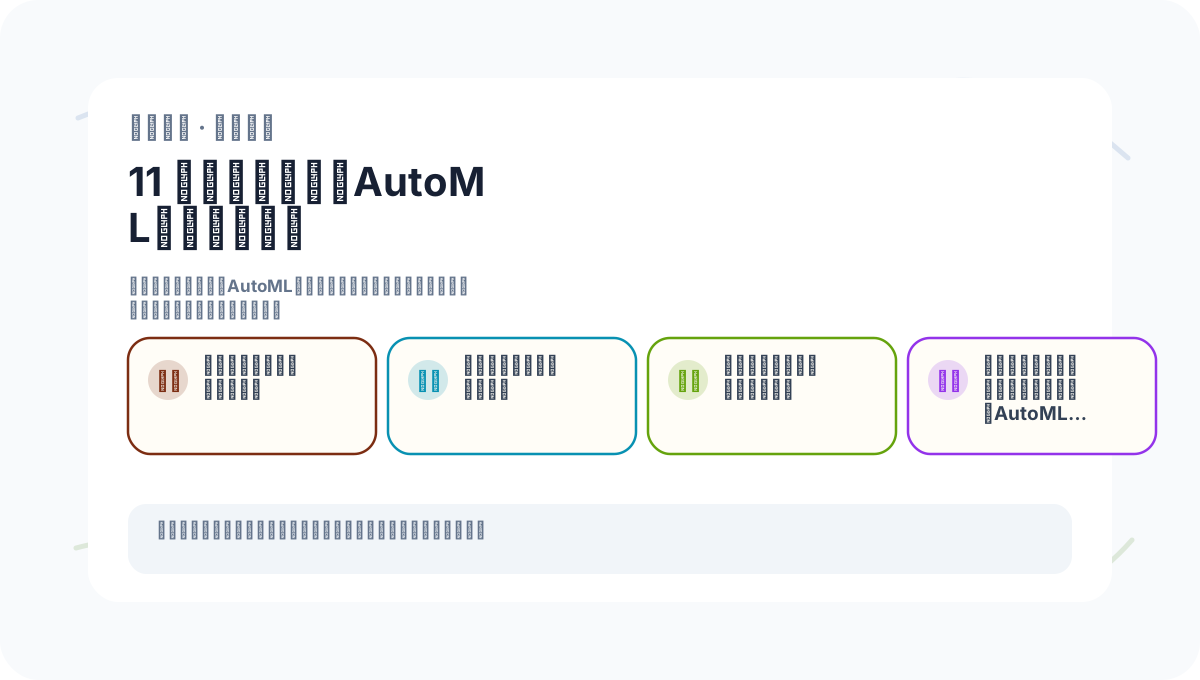
When reviewing How to Choose the Right AutoML Tool, avoid jumping straight into large projects. Start with a simple, end-to-end example to confirm the core logic is clear.
Summary
Selecting the right AutoML tool demands a holistic evaluation of requirements, functional capabilities, ecosystem support, runtime performance, and cost. By systematically analyzing these dimensions, you’ll identify the optimal tool for your project—and lay a solid foundation for your automated modeling journey. In the next article, we’ll explore model selection and evaluation techniques to further optimize model performance. Before then, gaining a thorough understanding of each AutoML tool’s strengths and trade-offs is essential to making an informed choice.
Apply This Lesson
Turn this article into AI software, model, API, and security decisions.
English Article FAQ
Use this article as evidence before choosing AI tools
How should I use this AI Tutorials article?
Use it as the implementation or learning layer, then connect the idea to AI software buyer guides, tool comparisons, benchmarks, API choices, and security checks before making a production decision.
Is this English article different from the Chinese original?
The English edition is localized for global AI readers while preserving the original diagrams, screenshots, prompts, code examples, and source context from the Chinese article.
What should I read after How to Choose the Right AutoML Tool?
Continue with AI Software Buyer Guides, AI Tools Workbench, Best AI Coding Agents, AI Model Benchmarks, OpenAI vs Anthropic API, or LLM Security Tools depending on the decision you need to make.
Can this article alone choose an AI product or model?
No. Treat the article as evidence and context, then validate fit with pricing, privacy requirements, integration effort, benchmark results, workflow tests, and fallback planning.
Continue