English translation
Claude Code Zero to Hero: Who Is It For and What Can It Do?
AI Article Decision Snapshot
Turn the lesson into workflow, model, budget, and security checks before choosing tools.
Use this quick snapshot before leaving the article. It keeps the next search tied to practical AI software, model/API, cost, privacy, and implementation questions.
Workflow fit
Identify the real job behind the article: coding, research, document review, support, analytics, content, or internal automation.
Model or tool decision
Decide whether the next step is a software shortlist, an AI tool comparison, an API platform choice, or a model benchmark.
Budget and usage signal
Estimate seats, API calls, prompt volume, retries, review time, and fallback work before assuming the workflow is cheap.
Security and privacy review
Check whether source code, customer data, private documents, prompts, logs, or embeddings will enter the AI workflow.

Hi, I’m Guo Zhen.
This tutorial walks you through Claude Code from scratch—not the kind that says, “Just throw a one-liner requirement at the AI and wait for magic,” but rather the kind grounded in real engineering practice: first let it read your codebase; then explain its structure; then make a small change; run tests; inspect the diff; and finally decide whether to commit.
Claude Code shines brightest when you already have an existing code project—but don’t want to spend time re-orienting yourself across dozens of files every time. For example, if you need to fix a page’s styling, trace a backend API endpoint, add tests to a legacy codebase, generate project documentation, or automate a repetitive workflow into a CLI command, Claude Code can dramatically reduce the time you spend understanding the code.
But it’s not a silver bullet. It cannot judge whether a feature makes business sense—and it won’t automatically guarantee the safety of every change you make. Think of it as an engineering partner that can read code, execute commands, and carry out multi-step tasks—not just a code-completion plugin that fills in a few lines.
My first step with Claude Code is rarely asking it to write code. Instead, I ask it to explain the project’s architecture and highlight risk areas. If it can’t clearly identify entry files, startup commands, or dangerous directories, the faster it proceeds with changes, the higher the risk becomes.
You can turn “Do not modify code yet” into a hard habit. When readers follow this once, they’ll immediately feel the difference between a CLI-based agent and a generic chat tool: it doesn’t just give answers—it enters the project context.
First, Understand Where Claude Code Fits
Claude Code is a command-line tool built specifically for development work. You launch it inside your project directory, and it can read files, search code, run shell commands, edit files, and iteratively refine its actions based on your feedback. The official Quickstart guide also breaks down first-time usage into clear steps: install → log in → start a session → ask questions → modify code → integrate with Git → adopt common workflows.
This article works best when followed alongside a real repository. Before letting the tool intervene, first confirm the current branch, check for uncommitted changes, verify runnable commands, and clarify expected outcomes. Doing so makes subsequent modifications easier to track—and far less likely to introduce untraceable, “mystery” changes.
My recommendation? On Day One, don’t rush to ask it to “refactor the entire project.” Instead, start with three small, low-stakes tasks:
- Ask it to explain the project’s directory structure.
- Ask it to locate the entry file for a specific page or API endpoint.
- Ask it to fix a low-risk, isolated issue—and then review the resulting diff yourself.
The benefit? You’ll quickly gauge how well it understands your codebase, rather than waiting until it’s modified dozens of files only to realize it went completely off-track.
A Beginner-Friendly Usage Rhythm
When entering a new repository for the first time, here’s how I typically begin:
While reading “Claude Code from Scratch: Who Is It For—and What Can It Actually Do?”, treat the accompanying diagrams as roadmap cards: first grasp the overall sequence, then understand why each step matters, and finally double-check boundary conditions.
Do not modify any code yet. Please read this project’s directory structure and tell me:
1. Where is the frontend entry point?
2. Where is the backend entry point?
3. What is the local startup command?
4. Which files require special caution before modification?
Note the very first line: Do not modify any code yet. This habit is critical. For unfamiliar projects, always let Claude Code observe, explain, and surface risks before it touches anything—the success rate goes up significantly.
If its response is accurate and insightful, proceed:
Now help me locate the component and API endpoint associated with the login page.
Still—do not modify any code. Just list the relevant files and explain your reasoning.
Once you’ve verified it found the right location, assign a narrowly scoped task:
Only update the loading text on the login button—do not change any API logic.
After modifying, please run the existing type-checking or build command.
That’s where Claude Code delivers real value: it stitches together the otherwise disjointed steps of finding files → understanding context → making a precise change → running validation. You own the strategic judgment; it handles the engineering legwork.
Who Is This Tutorial Best Suited For?
If you’re an independent developer, a solo website owner, an AI power user, or someone who regularly maintains full-stack projects (frontend + backend), this tutorial will be highly practical. You don’t need to be a senior engineer—but you should be comfortable reviewing diffs, reading error messages, and ensuring every change is validated.
If your goal is simply to copy-paste a prompt and let AI deploy directly to production—then I strongly advise against that approach. Claude Code can be extremely powerful—but powerful tools demand clear boundaries. Especially when dealing with databases, payments, user permissions, or production server commands: always review the plan, then inspect the changes, then run tests—in that order.
How This Series Will Progress
The next nine articles will walk through topics in sequence: installation & login → your first code change → the CLAUDE.md memory file → plan mode → permission settings → Skills and commands → MCP (Model Control Protocol) → subagents → hooks and GitHub Actions integration. By the end, you should be able to embed Claude Code meaningfully into your real-world workflow—not just retain a vague impression of “it seems impressive.”
When practicing “Claude Code from Scratch: Who Is It For—and What Can It Actually Do?”, write input conditions, processing actions, and observable outcomes together—so you can easily revisit and verify them later.
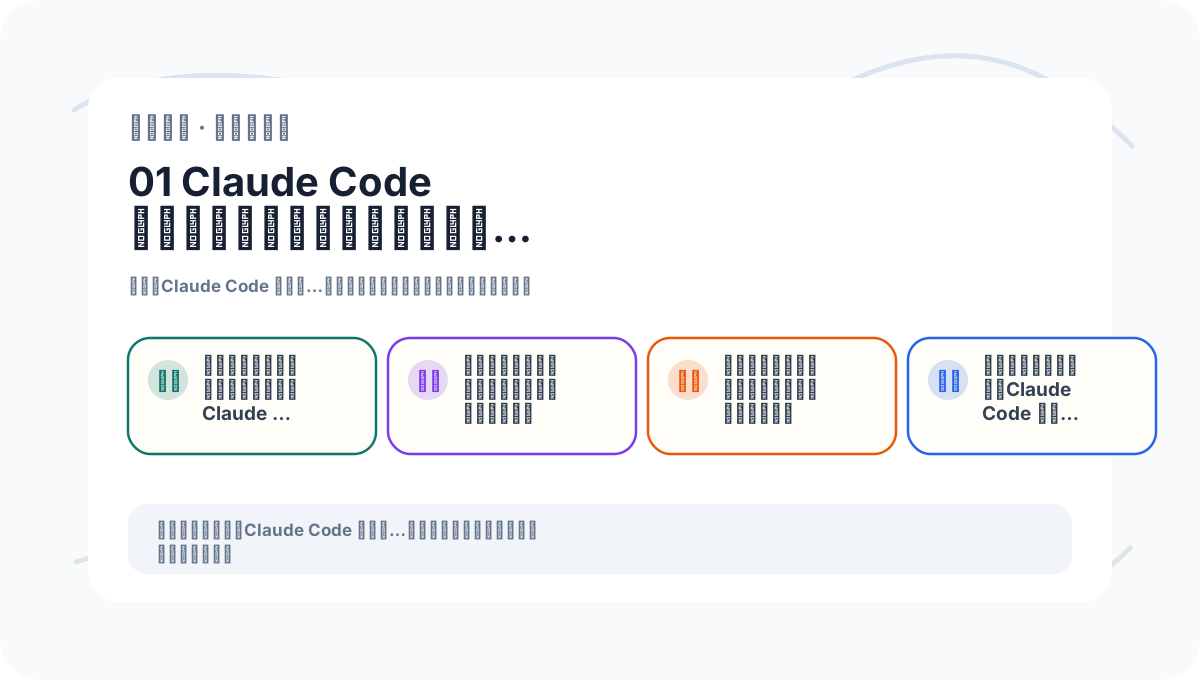
When reviewing “Claude Code from Scratch: Who Is It For—and What Can It Actually Do?”, place key concepts, procedural steps, and observable outcomes side-by-side on the same page for efficient reflection.
References:
Apply This Lesson
Turn this article into AI software, model, API, and security decisions.
English Article FAQ
Use this article as evidence before choosing AI tools
How should I use this AI Tutorials article?
Use it as the implementation or learning layer, then connect the idea to AI software buyer guides, tool comparisons, benchmarks, API choices, and security checks before making a production decision.
Is this English article different from the Chinese original?
The English edition is localized for global AI readers while preserving the original diagrams, screenshots, prompts, code examples, and source context from the Chinese article.
What should I read after Claude Code Zero to Hero: Who Is It For and What Can It Do??
Continue with AI Software Buyer Guides, AI Tools Workbench, Best AI Coding Agents, AI Model Benchmarks, OpenAI vs Anthropic API, or LLM Security Tools depending on the decision you need to make.
Can this article alone choose an AI product or model?
No. Treat the article as evidence and context, then validate fit with pricing, privacy requirements, integration effort, benchmark results, workflow tests, and fallback planning.
Continue