English translation
10 Practical Hooks and GitHub Actions for Integrating Claude Code into Team Engineering Workflows
AI Article Decision Snapshot
Turn the lesson into workflow, model, budget, and security checks before choosing tools.
Use this quick snapshot before leaving the article. It keeps the next search tied to practical AI software, model/API, cost, privacy, and implementation questions.
Workflow fit
Identify the real job behind the article: coding, research, document review, support, analytics, content, or internal automation.
Model or tool decision
Decide whether the next step is a software shortlist, an AI tool comparison, an API platform choice, or a model benchmark.
Budget and usage signal
Estimate seats, API calls, prompt volume, retries, review time, and fallback work before assuming the workflow is cheap.
Security and privacy review
Check whether source code, customer data, private documents, prompts, logs, or embeddings will enter the AI workflow.
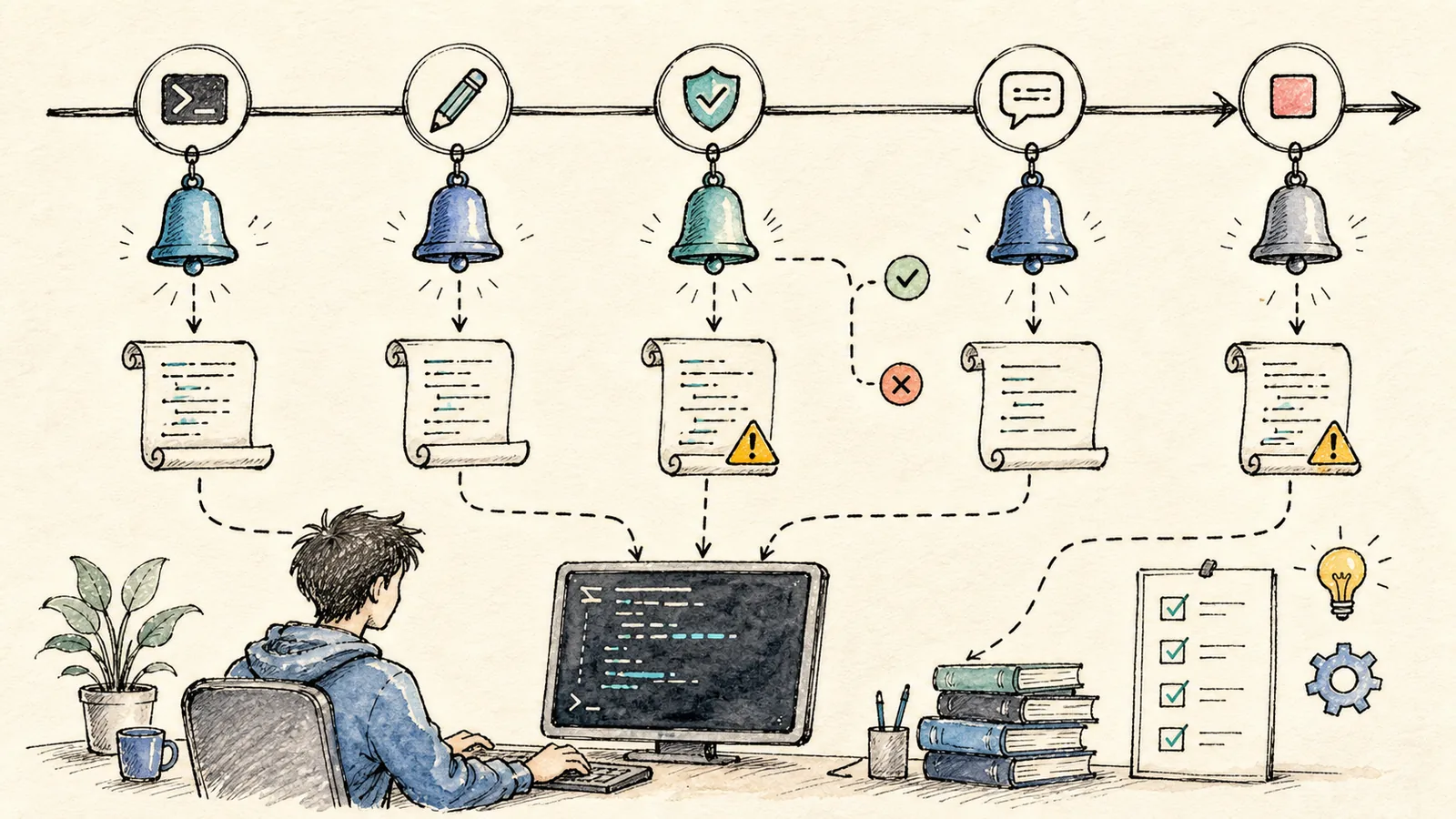
By this point, you’ve learned how to install Claude Code, read projects, modify code, write CLAUDE.md, configure permissions, build Skills, integrate MCP tools, and use Subagents. This final article covers engineering integration: Hooks and GitHub Actions.
Don’t rush this part into production. While its value is substantial, it also demands the strictest boundaries.
Hooks and GitHub Actions enable embedding Claude Code into team workflows—but I strongly recommend starting with review, draft PR generation, and suggestion-based checks. Merges, deployments, and permission changes must still be owned and executed by humans.
The biggest risk in any team is ambiguous accountability. As long as CI checks, code reviews, approvals, and rollback records remain intact, Claude Code becomes a collaborative tool. But if it bypasses or replaces those critical guardrails, risk escalates dramatically.
What Problems Do Hooks Solve?
Hooks are event triggers. As documented in the official Hooks guide, a hook handler can be a shell command, an HTTP endpoint, an MCP tool, an LLM prompt, or even another agent—and it runs automatically when a matching event occurs.
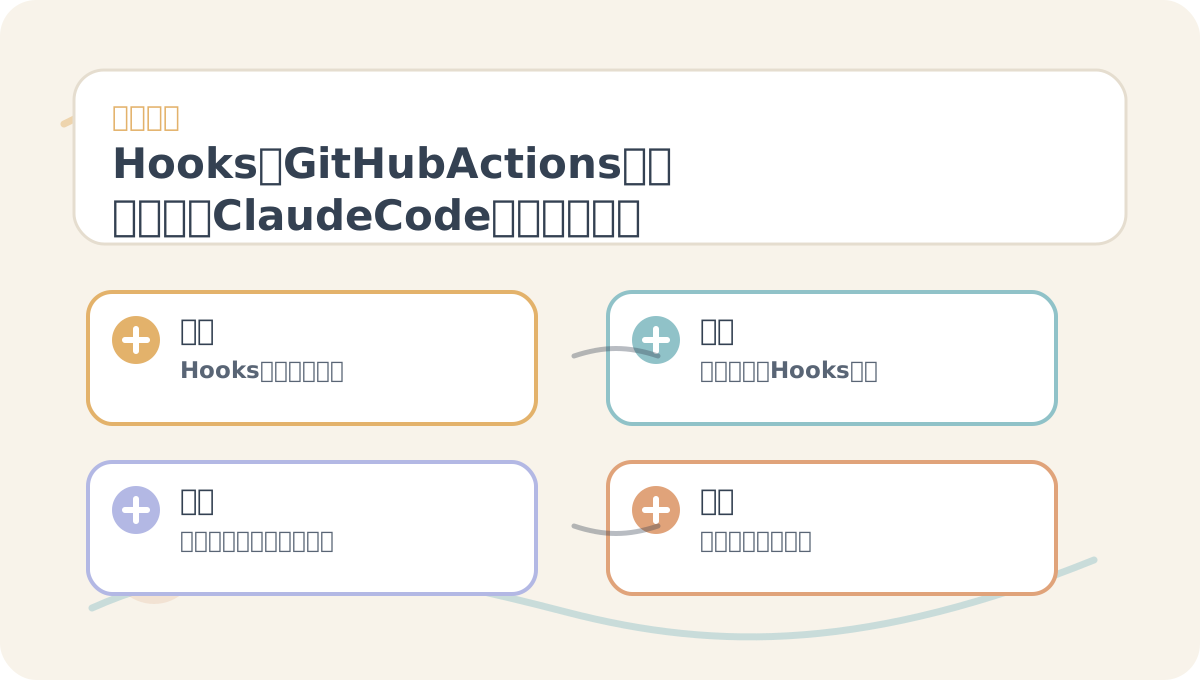
When reading “Hooks, GitHub Actions, and Team Integration: Embedding Claude Code into Engineering Workflows”, treat the accompanying diagrams as navigation cards: first grasp the overall sequence, then understand why each step is designed that way, and finally verify boundary conditions.
Think of hooks as: whenever Claude Code performs a specific action, a predefined workflow is triggered.
Common use cases include:
- Automatically formatting files after modification.
- Prompting test execution when changes touch specific directories.
- Issuing warnings when
.env, config files, or migration scripts are modified. - Generating a summary of all changes before concluding a session.
- Logging important operations to a local file.
For beginners, the safest first hook isn’t automated deployment—it’s automated notification and validation.
A Safe Hooks Strategy
For example, to prevent accidental edits to environment files, configure a hook to monitor .env, .envrc, and similar files—and have it only notify or log when triggered, never perform destructive actions.
Project-level hooks can live in .claude/settings.json, enabling shared maintenance across teams. Yet the more automation you add, the more precisely you must define scope. Avoid placing high-risk actions—like production deployments, database writes, or file deletions—directly inside hooks.
I recommend categorizing hooks into three tiers:
- Notification hooks: Safest; ideal for initial adoption.
- Validation hooks: e.g., linting, formatting, or test execution—suitable for local development.
- Execution hooks: e.g., deployments, notifications, or remote state updates—require careful review and safeguards.
GitHub Actions: Integrating Claude Code into Collaborative Workflows
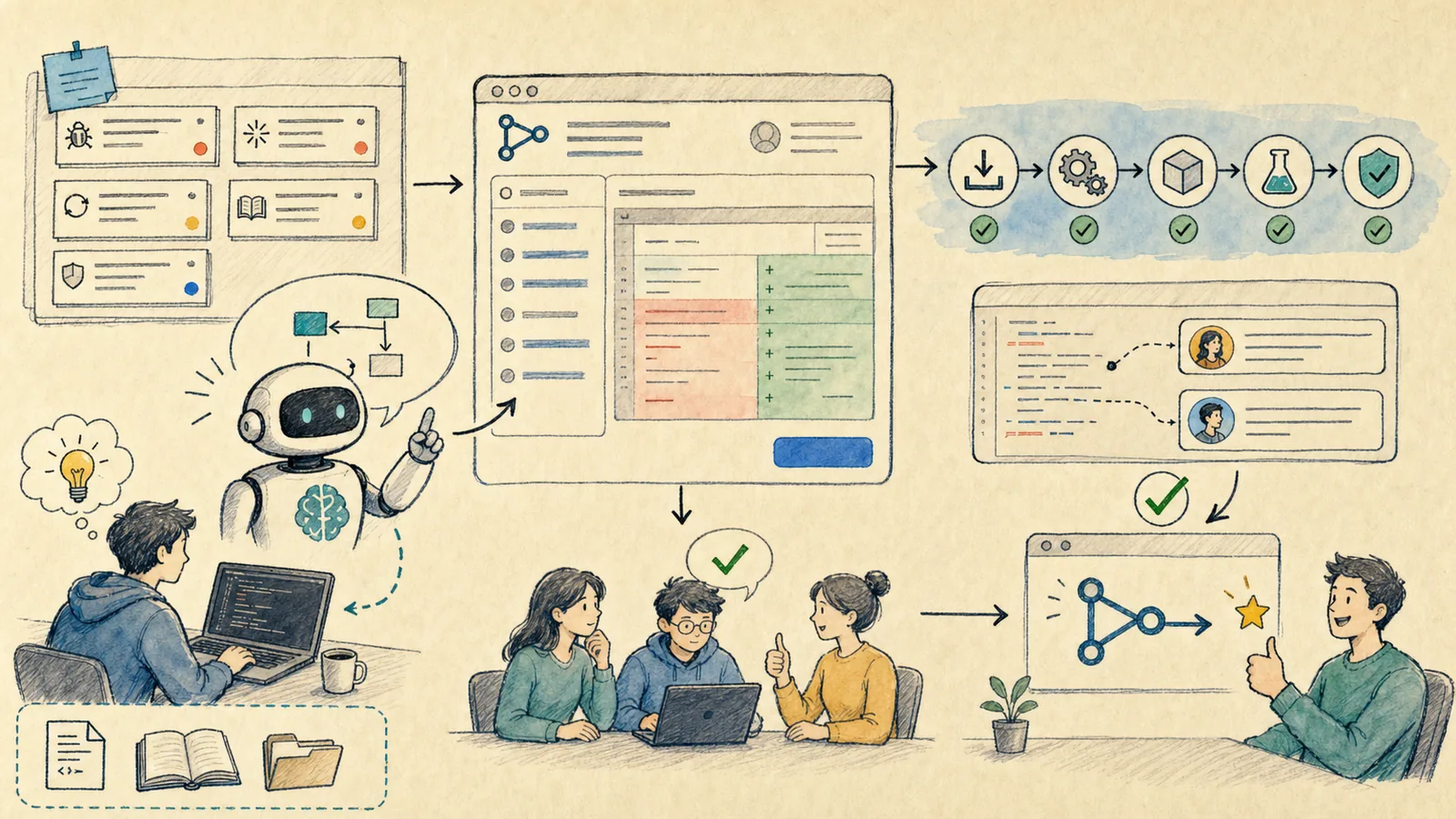
Claude Code’s GitHub Actions support embeds it directly into GitHub workflows. As described in the official documentation, it can respond to @claude mentions in issues or pull requests—or run programmatically within workflows to analyze code, create PRs, implement features, or fix bugs.
The official quick setup instructs you to run this command in the Claude Code terminal:
/install-github-app
This guides you through configuring the GitHub App and required secrets. Note: You must be a repository administrator—the GitHub App will request read/write permissions for content, issues, and pull requests.
Don’t Go Fully Automatic on Day One
I recommend starting semi-automatically:
- First, let Claude Code post review comments on PRs.
- Next, let it generate draft PRs from issues.
- Then, explore fixed, reusable workflows.
- Only later consider pre-merge automated checks.
Don’t grant it access to all repositories, all permissions, or automatic write access to all branches on day one. In team workflows, traceability is paramount: Who triggered it? What changed? Which checks passed? Who approved and merged?
A Minimal Team Policy (5 Rules)
If you’re introducing Claude Code to your team, start with these five concrete rules:
- Every project must include a
CLAUDE.md. - Production deployments, database operations, and secret-related tasks require explicit human confirmation.
- All PRs generated by Claude Code must undergo human review.
- Pull requests cannot be merged unless CI passes.
- All custom Skills, Subagents, and Hooks must be committed to the repository and reviewed by peers.
These five lines are far more actionable—and valuable—than “We embrace AI-powered programming.”
The Ultimate Goal of This Tutorial Series
Claude Code excels at reducing repetitive cognitive labor in engineering: connecting problem diagnosis, code comprehension, context synthesis, and verification execution. It does not replace product judgment—and it cannot shoulder responsibility for production incidents.
To apply “Hooks, GitHub Actions, and Team Integration: Embedding Claude Code into Engineering Workflows” to your own work, begin by narrowing the scope—focus on validating just one critical decision point.
After completing “Hooks, GitHub Actions, and Team Integration: Embedding Claude Code into Engineering Workflows”, try adapting it to a scenario of your own—pay close attention to whether inputs, processing logic, and outputs align meaningfully.
Treat Claude Code as a hands-on engineering partner—and you’ll grow more fluent with every use. Treat it as an autonomous “deploy-and-forget” button—and problems will inevitably follow.
References:
Apply This Lesson
Turn this article into AI software, model, API, and security decisions.
English Article FAQ
Use this article as evidence before choosing AI tools
How should I use this AI Tutorials article?
Use it as the implementation or learning layer, then connect the idea to AI software buyer guides, tool comparisons, benchmarks, API choices, and security checks before making a production decision.
Is this English article different from the Chinese original?
The English edition is localized for global AI readers while preserving the original diagrams, screenshots, prompts, code examples, and source context from the Chinese article.
What should I read after 10 Practical Hooks and GitHub Actions for Integrating Claude Code into Team Engineering Workflows?
Continue with AI Software Buyer Guides, AI Tools Workbench, Best AI Coding Agents, AI Model Benchmarks, OpenAI vs Anthropic API, or LLM Security Tools depending on the decision you need to make.
Can this article alone choose an AI product or model?
No. Treat the article as evidence and context, then validate fit with pricing, privacy requirements, integration effort, benchmark results, workflow tests, and fallback planning.
Continue