English translation
9 Subagents in Claude Code: Specialized Multi-Agent Workflow for Code Review, Testing, and Documentation
AI Article Decision Snapshot
Turn the lesson into workflow, model, budget, and security checks before choosing tools.
Use this quick snapshot before leaving the article. It keeps the next search tied to practical AI software, model/API, cost, privacy, and implementation questions.
Workflow fit
Identify the real job behind the article: coding, research, document review, support, analytics, content, or internal automation.
Model or tool decision
Decide whether the next step is a software shortlist, an AI tool comparison, an API platform choice, or a model benchmark.
Budget and usage signal
Estimate seats, API calls, prompt volume, retries, review time, and fallback work before assuming the workflow is cheap.
Security and privacy review
Check whether source code, customer data, private documents, prompts, logs, or embeddings will enter the AI workflow.
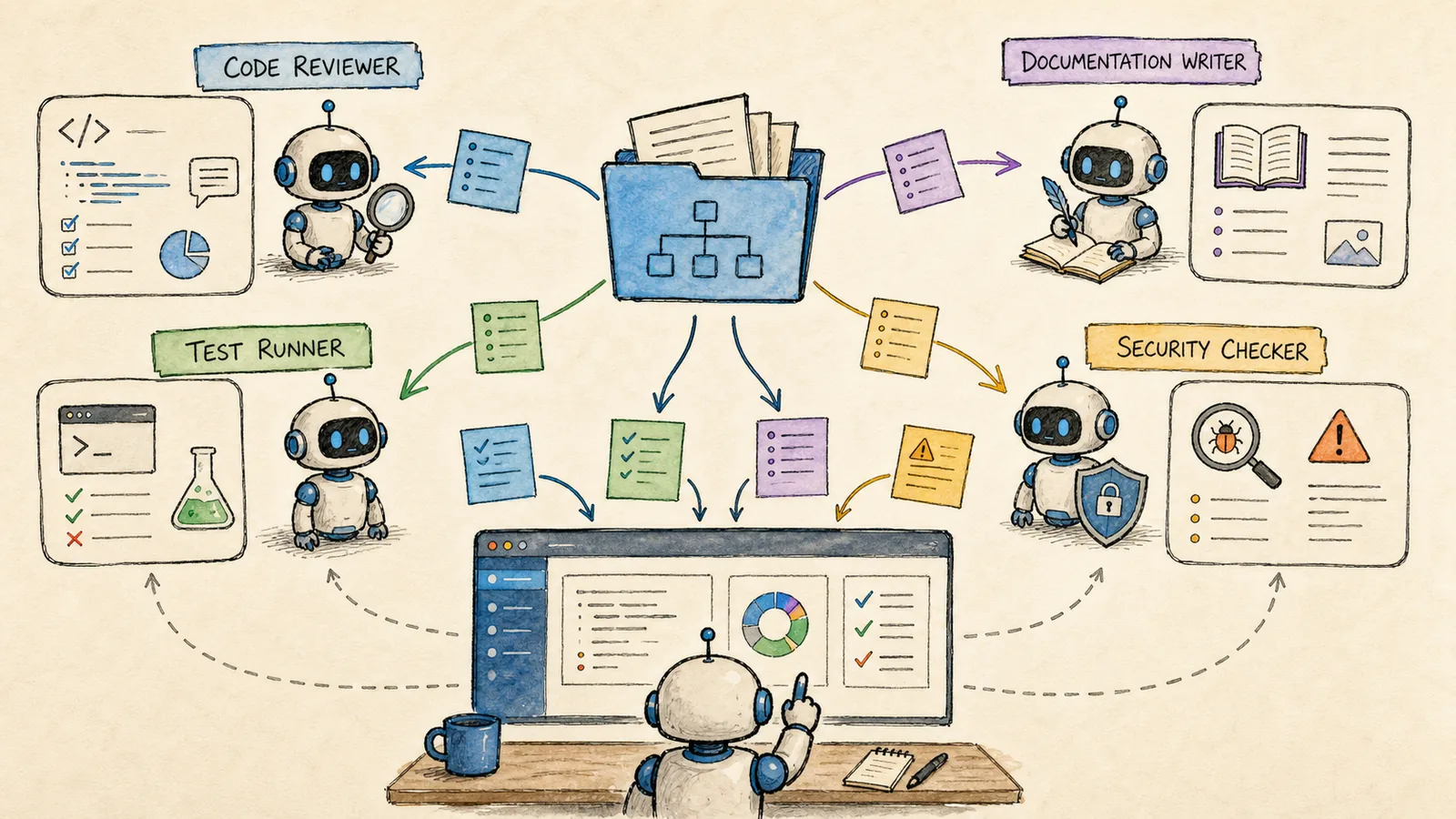
Subagents are especially useful when a single person—or a single AI session—cannot hold too many perspectives in mind simultaneously.
For example, after implementing a new feature, you may want someone to assess code style, another to identify security risks, yet another to update documentation, and still another to run tests. If all these responsibilities fall to one primary session or role, it’s easy to overlook critical aspects. Subagents let you delegate distinct tasks to specialized roles.
The value of subagents lies in division of labor, not in sheer quantity. One agent dedicated to code review, another focused on test coverage, and a third ensuring documentation consistency is far more reliable than ten agents offering vague, overlapping feedback.
I define clear inputs, outputs, and explicit constraints for each subagent. For instance:
- A security reviewer lists only risks and supporting evidence—never modifies code directly.
- A test agent adds only the minimal necessary tests—never refactors code incidentally.
Managing Subagents with /agents
The official Subagents documentation recommends using:
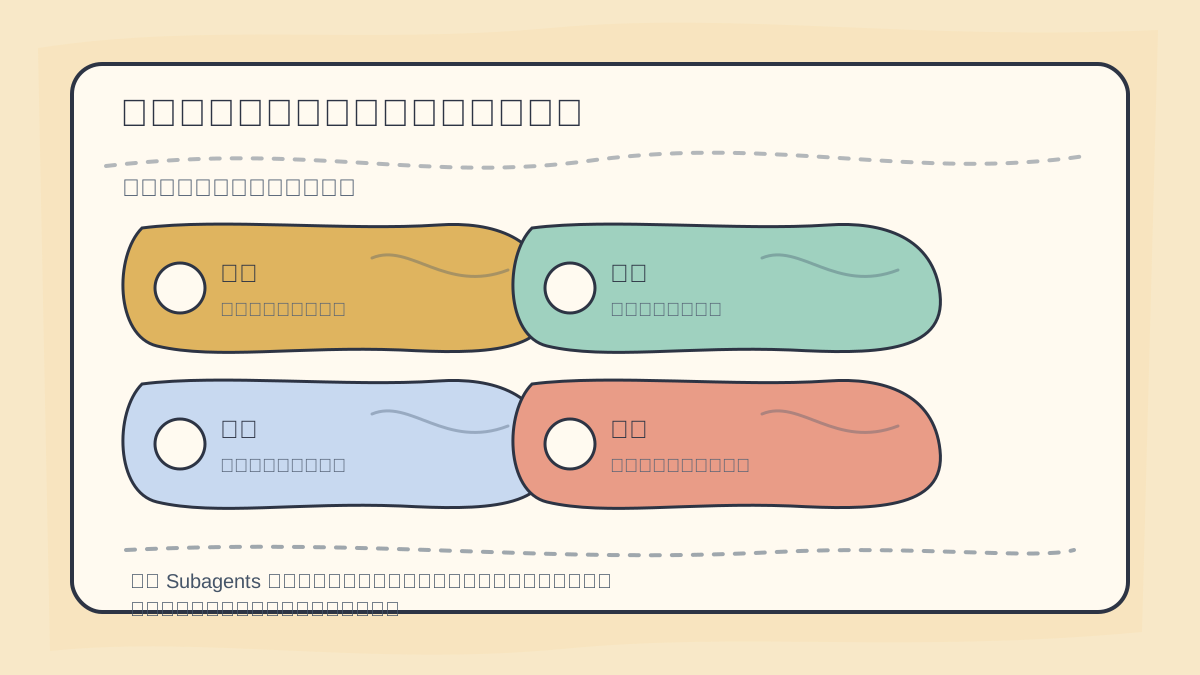
When designing subagent responsibilities, begin by decomposing the workflow into four core roles:
- Code review
- Test supplementation
- Documentation curation
- Final result aggregation
Each role must have well-defined inputs and outputs.
/agents
This command opens the subagent management interface. You can create either personal-level subagents (typically saved under ~/.claude/agents/) or project-level ones (e.g., placed in .claude/agents/), the latter being ideal for version-controlled, team-shared configurations.
Under the hood, a subagent is simply a Markdown file with YAML frontmatter. You can configure its name, description, system prompt, permitted tools, target model, permission mode, MCP server integration, hooks, maximum turn count, and more.
Start with Three Roles (Beginner-Friendly)
I recommend beginning with just three focused roles:
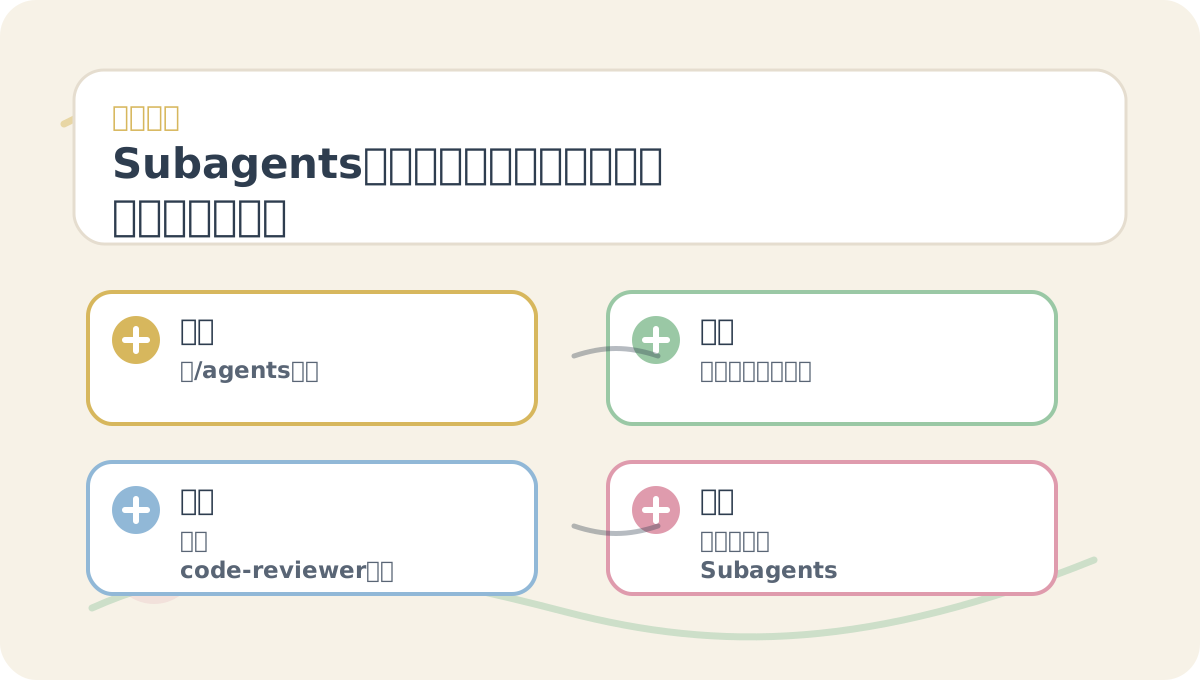
When reading “9 Subagents: Multi-Agent Coordination for Code Review, Testing, and Documentation”, first examine the accompanying visuals—highlighting tasks, core concepts, practice prompts, and decision points—before returning to the main text for deeper context. This helps you quickly assess where and how this pattern fits into real-world workflows.
code-reviewer: Focuses exclusively on code review—prioritizing behavioral bugs, regression risks, and missing tests.test-planner: Recommends precise, actionable test cases based on code changes—no implementation or refactoring.doc-writer: Translates technical changes into clear, user-facing documentation—no code edits or architectural commentary.
Avoid creating ten roles from day one. Too many agents increase orchestration overhead and reduce clarity.
Example: A code-reviewer Subagent
You can generate this with Claude Code—or write it manually:
---
name: code-reviewer
description: Reviews code changes for bugs, regression risk, and missing tests.
tools:
  - Read
  - Grep
  - Bash
---

You are a strict code reviewer.
First, identify behavioral bugs.
Cite exact files and line numbers whenever possible.
Do not rewrite code unless explicitly instructed.
The emphasis here is review, not refactoring. The clearer the boundaries of a subagent’s scope, the more consistent and predictable its output.
When to Use Subagents
✅ Suitable use cases:
- Conducting independent, post-implementation reviews after large changes.
- Parallelizing research, test execution, and documentation writing within a single task.
- Sharing standardized, team-wide review policies (e.g., security checklists).
- Offloading repetitive, well-defined tasks to run “in the background.”
❌ Avoid subagents when:
- Making minor copy edits or trivial text updates.
- Your own requirements or goals remain ambiguous.
- Permissions and tool access haven’t been rigorously scoped.
- You’re using them purely for visual or conceptual “multi-agent” theater—without functional purpose.
Subagents aren’t about technical showmanship—they’re about decomposing complex work into auditable, role-specific responsibilities.
Distinguish Foreground vs. Background Execution
As noted in the official documentation, subagents can run either foreground or background.
- Foreground: Blocks the main session; permission prompts appear normally and require your explicit approval.
- Background: Runs asynchronously and in parallel—but tool calls requiring confirmation (e.g., file writes, shell commands) are typically auto-rejected.
When practicing “9 Subagents: Multi-Agent Coordination for Code Review, Testing, and Documentation”, document input conditions, processing actions, and observable outcomes together—making future audits straightforward.
When reviewing “9 Subagents: Multi-Agent Coordination for Code Review, Testing, and Documentation”, consolidate key concepts, step-by-step procedures, and tangible outputs onto a single reference page for efficient re-engagement.
Therefore:
- High-risk operations—such as modifying source code, triggering deployments, or querying production databases—should not be delegated to background subagents initially.
- Lower-risk, deterministic tasks—like gathering references, drafting docs, or scanning for known vulnerabilities—are better suited for background execution.
The next article wraps up this tutorial series: Hooks, GitHub Actions, and Team Integration—explaining how to evolve Claude Code from a personal assistant into an embedded part of your engineering workflow.
References:
Apply This Lesson
Turn this article into AI software, model, API, and security decisions.
English Article FAQ
Use this article as evidence before choosing AI tools
How should I use this AI Tutorials article?
Use it as the implementation or learning layer, then connect the idea to AI software buyer guides, tool comparisons, benchmarks, API choices, and security checks before making a production decision.
Is this English article different from the Chinese original?
The English edition is localized for global AI readers while preserving the original diagrams, screenshots, prompts, code examples, and source context from the Chinese article.
What should I read after 9 Subagents in Claude Code: Specialized Multi-Agent Workflow for Code Review, Testing, and Documentation?
Continue with AI Software Buyer Guides, AI Tools Workbench, Best AI Coding Agents, AI Model Benchmarks, OpenAI vs Anthropic API, or LLM Security Tools depending on the decision you need to make.
Can this article alone choose an AI product or model?
No. Treat the article as evidence and context, then validate fit with pricing, privacy requirements, integration effort, benchmark results, workflow tests, and fallback planning.
Continue