English translation
Codex Zero to One: What It Is and Which Tasks It’s Best Suited For
AI Article Decision Snapshot
Turn the lesson into workflow, model, budget, and security checks before choosing tools.
Use this quick snapshot before leaving the article. It keeps the next search tied to practical AI software, model/API, cost, privacy, and implementation questions.
Workflow fit
Identify the real job behind the article: coding, research, document review, support, analytics, content, or internal automation.
Model or tool decision
Decide whether the next step is a software shortlist, an AI tool comparison, an API platform choice, or a model benchmark.
Budget and usage signal
Estimate seats, API calls, prompt volume, retries, review time, and fallback work before assuming the workflow is cheap.
Security and privacy review
Check whether source code, customer data, private documents, prompts, logs, or embeddings will enter the AI workflow.
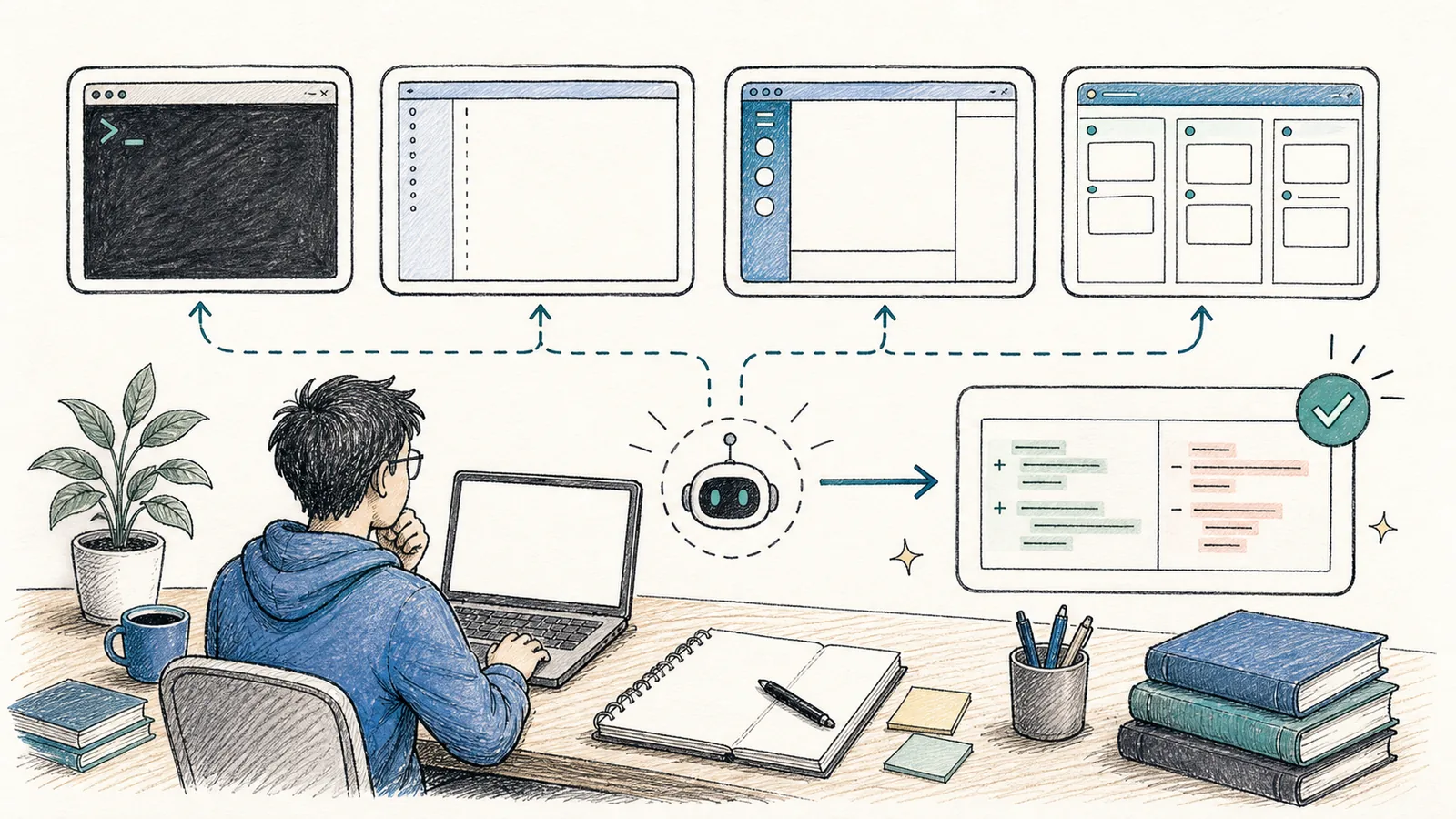
Hi, I’m Guo Zhen.
This tutorial walks you through Codex from absolute zero. Let’s start with one clear statement: Codex is not just code completion, nor is it merely a chat window that answers questions. The official manual defines it as OpenAI’s coding agent—capable of writing code, understanding unfamiliar codebases, reviewing code, debugging issues, and automating repetitive development tasks.
I prefer to think of it as an engineering teammate who can enter your repository and get work done. You give it goals, context, constraints, and acceptance criteria—and it reads files, modifies files, runs commands, inspects error messages, and iterates. You remain the owner and decision-maker; Codex handles the repetitive, time-consuming parts: finding entry points, parsing context, performing checks, and validating outcomes.
When I first introduced Codex into a real project, I didn’t ask it to refactor the entire site. Instead, I started small: let it read the directory structure, locate the entry point for a specific page, then make one tiny, visually verifiable change. This sequence moves slowly—but lets you quickly assess whether Codex truly understands your project.
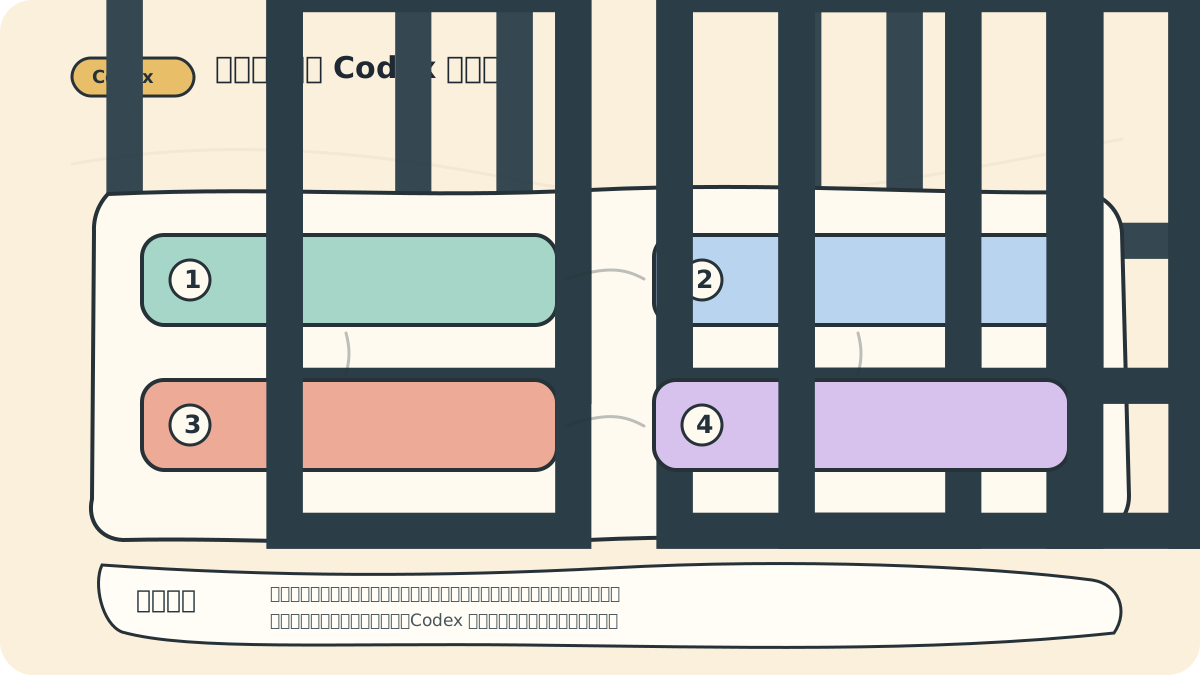
Think of this diagram as your Day-One acceptance checklist: If a task lacks a clear entry point, a defined verification command, or a safe rollback mechanism—don’t scale it up yet. The more Codex behaves like an engineering teammate, the more rigorously you should evaluate its output—using engineering standards.
First, Clarify the Entry Points
Codex offers multiple interfaces—each suited to different workflows:
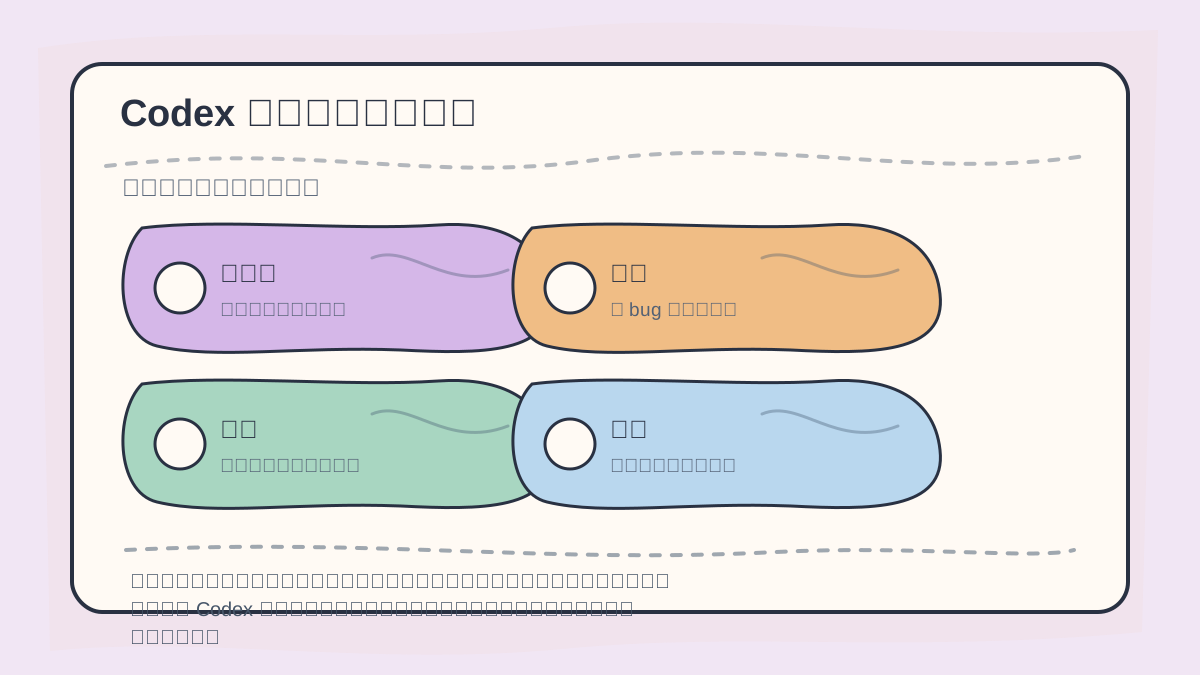
Before diving in, break down each task into four dimensions:
- Code scope (which files/directories?)
- Intended change (what behavior or structure should shift?)
- Verification command (how do we confirm success?)
- Forbidden boundaries (what must not be touched?)
Doing so makes collaboration with Codex feel less like receiving isolated answers—and more like conducting a traceable, auditable development process.
- CLI: Best for local repositories in your terminal—reading/writing files, running tests, making incremental changes.
- IDE Extension: Ideal for on-the-fly assistance while browsing code—explaining logic, generating tests, editing the current file.
- Codex App: Designed for multi-threaded, multi-project workflows—managing working trees, browser-based validation, and visual code review.
- Codex Web/Cloud: Perfect for offloading tasks to the cloud—especially when delegating work from another device or running parallel executions.
Beginners don’t need to master all at once. My recommendation: start with either the CLI or the Codex App, then gradually explore IDE integrations, Cloud, GitHub Actions, MCP, and Skills.
First Tasks Most Suited for Codex
On Day One, don’t ask Codex to “refactor the entire system.” Start instead with these focused, low-risk tasks:
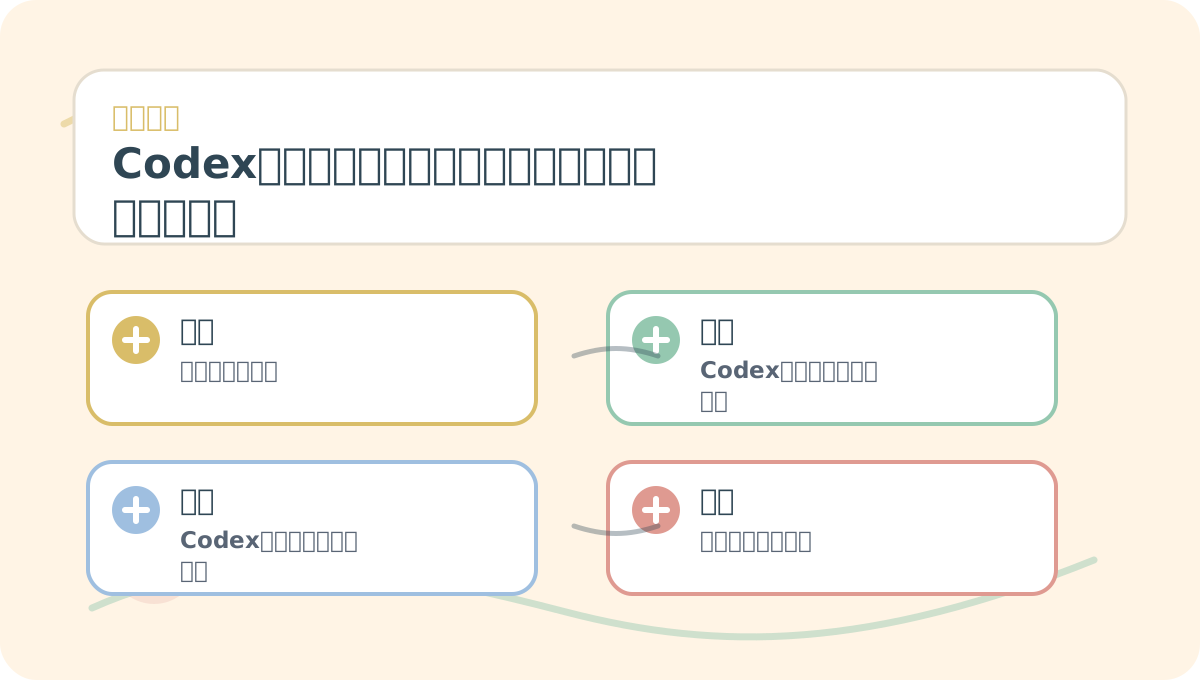
While reading “Codex Zero to One: What It Is—and Where It Fits in Your Work”, begin by identifying your concrete use case—then connect key concepts and hands-on actions. That way, when you reach technical details, you’ll retain meaning—not just isolated terms.
- Explain the directory structure of an unfamiliar codebase.
- Locate the entry point for a specific page, API endpoint, or function.
- Fix one small, reliably reproducible bug.
- Write unit tests for a given function.
- Review a diff and list potential risks.
All these share three traits: ✅ Clear, bounded objectives ✅ Limited scope ✅ Verifiable outcomes
You’ll know within minutes whether Codex succeeded—or missed the mark.
What Codex Should Not Do on Day One
Avoid assigning Codex tasks involving production databases, payment webhook handlers, server privileges, secret files, or cross-repository large-scale migrations—not because it’s incapable, but because such operations demand upfront planning, strict permission boundaries, and rigorous validation steps.
A highly practical tip from OpenAI’s official best practices: every Codex task should include four elements—goal, context, constraints, and completion criteria. ❌ Vague: “Help me optimize the homepage.” ✅ Precise: “Update only the button copy in the homepage’s first viewport—do not modify routing logic; success means the build passes.”
A Beginner’s Learning Pathway
This tutorial unfolds across 10 lessons:
When practicing “Codex Zero to One: What It Is—and Where It Fits in Your Work”, write down the input conditions, processing steps, and observable results together—so you can easily revisit and verify them later.
When reviewing “Codex Zero to One: What It Is—and Where It Fits in Your Work”, keep key concepts, action steps, and visible outcomes on the same page for efficient recall.
- Understand Codex and its various interfaces.
- Install, log in, and diagnose your environment.
- First repository read, file edit, and test run.
- Craft effective prompts—and define modes and goals clearly.
- Use
AGENTS.mdand config files to persist rules and behaviors. - Implement approval gates, sandboxing, and security boundaries.
- Leverage browser interaction and Computer Use for frontend tasks.
- Integrate external tools via Skills, Plugins, and MCP.
- Build stable, repeatable workflows using Automations and Hooks.
- Connect Codex to GitHub Actions, code reviews, and team-wide processes.
By the end, you’ll confidently integrate Codex into your real projects—moving far beyond the vague impression that “it seems to write code.”
References:
Apply This Lesson
Turn this article into AI software, model, API, and security decisions.
English Article FAQ
Use this article as evidence before choosing AI tools
How should I use this AI Tutorials article?
Use it as the implementation or learning layer, then connect the idea to AI software buyer guides, tool comparisons, benchmarks, API choices, and security checks before making a production decision.
Is this English article different from the Chinese original?
The English edition is localized for global AI readers while preserving the original diagrams, screenshots, prompts, code examples, and source context from the Chinese article.
What should I read after Codex Zero to One: What It Is and Which Tasks It’s Best Suited For?
Continue with AI Software Buyer Guides, AI Tools Workbench, Best AI Coding Agents, AI Model Benchmarks, OpenAI vs Anthropic API, or LLM Security Tools depending on the decision you need to make.
Can this article alone choose an AI product or model?
No. Treat the article as evidence and context, then validate fit with pricing, privacy requirements, integration effort, benchmark results, workflow tests, and fallback planning.
Continue