English translation
10 GitHub Actions, Code Review, and Team Integration: Embedding Codex into Your Engineering Workflow
AI Article Decision Snapshot
Turn the lesson into workflow, model, budget, and security checks before choosing tools.
Use this quick snapshot before leaving the article. It keeps the next search tied to practical AI software, model/API, cost, privacy, and implementation questions.
Workflow fit
Identify the real job behind the article: coding, research, document review, support, analytics, content, or internal automation.
Model or tool decision
Decide whether the next step is a software shortlist, an AI tool comparison, an API platform choice, or a model benchmark.
Budget and usage signal
Estimate seats, API calls, prompt volume, retries, review time, and fallback work before assuming the workflow is cheap.
Security and privacy review
Check whether source code, customer data, private documents, prompts, logs, or embeddings will enter the AI workflow.
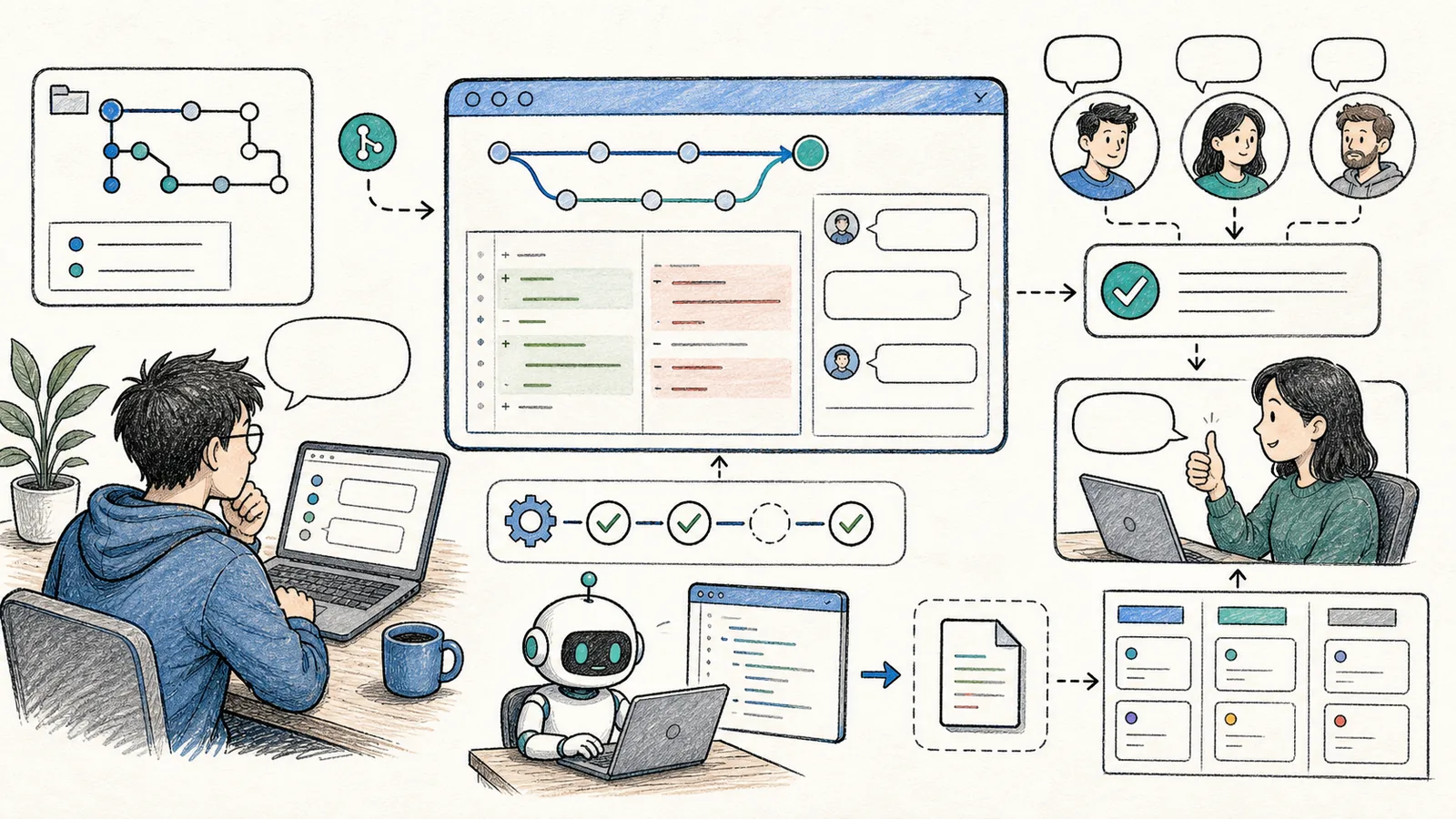
This is the final article in the series—on team adoption.
When individuals use Codex, the focus is on accelerating their own development speed. When teams adopt Codex, the priority shifts: consistency of rules, controllable permissions, traceable outcomes, and human code review.
After integrating Codex with GitHub, I do not let it bypass established team workflows. A more robust approach is to have Codex generate draft pull requests (PRs), add missing tests, or explain diffs—and then hand those over to human reviewers and CI systems to decide whether merging is appropriate.
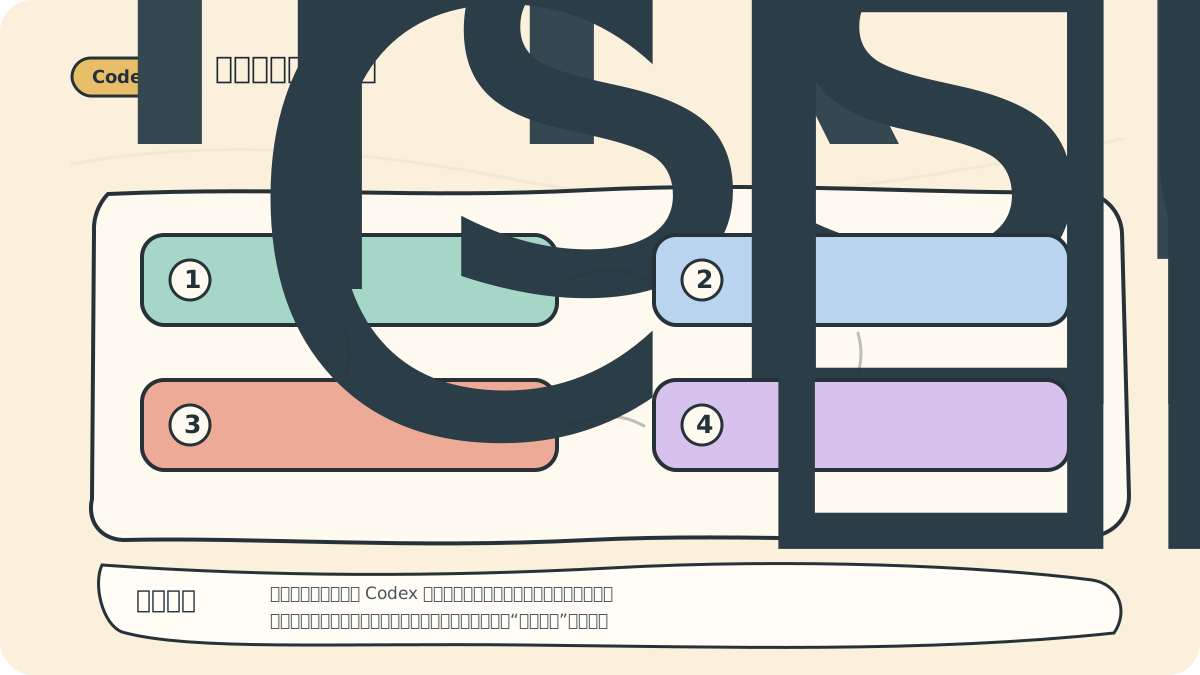
The key to team adoption isn’t granting Codex maximum privileges—it’s ensuring every change is fully traceable: who triggered it, which files were modified, which checks ran, and who approved it. These audit trails matter far more than “fully automated completion.”
Start with Code Review
Codex excels at pre-PR self-checks:
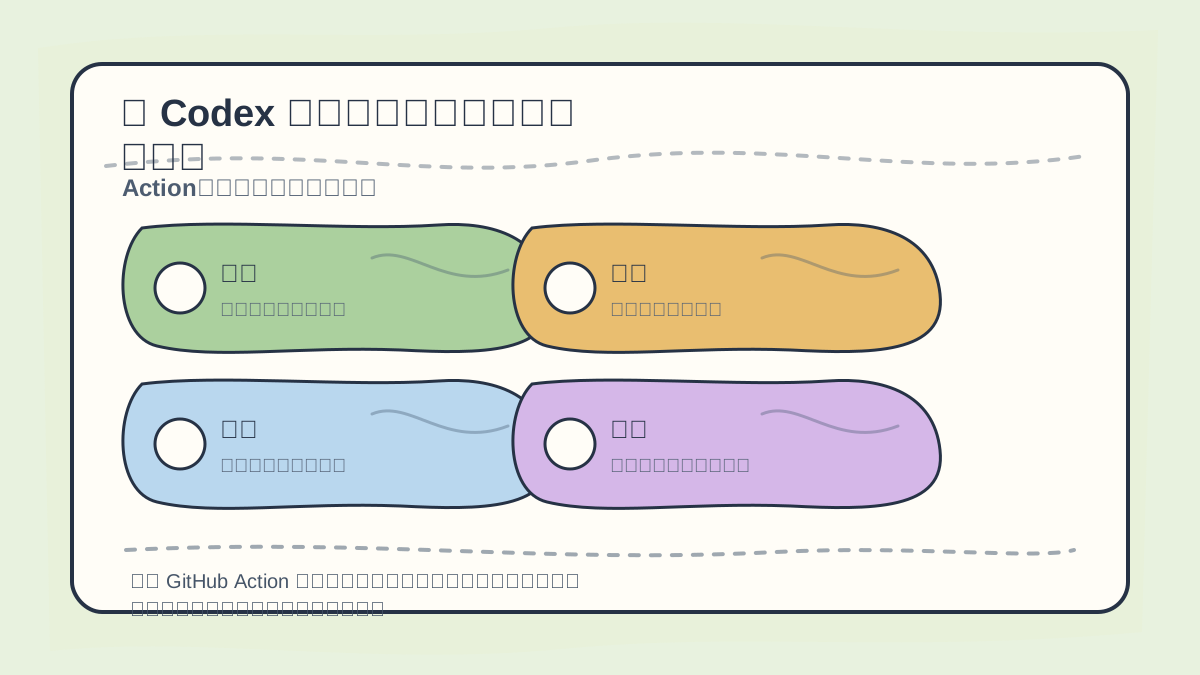
When integrating Codex with GitHub Actions and code review, first clarify:
- Trigger conditions
- Inspection criteria
- Scope of review
- Merge permissions
- Rollback behavior on failure
/review
As noted in official best practices, the /review command can analyze uncommitted changes, individual commits, or diffs against a base branch. You can also reference your team’s code_review.md in AGENTS.md, enabling Codex to apply your internal review standards when generating feedback.
A strong review prompt avoids vague instructions like “Check for issues.” Instead, be specific and outcome-oriented:
Review the current diff using standard code review practices.
Prioritize identifying bugs, regression risks, and missing tests.
Avoid nitpicking on style.
Rank findings by severity, and clearly state the affected file(s) and rationale.
This is vastly more actionable than generic praise like “Overall looks good!”
What GitHub Actions Are Best Suited For
According to the official Codex GitHub Action documentation, openai/codex-action@v1 enables running Codex within CI/CD pipelines to perform tasks such as PR feedback, quality assurance, release preparation, and code migrations. It installs the Codex CLI, launches a Responses API proxy when you supply an API key, and executes codex exec under the permissions you configure.
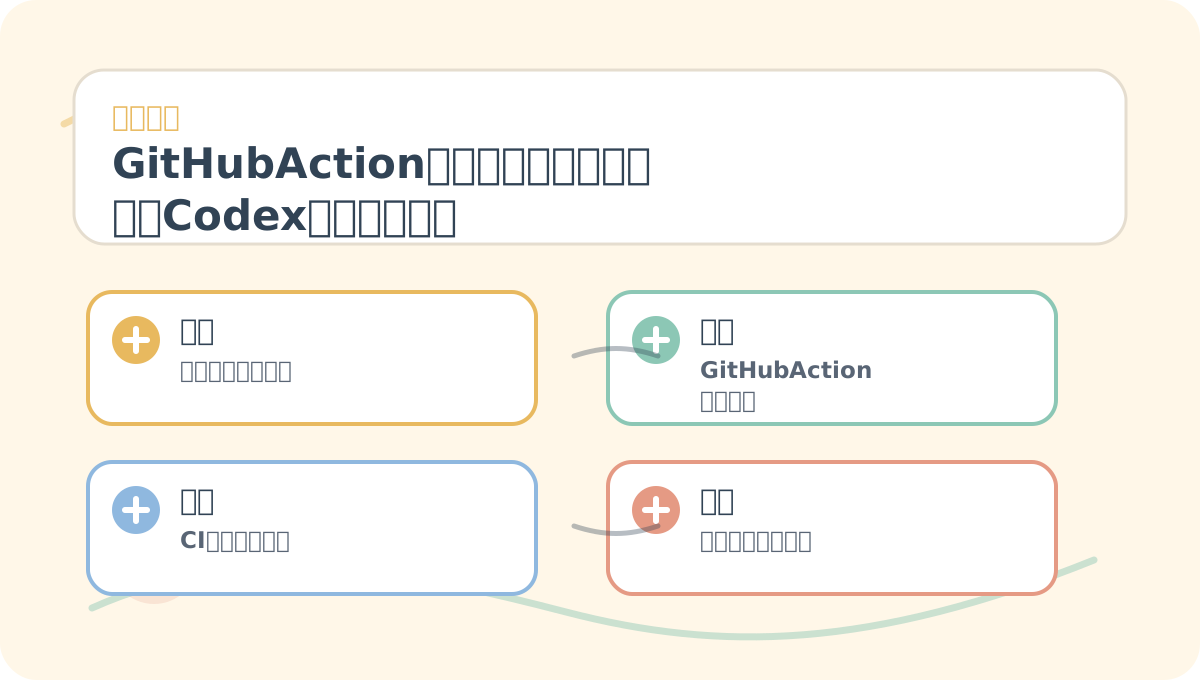
After reading “GitHub Actions, Code Review, and Team Adoption: Integrating Codex into Your Engineering Workflow”, take one minute to reflect:
- Are the core concepts clearly distinguished?
- Can the practice steps be reliably reproduced?
- Can you restate the conclusions in your own words?
Well-suited for:
- Automated PR review
- Pre-release validation
- Suggesting fixes after CI failures
- Enforcing consistent, prompt-driven quality gates
Not suitable for:
- Allowing arbitrary external PRs to trigger high-privilege tasks
- Exposing your
OPENAI_API_KEYto untrusted scripts - Auto-merging without human review
Security Priorities Inside CI
The official documentation explicitly warns: Never expose OPENAI_API_KEY as a job-level environment variable in workflows that check out or execute repository code. The Codex Action provides built-in security safeguards—for example, drop-sudo is enabled by default—and supports restricting triggers to authorized users.
For safe team rollout, implement at minimum the following:
- Restrict triggering to trusted users only
- Store prompt definitions in version-controlled, reviewed files (e.g., in the repo)
- Apply the principle of least privilege
- Never allow Codex to auto-merge PRs directly
- Preserve all outputs as artifacts or PR comments for full traceability
Minimal Team Rules for Codex Adoption
I recommend starting with these six foundational rules:
- Every repository must include an
AGENTS.md. - Critical directories should have more granular subdirectory-specific rules.
- All code generated by Codex must undergo human review.
- PRs failing CI checks must not be merged.
- Changes involving permissions, payments, databases, or deployments require explicit human confirmation.
- All Skills, Hooks, and MCP configurations must go through code review.
These six concrete rules are far more practical—and sustainable—than declaring “We fully embrace AI-powered programming.”
Wrapping Up This Tutorial Series
Codex’s greatest value lies not in helping you “write a few fewer lines of code,” but in reducing repetitive cognitive labor across engineering workflows: understanding project structure, locating entry points, running validations, interpreting diffs, writing summaries, and assessing risk.
To apply “GitHub Actions, Code Review, and Team Adoption: Integrating Codex into Your Engineering Workflow” to your own work, begin by narrowing the scope—focus on validating just one critical decision point.
After completing this tutorial, try adapting it to a scenario of your own—pay close attention to whether inputs, processing logic, and outputs align coherently.
When you clearly define goals and boundaries, Codex helps move things forward. But if you abdicate permissions and skip verification, it may amplify problems instead of solving them. Learning Codex isn’t about memorizing a magical prompt—it’s about building a durable, repeatable engineering collaboration system.
References:
Apply This Lesson
Turn this article into AI software, model, API, and security decisions.
English Article FAQ
Use this article as evidence before choosing AI tools
How should I use this AI Tutorials article?
Use it as the implementation or learning layer, then connect the idea to AI software buyer guides, tool comparisons, benchmarks, API choices, and security checks before making a production decision.
Is this English article different from the Chinese original?
The English edition is localized for global AI readers while preserving the original diagrams, screenshots, prompts, code examples, and source context from the Chinese article.
What should I read after 10 GitHub Actions, Code Review, and Team Integration: Embedding Codex into Your Engineering Workflow?
Continue with AI Software Buyer Guides, AI Tools Workbench, Best AI Coding Agents, AI Model Benchmarks, OpenAI vs Anthropic API, or LLM Security Tools depending on the decision you need to make.
Can this article alone choose an AI product or model?
No. Treat the article as evidence and context, then validate fit with pricing, privacy requirements, integration effort, benchmark results, workflow tests, and fallback planning.
Continue