English translation
9 Automations and Hooks: Turning Stable Workflows into Auto-Reminders and Auto-Checks
AI Article Decision Snapshot
Turn the lesson into workflow, model, budget, and security checks before choosing tools.
Use this quick snapshot before leaving the article. It keeps the next search tied to practical AI software, model/API, cost, privacy, and implementation questions.
Workflow fit
Identify the real job behind the article: coding, research, document review, support, analytics, content, or internal automation.
Model or tool decision
Decide whether the next step is a software shortlist, an AI tool comparison, an API platform choice, or a model benchmark.
Budget and usage signal
Estimate seats, API calls, prompt volume, retries, review time, and fallback work before assuming the workflow is cheap.
Security and privacy review
Check whether source code, customer data, private documents, prompts, logs, or embeddings will enter the AI workflow.
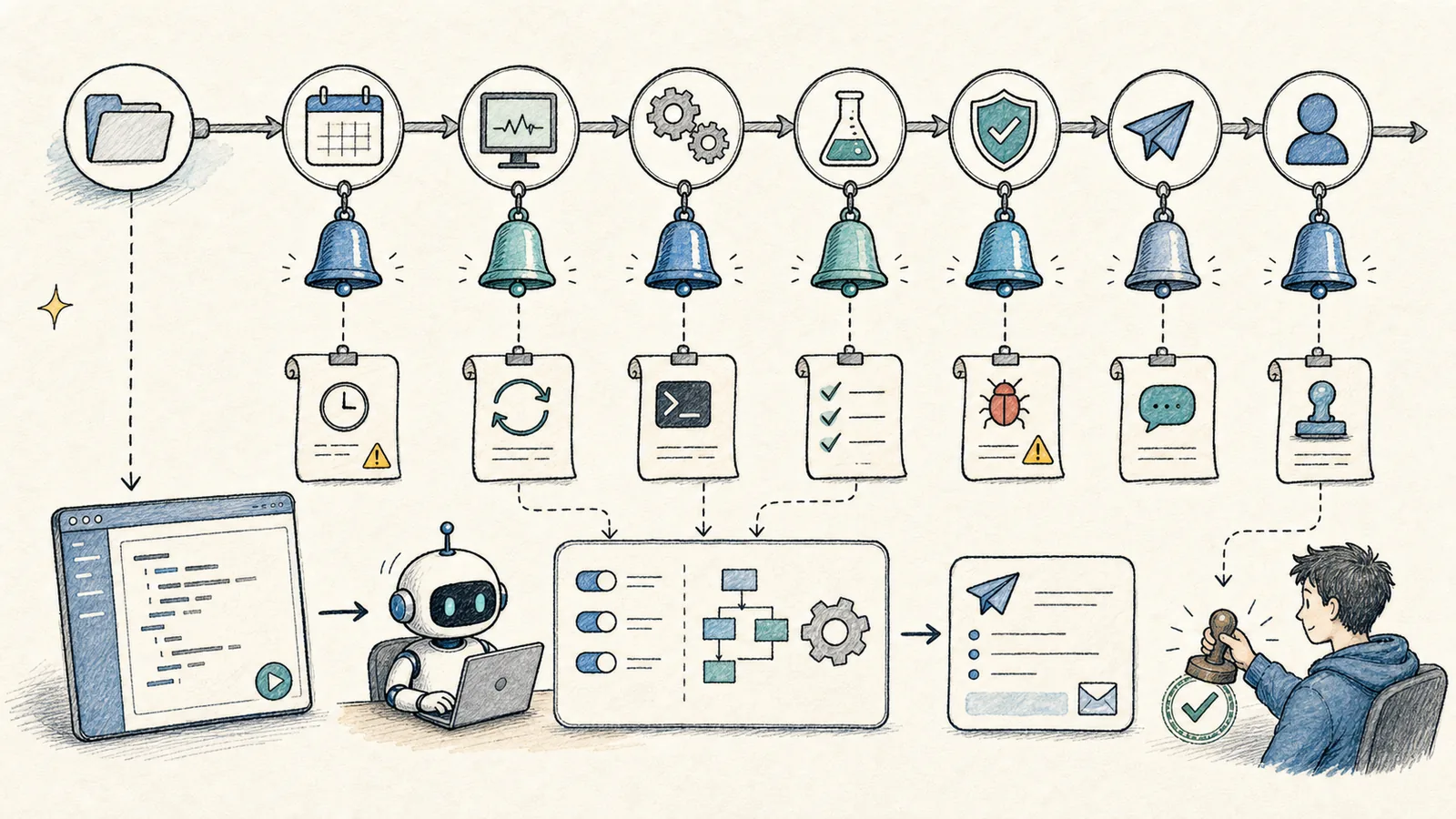
Once you’ve grown comfortable using Codex, you’ll notice certain tasks recur regularly: checking error logs, reviewing recent code changes, reminding yourself to run tests, summarizing work upon task completion, or flagging sensitive files.
These stable, repeatable workflows are ideal candidates for Automations and Hooks.
Automations and Hooks are often the most exciting features—but we recommend starting simple: focus first on notifications and checks. For example: alerting when configuration files change, automatically running lint before commit—not deploying directly to production.

Truly reliable automation leaves clear, auditable evidence: ✅ When it triggered ✅ What it checked ✅ What the result was ✅ Who handled it if it failed
Without such records, more automation means more debugging complexity—not less.
What Automations Solve
The Codex App supports automations. As noted in the official app features, Automations can be combined with Skills to perform routine tasks—such as evaluating telemetry errors, submitting fixes, or generating reports on recent code changes.
When designing an Automation or Hook, clarify these five elements upfront: 🔹 Trigger condition (when it runs) 🔹 Command to execute (what it does) 🔹 Scope of impact (where it applies) 🔹 Expected output (what it produces) 🔹 Failure handling (who responds, how)
Well-suited for Automations:
- Daily error log review
- Weekly repository change summary
- Periodic validation of
AGENTS.mdfreshness - Regular scanning for TODOs, failing tests, or performance regressions
- Long-running, thread-local follow-up on a single topic
Not well-suited for Automations:
- Vague tasks lacking clear success criteria
- Tasks that write to production data
- Tasks requiring human judgment at every step
Automation isn’t about letting Codex “run wild”—it’s about codifying already-proven, stable workflows.
What Hooks Solve
Hooks provide lower-level lifecycle extensions. As described in the official Hooks documentation, they let you inject custom scripts into the agentic loop—for example:
- Scanning prompts for accidentally pasted API keys
- Running validations when a turn ends
- Saving conversation summaries as memories
- Customizing prompts per directory
You don’t need to absorb all details of “Automations and Hooks: Turning Stable Workflows into Automatic Reminders and Checks” in one sitting. Start with one small, actionable problem you can verify hands-on—then use the diagrams and text to fill in conceptual gaps.
Common hook types include:
PreToolUse: Policy checks before tool invocationPostToolUse: Logging or validation after tool executionStop: Summarization or final verification at task endUserPromptSubmit: Scanning user input for sensitive informationPreCompact/PostCompact: Recording context before/after compression
As a beginner, prioritize hooks for notifications and checks—avoid hooks that deploy, modify infrastructure, or alter state.
Hooks Require Review and Trust
A critical point in the official documentation: unmanaged command hooks require explicit review and trust before execution. Codex tracks trust via a cryptographic hash of each hook definition—any new or modified hook must be re-approved.
This is entirely reasonable. Hooks are essentially auto-executing scripts; without human review, they become a potent new attack surface.
Start with Three Safe Automation Categories
We recommend beginning with these three categories:
- Alerts: Notify on edits to
.env, certificates, or database migration files - Checks: Prompt to run
build,lint, ortestupon task completion - Logging: Save task summaries to local logs or project notes
Avoid doing any of the following on Day One:
❌ Auto-deploy to production
❌ Auto-modify databases
❌ Auto-push to main
❌ Auto-read secrets or credentials
Document in AGENTS.md
Automation rules belong in AGENTS.md. Codex needs this context to understand why a given hook or automation exists—not just what it does. Otherwise, new threads may see only raw scripts, missing your intent entirely.
When practicing “Automations and Hooks: Turning Stable Workflows into Automatic Reminders and Checks,” write the input condition, action taken, and visible outcome together—making future audits fast and reliable.
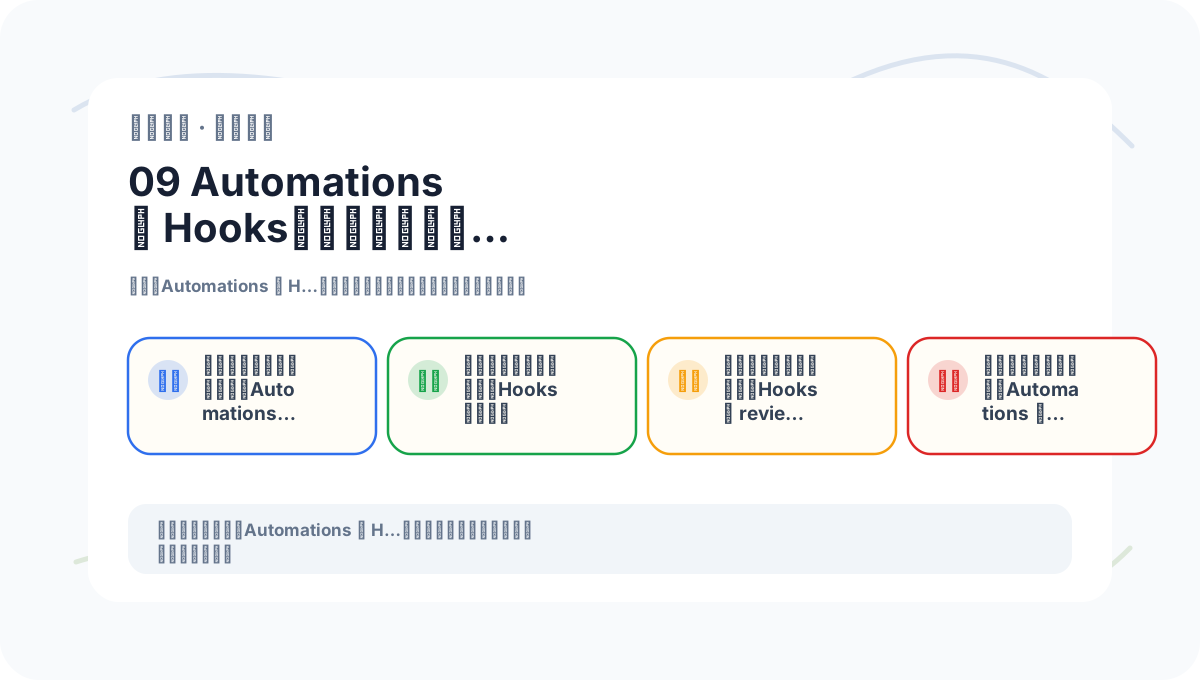
When reviewing “Automations and Hooks: Turning Stable Workflows into Automatic Reminders and Checks,” keep key concepts, concrete steps, and observable outcomes on a single page for efficient recall.
References:
Apply This Lesson
Turn this article into AI software, model, API, and security decisions.
English Article FAQ
Use this article as evidence before choosing AI tools
How should I use this AI Tutorials article?
Use it as the implementation or learning layer, then connect the idea to AI software buyer guides, tool comparisons, benchmarks, API choices, and security checks before making a production decision.
Is this English article different from the Chinese original?
The English edition is localized for global AI readers while preserving the original diagrams, screenshots, prompts, code examples, and source context from the Chinese article.
What should I read after 9 Automations and Hooks: Turning Stable Workflows into Auto-Reminders and Auto-Checks?
Continue with AI Software Buyer Guides, AI Tools Workbench, Best AI Coding Agents, AI Model Benchmarks, OpenAI vs Anthropic API, or LLM Security Tools depending on the decision you need to make.
Can this article alone choose an AI product or model?
No. Treat the article as evidence and context, then validate fit with pricing, privacy requirements, integration effort, benchmark results, workflow tests, and fallback planning.
Continue