English translation
4. Prompt, Plan, and Goal: Let Codex Think Before Coding
AI Article Decision Snapshot
Turn the lesson into workflow, model, budget, and security checks before choosing tools.
Use this quick snapshot before leaving the article. It keeps the next search tied to practical AI software, model/API, cost, privacy, and implementation questions.
Workflow fit
Identify the real job behind the article: coding, research, document review, support, analytics, content, or internal automation.
Model or tool decision
Decide whether the next step is a software shortlist, an AI tool comparison, an API platform choice, or a model benchmark.
Budget and usage signal
Estimate seats, API calls, prompt volume, retries, review time, and fallback work before assuming the workflow is cheap.
Security and privacy review
Check whether source code, customer data, private documents, prompts, logs, or embeddings will enter the AI workflow.
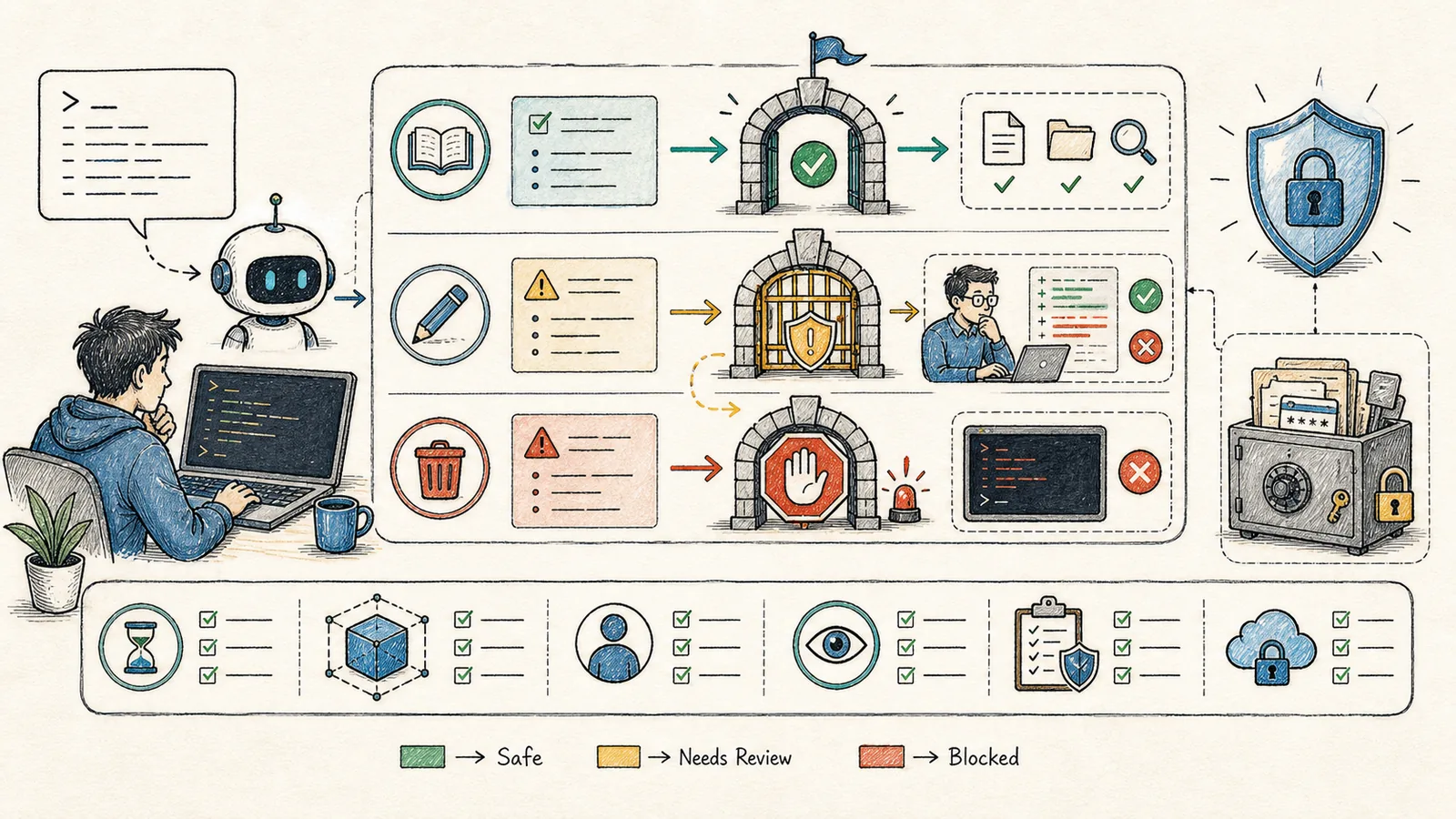
Codex can do many things—so you need to articulate your tasks clearly.
The official best practices offer an excellent framework: a well-defined task should ideally consist of four parts—Goal, Context, Constraints, and Done When. In Chinese, these correspond to: Objective, Background, Boundaries, and Acceptance Criteria.
When writing prompts for Codex, I start by decomposing any vague request into these four components:
- What we aim to achieve,
- What must remain untouched,
- How we plan to proceed, and
- How we’ll know it’s complete.
This habit drastically reduces back-and-forth clarification.
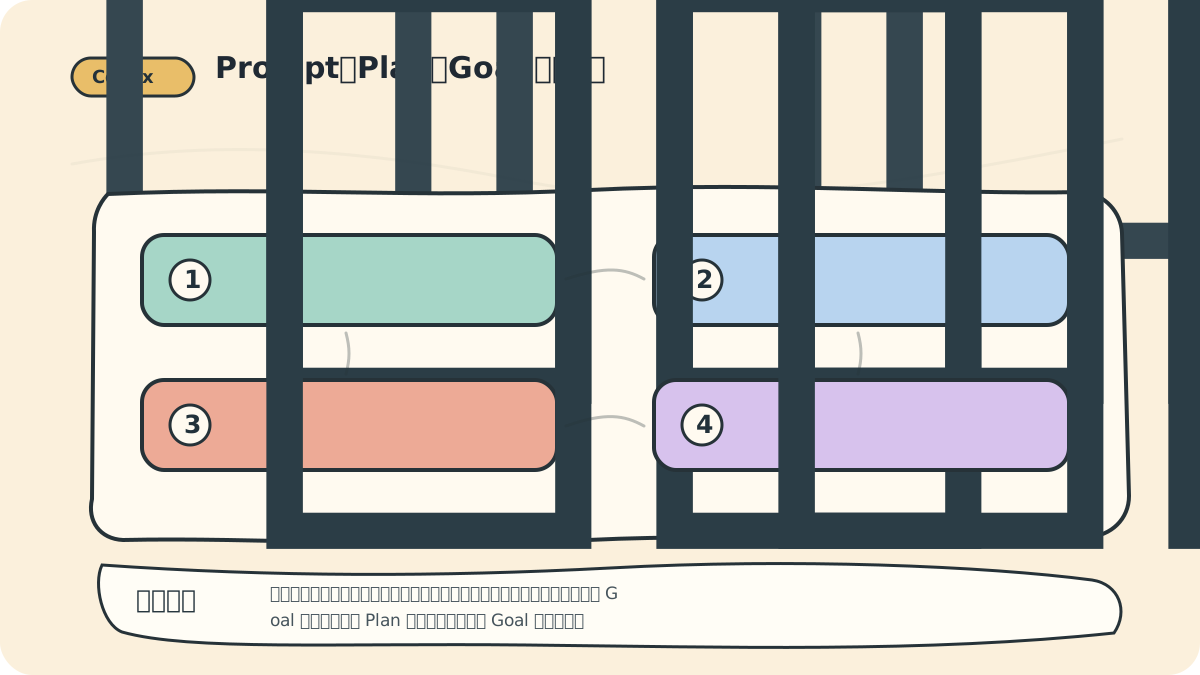
If a task spans more than three files, I typically ask Codex to first generate a plan. If the task unfolds over multiple rounds of interaction, I use /goal to maintain continuity and alignment. Don’t treat Plan as mere lip service—or Goal as just another to-do item. Their real value lies in preserving stable context and unambiguous acceptance criteria.
A Weak Prompt vs. A Strong Prompt
Weak prompt:
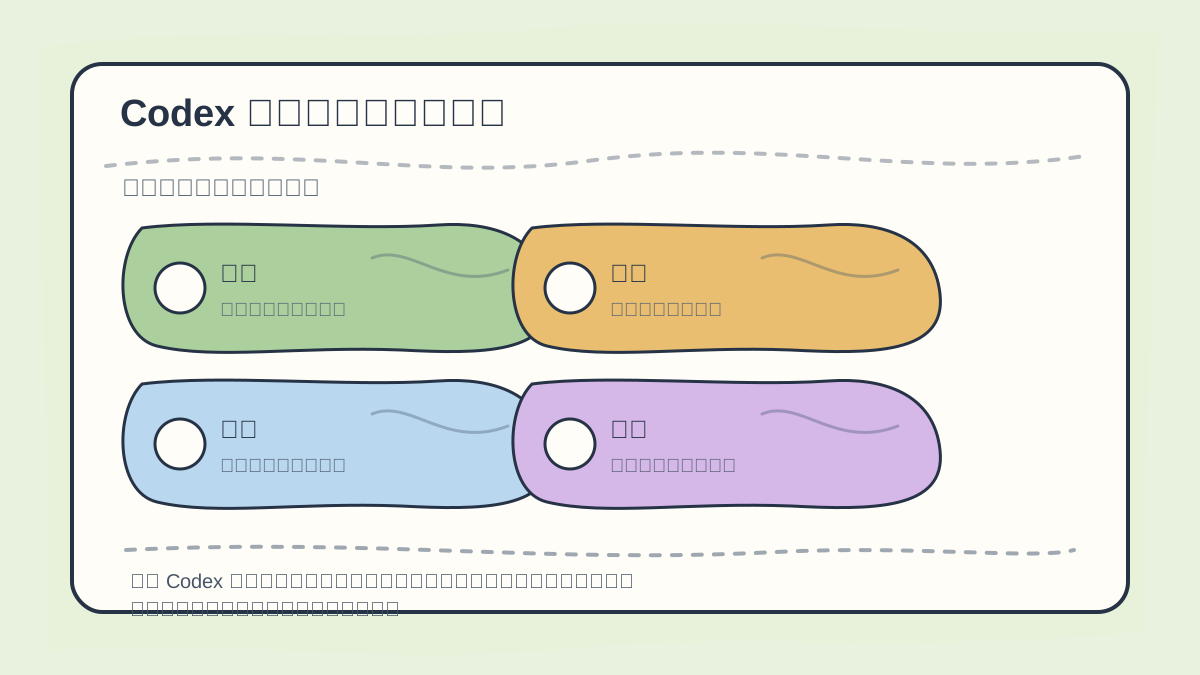
Before invoking Codex, explicitly state the objective, background context, scope of changes, and verification commands. Planning isn’t ceremonial—it determines whether subsequent modifications can be objectively validated.
Help me optimize the homepage.
The problem? Optimize what? Performance? SEO? Styling? Conversion rate? Mobile responsiveness? Structured data? Without clear boundaries, Codex can only guess.
A stronger version:
Goal: Optimize the first viewport of the homepage so users can access today’s AI news and hands-on articles faster.
Context: Please first read app/page.tsx, the navigation component, and the homepage styles.
Constraints: Do not modify login, registration, API, or database logic; do not introduce new dependencies.
Done when: Buttons do not overflow on mobile or desktop; `npm run build` passes; and a summary of the diff is provided.
This isn’t “prompt engineering mysticism”—it’s engineering-grade task specification.
For Complex Tasks: Start with /plan
When a task is complex, ambiguous, or spans multiple files, begin in plan mode. As documented in the Codex manual, Plan mode enables Codex to first gather context, ask clarifying questions, and draft a step-by-step plan—before implementing anything.
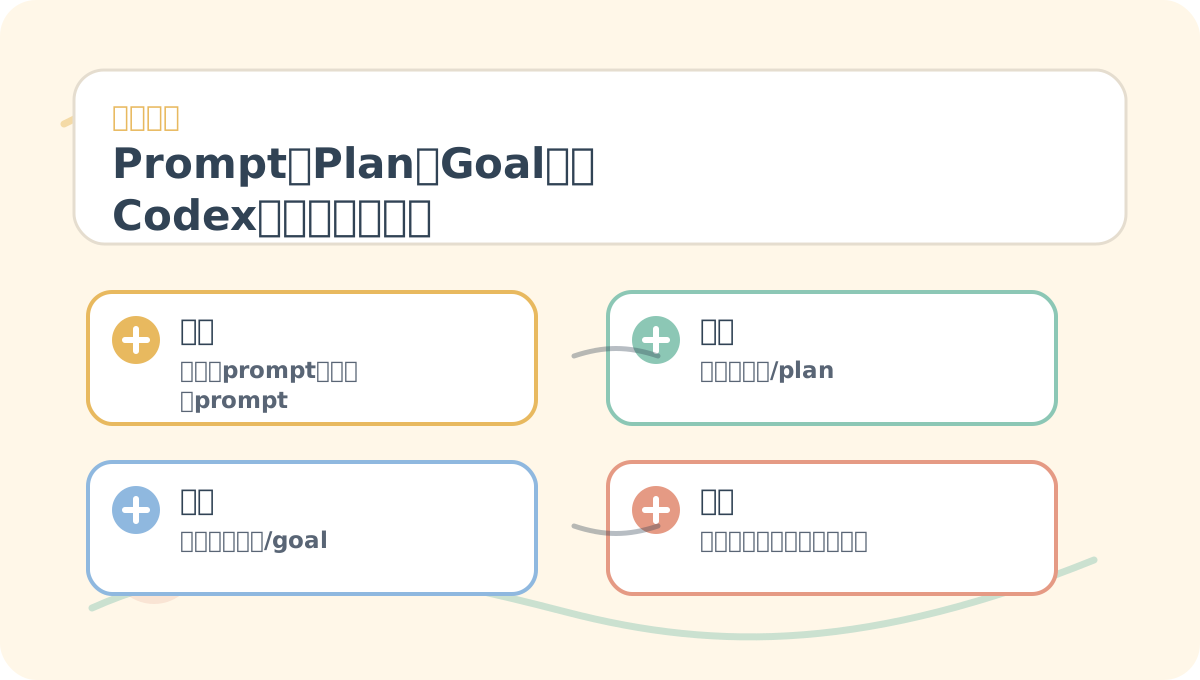
After reading “Prompt, Plan, and Goal: Let Codex Think First, Then Act”, take one minute to reflect:
- Are the core concepts clearly distinguished?
- Can the practice steps be reliably reproduced?
- Can you rephrase the key conclusions in your own words?
You can trigger plan mode in CLI, IDE, or App using:
/plan
Or simply say:
Please don’t modify any files yet. First, read the relevant code, then outline a step-by-step plan—including risks and verification methods—and wait for my approval before proceeding.
I usually require that every plan includes:
- Which files need to be read,
- What will be modified at each step,
- Which files must not be touched,
- How correctness will be verified, and
- Where rollback risks lie.
Use /goal When the Objective Is Clear
Goal mode suits longer-running tasks. As explained in the official prompting documentation, a goal represents a persistent objective—Codex uses it to guide its next actions and assess completion.
For example:
/goal
Fix the mobile layout of this project’s login page. Done when: no horizontal scrolling at 320px width, form buttons are fully visible (not obscured), and the build passes.
If the goal remains fuzzy, start with /plan: let Codex help crystallize your vague idea into a concrete, actionable objective—then set /goal.
Avoid Concurrent Modifications to the Same Files
Codex supports multi-threading and parallel tasks—but the official manual cautions against having two threads simultaneously modify the same set of files. Doing so invites merge conflicts and makes it hard to trace which thread introduced a given issue.
Parallelism works well when threads handle independent concerns, e.g.: ✅ One thread writes documentation, ✅ Another adds tests, ✅ A third researches background information.
It does not work well when: ❌ Three threads concurrently edit the same homepage.
Every Task Needs Clear “Done When” Criteria
Acceptance criteria can be simple:
After reading “Prompt, Plan, and Goal: Let Codex Think First, Then Act”, try walking through a small, concrete example end-to-end—then assess which steps you can now execute independently.
By this point, you should be able to distill “Prompt, Plan, and Goal: Let Codex Think First, Then Act” into a concise reflection table: clarify the main thread first, then test it on a small task.
- Build passes.
- Specified tests pass.
- Page renders without overflow on mobile.
- Git diff contains only intended files.
- Changes are strictly limited to the agreed-upon scope.
Without explicit acceptance criteria, Codex may reply, “I’ve optimized it!”—but what you need isn’t a declaration of completion. You need verifiable, inspectable outcomes.
References:
Apply This Lesson
Turn this article into AI software, model, API, and security decisions.
English Article FAQ
Use this article as evidence before choosing AI tools
How should I use this AI Tutorials article?
Use it as the implementation or learning layer, then connect the idea to AI software buyer guides, tool comparisons, benchmarks, API choices, and security checks before making a production decision.
Is this English article different from the Chinese original?
The English edition is localized for global AI readers while preserving the original diagrams, screenshots, prompts, code examples, and source context from the Chinese article.
What should I read after 4. Prompt, Plan, and Goal: Let Codex Think Before Coding?
Continue with AI Software Buyer Guides, AI Tools Workbench, Best AI Coding Agents, AI Model Benchmarks, OpenAI vs Anthropic API, or LLM Security Tools depending on the decision you need to make.
Can this article alone choose an AI product or model?
No. Treat the article as evidence and context, then validate fit with pricing, privacy requirements, integration effort, benchmark results, workflow tests, and fallback planning.
Continue