English translation
AGENTS.md
AI Article Decision Snapshot
Turn the lesson into workflow, model, budget, and security checks before choosing tools.
Use this quick snapshot before leaving the article. It keeps the next search tied to practical AI software, model/API, cost, privacy, and implementation questions.
Workflow fit
Identify the real job behind the article: coding, research, document review, support, analytics, content, or internal automation.
Model or tool decision
Decide whether the next step is a software shortlist, an AI tool comparison, an API platform choice, or a model benchmark.
Budget and usage signal
Estimate seats, API calls, prompt volume, retries, review time, and fallback work before assuming the workflow is cheap.
Security and privacy review
Check whether source code, customer data, private documents, prompts, logs, or embeddings will enter the AI workflow.
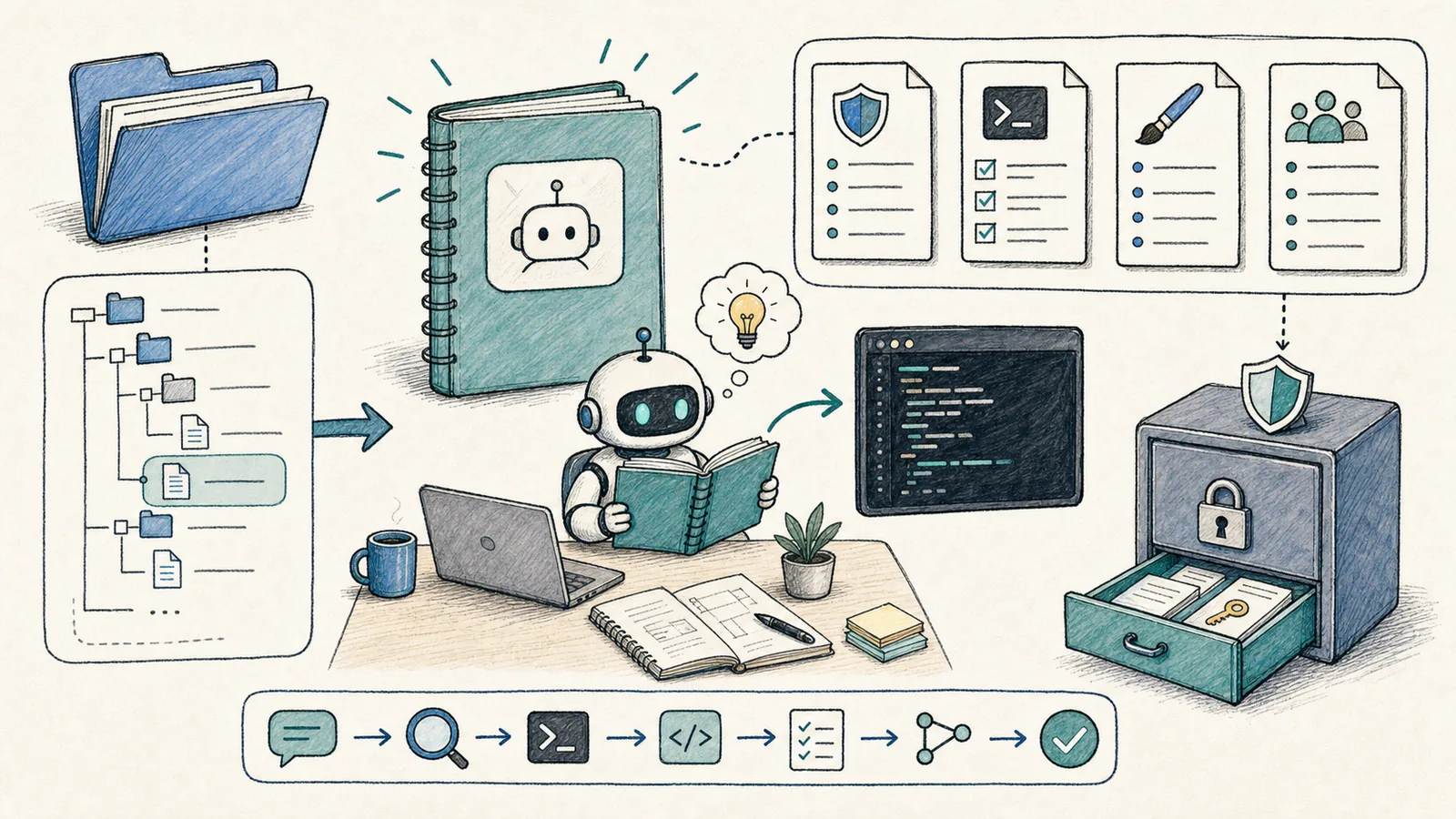
If you could learn just one file to sustainably improve Codex’s performance, start with AGENTS.md.
It’s not a conventional README meant for humans—it’s a project specification document written for coding agents. As stated in the official AGENTS.md guide, Codex reads these files before beginning work and merges global, project-level, and subdirectory-specific rules in order. Rules defined closer to the current working directory take precedence—overriding earlier ones.
Don’t keep project rules only in chat history. What truly works is embedding them directly into AGENTS.md, configuration files, or repository documentation—so Codex reads the same set of boundaries every time it enters the project.
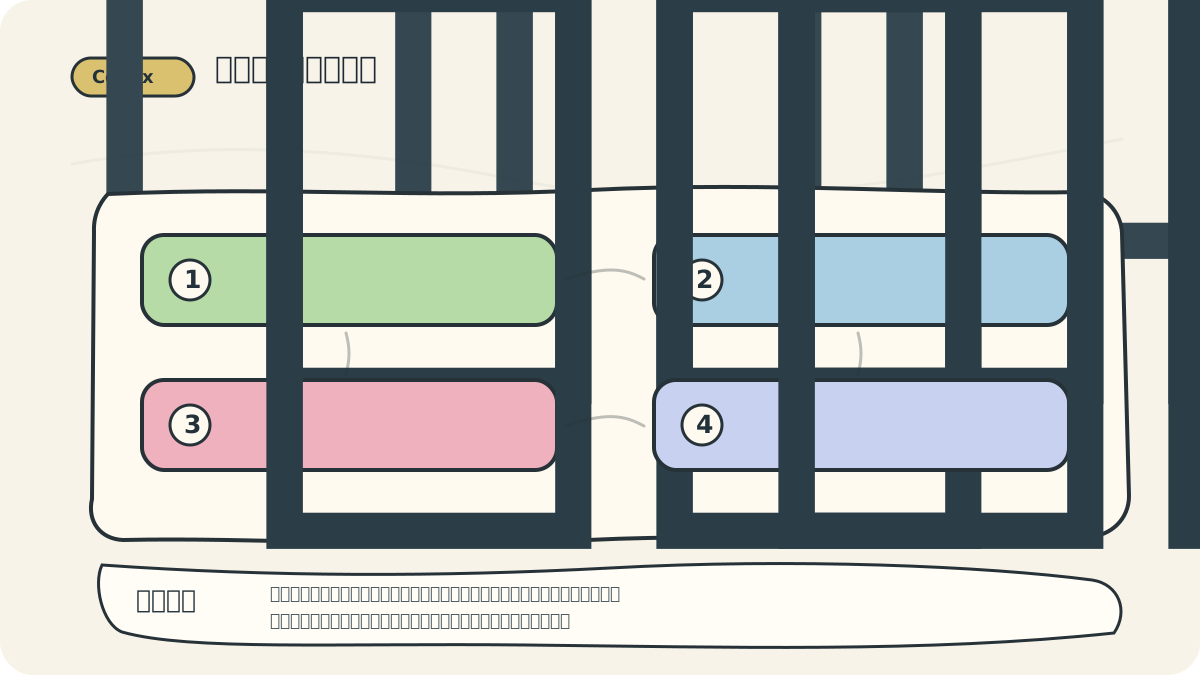
I explicitly document high-risk directories, test commands, deployment procedures, and commit conventions. That way, when switching threads, models, or tasks later, those rules remain safely versioned in the repo—not left to human memory.
What Should Go in AGENTS.md?
A practical AGENTS.md can begin with these core sections:
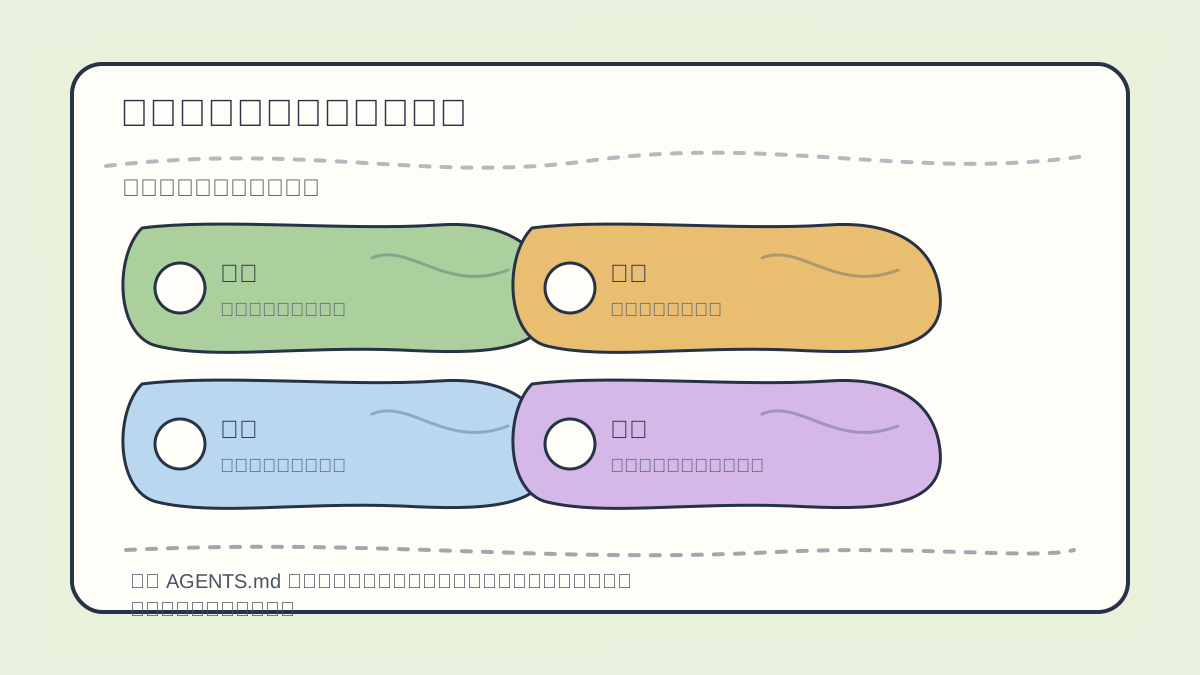
When maintaining AGENTS.md and config files, prioritize clarity on:
- Project boundaries
- Required commands
- Code style expectations
- Security constraints
- Deployment protocols
# AGENTS.md
## Project
- This is a Next.js site.
- Content lives under `content/`.
- Public images live under `public/images/`.
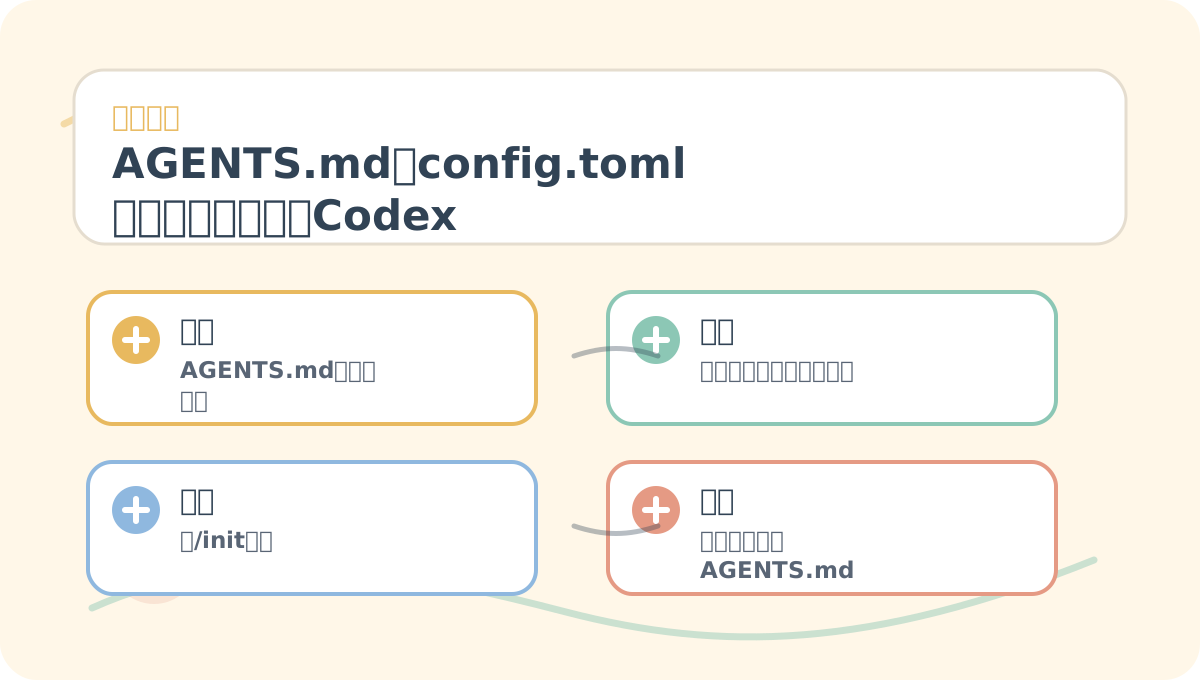
After reading “`AGENTS.md` and `config.toml`: Entrusting Project Rules to Codex”, take one minute to reflect: Are key concepts clearly distinguished? Can the practice steps be reliably reproduced? Can you restate the conclusions in your own words?
## Commands
- Build: `npm run build`
- Dev: `npm run dev`
- Do *not* add dependencies unless explicitly requested.
## Working Rules
- Keep changes small and tightly scoped.
- Do *not* edit `.env`, certificates, private keys, or auto-generated folders.
- Before delivering the final response, summarize all modified files and verification outcomes.
## Content Rules
- Chinese tutorials must be practical and concrete.
- Avoid generic, AI-sounding language.
- Every tutorial article must include a cover image.
Be specific. Avoid vague directives like “be careful” or “write clean code.” Instead, write actionable rules:
✅ “Run npm test after modifying any JS file.”
✅ “Never modify .env.”
✅ “Place new content images in public/images/.”
Separate Global and Project-Level Rules
As noted in the official documentation, Codex first reads the global AGENTS.md located in your Codex home directory (typically ~/.codex), then overlays the project’s AGENTS.md.
We recommend this division:
~/.codex/AGENTS.md: Personal preferences—e.g., preferred response language, review depth, whether explanations should be prioritized.- Project root
AGENTS.md: Project-specific details—commands, directory structure, testing requirements, deployment red lines. - Subdirectory
AGENTS.mdorAGENTS.override.md: Localized, granular rules—for example, for payment services, frontend pages, or content directories.
Team-wide rules belong in the project repo. Personal habits belong in your local ~/.codex.
Start with /init
Per official best practices, the CLI command /init generates a starter AGENTS.md in your current directory. It’s a great starting point—but must be customized afterward.
/init
I typically let Codex generate the initial version, then immediately add three critical items:
- The actual build command used in the project
- Files/folders that must never be modified
- Mandatory verification steps to complete before finalizing output
config.toml Controls Behavior; AGENTS.md Defines Rules
AGENTS.mddefines what the agent should do—the project’s rules, constraints, and expectations.config.tomlconfigures how Codex behaves—model selection, reasoning effort, sandbox settings, approval policies, MCP server endpoints, and feature flags.
Official best practices recommend:
- Place personal defaults in
~/.codex/config.toml. - Store project-specific behavior in
.codex/config.toml(at the project root). - Override settings temporarily using CLI flags like
-c key=value.
New users shouldn’t copy-paste large config templates upfront. Begin with default permissions—and only add configurations incrementally once you’ve identified precisely what a given project requires.
When to Update AGENTS.md
Update AGENTS.md whenever Codex repeatedly makes the same mistake. For example:
- It consistently uses
npminstead of the project’s actual package manager (pnpm). - It edits auto-generated files.
- It forgets to run
buildbefore deploying.
Turn each recurring issue into an explicit, unambiguous rule—and the next iteration will avoid that pitfall.
While practicing “AGENTS.md and config.toml: Entrusting Project Rules to Codex”, record input conditions, actions taken, and observable outcomes together—making future review fast and reliable.
When reviewing “AGENTS.md and config.toml: Entrusting Project Rules to Codex”, consolidate key concepts, procedural steps, and visible results onto a single page for efficient re-engagement.
References:
Apply This Lesson
Turn this article into AI software, model, API, and security decisions.
English Article FAQ
Use this article as evidence before choosing AI tools
How should I use this AI Tutorials article?
Use it as the implementation or learning layer, then connect the idea to AI software buyer guides, tool comparisons, benchmarks, API choices, and security checks before making a production decision.
Is this English article different from the Chinese original?
The English edition is localized for global AI readers while preserving the original diagrams, screenshots, prompts, code examples, and source context from the Chinese article.
What should I read after AGENTS.md?
Continue with AI Software Buyer Guides, AI Tools Workbench, Best AI Coding Agents, AI Model Benchmarks, OpenAI vs Anthropic API, or LLM Security Tools depending on the decision you need to make.
Can this article alone choose an AI product or model?
No. Treat the article as evidence and context, then validate fit with pricing, privacy requirements, integration effort, benchmark results, workflow tests, and fallback planning.
Continue