English translation
Hermes Agent: A Zero-to-Proficiency Learning Roadmap
AI Article Decision Snapshot
Turn the lesson into workflow, model, budget, and security checks before choosing tools.
Use this quick snapshot before leaving the article. It keeps the next search tied to practical AI software, model/API, cost, privacy, and implementation questions.
Workflow fit
Identify the real job behind the article: coding, research, document review, support, analytics, content, or internal automation.
Model or tool decision
Decide whether the next step is a software shortlist, an AI tool comparison, an API platform choice, or a model benchmark.
Budget and usage signal
Estimate seats, API calls, prompt volume, retries, review time, and fallback work before assuming the workflow is cheap.
Security and privacy review
Check whether source code, customer data, private documents, prompts, logs, or embeddings will enter the AI workflow.
If you’ve already used ChatGPT, Cursor, Claude Code, or Codex, the best way to learn Hermes Agent isn’t to treat it as yet another chatbot—but rather as a long-running, tool-using, memory-retaining, skill-accumulating personal AI agent.
This tutorial guides you from absolute zero to full understanding of Hermes Agent: what it is, what it’s designed for, how to install it, how to configure models, how to complete your first real-world task—and how to progressively add memory, skills, toolsets, MCP (Model Control Protocol), and messaging platforms to turn it into a truly productive AI assistant.
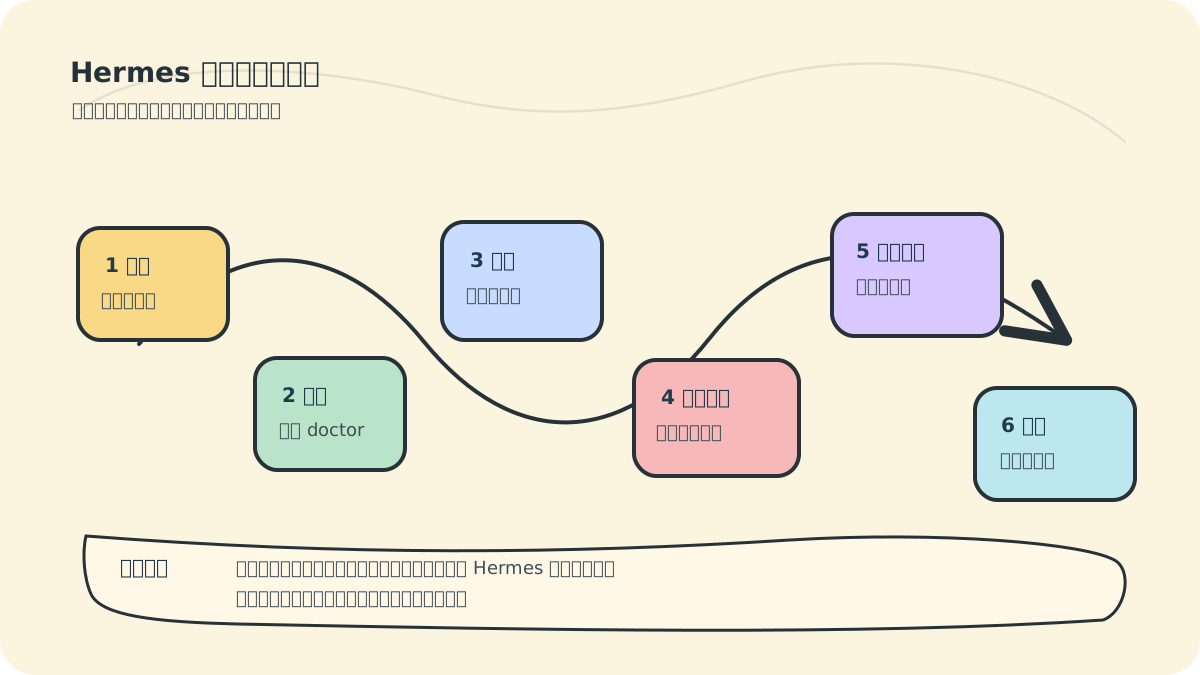
While designing this course, I distilled the entire learning path into the diagram above: First, reframe your mental model—Hermes is not a chat window. Then install it, configure a model, run your first read-only task—and only after that introduce tools, memory, skills, and scheduled checks. This sequence reflects where most learners stumble: not from typing commands incorrectly, but from prematurely stacking permissions, tools, models, and automation all at once—making it nearly impossible to diagnose which layer broke when something goes wrong.
Even if you’re just looking to “try it out,” we strongly recommend following this path. Each section ends with a small, verifiable outcome—for example: hermes doctor passes successfully; your first conversation can read a directory; session restoration resumes seamlessly; project health checks produce a correct read-only summary. Only when you can verify a result should you proceed to add more capabilities.
1. Build the Right Mental Model
Hermes Agent is an open-source AI agent developed by Nous Research. Its core design principle is not “ask once, answer once.” Instead, it enables AI to operate continuously within a persistent environment:
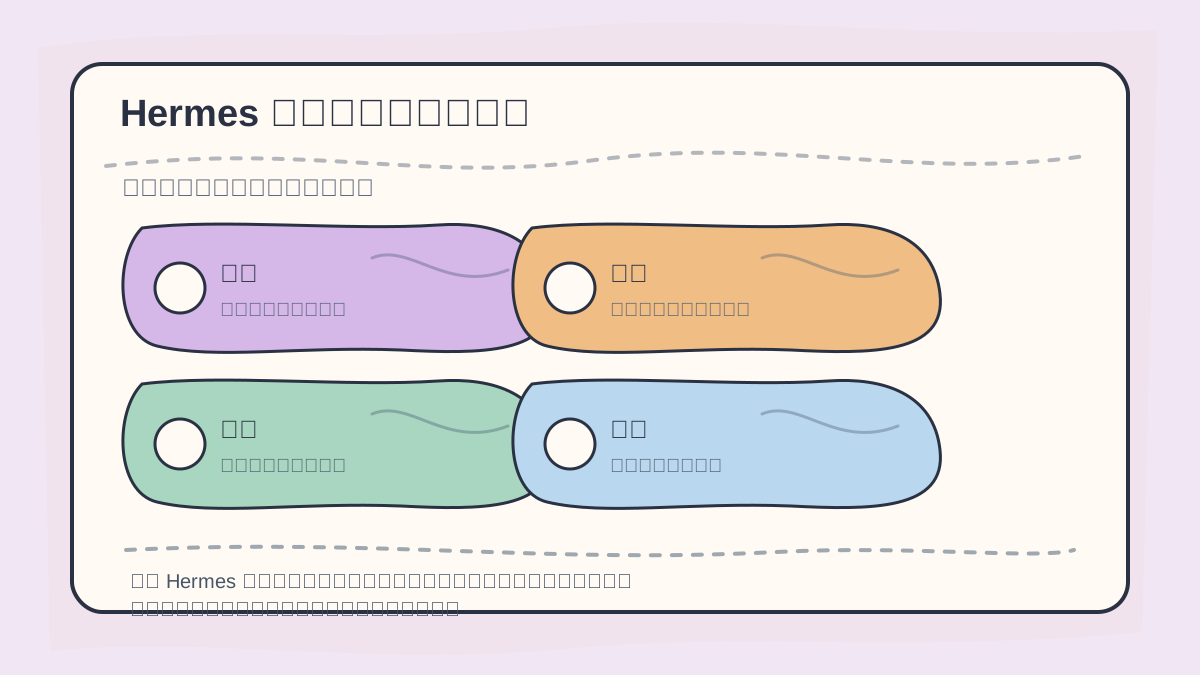
To grasp Hermes Agent, start with a concrete task workflow: How is a task decomposed? How are tools invoked? How is context preserved across steps? How is success verified?
- It reads/writes files and executes shell commands directly in your terminal.
- It supports multiple LLM providers—no vendor lock-in.
- It retains limited but strategically important long-term memory.
- It captures recurring workflows as reusable skills.
- It continues conversations via CLI, Telegram, Discord, Slack, and other platforms.
- It runs scheduled tasks—like daily reports, system health checks, monitoring, or backups.
Think of Hermes as an “AI colleague who lives on your computer or server.” Traditional chat tools resemble one-off Q&A sessions; Hermes functions more like an execution-oriented assistant that gradually learns your projects, environment, and habits.
2. Recommended Learning Sequence
Follow these six progressive steps:
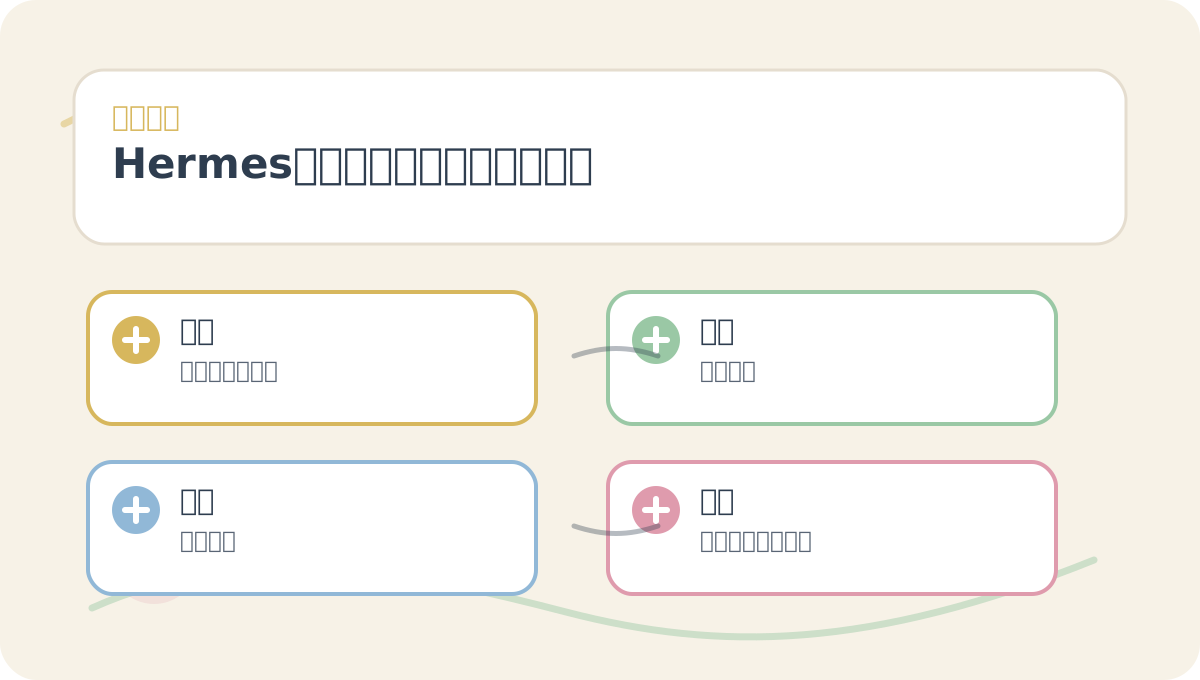
The Hermes Agent: Zero-to-Production Learning Roadmap is designed to be read alongside its visual roadmap. First confirm the problem statement and evaluation criteria—then dive into conceptual explanations and hands-on exercises. This structure helps information cohere into a clear, actionable thread.
- Understand how Hermes works: Recognize how it differs from standard chat interfaces, IDE plugins, or simple automation scripts.
- Install the environment: Set up Hermes on macOS, Linux, WSL2, or native Windows PowerShell.
- Configure a language model: Choose from OpenAI, OpenRouter, DeepSeek, Kimi, Qwen, Hugging Face, or any local provider compatible with the OpenAI API.
- Run your first conversation: Ask Hermes to inspect a directory, summarize a project, or execute a small, verifiable task.
- Master tools, memory, and skills: Learn when to invoke terminal commands, when to persist memory, and when to formalize behavior as a skill.
- Build a real-world workflow: For example, create an automated agent that checks project status daily and pushes results to your preferred channel.
The key isn’t mastering every feature at once—it’s ensuring Hermes does increasingly meaningful work at each step.
3. Who This Course Is For
This course serves three primary audiences:
- General AI users: Wanting to understand what exactly sets agents apart from ChatGPT.
- Developers & system administrators: Needing AI that can read codebases, run commands, modify files, parse logs, and generate documentation.
- Content operators & automation practitioners: Seeking AI that tracks information over time, organizes assets, and produces recurring reports.
If you have no programming experience, you can still follow the early sections covering CLI usage and model configuration. If you’re familiar with development, later sections—on tools, MCP, and remote deployment—will offer deeper value.
4. Prerequisites
Minimum setup requirements:
- A computer running macOS, Linux, or Windows + WSL2 (recommended).
- An active LLM account or API key—for example, from OpenAI, OpenRouter, DeepSeek, Kimi, Qwen, etc.
- Basic command-line fluency: ability to open a terminal, copy/paste commands, and interpret error messages.
- Optional but recommended: Docker Desktop or Docker Engine installed, if you plan to use Docker-based sandboxes.
⚠️ Note: The official Hermes documentation recommends models with at least a 64K-token context window. Smaller-context models may handle casual chat—but they’ll struggle with multi-step tool use and extended reasoning tasks.
5. What You’ll Be Able To Do Upon Completion
By the end of this course, you’ll be able to:
- Launch Hermes locally or on a remote server.
- Configure a stable, production-ready LLM backend.
- Use Hermes to inspect projects, analyze issues, and execute commands.
- Empower Hermes with toolsets to perform web searches, file processing, code edits, and more.
- Distinguish between memory and skills—and know precisely when to save each.
- Set up a basic MCP service or messaging platform integration (e.g., Telegram or Slack).
- Safely restrict Hermes’ permissions to prevent accidental modification of critical files.
6. Learning Recommendations
On your first pass, don’t rush to configure every platform, tool, or model. Follow this minimal, validated sequence first:
hermes model
hermes
hermes doctor
hermes tools
Once basic chat functionality is stable, incrementally add Docker sandboxing, MCP integrations, messaging gateways, and scheduled jobs. Agent systems fail most often when “features are piled high while foundational dialogue remains unstable”—so prioritize getting the smallest viable loop working flawlessly before expanding.
References
- Hermes Agent GitHub repository: https://github.com/NousResearch/hermes-agent
- Official Hermes Agent documentation: https://hermes-agent.nousresearch.com/docs/
- Chinese-language Hermes Agent documentation: https://hermes-agent.lzw.me/docs/
After reading the Hermes Agent: Zero-to-Production Learning Roadmap, try walking through a small end-to-end example—then assess which steps you can now execute independently.
Having reached this point, consider converting the Hermes Agent: Zero-to-Production Learning Roadmap into a personal retrospective sheet: First articulate the core learning arc—then validate it against a single, concrete task.
Apply This Lesson
Turn this article into AI software, model, API, and security decisions.
English Article FAQ
Use this article as evidence before choosing AI tools
How should I use this AI Tutorials article?
Use it as the implementation or learning layer, then connect the idea to AI software buyer guides, tool comparisons, benchmarks, API choices, and security checks before making a production decision.
Is this English article different from the Chinese original?
The English edition is localized for global AI readers while preserving the original diagrams, screenshots, prompts, code examples, and source context from the Chinese article.
What should I read after Hermes Agent: A Zero-to-Proficiency Learning Roadmap?
Continue with AI Software Buyer Guides, AI Tools Workbench, Best AI Coding Agents, AI Model Benchmarks, OpenAI vs Anthropic API, or LLM Security Tools depending on the decision you need to make.
Can this article alone choose an AI product or model?
No. Treat the article as evidence and context, then validate fit with pricing, privacy requirements, integration effort, benchmark results, workflow tests, and fallback planning.
Continue