English translation
What Is the Hermes Agent?
AI Article Decision Snapshot
Turn the lesson into workflow, model, budget, and security checks before choosing tools.
Use this quick snapshot before leaving the article. It keeps the next search tied to practical AI software, model/API, cost, privacy, and implementation questions.
Workflow fit
Identify the real job behind the article: coding, research, document review, support, analytics, content, or internal automation.
Model or tool decision
Decide whether the next step is a software shortlist, an AI tool comparison, an API platform choice, or a model benchmark.
Budget and usage signal
Estimate seats, API calls, prompt volume, retries, review time, and fallback work before assuming the workflow is cheap.
Security and privacy review
Check whether source code, customer data, private documents, prompts, logs, or embeddings will enter the AI workflow.
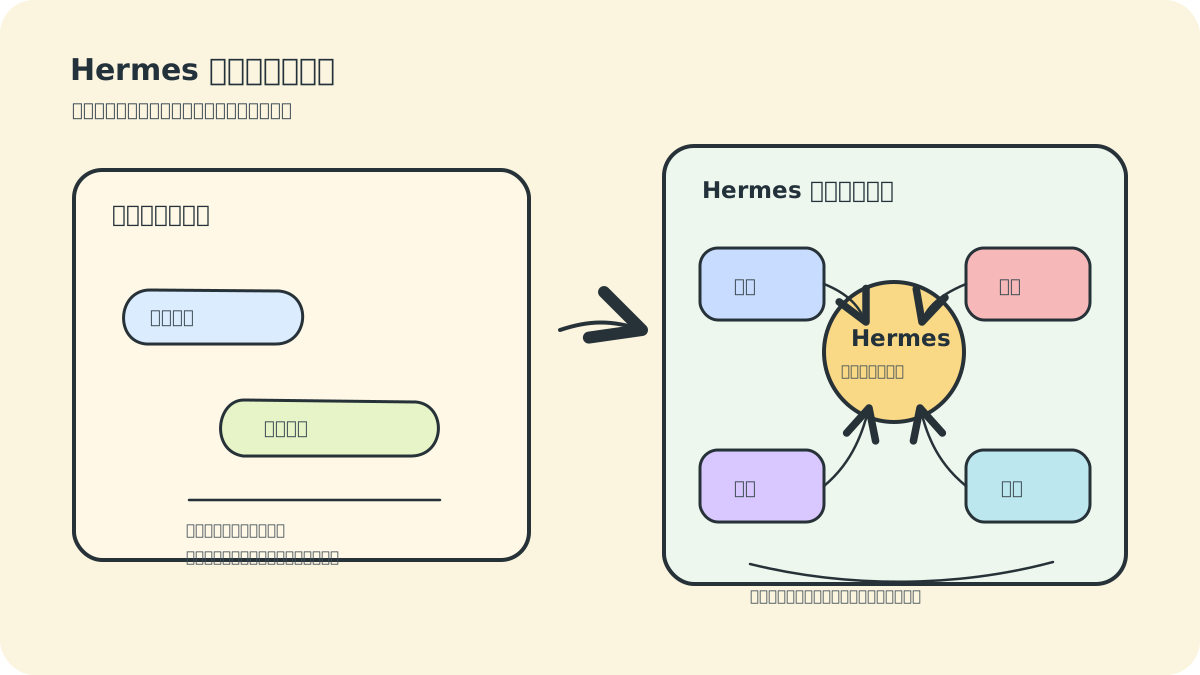
Before installing Hermes Agent, let’s clarify what it is. Many people hearing the term “agent” for the first time assume it’s just a chat interface wrapping a large language model (LLM) API—but Hermes’ core distinction lies elsewhere: it operates continuously in real environments and transforms hands-on experience into reusable capabilities.
We prefer to think of Hermes as a “work assistant embedded in your environment.” An ordinary chatbot resembles a temporary Q&A window—ideal for explaining a concept. Hermes, by contrast, is more like an executor placed inside a directory, equipped with a toolbox and governed by defined workflows. Its “answer quality” is only part of the story; what matters more is whether it reads actual files, follows procedural checks, and retains experience for future reuse.
This evaluation framework can be visualized as follows: On the left—a one-off conversation. On the right—an agent connected to tools, memory, skills, and message gateways. All subsequent features revolve around this fundamental distinction.

1. How Hermes Differs from Ordinary Chatbots
Standard chatbots primarily perform text-in → text-out interactions: you ask a question, they return an answer—and when you reopen the session later, much of the context and preferences must be re-specified.
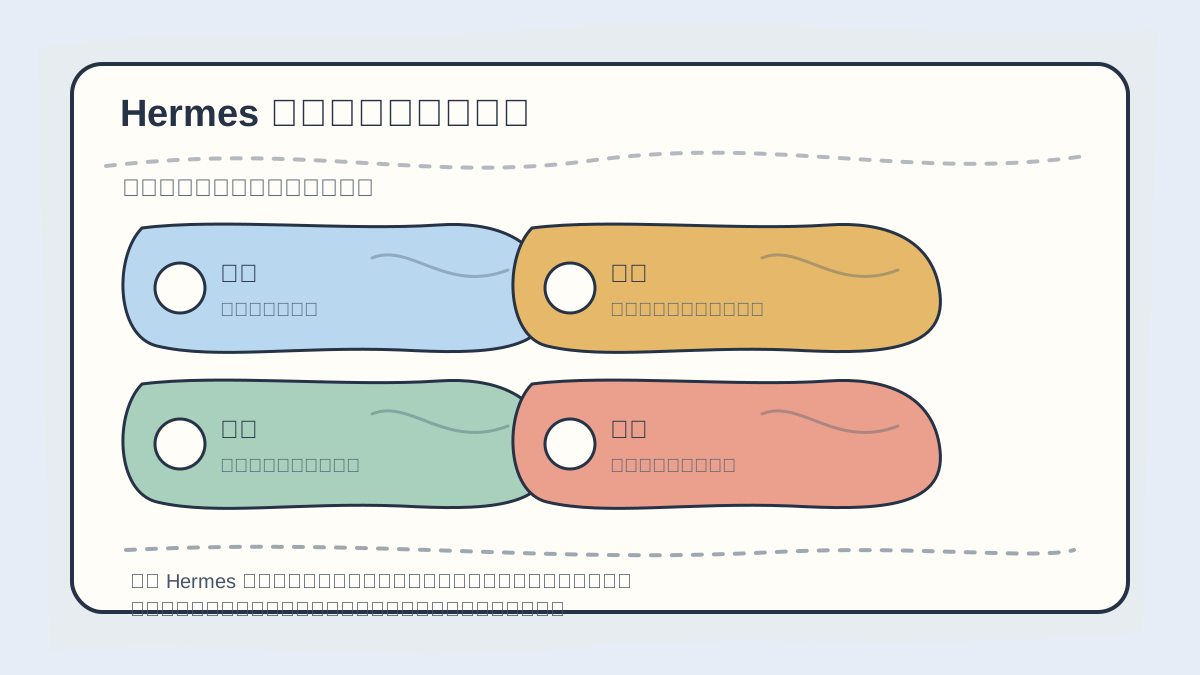
To understand what a Hermes Agent is, start by asking:
- Which part of a human workflow does it handle?
- Which tools does it invoke?
- Which context does it preserve?
- How does it deliver results?
The concept must anchor to verifiable, concrete tasks.
Hermes aims to be an execution-oriented agent, meaning:
- It can invoke terminal commands and file-system tools.
- It decomposes complex tasks into multiple sequential steps.
- It retrieves past conversations to maintain continuity.
- It maintains persistent, structured memory.
- It codifies recurring tasks into reusable skills.
- It delivers outputs across diverse platforms (e.g., email, messaging apps, dashboards).
As a result, you can assign Hermes tasks that closely mirror real-world work, such as:
- “Diagnose why this project fails to build and propose a fix.”
- “Every morning at 9 a.m., scrape AI news from several websites, summarize them, and send me the digest.”
- “Refactor this Markdown tutorial into a structure optimized for WeChat Official Account publishing.”
- “Write a script that archives images in a given directory by capture date.”
These go beyond knowledge recall—they require reading files, executing commands, invoking external tools, and retaining lessons learned.
2. Core Capabilities of Hermes
2.1 Swappable LLM Backends
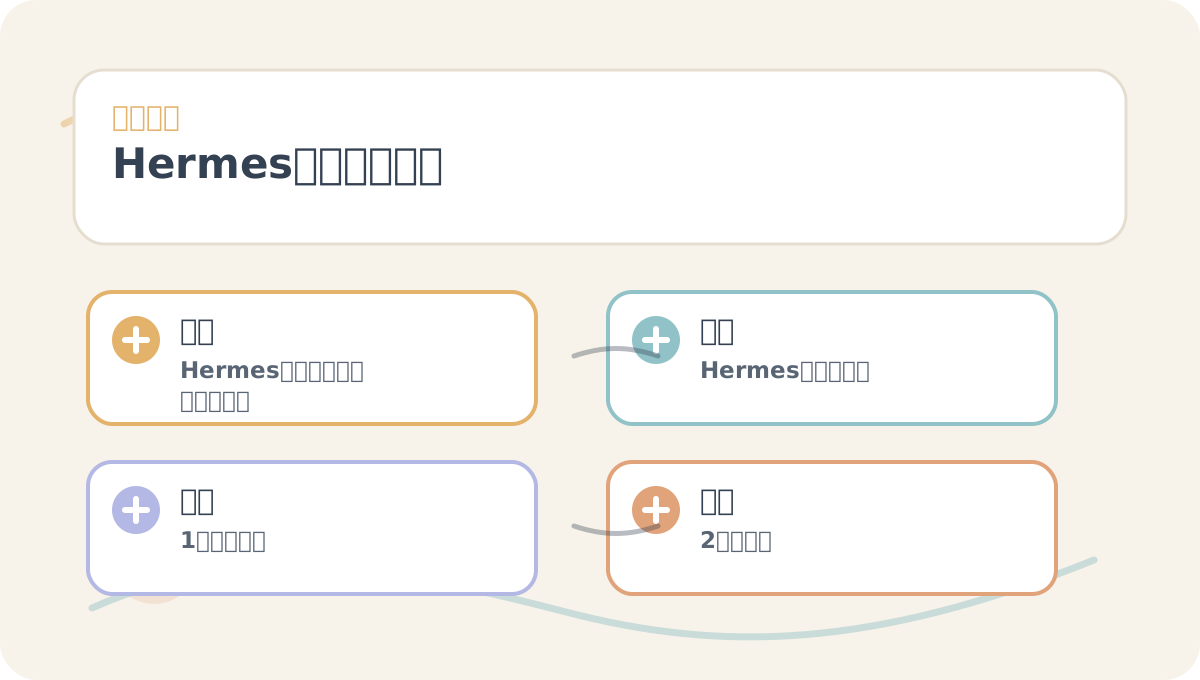
Before reading What Is Hermes?, use the accompanying diagram to confirm the central narrative. After reading, revisit it to identify which components are immediately actionable—and which require further study or setup.
Hermes does not lock you into a single model. You can switch providers via hermes model, including OpenAI, OpenRouter, Hugging Face, DeepSeek, Kimi, Qwen, Nous Portal, or any custom endpoint compatible with the OpenAI API.
This flexibility lets you match models to tasks:
- Code generation: Choose models with strong coding proficiency.
- Long-document summarization: Prioritize models with extended context windows and favorable cost-performance ratios.
- Local/private tasks: Connect to local runtimes like Ollama, vLLM, or SGLang.
- Domestic access: Opt for services better suited to regional network conditions—e.g., DeepSeek, Kimi, or Qwen.
2.2 Tool Calling
Hermes supports diverse tool categories: web search, file I/O, shell command execution, browser automation, image analysis, speech processing, memory retrieval, scheduled jobs, message delivery, and MCP-compliant tools.
This is the key dividing line between chatbots and agents: Chatbots mostly talk. Agents act—within their environment.
2.3 Persistent Memory
Hermes memory isn’t an unbounded database—it’s a curated, long-term memory store. Key facts—like your project paths, preferred communication style, common tech stack, or operational habits—are saved under ~/.hermes/memories/.
The value lies in reducing redundant explanations. For example, you no longer need to repeatedly tell Hermes: “My blog lives in this directory,” “The deployment service name is X,” or “I prefer concise, bullet-pointed summaries.”
2.4 Skill System
Skills function as standard operating procedures (SOPs) for the agent. When a task type recurs frequently, its workflow can be formalized into a skill—automatically loaded whenever needed.
Examples include:
- GitHub Pull Request review & merge workflow
- WeChat Official Account article rewriting
- Data analysis report generation
- Kubernetes troubleshooting playbook
Skills eliminate repeated trial-and-error—replacing improvisation with proven, repeatable execution.
2.5 Message Gateways & Scheduled Tasks
Hermes doesn’t live solely in your terminal. Through its gateway layer, it integrates with Telegram, Discord, Slack, WhatsApp, Signal, Email, Home Assistant, Microsoft Teams, and more.
Combined with cron-style scheduling, Hermes becomes a persistent, background agent:
- Generate daily status reports
- Scan project dependencies for security risks weekly
- Backup data nightly and report outcomes
- Monitor website uptime or API health on a fixed schedule
3. Where Hermes Excels
Hermes shines in these practical domains:
- Developer assistance: Reading code, editing files, running tests, drafting PR descriptions
- Research & synthesis: Searching sources, extracting insights, organizing notes
- Content creation: Transforming raw material into articles, scripts, or topic pipelines
- Server operations: Log analysis, script execution, infrastructure health reports
- Personal knowledge management: Retaining project context and standard workflows
- Automated workflows: Triggering tasks on schedule and delivering results
⚠️ Important caveat: Hermes is not designed to autonomously execute high-risk production actions without human oversight. Examples include:
- Deleting databases
- Restarting production services
- Modifying payment logic
- Bulk-deleting files
Such operations must retain explicit human confirmation.
4. Typical Hermes Workflow
A standard Hermes interaction unfolds like this:
- User states a goal.
- Hermes analyzes required information and resources.
- Hermes invokes tools—reading files, searching the web, or executing commands.
- Hermes revises its plan based on observed results.
- Hermes executes changes, generates reports, or completes the objective.
- If valuable, Hermes saves relevant insights to memory—or formalizes the process as a new skill.
This forms the agent’s core feedback loop: Perceive → Reason → Act → Reflect → Accumulate.
5. Common Pitfalls for New Users
Misconception #1: Treating Hermes as Fully Autonomous Driving
Hermes is powerful—but its performance depends critically on model quality, tool permissions, and input context fidelity. The higher the risk, the more essential step-by-step validation becomes.
Misconception #2: Granting Full Permissions Immediately
Beginners should start with a small local directory—not production servers. Only after understanding tool permissions, safety prompts, and Docker sandboxing should you gradually expand scope.
Misconception #3: Overlooking Context Window Requirements
As noted in the official quickstart guide, Hermes requires models with at least a 64K-token context window. Agents must juggle tool outputs, intermediate plans, file snippets, and historical context—smaller windows quickly exhaust capacity.
Misconception #4: Using Hermes Only for Chat—Not Real Tasks
The fastest way to learn is to assign small but authentic tasks:
- Summarize the current directory contents
- Audit the
README.mdfor completeness - Generate a simple utility script
- Compile a checklist from scattered notes
Merely reading theory won’t build fluency.
When reviewing What Is Hermes?, place key concepts, actionable steps, and observable outcomes side-by-side on one page.
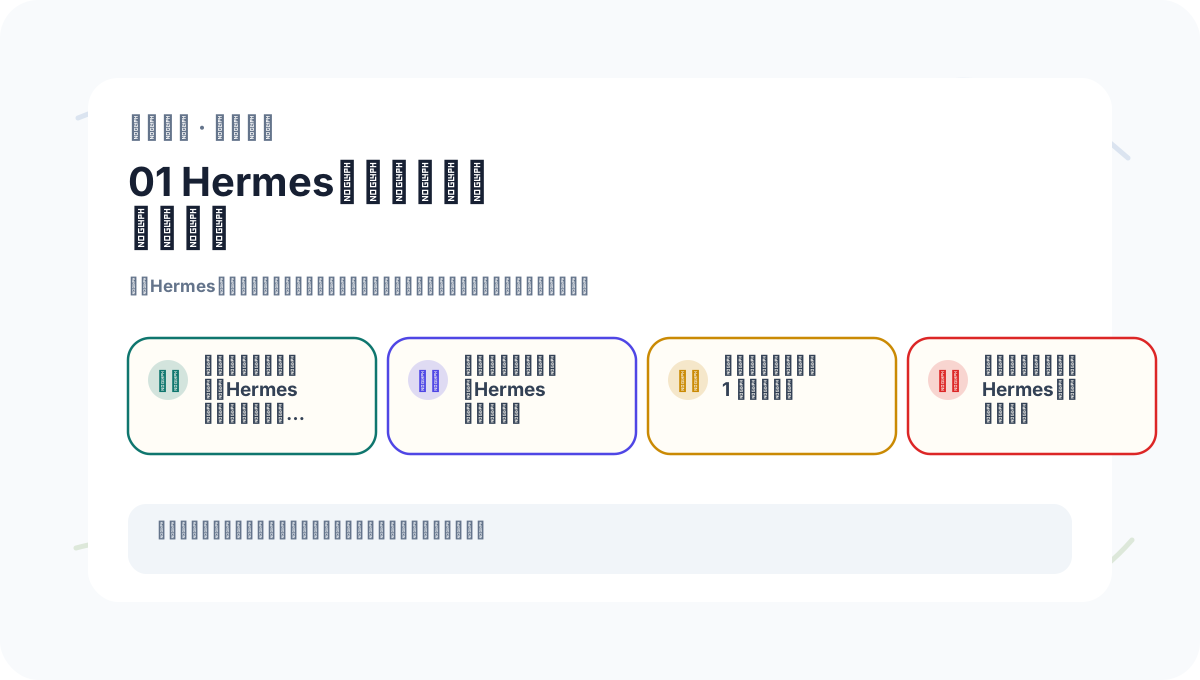
When practicing What Is Hermes?, document each exercise with three aligned columns:
- Input conditions
- Processing actions taken
- Visible, verifiable outputs
This makes future review and iteration efficient.
6. Summary of This Section
Hermes Agent is an open-source, self-improving AI agent. Its defining value isn’t “answering smarter”—but rather “acting continuously in real environments and converting experience into memory and skills.”
In the next section, we’ll install Hermes—and walk through the most stable, system-specific setup paths.
Apply This Lesson
Turn this article into AI software, model, API, and security decisions.
English Article FAQ
Use this article as evidence before choosing AI tools
How should I use this AI Tutorials article?
Use it as the implementation or learning layer, then connect the idea to AI software buyer guides, tool comparisons, benchmarks, API choices, and security checks before making a production decision.
Is this English article different from the Chinese original?
The English edition is localized for global AI readers while preserving the original diagrams, screenshots, prompts, code examples, and source context from the Chinese article.
What should I read after What Is the Hermes Agent??
Continue with AI Software Buyer Guides, AI Tools Workbench, Best AI Coding Agents, AI Model Benchmarks, OpenAI vs Anthropic API, or LLM Security Tools depending on the decision you need to make.
Can this article alone choose an AI product or model?
No. Treat the article as evidence and context, then validate fit with pricing, privacy requirements, integration effort, benchmark results, workflow tests, and fallback planning.
Continue