English translation
Hermes Agent Practical Workflow and Security Boundaries
AI Article Decision Snapshot
Turn the lesson into workflow, model, budget, and security checks before choosing tools.
Use this quick snapshot before leaving the article. It keeps the next search tied to practical AI software, model/API, cost, privacy, and implementation questions.
Workflow fit
Identify the real job behind the article: coding, research, document review, support, analytics, content, or internal automation.
Model or tool decision
Decide whether the next step is a software shortlist, an AI tool comparison, an API platform choice, or a model benchmark.
Budget and usage signal
Estimate seats, API calls, prompt volume, retries, review time, and fallback work before assuming the workflow is cheap.
Security and privacy review
Check whether source code, customer data, private documents, prompts, logs, or embeddings will enter the AI workflow.
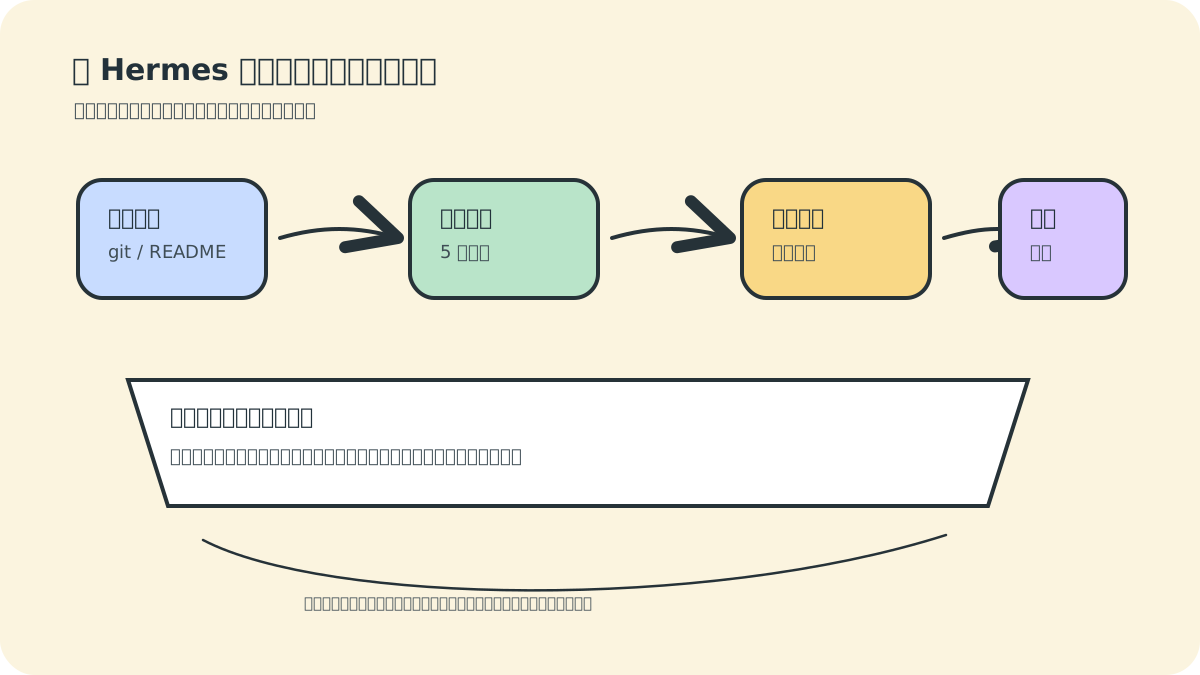
We’ll conclude with a real-world scenario: configuring Hermes as an intelligent agent that helps us inspect project status, generate daily reports, and—when necessary—alert humans for intervention. At the same time, we’ll clearly define its security boundaries, because agents capable of executing commands must be used with caution.
Our top recommended first practical use case is not letting Hermes automatically modify code—but rather deploying it as a project inspection assistant. This task delivers tangible value while keeping risk tightly controlled: reading git status, reviewing recent commits, identifying relevant diagnostic commands, and summarizing findings—without modifying files, deploying changes, or restarting services. The diagram above explicitly maps this workflow to separate “what can be automated” from “what should be automated.”
The more powerful an agent becomes, the more critical it is to retain human approval checkpoints—especially for high-risk operations such as deleting files, altering databases, deploying to production, restarting live services, or handling payments and authentication. These constraints should be codified directly into prompts, skills, and standard operating procedures—not left to ad-hoc memory.
1. Practical Objective
We will build a Project Inspection Assistant, designed to perform the following tasks daily:
- Navigate to a specified project directory.
- Run
git status. - Inspect the most recent commit.
- Execute lightweight diagnostic commands (e.g.,
npm run lint,poetry check). - Summarize whether any risks exist today (e.g., uncommitted changes, failing tests, outdated dependencies).
- Deliver results to you—either via message or as a saved report.
This task is ideal for Hermes: it requires reading project files, executing shell commands, interpreting output, assessing risk, and supports scheduled execution.
2. First Manual Execution
Don’t jump straight into scheduling. First, launch Hermes:
hermes
Then give it a precise, bounded instruction:
Please inspect the current project state: check `git status`, review the most recent commit, and examine `package.json` scripts. Tell me whether the project is safe to build or commit today. Perform *only* read-only checks—do *not* modify any files.
Two key points here:
- It explicitly defines what to inspect.
- It explicitly forbids file modification (“only read-only checks”).
The more specific and constrained the instruction, the more reliable and repeatable the outcome.
3. Formalizing a Standard Inspection Checklist
Once the manual run succeeds, ask Hermes to codify the process into a reusable checklist:
Convert the above project inspection steps into a reusable, standardized checklist. For all future “project inspection” tasks, execute this checklist by default—performing only read-only checks unless I explicitly authorize modifications.
If you frequently perform such inspections, go further and ask Hermes to formalize it as a skill:
Please convert this project inspection workflow into a Hermes skill. It must include: git status inspection, recent commit analysis, dependency/script validation, build-risk assessment, and an explicit prohibition against automatic file modification.
Skills eliminate the need to restate lengthy rules each time—enabling consistent, scalable automation.
4. Designing Scheduled Automation
Only after the manual workflow proves stable should you consider cron-based automation. Let Hermes help you express natural-language schedules—for example:
Every morning at 9 a.m., inspect this project’s git status and build readiness, then send me a Chinese summary of no more than five bullet points.
In practice, start with low-risk automation:
- Read-only inspection only.
- No deployments.
- No
git push. - No service restarts.
- No file deletions.
Once results remain stable for several days, incrementally add capabilities.
5. Integrating with Messaging Platforms
To receive reports on your phone, configure Hermes’ gateway:
hermes gateway setup
Follow the prompts to select Telegram, Discord, Slack, WhatsApp, Signal, Email, Microsoft Teams, or another supported platform.
Then launch the gateway:
hermes gateway
Now you can interact with Hermes—running on a remote server or cloud instance—without opening your laptop.
6. Security Boundaries
Hermes’ official documentation includes a built-in safety approval mechanism. Operations like recursive deletion (rm -rf), disk formatting, dangerous shell redirections, SQL DELETE without WHERE, or stopping system services trigger either mandatory human approval or outright blocking.
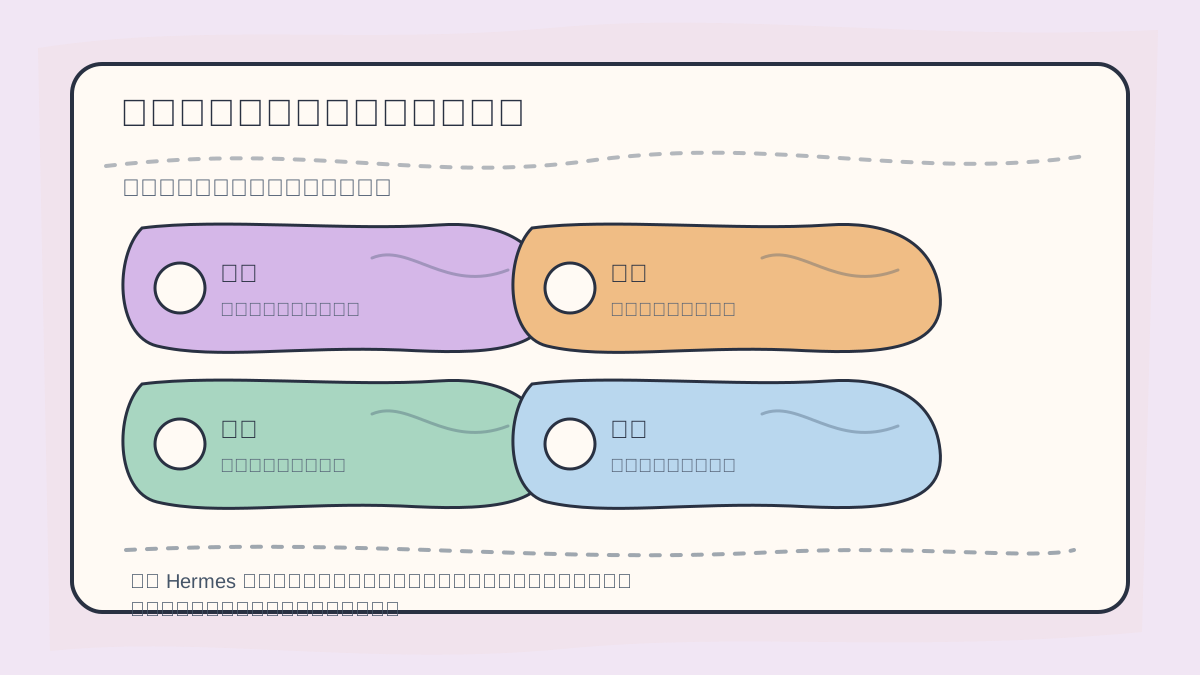
When designing Hermes workflows, explicitly label each step as:
- ✅ Automatically executable
- ⚠️ Requires confirmation
- 📝 Must be logged
- 🔁 Can be safely rolled back
Efficiency must never compromise security boundaries.
Yet beginners must remember: safety mechanisms are not a license for reckless use—they’re the final line of defense.
We recommend adhering to these principles:
- Start with read-only analysis; only later let Hermes propose edits.
- Before modifying any file, require Hermes to list exactly which files will change—and why.
- All deployment, service restart, database, payment, and authentication operations require explicit human confirmation.
- Never hardcode API keys, tokens, or passwords in tutorials, repositories, or chat logs.
- On production servers, prefer SSH or Docker sandbox backends—and strictly limit the working directory.
- For high-risk tasks, avoid enabling YOLO mode entirely.
7. About YOLO Mode
Hermes supports YOLO (“You Only Live Once”) mode, which bypasses dangerous-command approval prompts:
hermes --yolo
Or within a session:
/yolo
New users should avoid YOLO mode. It’s appropriate only for:
- One-off sandboxed environments,
- Fully tested, deterministic automation pipelines, or
- Scenarios where you fully understand—and accept—the consequences.
YOLO has no place in routine development or production systems. Keeping approval prompts enabled is simply safer.
8. A Complete Prompt Template
Use the following prompt for your first hands-on exercise:
You are my Hermes Project Inspection Assistant. Perform a read-only inspection in the current directory:
1. Run `git status` and identify the current branch;
2. Show the most recent commit;
3. Read `package.json` or `README.md` to infer the project type (e.g., Node.js, Python, Rust);
4. Identify available diagnostic commands—but skip any that are time-consuming or would modify files;
5. Output no more than five concise conclusions—in Chinese;
6. If risks are detected, provide actionable suggestions only—never auto-modify anything.
The power of such prompts lies in their clarity across three dimensions: 🔹 Clear objective 🔹 Clear permissions (read-only) 🔹 Clear output format (≤5 Chinese bullet points)
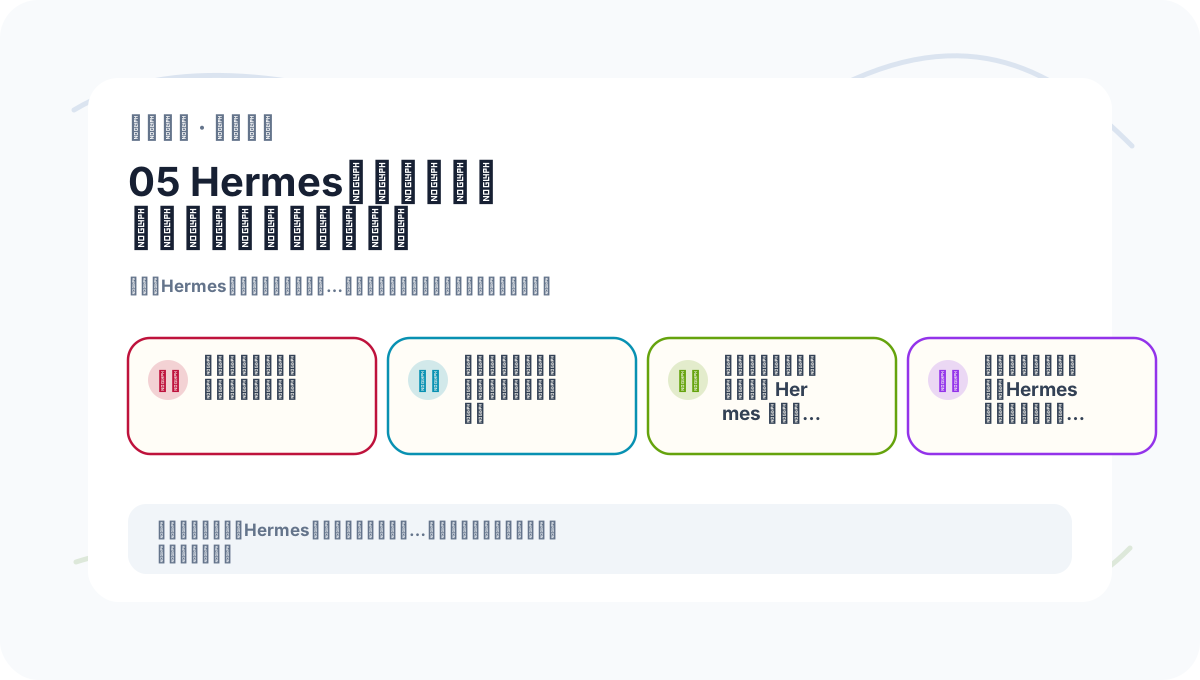
When reviewing “Hermes Agent Practical Workflow & Security Boundaries,” keep key concepts, procedural steps, and observable outcomes on the same page for efficient reflection.
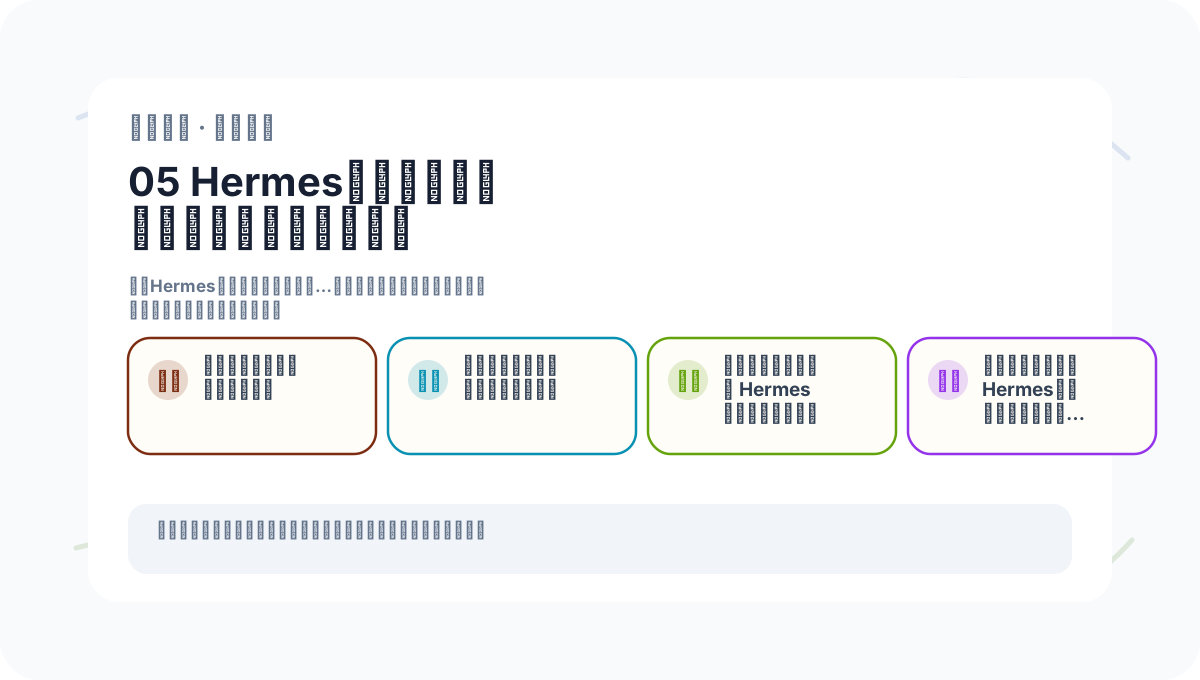
When practicing “Hermes Agent Practical Workflow & Security Boundaries,” write input conditions, processing actions, and visible outputs side-by-side—making future verification fast and reliable.
9. Next Steps & Advanced Directions
After mastering the basics, explore these extensions:
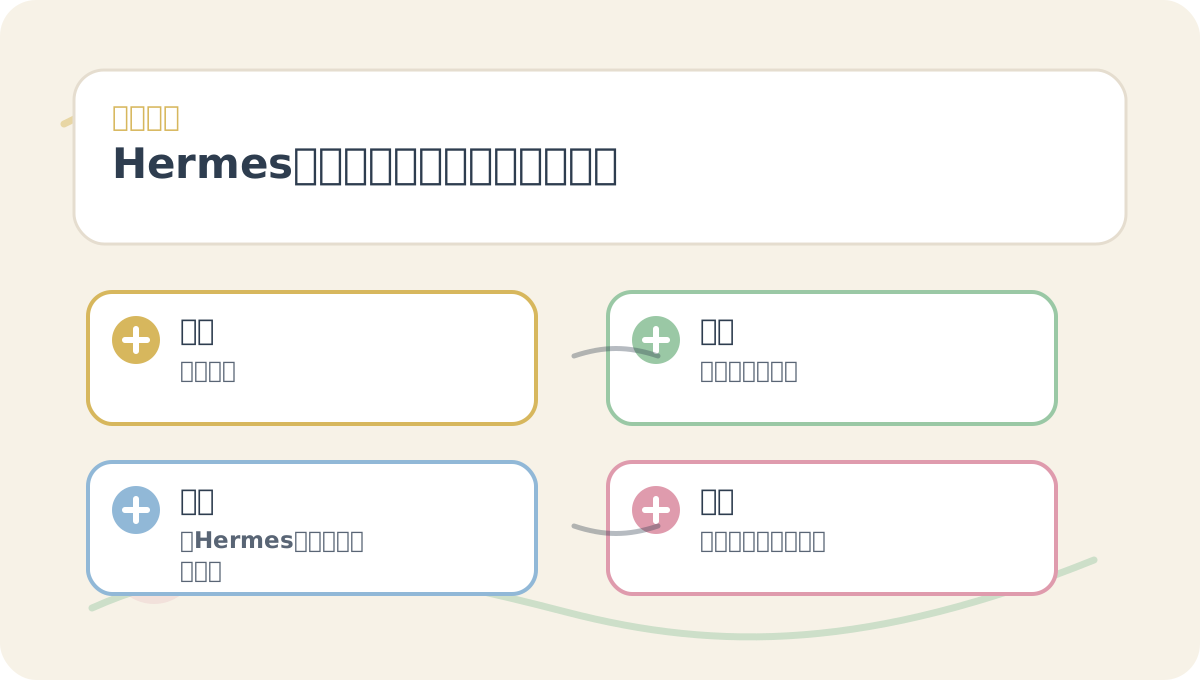
Before reading “Hermes Agent Practical Workflow & Security Boundaries,” align the diagram’s questions, keywords, actions, and acceptance criteria with the text—this makes comprehension faster. After reading, try explaining the entire workflow using your own project as the example.
- Isolate execution environments using the Docker backend.
- Use the SSH backend to let Hermes operate on remote servers.
- Integrate with GitHub, databases, or knowledge bases via MCP (Model Control Protocol).
- Capture and reuse your expertise through the Skills system.
- Connect Hermes to mobile messaging platforms via Gateway.
- Automate daily/weekly reporting, monitoring, and recurring inspections with cron.
10. Summary
Hermes’ highest-value use isn’t letting it “do whatever it wants”—but training it to become a long-term, boundary-aware, process-driven, and memory-equipped assistant. Begin with read-only inspection, then gradually expand permissions: write access → automation → remote execution. That’s how you deploy intelligent agents fast—and safely.
References
- Hermes Agent GitHub Repository: https://github.com/NousResearch/hermes-agent
- Hermes Quick Start Guide: https://hermes-agent.lzw.me/docs/getting-started/quickstart
- Hermes Configuration Documentation: https://hermes-agent.lzw.me/docs/user-guide/configuration
- Hermes Tools & Toolsets: https://hermes-agent.lzw.me/docs/user-guide/features/tools
- Hermes Memory System: https://hermes-agent.lzw.me/docs/user-guide/features/memory
- Hermes Skills System: https://hermes-agent.lzw.me/docs/user-guide/features/skills
- Hermes MCP Documentation: https://hermes-agent.lzw.me/docs/user-guide/features/mcp
- Hermes Security Guide: https://hermes-agent.lzw.me/docs/user-guide/security
Apply This Lesson
Turn this article into AI software, model, API, and security decisions.
English Article FAQ
Use this article as evidence before choosing AI tools
How should I use this AI Tutorials article?
Use it as the implementation or learning layer, then connect the idea to AI software buyer guides, tool comparisons, benchmarks, API choices, and security checks before making a production decision.
Is this English article different from the Chinese original?
The English edition is localized for global AI readers while preserving the original diagrams, screenshots, prompts, code examples, and source context from the Chinese article.
What should I read after Hermes Agent Practical Workflow and Security Boundaries?
Continue with AI Software Buyer Guides, AI Tools Workbench, Best AI Coding Agents, AI Model Benchmarks, OpenAI vs Anthropic API, or LLM Security Tools depending on the decision you need to make.
Can this article alone choose an AI product or model?
No. Treat the article as evidence and context, then validate fit with pricing, privacy requirements, integration effort, benchmark results, workflow tests, and fallback planning.
Continue