English translation
Hermes Agent: Tool Memory and MCP Integration
AI Article Decision Snapshot
Turn the lesson into workflow, model, budget, and security checks before choosing tools.
Use this quick snapshot before leaving the article. It keeps the next search tied to practical AI software, model/API, cost, privacy, and implementation questions.
Workflow fit
Identify the real job behind the article: coding, research, document review, support, analytics, content, or internal automation.
Model or tool decision
Decide whether the next step is a software shortlist, an AI tool comparison, an API platform choice, or a model benchmark.
Budget and usage signal
Estimate seats, API calls, prompt volume, retries, review time, and fallback work before assuming the workflow is cheap.
Security and privacy review
Check whether source code, customer data, private documents, prompts, logs, or embeddings will enter the AI workflow.
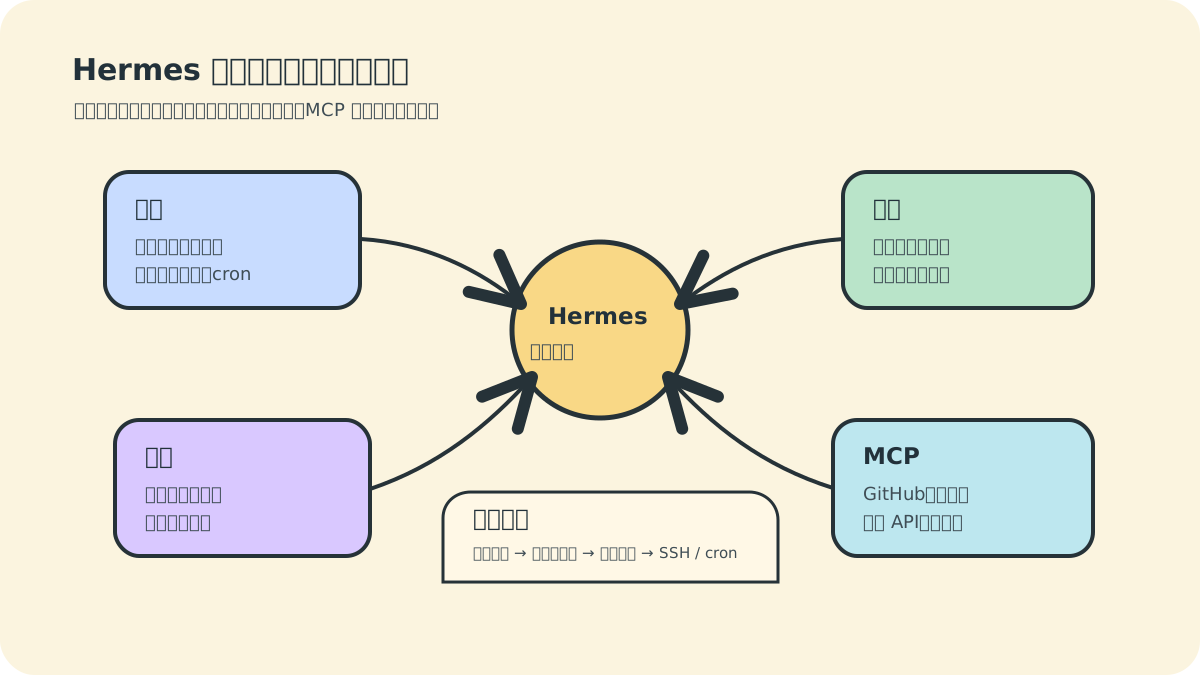
Once Hermes can chat reliably, the next step is understanding why it can “get things done.” The core answer lies in four modules: Tools, Memory, Skills, and MCP. Mastering these transforms Hermes from a simple chat interface into a true working assistant.
Don’t conflate these four modules—they serve distinct purposes:
- Tools answer “Can it act?”
- Memory answers “Will it remember next time?”
- Skills answer “Can workflows be reused?”
- MCP answers “Can it integrate with external systems?”
We visualize them as a capability map because beginners often fixate solely on tool lists—overlooking permission boundaries and long-term maintenance costs.
If you’re using Hermes for personal projects, prioritize like this:
- Enable read-only tools first.
- Save only a small set of critical memories.
- Encode stable, repeatable workflows as Skills. Postpone MCP and remote automation until you’ve identified tasks truly worth automating long-term.
1. What Are Tools?
Tools are Hermes’ means of interacting with the external world. Without tools, large language models generate only text; with tools, Hermes can read files, execute commands, search the web, open browsers, generate images, schedule tasks, and send messages.
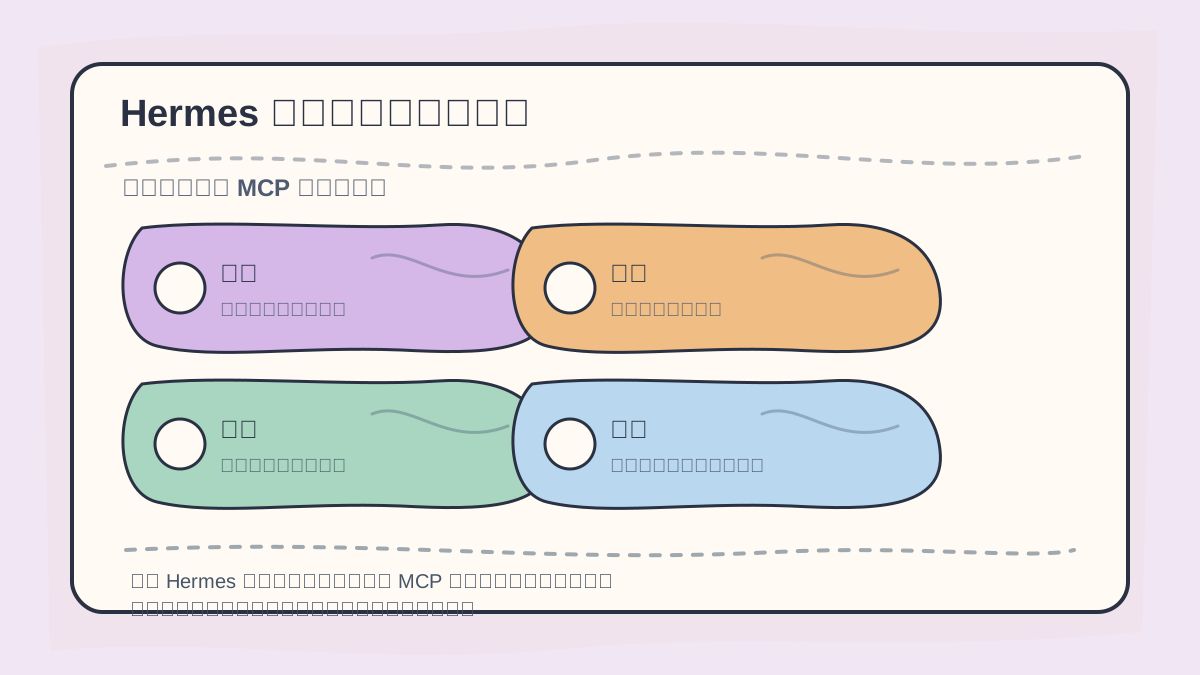
When learning about Hermes’ Tools, Memory, Skills, and MCP, start by distinguishing which components handle context persistence, which drive action execution, and which enable external integration.
Official documentation broadly categorizes tools as follows:
- Web: Search and extract content from web pages.
- Terminal & Files: Run shell commands, read/write files, apply patches.
- Browser: Open pages, parse DOM structure, perform visual browsing.
- Media: Analyze/generate images, convert text to speech.
- Agent Orchestration: Plan steps, clarify intent, execute code, delegate to sub-agents.
- Memory & Recall: Store long-term memories, search past conversations.
- Automation & Messaging: Schedule cron jobs, send notifications.
- Integrations: Home Assistant, MCP servers, other external systems.
View current tool configuration:
hermes tools
Launch chat with specific toolsets:
hermes chat --toolsets "web,terminal"
2. Gradually Expand Tool Permissions
New users should not enable all tools at once. Follow this progressive order:
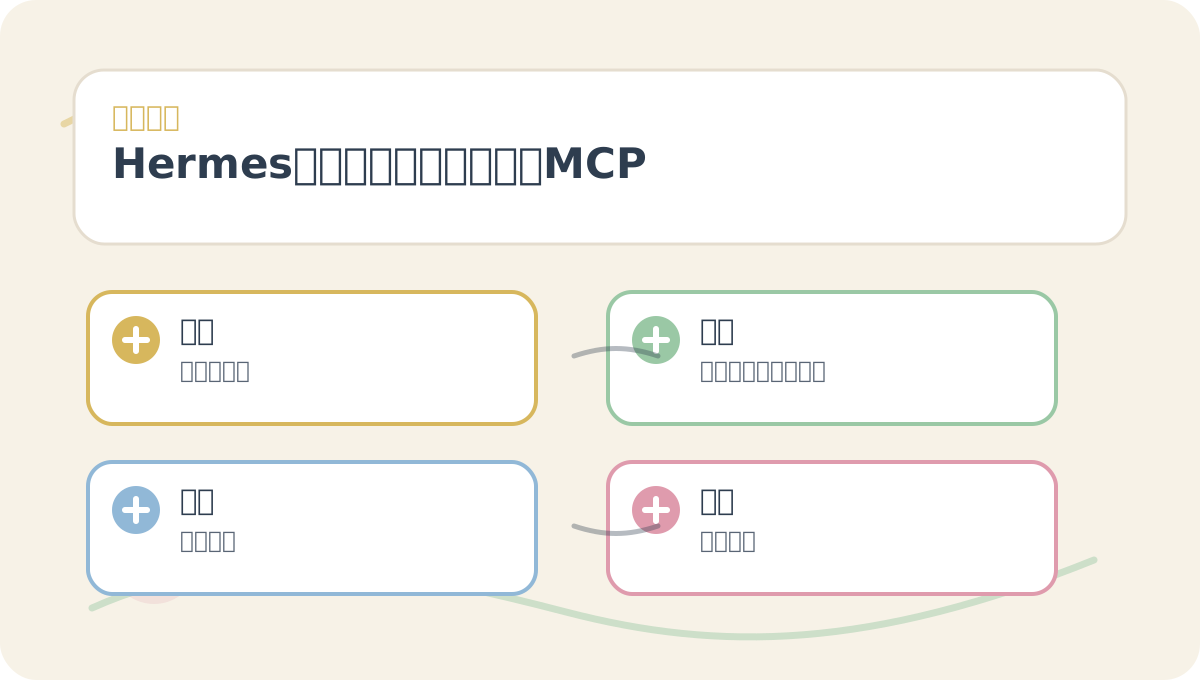
When reading “Hermes Agent: Tools, Memory, Skills, and MCP”, first align the questions, keywords, actions, and acceptance criteria shown in the diagram—then read the main text. Afterward, try explaining the concepts again using your own project.
- Start with read-only tools: file reading, web search.
- Then add low-risk tools: report generation, text summarization.
- Next enable write tools: editing files, generating code.
- Finally consider high-privilege tools: terminal execution, Docker, SSH, cron, message sending.
The more capable an agent becomes, the more critical its boundaries become—especially around production servers, databases, payment systems, authentication logic, or deployment scripts. Never grant unrestricted access.
3. Terminal Backends
Hermes’ terminal tools can execute across multiple backends:
| Backend | Use Case |
|---|---|
local |
Local development, trusted tasks |
docker |
Isolated sandbox, reproducible environments |
ssh |
Remote servers or machines with greater compute power |
singularity |
HPC clusters |
modal |
Ephemeral cloud compute |
daytona |
Hosted cloud workspaces |
vercel_sandbox |
Lightweight cloud VMs |
The simplest default is local execution:
terminal:
  backend: local
For improved safety, switch to Docker:
hermes config set terminal.backend docker
The Docker backend functions like a persistent sandbox: commands run inside containers, and installed packages or written files persist across sessions.
4. Memory System
Hermes stores memory at:
~/.hermes/memories/
Two primary files exist:
MEMORY.md: Hermes’ internal notes—e.g., environment facts, project conventions, learned heuristics.USER.md: User profile—e.g., communication preferences, writing style, recurring habits.
More memory isn’t always better. Official documentation enforces capacity limits precisely to ensure only truly essential information is retained.
Good candidates for memory:
- “My blog project lives at
/var/www/my-markdown-site.” - “I prefer Chinese replies, with conclusions stated upfront.”
- “Deployment requires passing build checks first.”
- “Production service restarts require manual confirmation.”
Avoid storing in memory:
- One-off temporary queries.
- API keys, passwords, tokens.
- Unverified assumptions or guesses.
- Full copies of lengthy documents.
5. Skills System
Skills encode reusable, structured workflows for Hermes. They reside in:
~/.hermes/skills/
Think of a Skill as a documented procedure: “When encountering this type of task, here’s exactly how the agent should proceed.”
List available skills:
hermes skills
Search skills:
hermes skills search kubernetes
Install a skill:
hermes skills install openai/skills/k8s
Invoke skills directly in chat using slash commands:
/plan Help me design an automated blog deployment workflow.
Skills excel at codifying standardized processes such as:
- Consistent article formatting.
- Fixed deployment checklists.
- Standardized code review criteria.
- Prescribed data analysis templates.
6. What Is MCP?
MCP stands for Model Context Protocol, enabling Hermes to connect to external tool servers. Through MCP, you can integrate GitHub, databases, filesystems, internal company APIs, knowledge bases, and more.
Hermes’ MCP configuration resides under mcp_servers in ~/.hermes/config.yaml.
Minimal stdio-based example:
mcp_servers:
  filesystem:
    command: "npx"
    args: ["-y", "@modelcontextprotocol/server-filesystem", "/tmp"]
HTTP-based MCP example:
mcp_servers:
  company_api:
    url: "https://mcp.internal.example.com"
    headers:
      Authorization: "Bearer ***"
⚠️ Note: Tokens in examples are placeholders only. Never commit real secrets to version control—or expose them publicly to agents.
7. A Practical Combination
To turn Hermes into a project assistant, combine modules like this:
- Tools: Enable
terminal,file, andweb. - Backend: Use
localfor development; switch todockerwhen security matters. - Memory: Store project paths, deployment procedures, and hard constraints (e.g., “never auto-restart prod”).
- Skills: Create a “Blog Post Publishing Checklist” skill.
- MCP: Connect to GitHub or your internal knowledge base.
Then ask:
Review today’s changes in this project. Tell me whether they’re safe to commit, and generate a concise commit message.
Hermes will read files, compare diffs, assess risk—and format the response according to your historical preferences.
At this point, distill “Hermes Agent: Tools, Memory, Skills, and MCP” into a retrospective table: clarify the central narrative first, then validate it against a small concrete task.
After finishing “Hermes Agent: Tools, Memory, Skills, and MCP”, pick one small end-to-end example to run through fully—then assess which steps you can now execute independently.
8. Summary
- Tools empower Hermes to act.
- Memory enables it to persist context.
- Skills let it reuse proven workflows.
- MCP allows it to extend into external systems.
Using Hermes effectively isn’t about memorizing commands—it’s about thoughtfully selecting and composing the right capabilities for each task.
Apply This Lesson
Turn this article into AI software, model, API, and security decisions.
English Article FAQ
Use this article as evidence before choosing AI tools
How should I use this AI Tutorials article?
Use it as the implementation or learning layer, then connect the idea to AI software buyer guides, tool comparisons, benchmarks, API choices, and security checks before making a production decision.
Is this English article different from the Chinese original?
The English edition is localized for global AI readers while preserving the original diagrams, screenshots, prompts, code examples, and source context from the Chinese article.
What should I read after Hermes Agent: Tool Memory and MCP Integration?
Continue with AI Software Buyer Guides, AI Tools Workbench, Best AI Coding Agents, AI Model Benchmarks, OpenAI vs Anthropic API, or LLM Security Tools depending on the decision you need to make.
Can this article alone choose an AI product or model?
No. Treat the article as evidence and context, then validate fit with pricing, privacy requirements, integration effort, benchmark results, workflow tests, and fallback planning.
Continue