English translation
OpenClaw Zero: Security Boundaries and First Practical Checklist
AI Article Decision Snapshot
Turn the lesson into workflow, model, budget, and security checks before choosing tools.
Use this quick snapshot before leaving the article. It keeps the next search tied to practical AI software, model/API, cost, privacy, and implementation questions.
Workflow fit
Identify the real job behind the article: coding, research, document review, support, analytics, content, or internal automation.
Model or tool decision
Decide whether the next step is a software shortlist, an AI tool comparison, an API platform choice, or a model benchmark.
Budget and usage signal
Estimate seats, API calls, prompt volume, retries, review time, and fallback work before assuming the workflow is cheap.
Security and privacy review
Check whether source code, customer data, private documents, prompts, logs, or embeddings will enter the AI workflow.
The more powerful OpenClaw becomes, the more critical its safety boundaries are. A regular chatbot giving a wrong answer may only misinform you—but if OpenClaw is misconfigured, it could send incorrect messages, modify the wrong files, or execute unintended commands. So in this final section, we won’t showcase flashy capabilities—we’ll focus first on stability.

For OpenClaw’s first real-world use case, I recommend starting with a daily morning briefing, not automated deployment. A morning briefing is primarily a read-only task: it trains OpenClaw to organize information without immediately touching high-risk systems.
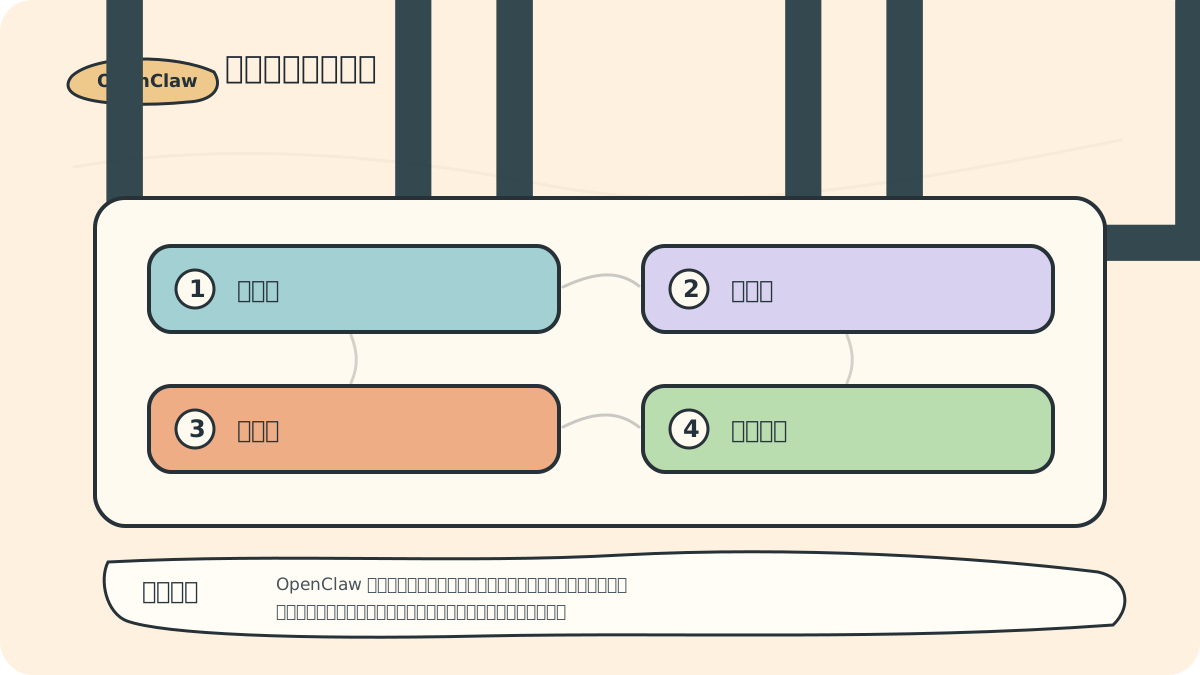
In Week 1, let it generate only a draft. In Week 2, add suggestions for actionable to-dos. Only in Week 3 consider writing those items directly into your task management system. Each step includes an observation period—making issues easier to spot and roll back.
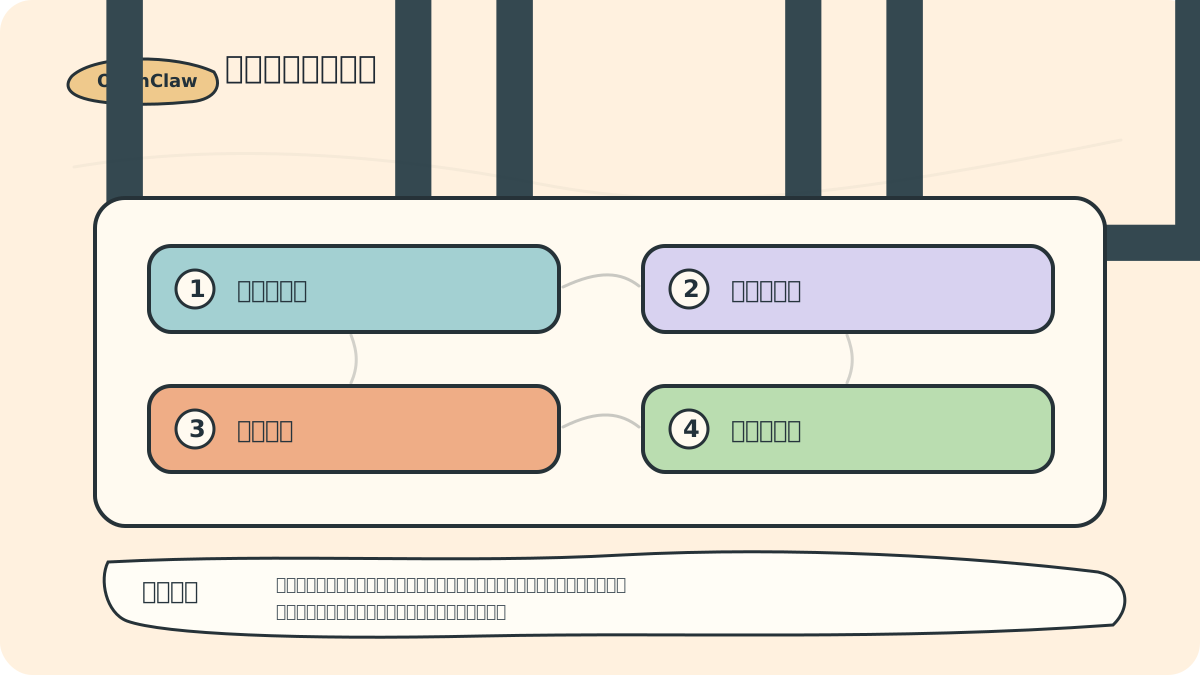
1. Start with the Safety Feedback Loop
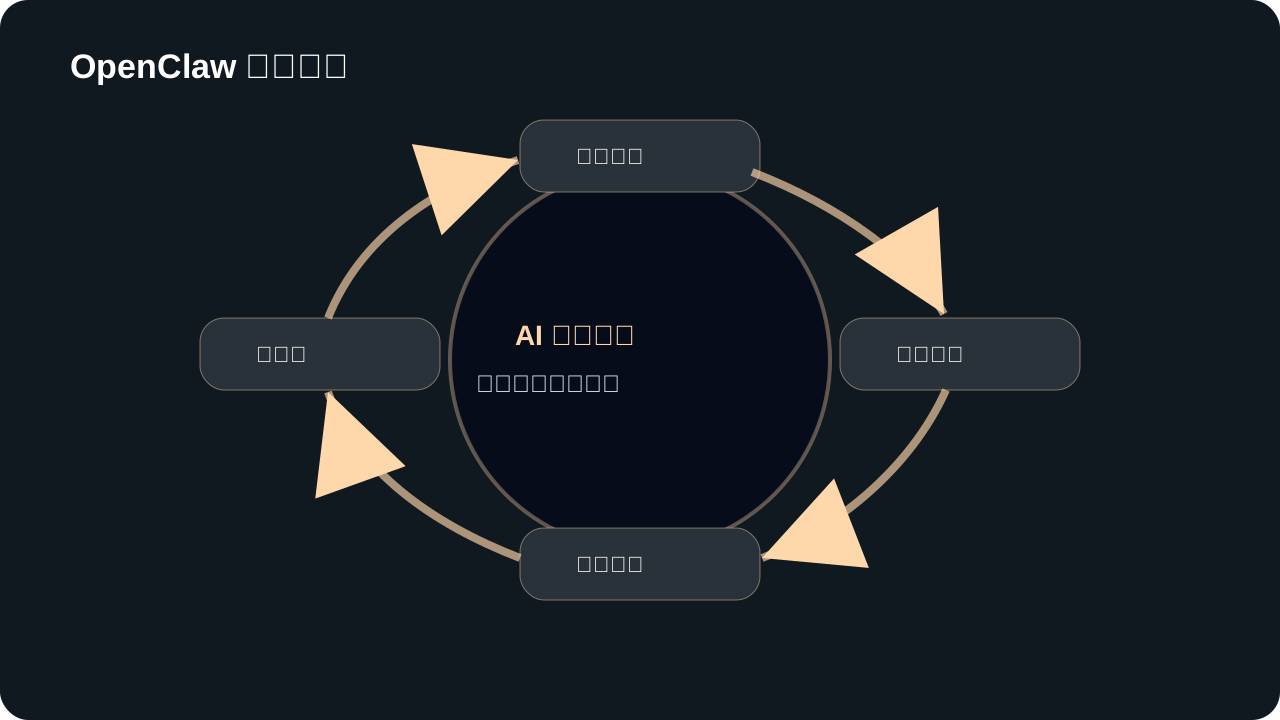
When designing OpenClaw’s first real-world use case, begin with read-only or low-risk tasks—and explicitly define inputs, steps, human review points, and rollback procedures.
A reliable OpenClaw workflow must include at least these four elements:
- Least Privilege: Grant only the permissions strictly required for the current task.
- Approval Before Execution: Any action with side effects must be manually confirmed.
- Audit Trail: All actions must be logged and traceable.
- Reversibility: Mistakes must be recoverable—changes must be undoable.
These four principles matter far more than “how many plugins you’ve installed.”
2. Official Default Safety Guidance
The OpenClaw official README warns: It connects to real messaging endpoints. Incoming direct messages (DMs) must therefore be treated as untrusted input. By default, unknown DM senders must be explicitly paired before OpenClaw processes their messages.
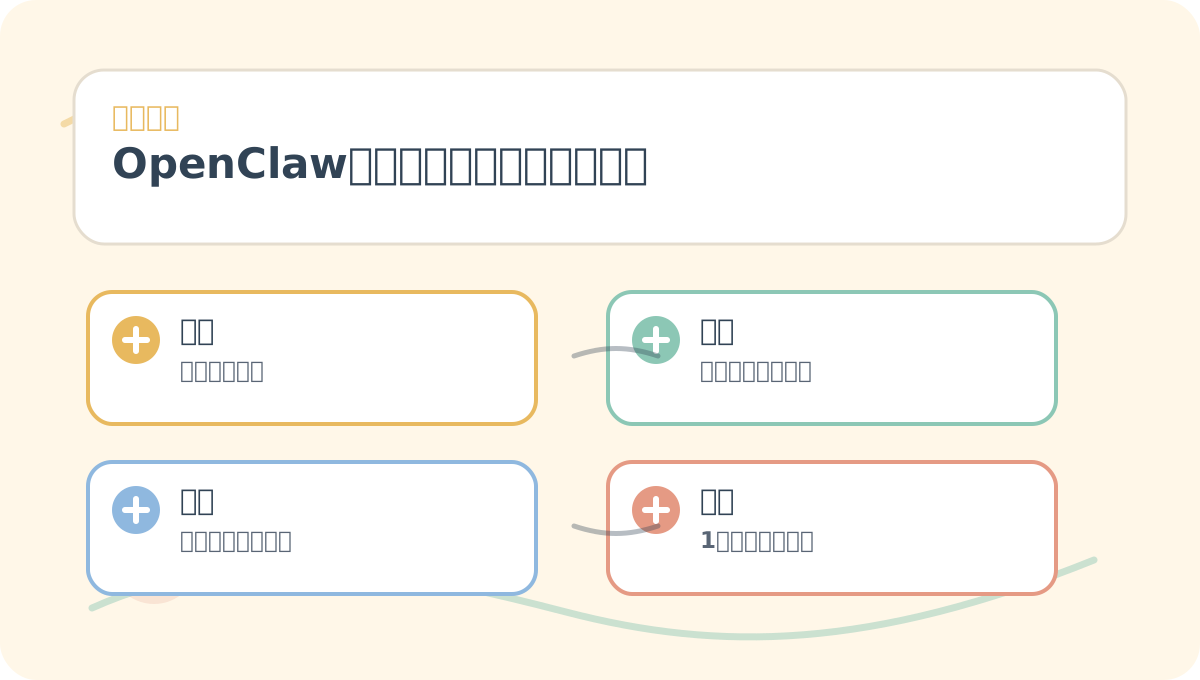
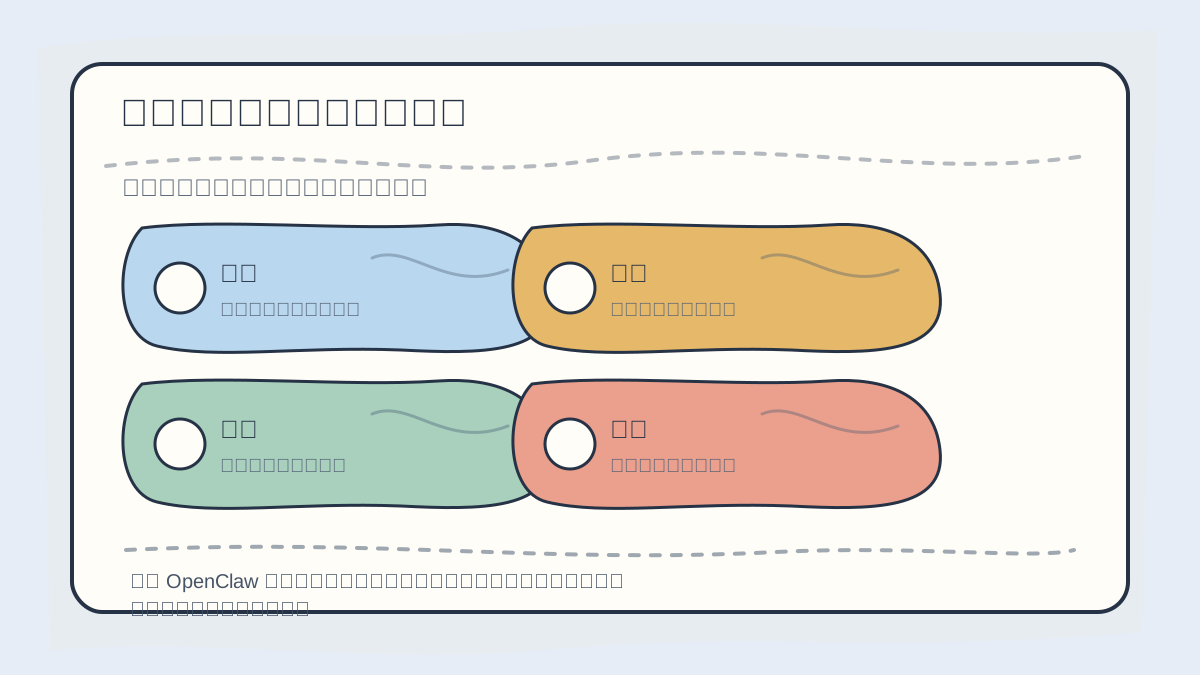
By the end of “OpenClaw Safety Boundaries & First Practical Checklist”, you can treat the diagram above as a ready-to-use checklist: ✅ Is the problem clearly defined? ✅ Are actions concrete and actionable? ✅ Can the evaluation criteria be reused across contexts?
This is critically important—because once you connect OpenClaw to Telegram, Slack, Discord, or WeChat groups, you’re effectively opening a door to external messages. Not every message from an outside source should be interpreted as a command.
3. Safety Configuration Recommendations for Beginners
3.1 Restrict Access to Yourself Only
At first, allow commands only from your own account. Do not add OpenClaw to public groups, and do not enable DM access for unknown contacts.
3.2 Disable High-Risk Tools Initially
Avoid enabling the following early on:
- Email sending
- File deletion
- Database writes
- Server restarts
- Payment, authentication, or quota-related APIs
- Auto-publishing to public platforms
Start instead with read-only analysis tasks.
3.3 Require Confirmation for All Side Effects
Side effects include:
- Sending messages
- Sending emails
- Deleting files
- Modifying source code
- Committing or pushing to version control
- Deploying or restarting services
- Writing to databases
Such operations must either be executed manually—or routed through Lobster’s approval gate.
4. First Practical Use Case: Daily Work Morning Briefing
This is an ideal starter use case—it’s mostly read-only.
Goal:
Each morning, compile today’s meetings, yesterday’s unfinished tasks, key messages, and project risks—then generate a concise morning briefing of ≤10 lines.
In Version 1, do not auto-send the briefing to others—only deliver it to yourself.
4.1 Prompt Template
You are my OpenClaw Morning Briefing Assistant. Perform *read-only* summarization only:
1. Aggregate today’s calendar events;
2. Identify critical pending tasks from yesterday;
3. Summarize important messages;
4. If project risks are detected, *only flag them*—do not modify anything;
5. Output a Chinese morning briefing of ≤10 lines;
6. Never send output to any third party.
4.2 Gradual Escalation
- Week 1: Generate briefing only—no automation.
- Week 2: Add “draft to-do suggestions.”
- Week 3: Consider “write to task system after my confirmation.”
Do not let it auto-edit your calendar, auto-send emails, or auto-create tasks on Day 1.
5. Second Practical Use Case: Pre-Release Project Check
Ideal for developers:
Assess whether the current project is ready for release:
1. Run `git status`;
2. Inspect the most recent commit;
3. List available scripts in `package.json`;
4. Recommend required builds or tests;
5. Output *only conclusions*—no file modifications, no commits, no deployments.
Once this flow stabilizes, codify it as a reusable skill. If you later want to automate deployment, implement it as a Lobster workflow—with explicit human approval before the deployment step.
6. Recommended Safety Checklist
Before granting OpenClaw any new permission, ask yourself:
- Does it truly need this permission?
- Can this permission be scoped to a specific directory or resource?
- If something goes wrong, can it be fully reverted?
- Are all relevant actions logged?
- Does this action require human approval?
- Could it be triggered unintentionally by an unknown external message?
- Are secrets or API keys at risk of being exposed in logs or source repositories?
If you cannot confidently answer yes to all of these—do not grant the permission yet.
When reviewing “OpenClaw Safety Boundaries & First Practical Checklist”, place core concepts, procedural steps, and observable outcomes on the same page for quick reference.
When practicing “OpenClaw Safety Boundaries & First Practical Checklist”, write input conditions, processing actions, and visible outputs together—so they’re easy to verify next time.
7. Summary of This Section
OpenClaw’s upper limit comes from tools and automation; its lower limit comes from safety boundaries. A truly useful Lobster assistant isn’t one that “dares to do everything”—it’s one that knows when to act, and when to wait for your nod.
By now, you’ve completed OpenClaw’s onboarding journey: understanding its role, installing and launching it, configuring the system, learning Lobster, and establishing safe usage practices. Your next step? Begin with a simple read-only morning briefing—or a project health check—and gradually evolve OpenClaw into your trusted long-term work partner.
Apply This Lesson
Turn this article into AI software, model, API, and security decisions.
English Article FAQ
Use this article as evidence before choosing AI tools
How should I use this AI Tutorials article?
Use it as the implementation or learning layer, then connect the idea to AI software buyer guides, tool comparisons, benchmarks, API choices, and security checks before making a production decision.
Is this English article different from the Chinese original?
The English edition is localized for global AI readers while preserving the original diagrams, screenshots, prompts, code examples, and source context from the Chinese article.
What should I read after OpenClaw Zero: Security Boundaries and First Practical Checklist?
Continue with AI Software Buyer Guides, AI Tools Workbench, Best AI Coding Agents, AI Model Benchmarks, OpenAI vs Anthropic API, or LLM Security Tools depending on the decision you need to make.
Can this article alone choose an AI product or model?
No. Treat the article as evidence and context, then validate fit with pricing, privacy requirements, integration effort, benchmark results, workflow tests, and fallback planning.
Continue