English translation
Data preprocessing
AI Article Decision Snapshot
Turn the lesson into workflow, model, budget, and security checks before choosing tools.
Use this quick snapshot before leaving the article. It keeps the next search tied to practical AI software, model/API, cost, privacy, and implementation questions.
Workflow fit
Identify the real job behind the article: coding, research, document review, support, analytics, content, or internal automation.
Model or tool decision
Decide whether the next step is a software shortlist, an AI tool comparison, an API platform choice, or a model benchmark.
Budget and usage signal
Estimate seats, API calls, prompt volume, retries, review time, and fallback work before assuming the workflow is cheap.
Security and privacy review
Check whether source code, customer data, private documents, prompts, logs, or embeddings will enter the AI workflow.

VGG’s key strength lies in its clean, transparent architecture—making it an ideal baseline for understanding convolutional neural networks. While not necessarily the most computationally efficient, it excels at illustrating how features become progressively more abstract across layers. This article focuses specifically on evaluation. Speed, accuracy, GPU memory usage, and reproducible experimental settings must all be recorded together; no single metric alone tells the full story.

I’ll examine convolutional layers, pooling layers, and fully connected layers separately—and assess whether the total parameter count exceeds what the current task actually requires.
In the previous article, we discussed various applications of the VGG model—including image classification, feature extraction, and transfer learning. In this chapter, we delve deeper into evaluating the VGG model: how to rigorously assess its performance across diverse vision tasks, and how to use evaluation results to guide model improvement. Finally, we provide hands-on code examples to help you better grasp the practical workflow of VGG model evaluation.
Evaluation Metrics
Common metrics used to evaluate VGG model performance include:
To apply “VGG Model Evaluation” to your own task, start by narrowing the scope—focus first on validating just one critical decision point.
After studying “VGG Model Evaluation”, try adapting it to a scenario of your own—pay close attention to whether inputs, internal processing, and outputs align coherently.
- Accuracy: Measures the proportion of correctly classified samples out of the total number of samples. For multi-class classification tasks, accuracy is one of the most widely used metrics.
- Precision: The ratio of true positives among all samples predicted as positive. Primarily reflects the model’s exactness (i.e., how reliable its positive predictions are).
- Recall: The ratio of true positives among all actual positive samples. Reflects the model’s completeness (i.e., how well it captures all relevant instances).
- F1-score: The harmonic mean of precision and recall—especially valuable for imbalanced datasets.
Steps for Evaluating a VGG Model
Below are the standard steps for evaluating a VGG model:
-
Data Preparation: Assemble a test dataset and ensure appropriate preprocessing (e.g., normalization, augmentation).
-
Model Loading: Load a pre-trained VGG model—or, if needed, a custom-trained variant.
-
Prediction Generation: Run inference on the test dataset using the loaded model.
-
Performance Calculation: Compute the above metrics by comparing model predictions against ground-truth labels.
-
Result Visualization: Visualize outcomes using tools such as confusion matrices or ROC curves to analyze per-class behavior and identify potential weaknesses.
Case Study
Here's a concise PyTorch implementation for evaluating a VGG model—including code to generate a confusion matrix.

When evaluating a VGG model, prioritize checking: validation accuracy, signs of overfitting, parameter count, inference speed, and performance as a feature extractor.
import torch
import torchvision.transforms as transforms
from torchvision import datasets, models
import matplotlib.pyplot as plt
from sklearn.metrics import confusion_matrix
import seaborn as sns

# Data preprocessing
transform = transforms.Compose([
    transforms.Resize((224, 224)),
    transforms.ToTensor(),
])

# Load test dataset
test_dataset = datasets.ImageFolder('path/to/test/data', transform=transform)
test_loader = torch.utils.data.DataLoader(test_dataset, batch_size=32, shuffle=False)

# Load pre-trained VGG16 model
model = models.vgg16(pretrained=True)
model.eval()

# Perform evaluation
all_preds = []
all_labels = []

with torch.no_grad():
    for images, labels in test_loader:
        outputs = model(images)
        _, preds = torch.max(outputs, 1)
        all_preds.extend(preds.numpy())
        all_labels.extend(labels.numpy())

# Compute confusion matrix
cm = confusion_matrix(all_labels, all_preds)
plt.figure(figsize=(10, 7))
sns.heatmap(cm, annot=True, fmt='d', cmap='Blues')
plt.title('Confusion Matrix')
plt.xlabel('Predicted')
plt.ylabel('True')
plt.show()
Interpreting Evaluation Results
Through the above evaluation pipeline, we obtain concrete metrics—accuracy, precision, recall, etc.—that quantify the VGG model’s performance on a specific task. Based on these results, targeted improvements can be made—for example:
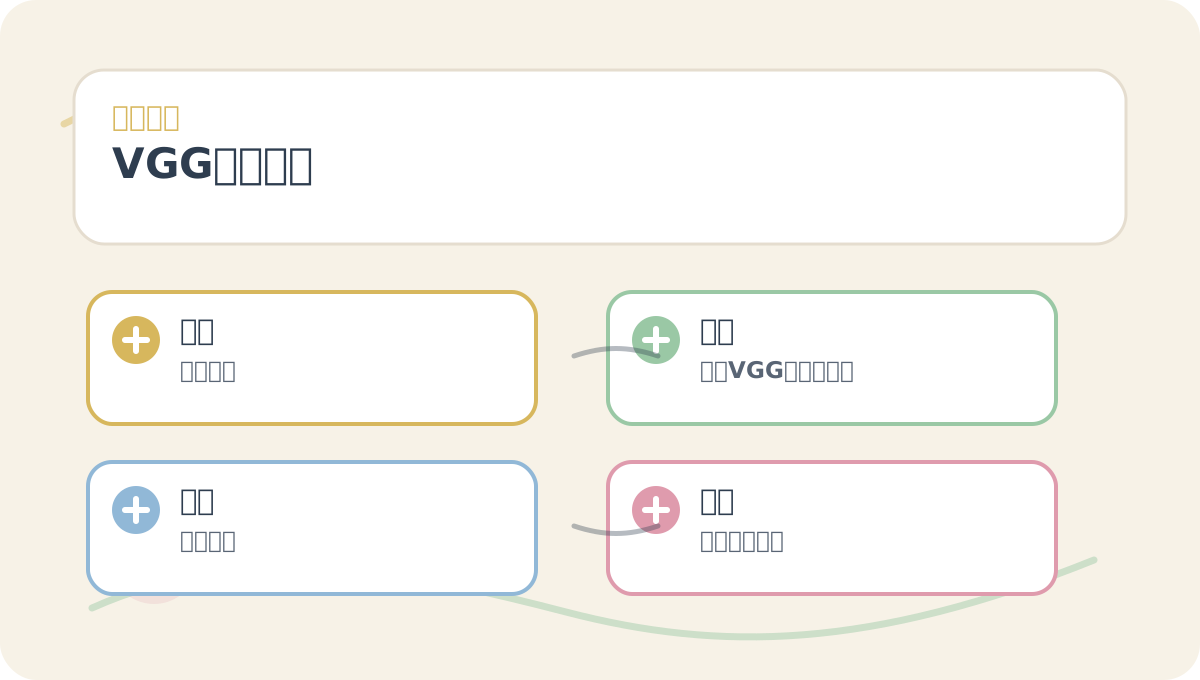
Before diving into the main text of “VGG Model Evaluation”, quickly scan the accompanying figures: What question does each pose? Which conceptual distinctions matter most? Which step invites hands-on experimentation? And finally—by what criteria will success be judged?
- If recall is low for a particular class, consider applying data augmentation techniques to increase representation of that class.
- Alternatively, experiment with more sophisticated architectures—or explore alternative transfer learning strategies to boost overall performance.
In the next article, we’ll analyze the U-Net architecture and its implications for model evaluation—further enriching our understanding of deep learning evaluation practices.
Apply This Lesson
Turn this article into AI software, model, API, and security decisions.
English Article FAQ
Use this article as evidence before choosing AI tools
How should I use this AI Tutorials article?
Use it as the implementation or learning layer, then connect the idea to AI software buyer guides, tool comparisons, benchmarks, API choices, and security checks before making a production decision.
Is this English article different from the Chinese original?
The English edition is localized for global AI readers while preserving the original diagrams, screenshots, prompts, code examples, and source context from the Chinese article.
What should I read after Data preprocessing?
Continue with AI Software Buyer Guides, AI Tools Workbench, Best AI Coding Agents, AI Model Benchmarks, OpenAI vs Anthropic API, or LLM Security Tools depending on the decision you need to make.
Can this article alone choose an AI product or model?
No. Treat the article as evidence and context, then validate fit with pricing, privacy requirements, integration effort, benchmark results, workflow tests, and fallback planning.
Continue