English translation
In the previous article, we deeply dissected U-Net’s architecture—examining its encoder-decoder design and how skip connections preserve high-resolution spatial features. Now, we’ll walk through a concrete implementation of U-Net for image segmentation, particularly in medical imaging—for instance, automatic liver tumor segmentation.
AI Article Decision Snapshot
Turn the lesson into workflow, model, budget, and security checks before choosing tools.
Use this quick snapshot before leaving the article. It keeps the next search tied to practical AI software, model/API, cost, privacy, and implementation questions.
Workflow fit
Identify the real job behind the article: coding, research, document review, support, analytics, content, or internal automation.
Model or tool decision
Decide whether the next step is a software shortlist, an AI tool comparison, an API platform choice, or a model benchmark.
Budget and usage signal
Estimate seats, API calls, prompt volume, retries, review time, and fallback work before assuming the workflow is cheap.
Security and privacy review
Check whether source code, customer data, private documents, prompts, logs, or embeddings will enter the AI workflow.
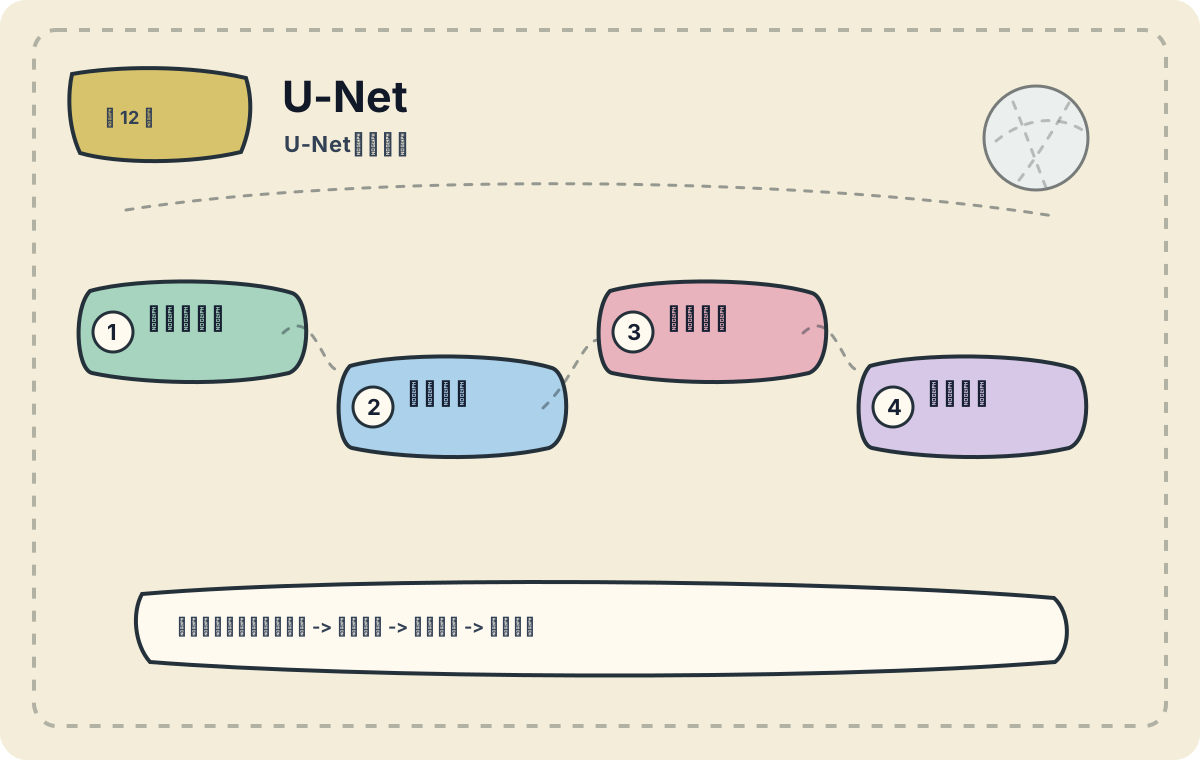
The value of U-Net lies in its dual capability: compressing semantic information while simultaneously routing fine-grained, shallow-level details back into the decoder via skip connections. In segmentation tasks, these skip connections often determine whether object boundaries appear clean and precise. This article focuses on practical application scenarios. First, assess whether your task truly aligns with U-Net’s design strengths; then consider data scale, deployment cost, and performance limits.
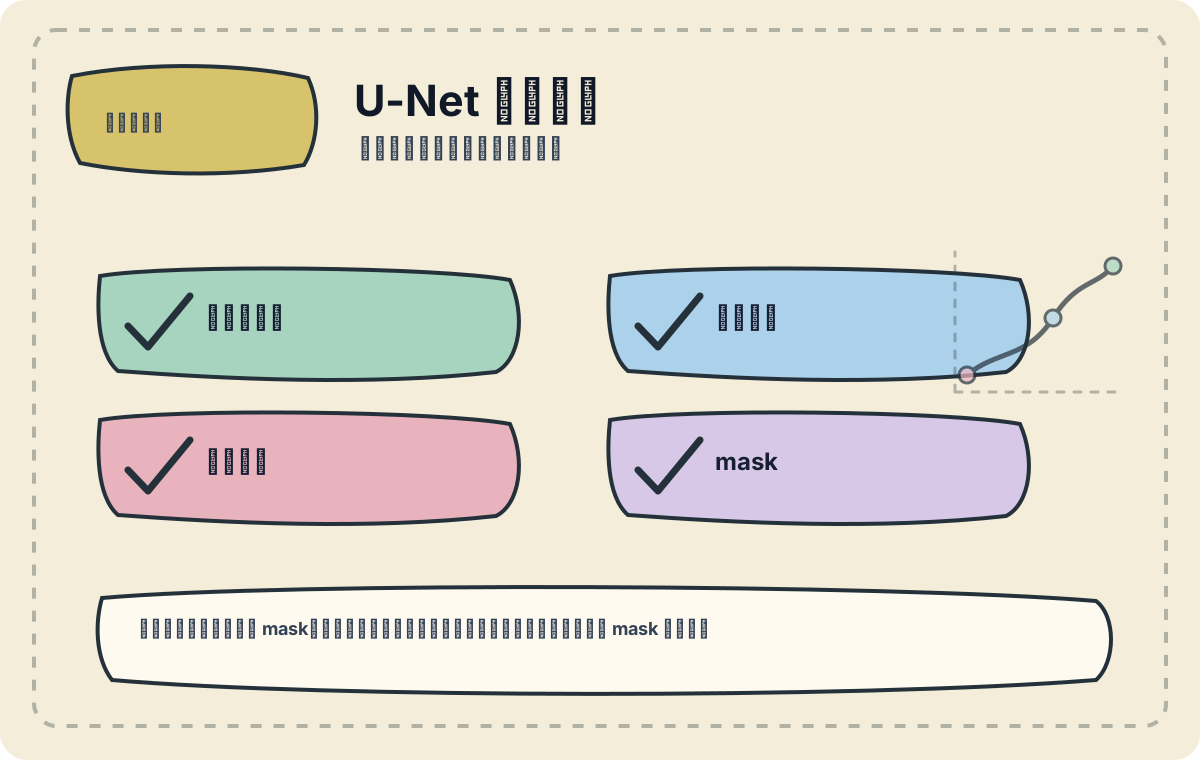
I verify that input images, label masks, output dimensions, and loss functions are fully aligned—one-to-one correspondence is essential. Misalignment between images and masks is the most common pitfall in segmentation tasks.
In the previous article, we deeply dissected U-Net’s architecture—examining its encoder-decoder design and how skip connections preserve high-resolution spatial features. Now, we’ll walk through a concrete implementation of U-Net for image segmentation, particularly in medical imaging—for instance, automatic liver tumor segmentation.
Dataset Overview
We will use the well-known Liver Tumor Segmentation Dataset for this case study. The dataset comprises medical images (e.g., CT scans) paired with pixel-level annotations that delineate both the liver parenchyma and intrahepatic tumors. This is a classic binary segmentation problem: the model must identify and segment both the liver region and any tumors within it.
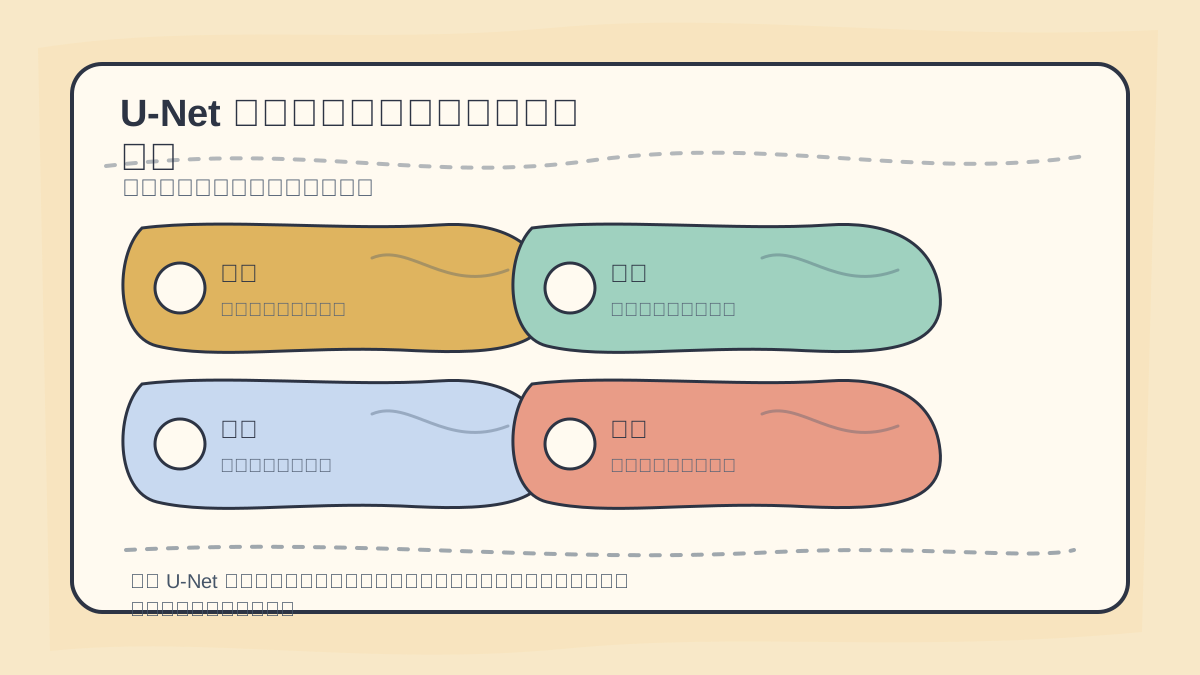
When analyzing a U-Net case, first confirm consistency across: input dimensions, encoder depth, decoder upsampling path, skip connection placement, and boundary detail fidelity.
Implementation Steps
We’ll proceed step-by-step—from data preprocessing, through model construction, training, and evaluation.
After reading U-Net Case Study, start by running a small-scale end-to-end example. Then assess which steps you can already execute independently.
By this point, you should consolidate U-Net Case Study into a structured retrospective table: first articulate the core workflow, then validate it using a minimal task.
1. Data Preprocessing
First, load and preprocess the data. Ensure consistent image dimensions—commonly resized to 128×128 or 256×256. Data augmentation (e.g., rotation, flipping, brightness jitter) helps improve model generalization.
import numpy as np
import cv2
from sklearn.model_selection import train_test_split

def load_data(images_path, masks_path):
    images = []
    masks = []
    for img_name in os.listdir(images_path):
        img = cv2.imread(os.path.join(images_path, img_name))
        mask = cv2.imread(os.path.join(masks_path, img_name), 0)  # Load as grayscale
        img_resized = cv2.resize(img, (256, 256))  # Resize
        mask_resized = cv2.resize(mask, (256, 256))

        images.append(img_resized)
        masks.append(mask_resized)

    images = np.array(images) / 255.0  # Normalize to [0, 1]
    masks = np.array(masks) / 255.0  # Normalize to [0, 1]

    return train_test_split(images, masks, test_size=0.2, random_state=42)

X_train, X_val, y_train, y_val = load_data('path_to_images', 'path_to_masks')
2. U-Net Model Construction
We build the model using Keras. Below is a concise, functional U-Net implementation:
from tensorflow.keras import layers, models

def unet_model(input_size=(256, 256, 3)):
    inputs = layers.Input(input_size)

    # Encoder
    c1 = layers.Conv2D(64, (3, 3), activation='relu', padding='same')(inputs)
    c1 = layers.Conv2D(64, (3, 3), activation='relu', padding='same')(c1)
    p1 = layers.MaxPooling2D((2, 2))(c1)

    c2 = layers.Conv2D(128, (3, 3), activation='relu', padding='same')(p1)
    c2 = layers.Conv2D(128, (3, 3), activation='relu', padding='same')(c2)
    p2 = layers.MaxPooling2D((2, 2))(c2)

    # Bottom
    c3 = layers.Conv2D(256, (3, 3), activation='relu', padding='same')(p2)
    c3 = layers.Conv2D(256, (3, 3), activation='relu', padding='same')(c3)
    p3 = layers.MaxPooling2D((2, 2))(c3)

    # Bottleneck
    c4 = layers.Conv2D(512, (3, 3), activation='relu', padding='same')(p3)
    c4 = layers.Conv2D(512, (3, 3), activation='relu', padding='same')(c4)

    # Decoder
    u5 = layers.Conv2DTranspose(256, (2, 2), strides=(2, 2), padding='same')(c4)
    u5 = layers.concatenate([u5, c3])
    c5 = layers.Conv2D(256, (3, 3), activation='relu', padding='same')(u5)
    c5 = layers.Conv2D(256, (3, 3), activation='relu', padding='same')(c5)

    u6 = layers.Conv2DTranspose(128, (2, 2), strides=(2, 2), padding='same')(c5)
    u6 = layers.concatenate([u6, c2])
    c6 = layers.Conv2D(128, (3, 3), activation='relu', padding='same')(u6)
    c6 = layers.Conv2D(128, (3, 3), activation='relu', padding='same')(c6)

    u7 = layers.Conv2DTranspose(64, (2, 2), strides=(2, 2), padding='same')(c6)
    u7 = layers.concatenate([u7, c1])
    c7 = layers.Conv2D(64, (3, 3), activation='relu', padding='same')(u7)
    c7 = layers.Conv2D(64, (3, 3), activation='relu', padding='same')(c7)

    outputs = layers.Conv2D(1, (1, 1), activation='sigmoid')(c7)

    model = models.Model(inputs=[inputs], outputs=[outputs])
    model.compile(optimizer='adam', loss='binary_crossentropy', metrics=['accuracy'])
    return model

model = unet_model()
model.summary()
3. Model Training
Train the model using fit(), specifying batch size, epochs, and callbacks like EarlyStopping to prevent overfitting.
from tensorflow.keras.callbacks import EarlyStopping

early_stopping = EarlyStopping(patience=5, restore_best_weights=True)

history = model.fit(X_train, y_train,
                    validation_data=(X_val, y_val),
                    epochs=50,
                    batch_size=16,
                    callbacks=[early_stopping])
4. Model Evaluation & Result Visualization
After training, evaluate performance using standard segmentation metrics such as IoU (Intersection over Union) and Dice Coefficient. Below is sample code to plot training loss and accuracy curves:
import matplotlib.pyplot as plt

# Plot loss curve
plt.plot(history.history['loss'], label='train_loss')
plt.plot(history.history['val_loss'], label='val_loss')
plt.xlabel('Epoch')
plt.ylabel('Loss')
plt.title('Loss Curve')
plt.legend()
plt.show()

# Plot accuracy curve
plt.plot(history.history['accuracy'], label='train_accuracy')
plt.plot(history.history['val_accuracy'],
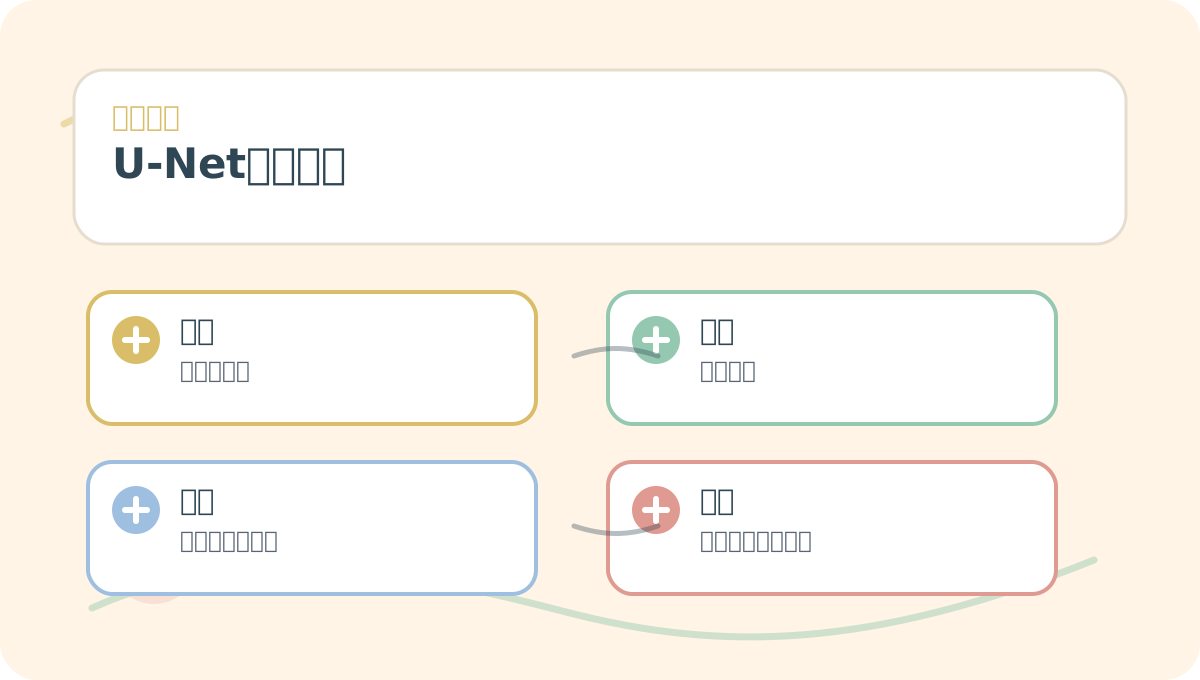
Read U-Net Case Study through the lens of Scenario → Concept → Action → Outcome. First align these four dimensions—then revisit parameters, code snippets, or procedural details in the main text.
Apply This Lesson
Turn this article into AI software, model, API, and security decisions.
English Article FAQ
Use this article as evidence before choosing AI tools
How should I use this AI Tutorials article?
Use it as the implementation or learning layer, then connect the idea to AI software buyer guides, tool comparisons, benchmarks, API choices, and security checks before making a production decision.
Is this English article different from the Chinese original?
The English edition is localized for global AI readers while preserving the original diagrams, screenshots, prompts, code examples, and source context from the Chinese article.
What should I read after In the previous article, we deeply dissected U-Net’s architecture—examining its encoder-decoder design and how skip connections preserve high-resolution spatial features. Now, we’ll walk through a concrete implementation of U-Net for image segmentation, particularly in medical imaging—for instance, automatic liver tumor segmentation.?
Continue with AI Software Buyer Guides, AI Tools Workbench, Best AI Coding Agents, AI Model Benchmarks, OpenAI vs Anthropic API, or LLM Security Tools depending on the decision you need to make.
Can this article alone choose an AI product or model?
No. Treat the article as evidence and context, then validate fit with pricing, privacy requirements, integration effort, benchmark results, workflow tests, and fallback planning.
Continue