English translation
Load pre-trained Faster R-CNN model
AI Article Decision Snapshot
Turn the lesson into workflow, model, budget, and security checks before choosing tools.
Use this quick snapshot before leaving the article. It keeps the next search tied to practical AI software, model/API, cost, privacy, and implementation questions.
Workflow fit
Identify the real job behind the article: coding, research, document review, support, analytics, content, or internal automation.
Model or tool decision
Decide whether the next step is a software shortlist, an AI tool comparison, an API platform choice, or a model benchmark.
Budget and usage signal
Estimate seats, API calls, prompt volume, retries, review time, and fallback work before assuming the workflow is cheap.
Security and privacy review
Check whether source code, customer data, private documents, prompts, logs, or embeddings will enter the AI workflow.
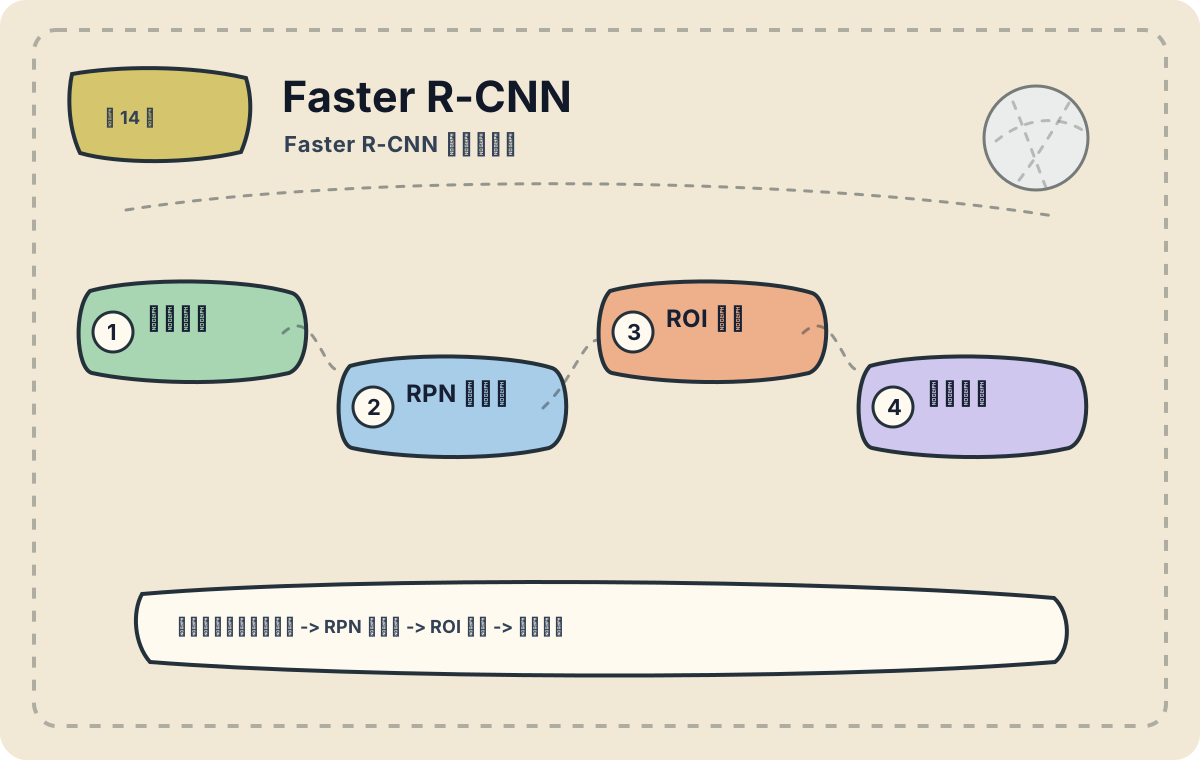
Faster R-CNN follows a two-stage detection paradigm: first proposing candidate regions likely to contain objects, then refining classification and bounding box regression for those regions. It excels in scenarios where high detection accuracy is prioritized. This article focuses on practical application contexts. Before adopting Faster R-CNN, carefully assess whether your task truly aligns with its strengths—consider data scale, deployment cost, and performance boundaries.
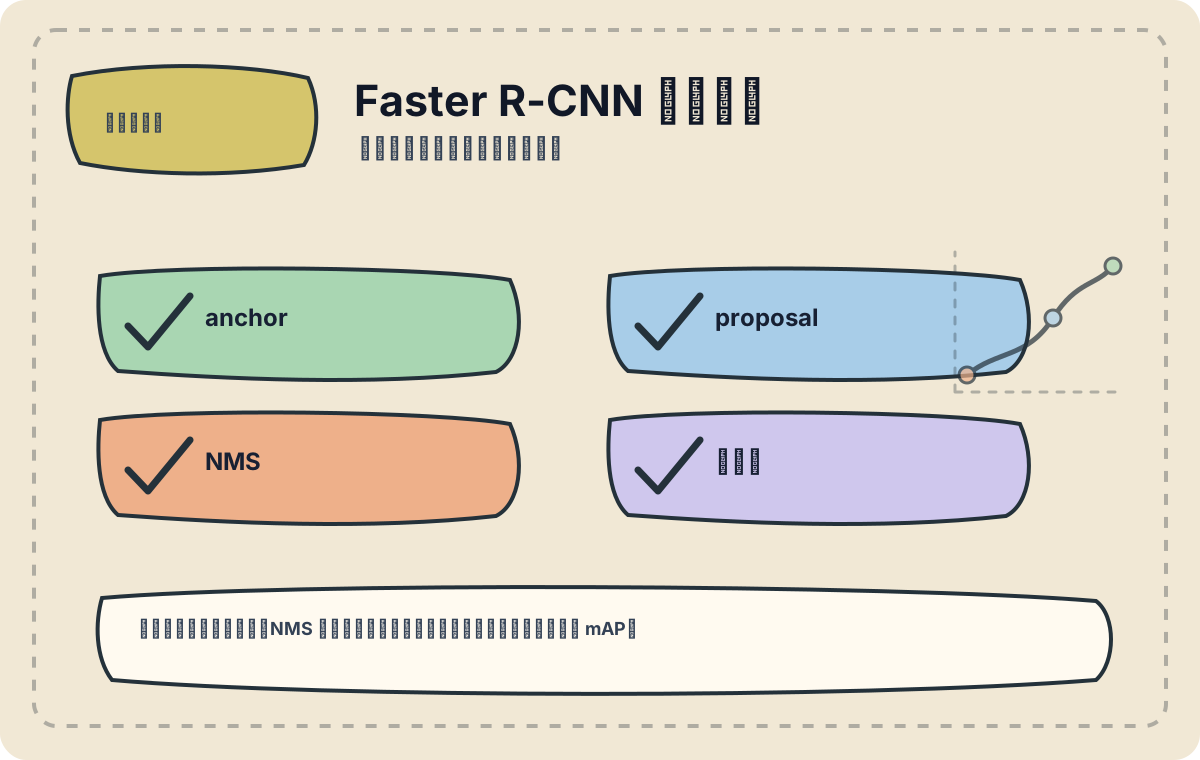
We’ll examine three key components: proposal quality, NMS threshold, and the class regression head. When detection performance is suboptimal, avoid fixating solely on final mAP—diagnose upstream bottlenecks instead.
In the previous article, we explored the fundamentals of Faster R-CNN, including how its Region Proposal Network (RPN) generates object proposals and how a subsequent fine-grained detection network performs classification and bounding box regression. In this article, we delve into concrete application cases across diverse domains—autonomous driving, medical image analysis, and security surveillance.
1. Application in Autonomous Driving
Autonomous driving represents one of the most critical applications of Faster R-CNN. Real-time detection of pedestrians, vehicles, and traffic signs in the vehicle’s forward field of view is essential for safe navigation. Faster R-CNN analyzes camera images ahead of the vehicle to rapidly and accurately identify these objects.
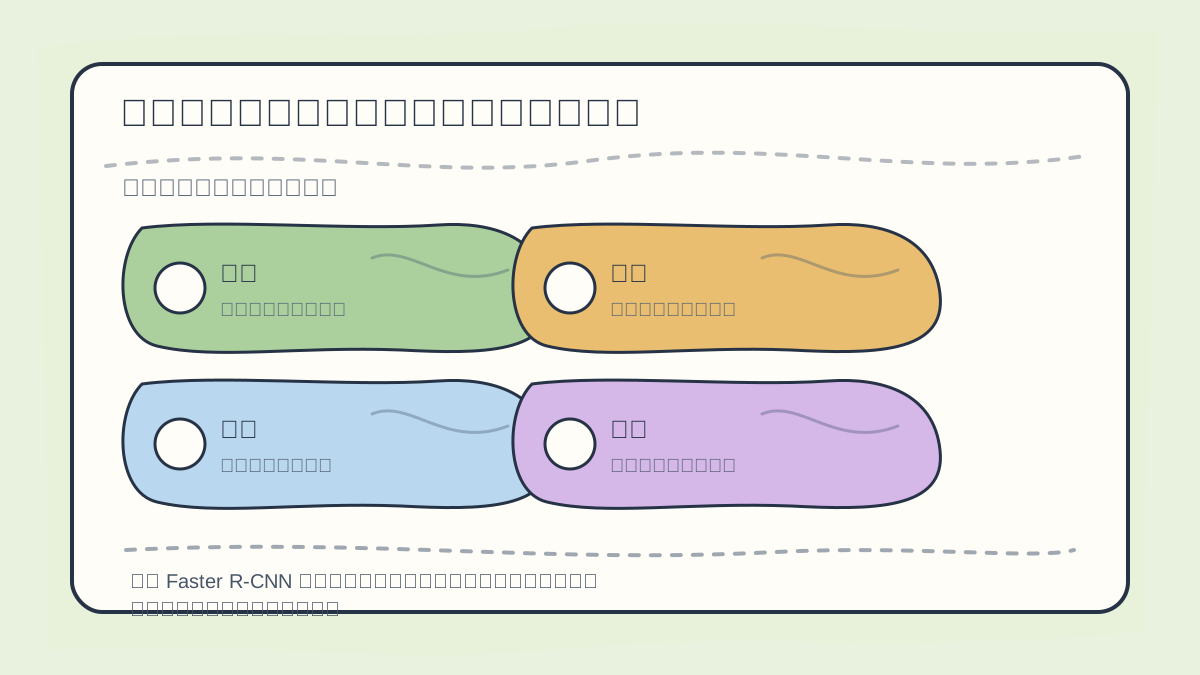
When analyzing Faster R-CNN application cases, begin by evaluating: data context, target categories, proposal quality, false positives/negatives, and inference speed.
Case Study: Pedestrian Detection
In a typical pedestrian detection scenario, we first acquire camera images from the front of the vehicle and process them using a trained Faster R-CNN model. Below is an example script demonstrating inference with a pre-trained model:
import cv2
import numpy as np
import torch
from torchvision import models

# Load pre-trained Faster R-CNN model
model = models.detection.fasterrcnn_resnet50_fpn(pretrained=True)
model.eval()

# Read an image
image = cv2.imread('test_image.jpg')
image_tensor = torch.tensor(image/255.0).permute(2, 0, 1).unsqueeze(0)  # Convert to tensor

# Perform inference
with torch.no_grad():
    prediction = model(image_tensor)

# Process results
for i in range(len(prediction['scores'])):
    if prediction['scores'][i] > 0.5:  # Confidence threshold
        bbox = prediction['boxes'][i].numpy()
        cv2.rectangle(image, (int(bbox[0]), int(bbox[1])),
                      (int(bbox[2]), int(bbox[3])),
                      (0, 255, 0), 2)

cv2.imshow('Detections', image)
cv2.waitKey(0)
Here, we load a pre-trained Faster R-CNN model and perform pedestrian detection on an input image. Detected pedestrians are highlighted with green bounding boxes—illustrating the model’s effectiveness in autonomous driving systems.
2. Medical Image Analysis
In healthcare, Faster R-CNN is widely adopted for lesion detection and localization tasks. By applying object detection to medical imaging modalities—such as CT or MRI scans—it assists clinicians in rapidly identifying potential pathological regions.
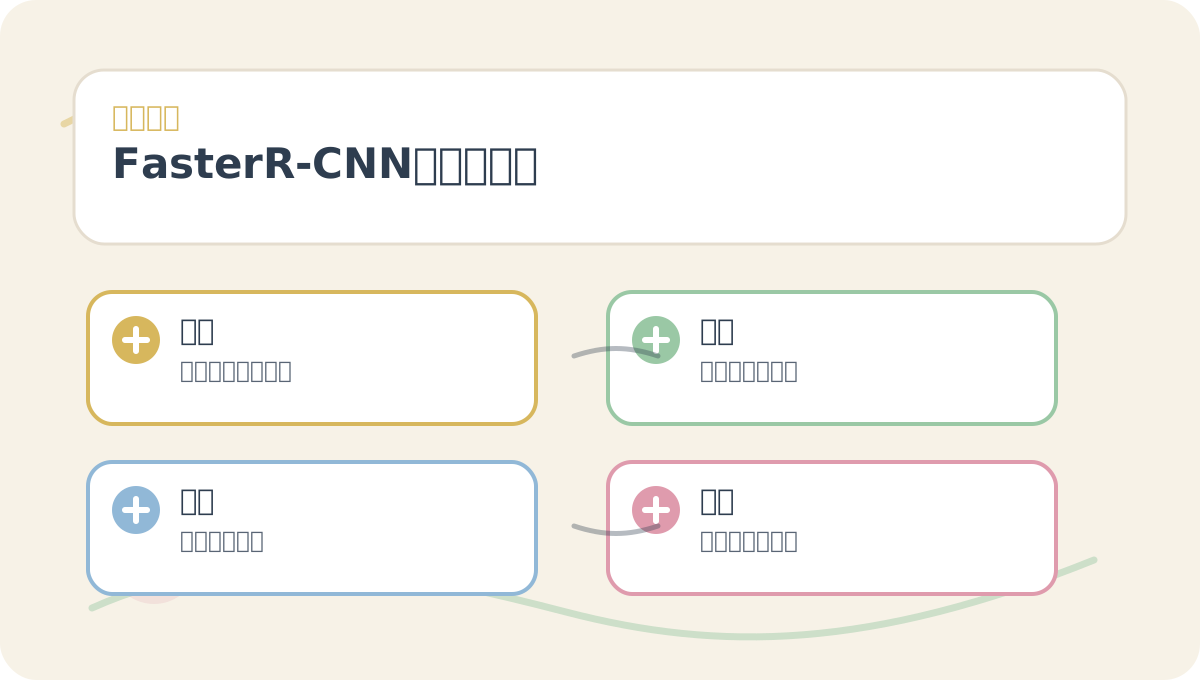
Before diving into the main text of “Faster R-CNN Application Cases”, quickly scan the accompanying figures: What question does each figure pose? Which concepts must be clearly distinguished? Which step invites hands-on experimentation? And what criteria define successful completion?
Case Study: Tumor Detection
For tumor detection in CT scans, Faster R-CNN can localize suspicious masses. Below is a simplified code snippet illustrating how medical images are fed into a domain-adapted Faster R-CNN model:
# Assuming a pre-trained model fine-tuned on medical data
model = torch.load('medical_faster_rcnn_model.pth')
model.eval()

# Load a medical image
medical_image = cv2.imread('ct_scan.jpg')
image_tensor = torch.tensor(medical_image/255.0).permute(2, 0, 1).unsqueeze(0)

# Perform inference
with torch.no_grad():
    prediction = model(image_tensor)

# Visualize results similarly to the earlier example (drawing bounding boxes)
Such models enable radiologists to automatically detect and localize tumors within CT scans—enhancing both diagnostic speed and accuracy.
3. Security Surveillance
In security monitoring, Faster R-CNN supports real-time video analytics—for instance, detecting intruders or anomalous behavior in high-traffic zones. Surveillance cameras equipped with this technology can trigger alerts upon identifying predefined threats.
Case Study: Intrusion Detection
In this use case, Faster R-CNN monitors designated areas for suspicious activity. The following pseudocode outlines how the model processes live video streams from surveillance cameras:
import cv2

cap = cv2.VideoCapture(0)  # Use the first available camera

while True:
    ret, frame = cap.read()
    if not ret:
        break

    image_tensor = torch.tensor(frame/255.0).permute(2, 0, 1).unsqueeze(0)

    with torch.no_grad():
        prediction = model(image_tensor)

    # Process prediction results...
    # Similar visualization as earlier (drawing bounding boxes)

cap.release()
cv2.destroyAllWindows()
Integrating such models into surveillance pipelines enables real-time threat identification—empowering security personnel to respond promptly and effectively.
After completing “Faster R-CNN Application Cases”, try adapting it to your own scenario. Focus specifically on whether inputs, internal processing, and outputs align coherently.
To apply “Faster R-CNN Application Cases” to your own task, start small: isolate and validate just one critical decision point first.
Summary
Faster R-CNN demonstrates broad applicability—from autonomous driving and medical imaging to security surveillance—showcasing robust, high-accuracy object detection capabilities. Across these domains, it not only improves operational efficiency but also significantly enhances precision—accelerating the intelligent transformation of traditional industries. In the next article, we’ll explore the CNN architecture underlying Generative Adversarial Networks (GANs) and their applications in image generation and manipulation. Stay tuned!
Apply This Lesson
Turn this article into AI software, model, API, and security decisions.
English Article FAQ
Use this article as evidence before choosing AI tools
How should I use this AI Tutorials article?
Use it as the implementation or learning layer, then connect the idea to AI software buyer guides, tool comparisons, benchmarks, API choices, and security checks before making a production decision.
Is this English article different from the Chinese original?
The English edition is localized for global AI readers while preserving the original diagrams, screenshots, prompts, code examples, and source context from the Chinese article.
What should I read after Load pre-trained Faster R-CNN model?
Continue with AI Software Buyer Guides, AI Tools Workbench, Best AI Coding Agents, AI Model Benchmarks, OpenAI vs Anthropic API, or LLM Security Tools depending on the decision you need to make.
Can this article alone choose an AI product or model?
No. Treat the article as evidence and context, then validate fit with pricing, privacy requirements, integration effort, benchmark results, workflow tests, and fallback planning.
Continue