English translation
CNN Architectures in GANs Explained
AI Article Decision Snapshot
Turn the lesson into workflow, model, budget, and security checks before choosing tools.
Use this quick snapshot before leaving the article. It keeps the next search tied to practical AI software, model/API, cost, privacy, and implementation questions.
Workflow fit
Identify the real job behind the article: coding, research, document review, support, analytics, content, or internal automation.
Model or tool decision
Decide whether the next step is a software shortlist, an AI tool comparison, an API platform choice, or a model benchmark.
Budget and usage signal
Estimate seats, API calls, prompt volume, retries, review time, and fallback work before assuming the workflow is cheap.
Security and privacy review
Check whether source code, customer data, private documents, prompts, logs, or embeddings will enter the AI workflow.
A GAN consists of two networks competing against each other: the generator aims to fool the discriminator, while the discriminator strives to detect flaws and distinguish real from fake samples. The true challenge often lies in training stability. This article focuses on architecture. We’ll first clearly map out the data flow, key modules, and output layers—then revisit the underlying formulas or code.
I simultaneously monitor three things: generated samples, discriminator loss, and sample diversity. Relying solely on loss values can easily mislead you into thinking a GAN has improved when it hasn’t.
In the previous article, we explored the application of Faster R-CNN in object detection. This article delves deeply into the Convolutional Neural Network (CNN) architecture within Generative Adversarial Networks (GANs). Understanding the relationship between these two components—and their respective roles—will better prepare us for the practical GAN use cases covered in the next article.
Foundational Concepts of GANs
A Generative Adversarial Network (GAN) comprises two core components: the generator and the discriminator. The generator’s task is to synthesize realistic data samples, while the discriminator’s role is to classify whether a given sample is real (drawn from the true data distribution) or fake (produced by the generator).
In most applications, both the generator and discriminator adopt Convolutional Neural Networks (CNNs) as their backbone architecture. This is because CNNs excel at processing image data—making them especially well-suited for image generation and discrimination tasks.
CNN Applications in GANs
1. CNN Architecture of the Generator
The generator typically employs transposed convolution (also known as deconvolution) to progressively upsample a low-dimensional random noise vector—usually sampled from a standard normal distribution—into a high-resolution image. During this process, the generator commonly includes the following layers:
-
Input layer: Accepts a random noise vector, often of small dimensionality—for example,
z ~ N(0, 1)with 100 dimensions. -
Transposed convolution layers: Use
Transpose Convolutionto upsample feature maps, gradually increasing spatial dimensions while adjusting channel counts. -
Activation functions: Typically
ReLUis used in intermediate layers; the final layer usually appliestanhto normalize outputs to the range[-1, 1]. -
Batch normalization: Applied after each transposed convolution layer to stabilize training and accelerate convergence.
Here’s a simple implementation of a generator in PyTorch:
import torch
import torch.nn as nn

class Generator(nn.Module):
    def __init__(self, z_dim):
        super(Generator, self).__init__()
        self.model = nn.Sequential(
            nn.ConvTranspose2d(z_dim, 128, 4, 1, 0, bias=False),
            nn.BatchNorm2d(128),
            nn.ReLU(True),
            nn.ConvTranspose2d(128, 64, 4, 2, 1, bias=False),
            nn.BatchNorm2d(64),
            nn.ReLU(True),
            nn.ConvTranspose2d(64, 3, 4, 2, 1, bias=False),
            nn.Tanh()
        )

    def forward(self, x):
        return self.model(x)
2. CNN Architecture of the Discriminator
The discriminator typically follows a standard CNN architecture composed of downsampling operations (convolution + optional pooling) to extract hierarchical features and produce a binary classification decision. Its structure generally includes:
-
Convolutional layers: Standard convolutions progressively reduce spatial dimensions while increasing channel depth.
-
Activation functions: Often
Leaky ReLU(with slope 0.2) is used to mitigate the “dying ReLU” problem during training. -
Fully connected layer (or global classifier): Final feature maps are flattened and passed through a linear layer (or directly via a 1×1 convolution) to yield a scalar output—interpreted as the probability that the input is real.
Below is an example implementation of a discriminator:
class Discriminator(nn.Module):
    def __init__(self):
        super(Discriminator, self).__init__()
        self.model = nn.Sequential(
            nn.Conv2d(3, 64, 4, 2, 1, bias=False),
            nn.LeakyReLU(0.2, inplace=True),
            nn.Conv2d(64, 128, 4, 2, 1, bias=False),
            nn.BatchNorm2d(128),
            nn.LeakyReLU(0.2, inplace=True),
            nn.Conv2d(128, 1, 4, 1, 0, bias=False),
            nn.Sigmoid()
        )

    def forward(self, x):
        return self.model(x)
Practical Case Study: Image Generation
In practice, GANs can generate high-fidelity images. For instance, DCGAN (Deep Convolutional GAN)—a widely adopted variant—uses precisely the CNN architectures described above, specifically designed for image synthesis. It can be trained to generate handwritten digits (e.g., MNIST dataset) or realistic human faces (e.g., CelebA dataset).
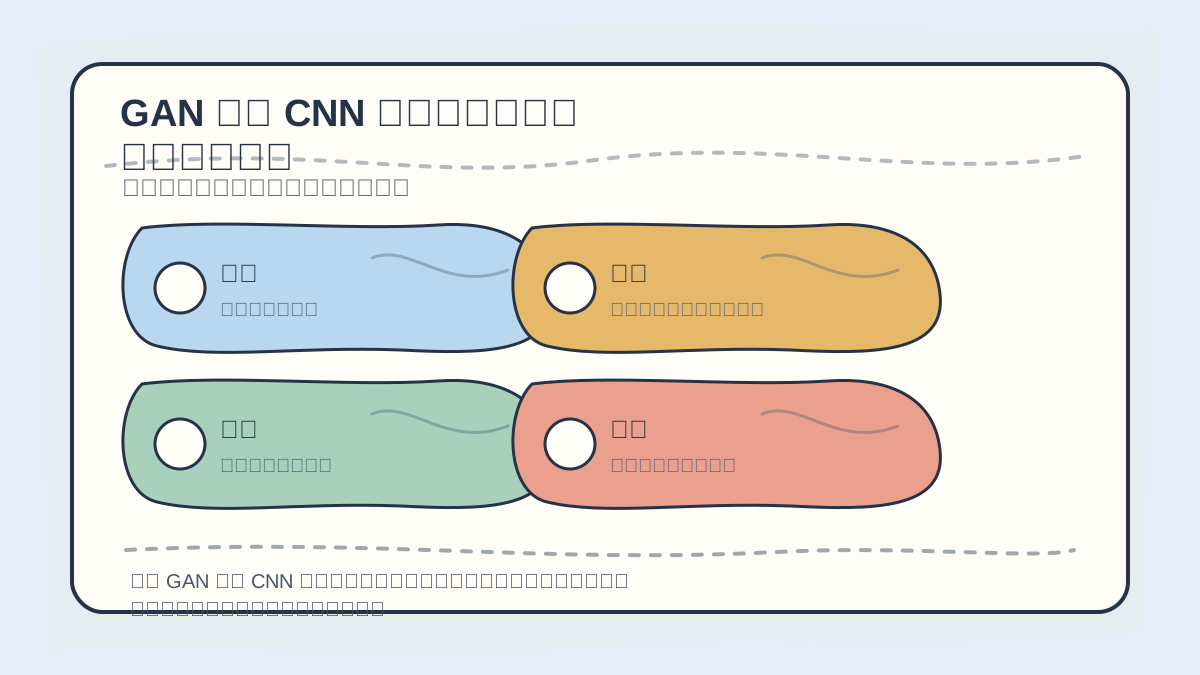
When learning the CNN architecture in GANs, first trace how the generator performs upsampling and how the discriminator extracts features—then compare kernel sizes, strides, and normalization strategies.
Concretely, the typical training loop involves the following steps:
- Feed a random noise vector into the generator to produce synthetic images.
- Pass both real images and generated images through the discriminator to compute losses.
- Update parameters of both generator and discriminator via backpropagation to optimize their adversarial objectives.
If you haven’t fully internalized “Detailed Explanation of CNN Architecture in GANs”, revisit this card’s four actions to walk through the material again.
When reviewing “Detailed Explanation of CNN Architecture in GANs”, avoid jumping straight into large-scale projects. Instead, start with one simple working example to verify whether the core logic is clear.
Summary
In this article, we thoroughly examined the CNN architecture used in GANs—covering design principles and concrete implementations for both the generator and discriminator. Mastering this foundational knowledge is essential before advancing to more complex GAN applications. In the next article, we will explore real-world use cases—including image-to-image translation and style transfer—so you can gain deeper insight into this cutting-edge technology.
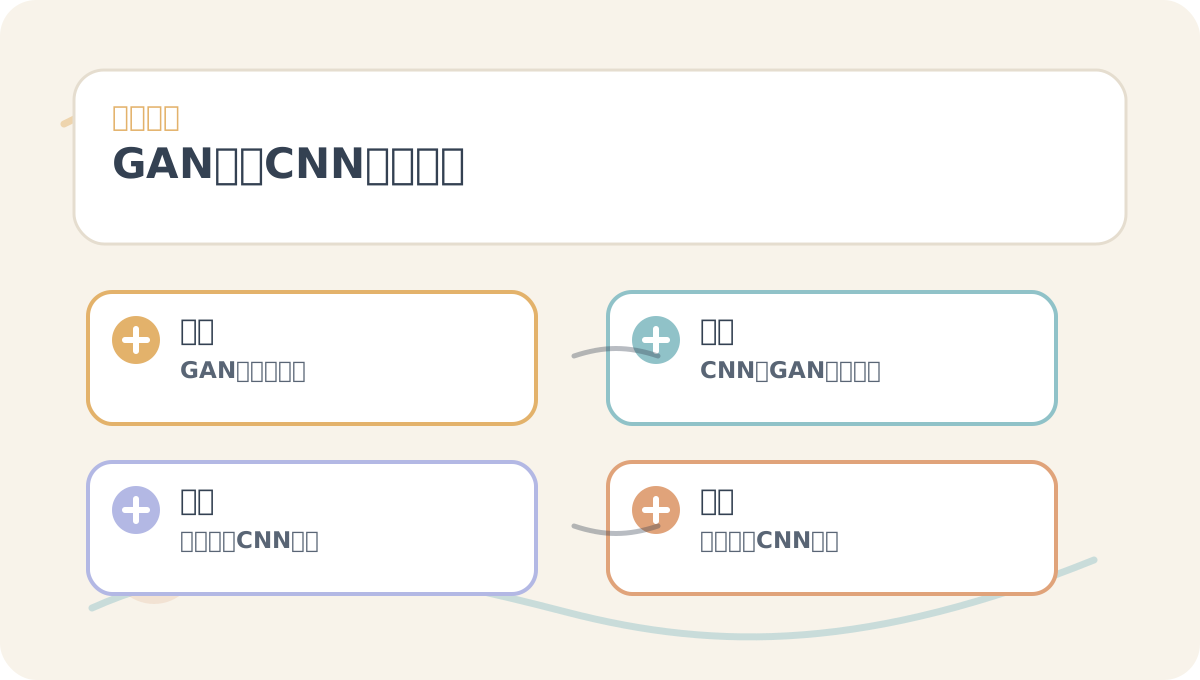
While reading “Detailed Explanation of CNN Architecture in GANs”, treat the accompanying diagrams as navigational guides: first grasp the overall workflow, then understand why each step is designed the way it is, and finally verify edge conditions and constraints.
Apply This Lesson
Turn this article into AI software, model, API, and security decisions.
English Article FAQ
Use this article as evidence before choosing AI tools
How should I use this AI Tutorials article?
Use it as the implementation or learning layer, then connect the idea to AI software buyer guides, tool comparisons, benchmarks, API choices, and security checks before making a production decision.
Is this English article different from the Chinese original?
The English edition is localized for global AI readers while preserving the original diagrams, screenshots, prompts, code examples, and source context from the Chinese article.
What should I read after CNN Architectures in GANs Explained?
Continue with AI Software Buyer Guides, AI Tools Workbench, Best AI Coding Agents, AI Model Benchmarks, OpenAI vs Anthropic API, or LLM Security Tools depending on the decision you need to make.
Can this article alone choose an AI product or model?
No. Treat the article as evidence and context, then validate fit with pricing, privacy requirements, integration effort, benchmark results, workflow tests, and fallback planning.
Continue