English translation
Build the model
AI Article Decision Snapshot
Turn the lesson into workflow, model, budget, and security checks before choosing tools.
Use this quick snapshot before leaving the article. It keeps the next search tied to practical AI software, model/API, cost, privacy, and implementation questions.
Workflow fit
Identify the real job behind the article: coding, research, document review, support, analytics, content, or internal automation.
Model or tool decision
Decide whether the next step is a software shortlist, an AI tool comparison, an API platform choice, or a model benchmark.
Budget and usage signal
Estimate seats, API calls, prompt volume, retries, review time, and fallback work before assuming the workflow is cheap.
Security and privacy review
Check whether source code, customer data, private documents, prompts, logs, or embeddings will enter the AI workflow.
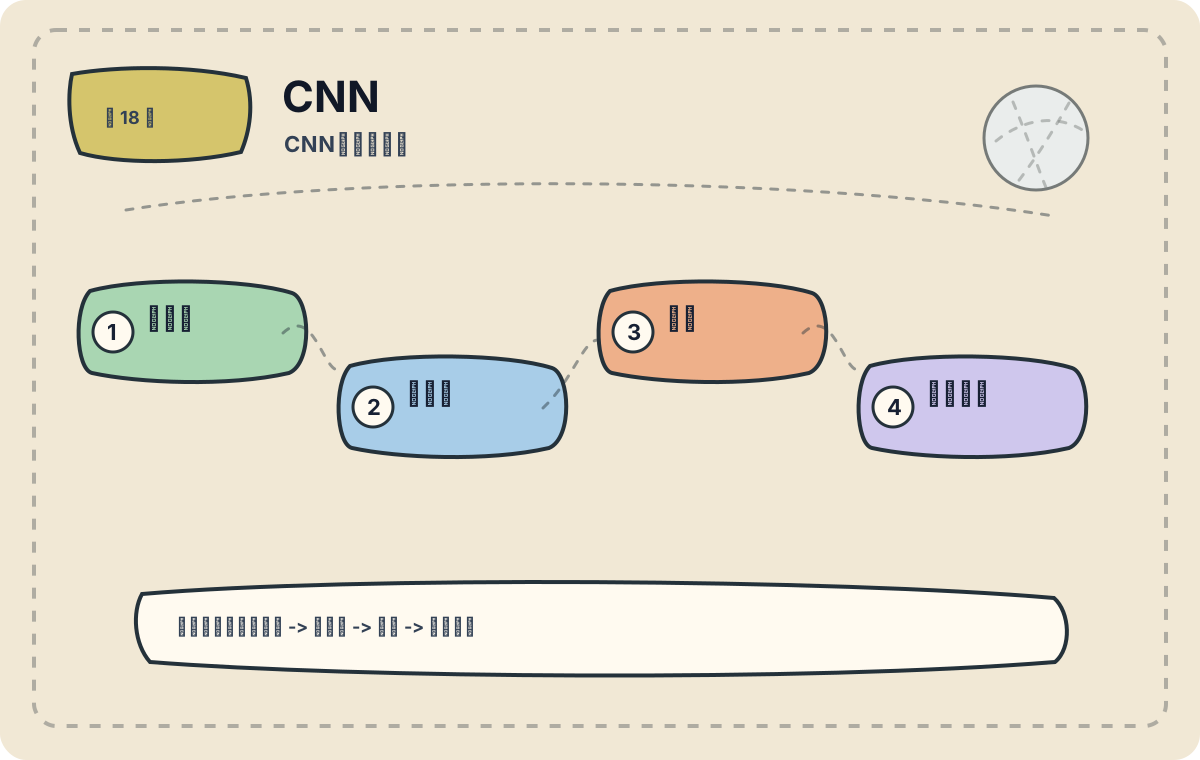
CNNs extract local features using convolutional kernels and progressively combine them across layers into increasingly abstract representations. In image-related tasks, CNNs remain foundational components in many modern models. This article focuses on real-world application scenarios. Before adopting a CNN, first assess whether the task genuinely aligns with its strengths—then consider data scale, deployment cost, and performance boundaries.
I track feature map dimensions, number of channels, and receptive field size at each layer. Relying solely on model names makes it nearly impossible to understand why a given architecture works.
In the previous article, we compared the characteristics of Convolutional Neural Networks (CNNs) and Recurrent Neural Networks (RNNs), and explored their interrelationships. Today, we dive into concrete CNN application cases—particularly in image processing. To maintain conceptual continuity, the next article will cover RNN transformation mechanisms.
Core Concepts of CNNs
A Convolutional Neural Network (CNN) is a deep learning architecture especially effective for computer vision tasks. It extracts local features via convolutional layers, reduces spatial dimensionality using pooling layers, and performs classification through fully connected layers. As such, CNNs are exceptionally well-suited for image data.
CNNs in Image Classification
Case Study: Handwritten Digit Recognition
A classic CNN application is handwritten digit recognition, typically implemented using the MNIST dataset. MNIST contains 70,000 grayscale images of handwritten digits, each sized 28×28 pixels. The goal is to correctly classify each image into one of ten digit classes (0–9).
Model Architecture
For this task, we can design a simple yet effective CNN as follows:
- Convolutional Layers: Two convolutional layers, each followed by a ReLU activation function.
- Pooling Layers: Max-pooling layers after each convolutional block.
- Fully Connected Layers: A flattened layer followed by a dense layer with ReLU activation, ending with a softmax classifier.
import tensorflow as tf
from tensorflow.keras import layers, models

# Build the model
model = models.Sequential()
model.add(layers.Conv2D(32, (3, 3), activation='relu', input_shape=(28, 28, 1)))
model.add(layers.MaxPooling2D((2, 2)))
model.add(layers.Conv2D(64, (3, 3), activation='relu'))
model.add(layers.MaxPooling2D((2, 2)))
model.add(layers.Flatten())
model.add(layers.Dense(64, activation='relu'))
model.add(layers.Dense(10, activation='softmax'))

# Compile the model
model.compile(optimizer='adam',
              loss='sparse_categorical_crossentropy',
              metrics=['accuracy'])
Training and Evaluation
Before training, we load and preprocess the MNIST dataset:
# Load and normalize data
(train_images, train_labels), (test_images, test_labels) = tf.keras.datasets.mnist.load_data()
train_images = train_images.reshape((60000, 28, 28, 1)).astype('float32') / 255
test_images = test_images.reshape((10000, 28, 28, 1)).astype('float32') / 255

# Train the model
model.fit(train_images, train_labels, epochs=5, batch_size=64)

# Evaluate the model
test_loss, test_acc = model.evaluate(test_images, test_labels, verbose=2)
print(f'\nTest accuracy: {test_acc}')
Through these steps, CNN’s effectiveness in handwritten digit recognition becomes evident—test accuracy routinely exceeds 98%, demonstrating strong performance on this canonical task.
CNNs in Object Detection
Case Study: Faster R-CNN
In object detection, Faster R-CNN stands out as a widely adopted framework that integrates a Region Proposal Network (RPN) with a standard CNN backbone. It jointly generates region proposals and classifies objects, enabling near-real-time detection.
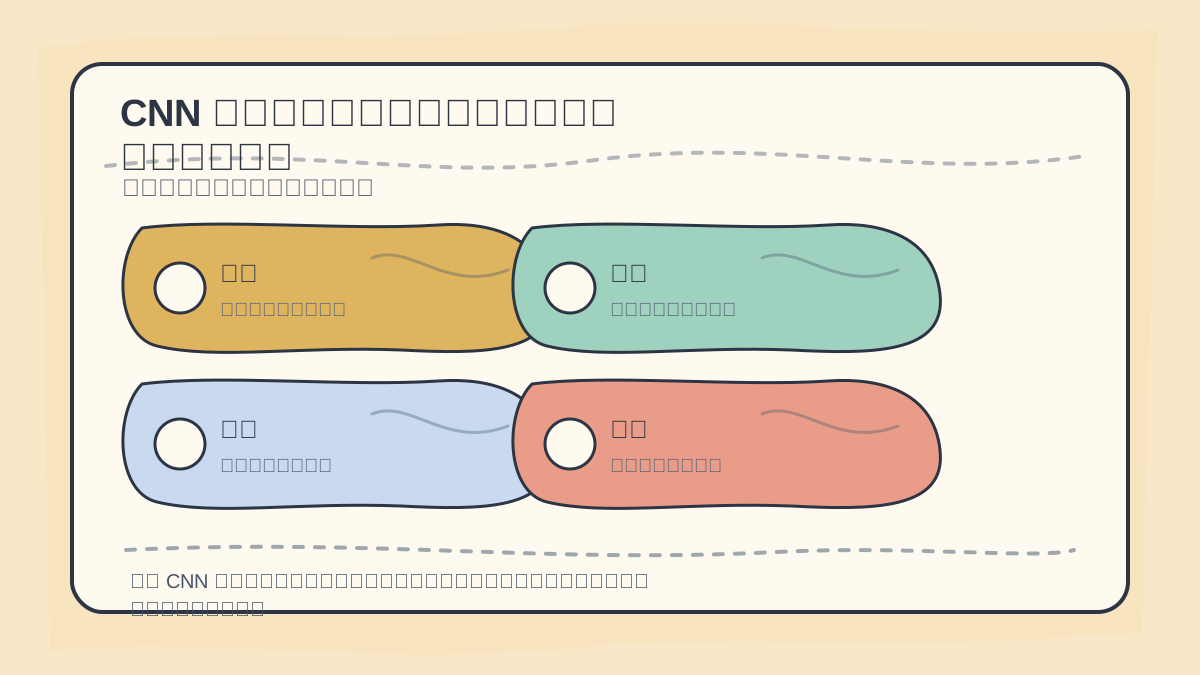
When analyzing CNN application cases, examine: image source, annotation methodology, model output format, error patterns, inference speed, and production deployment environment.
Model Architecture
Faster R-CNN leverages shared convolutional features to perform both region proposal and classification simultaneously. Its core pipeline includes:
- Input Image: Passed through a CNN backbone to produce feature maps.
- Region Proposal Network (RPN): Generates candidate bounding boxes from feature maps.
- RoI Pooling: Resizes each candidate region to a fixed spatial dimension.
- Fully Connected Head: Classifies each region and refines its bounding box coordinates.
Implementation
Pre-built libraries like Detectron2 or the TensorFlow Object Detection API enable rapid implementation of Faster R-CNN. For example, in TensorFlow:
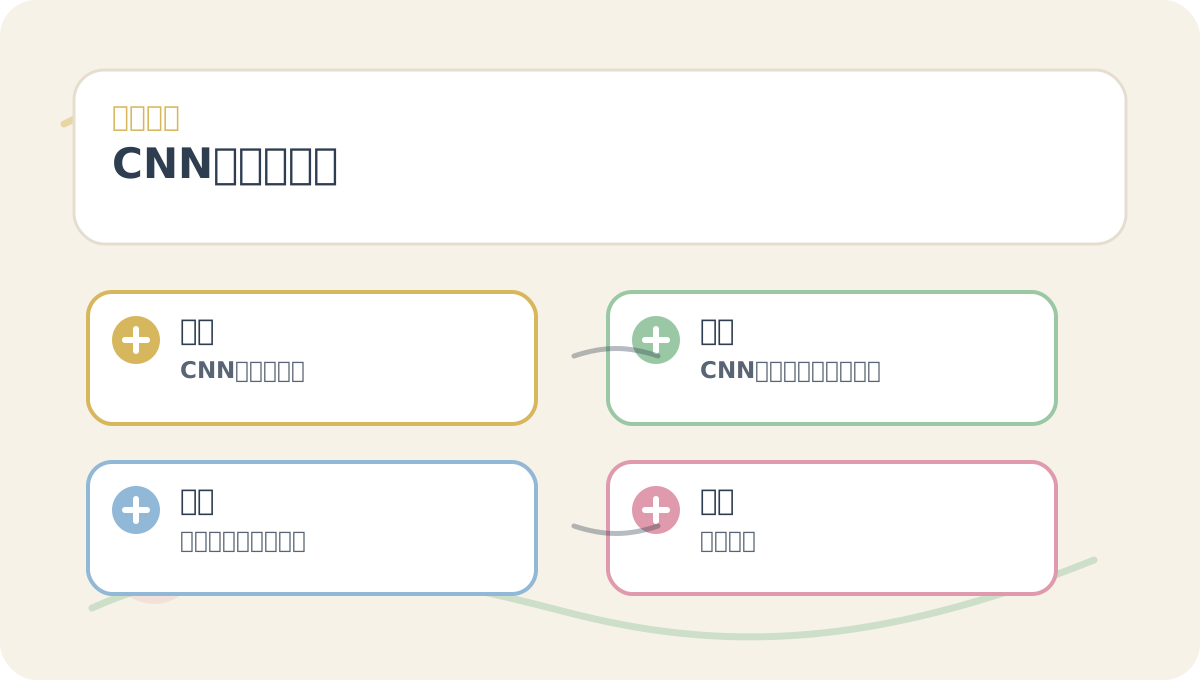
Before diving into the main text of “CNN Application Cases”, quickly scan the accompanying figures: What question does each pose? Which concepts need clear distinction? Which step invites hands-on experimentation? And what criteria define successful completion?
import tensorflow as tf

# Load a pre-trained Faster R-CNN model
model = tf.saved_model.load('PATH_TO_FASTER_RCNN_MODEL')

# Run inference
detections = model(image)
After completing “CNN Application Cases”, try adapting it to your own scenario—pay close attention to whether inputs, internal processing, and outputs logically align.
To apply “CNN Application Cases” to your own project, start small: isolate and validate just one critical decision point.
Summary
This article presented two practical CNN applications: image classification (handwritten digit recognition) and object detection (Faster R-CNN). These examples illustrate CNNs’ robust capabilities in handling visual data. In the next article, we’ll explore RNN transformation mechanisms—deepening our understanding of how different deep learning architectures relate and complement one another.
Apply This Lesson
Turn this article into AI software, model, API, and security decisions.
English Article FAQ
Use this article as evidence before choosing AI tools
How should I use this AI Tutorials article?
Use it as the implementation or learning layer, then connect the idea to AI software buyer guides, tool comparisons, benchmarks, API choices, and security checks before making a production decision.
Is this English article different from the Chinese original?
The English edition is localized for global AI readers while preserving the original diagrams, screenshots, prompts, code examples, and source context from the Chinese article.
What should I read after Build the model?
Continue with AI Software Buyer Guides, AI Tools Workbench, Best AI Coding Agents, AI Model Benchmarks, OpenAI vs Anthropic API, or LLM Security Tools depending on the decision you need to make.
Can this article alone choose an AI product or model?
No. Treat the article as evidence and context, then validate fit with pricing, privacy requirements, integration effort, benchmark results, workflow tests, and fallback planning.
Continue