English translation
Load a pre-trained DenseNet model
AI Article Decision Snapshot
Turn the lesson into workflow, model, budget, and security checks before choosing tools.
Use this quick snapshot before leaving the article. It keeps the next search tied to practical AI software, model/API, cost, privacy, and implementation questions.
Workflow fit
Identify the real job behind the article: coding, research, document review, support, analytics, content, or internal automation.
Model or tool decision
Decide whether the next step is a software shortlist, an AI tool comparison, an API platform choice, or a model benchmark.
Budget and usage signal
Estimate seats, API calls, prompt volume, retries, review time, and fallback work before assuming the workflow is cheap.
Security and privacy review
Check whether source code, customer data, private documents, prompts, logs, or embeddings will enter the AI workflow.
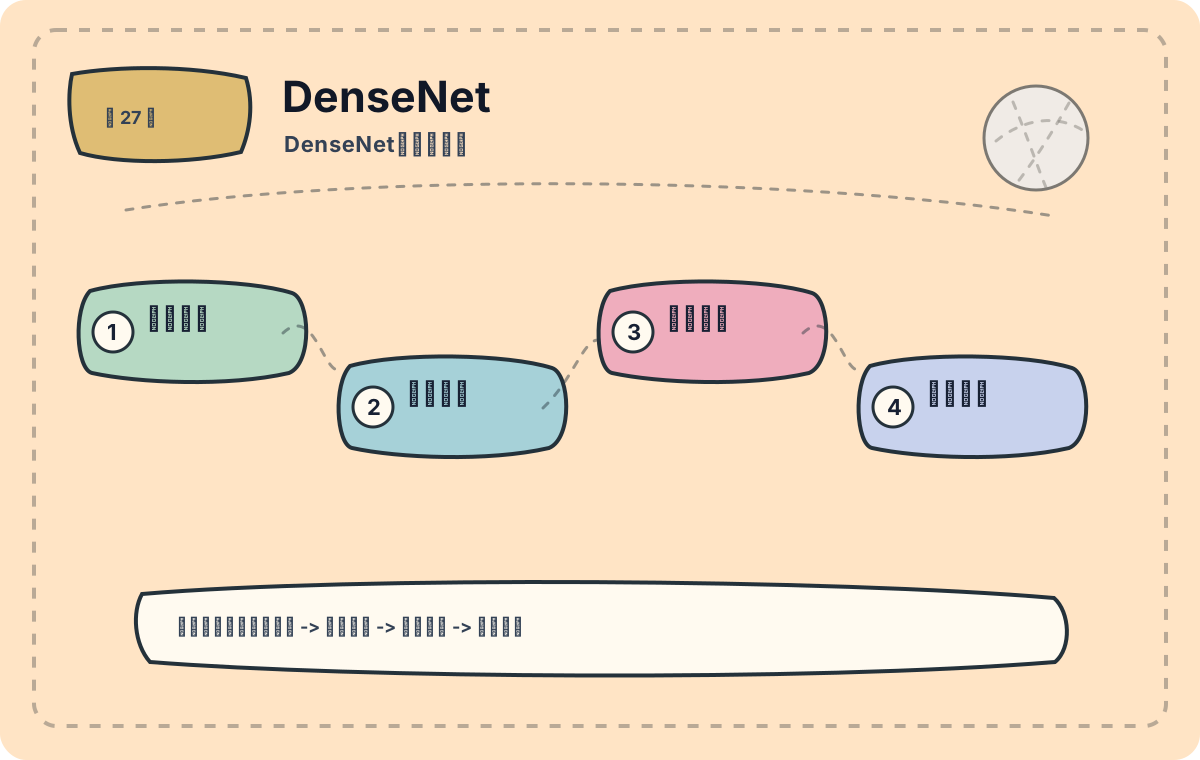
DenseNet enables later layers to directly access the outputs of many preceding layers, emphasizing feature reuse. Its key advantage is smooth information flow; however, memory usage demands careful attention. This article first establishes a holistic overview: what problem it solves, what its core modules are, and which types of tasks it best suits.
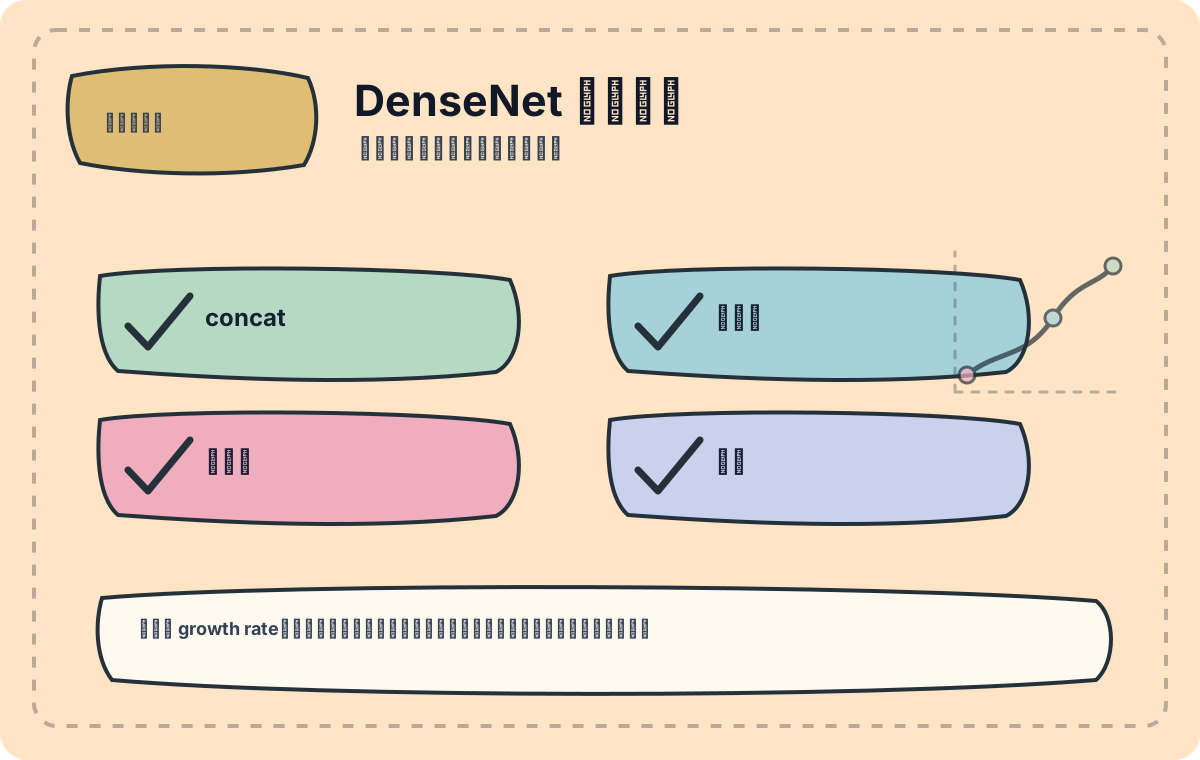
We’ll examine growth rate, connection patterns, and GPU memory consumption. As dense connections scale up, memory pressure during training becomes notably pronounced.
In the previous article, we discussed MobileNet—a lightweight convolutional neural network (CNN) optimized for mobile and real-time applications. Next, we delve into DenseNet, a model that excels in image classification and real-time detection tasks—particularly due to its outstanding advantages in feature reuse and gradient flow—making it a pivotal architecture in computer vision.
Introduction to DenseNet
DenseNet (Densely Connected Convolutional Network) is a deep learning architecture whose core idea is that each layer connects directly to all preceding layers. Specifically, in a DenseNet with L layers, the input to layer l consists of the concatenated feature maps from all prior layers (x₀, x₁, ..., xₗ₋₁). The formal definition is:
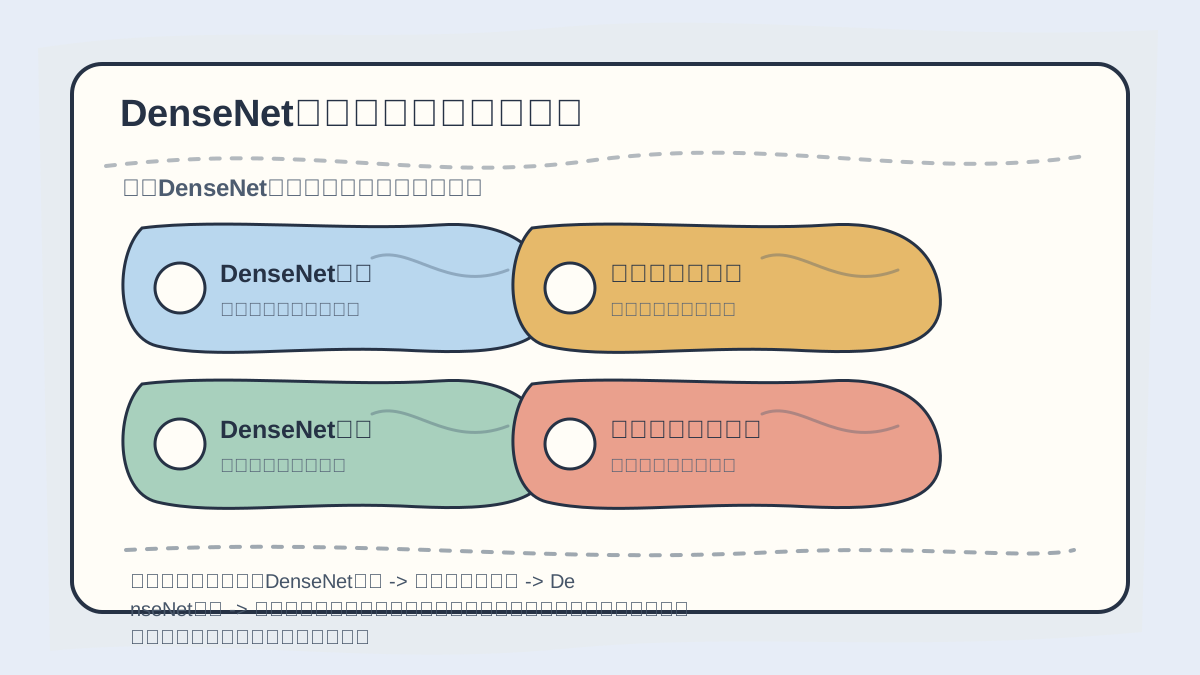
While reading this article, treat the sequence “DenseNet Introduction → Challenges of Real-Time Detection → DenseNet in Real-Time Detection → Dataset & Environment Setup” as a verification checklist: first clarify the topic, logical flow, and validation points; then revisit case studies, code, or metrics for cross-checking.
where denotes the transformation performed by layer l, and represents the concatenated feature maps output by all preceding layers.
This design effectively mitigates the vanishing gradient problem in deep networks and significantly reduces parameter count through aggressive feature reuse. Compared to MobileNet, DenseNet not only achieves higher accuracy but also improves computational efficiency to a certain extent.
Challenges of Real-Time Detection
Real-time object detection requires balancing inference speed and detection accuracy. Traditional models like SSD and YOLO excel in speed but may lack expressive power in feature representation. In contrast, DenseNet’s superior feature reuse mechanism enables robust performance in complex scenes.
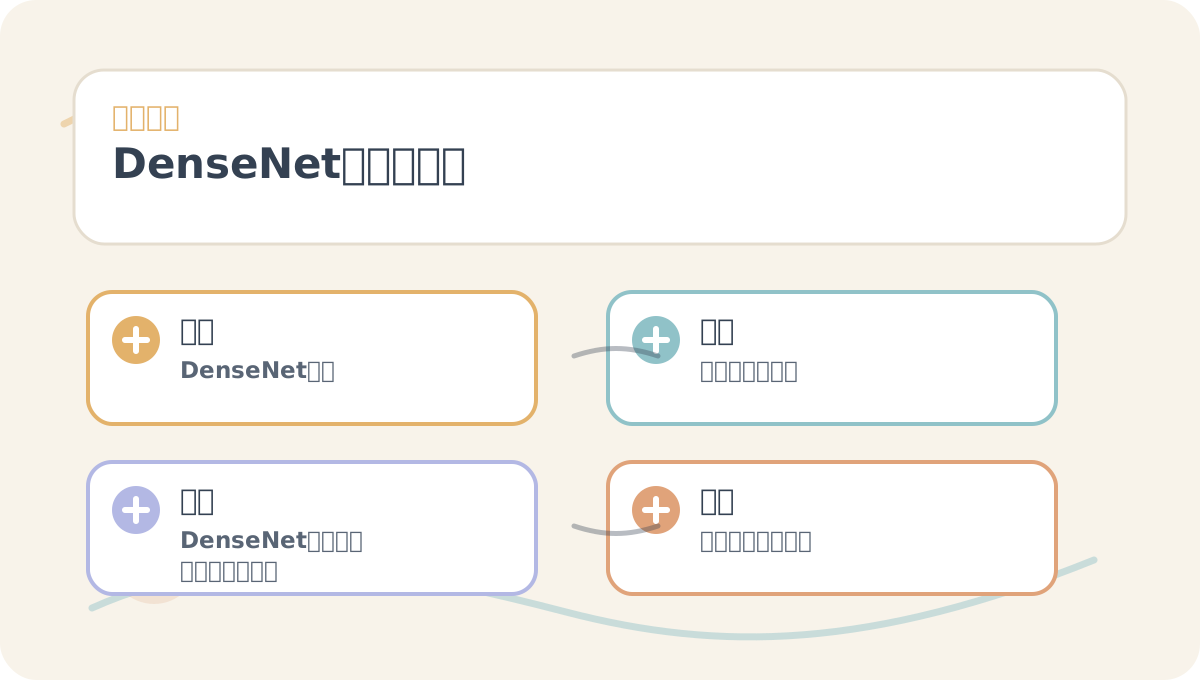
Before reading “DenseNet for Real-Time Detection”, use the accompanying figures to confirm the main narrative thread; after reading, verify which steps are immediately actionable and which require supplementary background knowledge.
When applying DenseNet to real-time object detection, it is typically integrated into detection frameworks such as Faster R-CNN to fully leverage its powerful feature extraction capability.
Practical Application of DenseNet in Real-Time Detection
Dataset and Environment Setup
In this case study, we use the Pascal VOC dataset for training and evaluation. First, ensure you’re working within an appropriate deep learning framework—e.g., PyTorch or TensorFlow. The following code snippet demonstrates how to load a pre-trained DenseNet model and perform basic initialization:
import torch
import torchvision.models as models

# Load a pre-trained DenseNet model
model = models.densenet121(pretrained=True)

# Set model to evaluation mode
model.eval()
Integrating Feature Extraction with Real-Time Detection Algorithms
For real-time object detection, DenseNet can serve as a backbone feature extractor embedded within a Faster R-CNN framework. Example implementation:
from torchvision.models.detection import fasterrcnn_resnet50_fpn

# Define a Faster R-CNN variant using DenseNet as backbone
class DenseNetFasterRCNN(torch.nn.Module):
    def __init__(self):
        super(DenseNetFasterRCNN, self).__init__()
        self.densenet = models.densenet121(pretrained=True)
        self.detector = fasterrcnn_resnet50_fpn(pretrained=True)

    def forward(self, images):
        features = self.densenet(images)
        detections = self.detector(features)
        return detections

# Instantiate the model
model = DenseNetFasterRCNN()
Training and Real-Time Inference
Next, the model must be trained—data augmentation techniques can be applied to enhance generalization. During inference, the system must process video streams or image sequences in real time. For example, the following code captures live video and performs inference:
import cv2

# Open video stream
cap = cv2.VideoCapture(0)

while True:
    ret, frame = cap.read()
    if not ret:
        break

    # Preprocess frame
    image_tensor = preprocess(frame)  # Image preprocessing function
    detections = model(image_tensor)

    # Visualize detection results
    visualize_detections(frame, detections)  # Visualization function

    cv2.imshow('Real-time Detection', frame)
    if cv2.waitKey(1) & 0xFF == ord('q'):
        break

cap.release()
cv2.destroyAllWindows()
If “DenseNet for Real-Time Detection” hasn’t yet been fully internalized, retrace the four actions outlined on this card.
When reviewing “DenseNet for Real-Time Detection”, avoid launching large-scale projects upfront—start instead with a minimal working example to verify whether the core logic is clear.
Summary
As demonstrated above, DenseNet significantly enhances both accuracy and efficiency of real-time detection systems through its distinctive dense connectivity mechanism. It not only extends MobileNet’s strengths in feature reuse but also better captures visual semantics, adapting more effectively to complex environments. Consequently, DenseNet’s practical performance merits serious consideration.
In the next article, we will explore additional application scenarios of DenseNet, further uncovering its potential in industrial deployment.
Apply This Lesson
Turn this article into AI software, model, API, and security decisions.
English Article FAQ
Use this article as evidence before choosing AI tools
How should I use this AI Tutorials article?
Use it as the implementation or learning layer, then connect the idea to AI software buyer guides, tool comparisons, benchmarks, API choices, and security checks before making a production decision.
Is this English article different from the Chinese original?
The English edition is localized for global AI readers while preserving the original diagrams, screenshots, prompts, code examples, and source context from the Chinese article.
What should I read after Load a pre-trained DenseNet model?
Continue with AI Software Buyer Guides, AI Tools Workbench, Best AI Coding Agents, AI Model Benchmarks, OpenAI vs Anthropic API, or LLM Security Tools depending on the decision you need to make.
Can this article alone choose an AI product or model?
No. Treat the article as evidence and context, then validate fit with pricing, privacy requirements, integration effort, benchmark results, workflow tests, and fallback planning.
Continue