English translation
Data preprocessing
AI Article Decision Snapshot
Turn the lesson into workflow, model, budget, and security checks before choosing tools.
Use this quick snapshot before leaving the article. It keeps the next search tied to practical AI software, model/API, cost, privacy, and implementation questions.
Workflow fit
Identify the real job behind the article: coding, research, document review, support, analytics, content, or internal automation.
Model or tool decision
Decide whether the next step is a software shortlist, an AI tool comparison, an API platform choice, or a model benchmark.
Budget and usage signal
Estimate seats, API calls, prompt volume, retries, review time, and fallback work before assuming the workflow is cheap.
Security and privacy review
Check whether source code, customer data, private documents, prompts, logs, or embeddings will enter the AI workflow.
DenseNet enables later layers to directly access the outputs of many earlier layers, emphasizing feature reuse. Its key advantage is smooth information flow; however, it demands careful memory management. This article focuses on practical application scenarios. First, assess whether your task truly aligns with DenseNet’s strengths; then evaluate data scale, deployment cost, and performance boundaries.
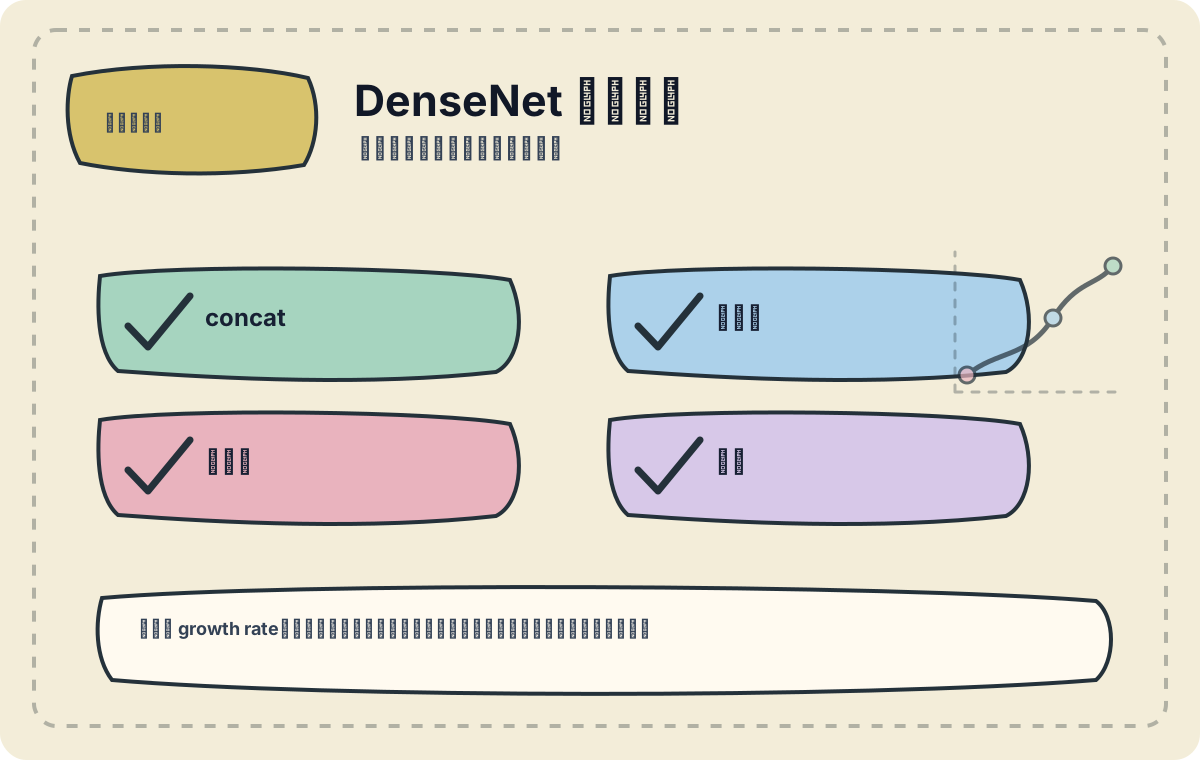
I’ll examine growth rate, connection patterns, and GPU memory consumption. As dense connections increase, memory pressure during training becomes notably pronounced.
In the previous article, we explored DenseNet’s use in real-time detection. Here, we dive deeper into its capabilities and effectiveness for image classification, especially across diverse real-world applications.
Overview of DenseNet
DenseNet (Densely Connected Convolutional Network) introduces a novel architectural design: each layer is directly connected to all preceding layers. This promotes aggressive feature reuse, significantly alleviating training difficulties and mitigating the vanishing gradient problem. The architecture efficiently captures complex features while reducing parameter count—thereby enhancing model efficiency.
Application Examples in Image Classification
1. Medical Image Analysis
DenseNet demonstrates outstanding performance in medical image classification—particularly in tumor detection and segmentation tasks. Below is a concrete example:
import tensorflow as tf
from tensorflow.keras.applications import DenseNet121
from tensorflow.keras.preprocessing.image import ImageDataGenerator

# Data preprocessing
datagen = ImageDataGenerator(rescale=1./255, validation_split=0.2)

train_generator = datagen.flow_from_directory(
    'data/medical_images/',
    target_size=(224, 224),
    batch_size=32,
    class_mode='categorical',
    subset='training'
)

validation_generator = datagen.flow_from_directory(
    'data/medical_images/',
    target_size=(224, 224),
    batch_size=32,
    class_mode='categorical',
    subset='validation'
)

# Build model using DenseNet
model = tf.keras.Sequential([
    DenseNet121(weights='imagenet', include_top=False, input_shape=(224, 224, 3)),
    tf.keras.layers.GlobalAveragePooling2D(),
    tf.keras.layers.Dense(128, activation='relu'),
    tf.keras.layers.Dense(len(train_generator.class_indices), activation='softmax')
])

model.compile(optimizer='adam', loss='categorical_crossentropy', metrics=['accuracy'])

# Train the model
model.fit(train_generator, validation_data=validation_generator, epochs=10)
In medical imaging analysis, DenseNet leverages its dense inter-layer connections to effectively integrate multi-level semantic information. For instance, in breast tumor classification, DenseNet’s hierarchical feature extraction yields superior accuracy. Moreover, once adequately trained, the model rapidly adapts to new medical imaging datasets—demonstrating strong generalization capability.
2. Natural Image Classification
DenseNet also excels in natural image classification. On the CIFAR-10 benchmark, it achieves performance comparable to ResNet—despite using significantly fewer parameters.
from keras.datasets import cifar10
from keras.utils import to_categorical

# Load data
(x_train, y_train), (x_test, y_test) = cifar10.load_data()
x_train = x_train.astype('float32') / 255.0
x_test = x_test.astype('float32') / 255.0
y_train = to_categorical(y_train, 10)
y_test = to_categorical(y_test, 10)

# Build DenseNet model
from keras.applications import DenseNet121

model = DenseNet121(input_shape=(32, 32, 3), include_top=True, weights=None, classes=10)

model.compile(optimizer='adam', loss='categorical_crossentropy', metrics=['accuracy'])
model.fit(x_train, y_train, epochs=10, validation_data=(x_test, y_test))
On CIFAR-10, DenseNet consistently achieves test accuracies exceeding 90%, underscoring its robustness and efficiency for small-scale image classification tasks.
3. Visual Content Recommendation
DenseNet can also power visual content recommendation systems—classifying user-preferred images to suggest related items. For example, on an e-commerce platform, it helps users discover clothing styles aligned with their aesthetic preferences.
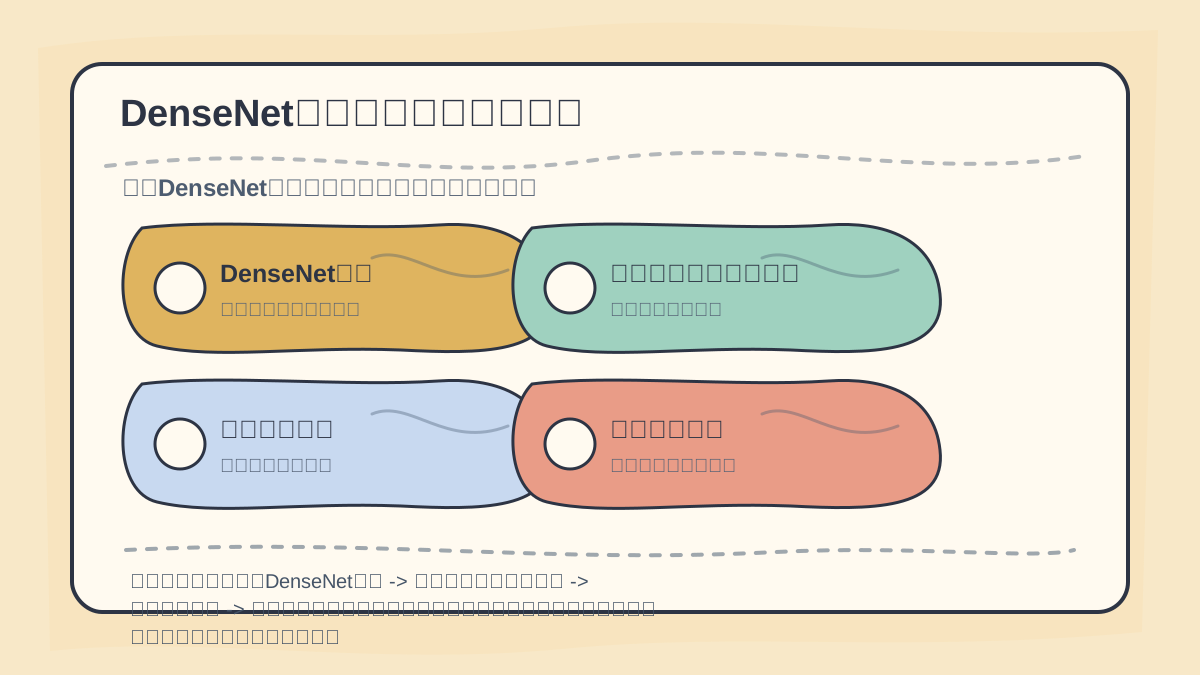
While reading this article, treat the sequence “DenseNet Overview → Application Examples in Image Classification → Medical Imaging → Natural Images” as a verification checklist: first clarify the core theme, logical progression, and validation points—then revisit individual cases, code snippets, or evaluation metrics for cross-checking.
Upon finishing this article, synthesize “DenseNet Application Examples” into a concise retrospective table: clearly state the central narrative first, then validate it using a small representative task.
After completing “DenseNet Application Examples”, begin by implementing one compact end-to-end example. Then assess which steps you can now execute independently.
Summary
Through these illustrative cases, we gain deep insight into DenseNet’s significance and versatility in image classification. Its distinctive architecture not only boosts model performance but also exhibits remarkable adaptability across real-world applications. In the next article, we will explore YOLO-based segmentation networks—examining how to synergize object detection and image segmentation using more efficient algorithms. With this coherent learning path, we steadily advance our expertise in computer vision.
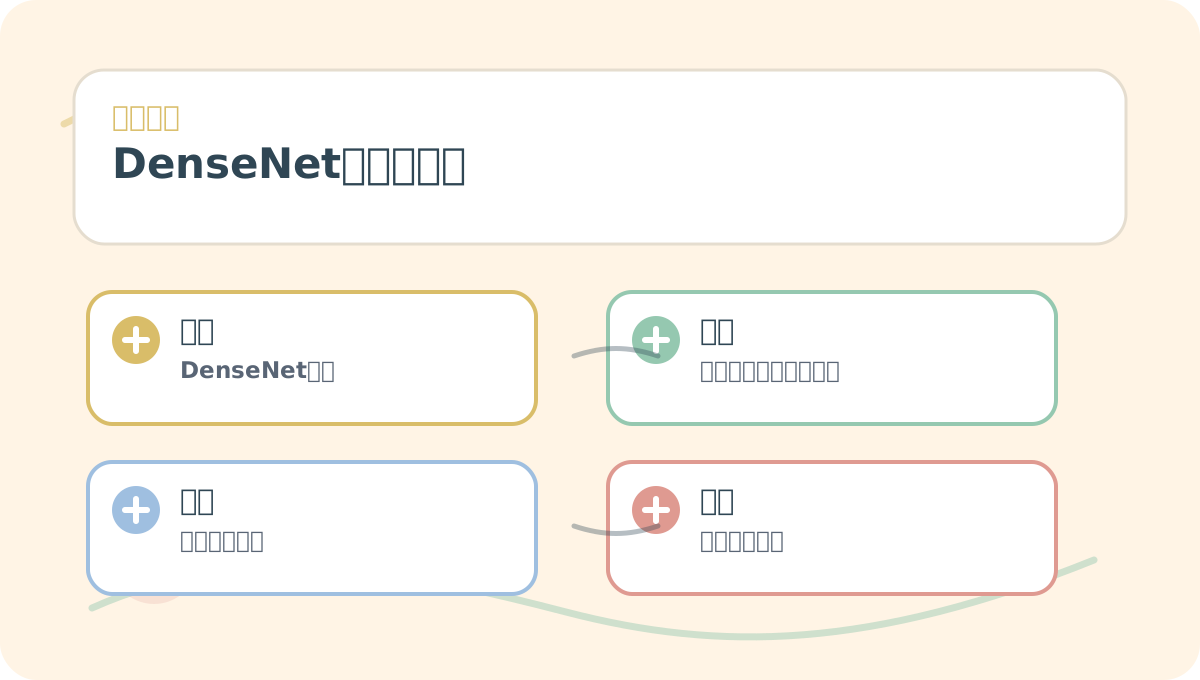
When studying “DenseNet Application Examples”, start by identifying a small, reproducible scenario you can implement yourself. Next, study the associated concepts and practice the implementation steps. Finally, re-express the entire workflow using your own example.
Apply This Lesson
Turn this article into AI software, model, API, and security decisions.
English Article FAQ
Use this article as evidence before choosing AI tools
How should I use this AI Tutorials article?
Use it as the implementation or learning layer, then connect the idea to AI software buyer guides, tool comparisons, benchmarks, API choices, and security checks before making a production decision.
Is this English article different from the Chinese original?
The English edition is localized for global AI readers while preserving the original diagrams, screenshots, prompts, code examples, and source context from the Chinese article.
What should I read after Data preprocessing?
Continue with AI Software Buyer Guides, AI Tools Workbench, Best AI Coding Agents, AI Model Benchmarks, OpenAI vs Anthropic API, or LLM Security Tools depending on the decision you need to make.
Can this article alone choose an AI product or model?
No. Treat the article as evidence and context, then validate fit with pricing, privacy requirements, integration effort, benchmark results, workflow tests, and fallback planning.
Continue