English translation
Data preprocessing
AI Article Decision Snapshot
Turn the lesson into workflow, model, budget, and security checks before choosing tools.
Use this quick snapshot before leaving the article. It keeps the next search tied to practical AI software, model/API, cost, privacy, and implementation questions.
Workflow fit
Identify the real job behind the article: coding, research, document review, support, analytics, content, or internal automation.
Model or tool decision
Decide whether the next step is a software shortlist, an AI tool comparison, an API platform choice, or a model benchmark.
Budget and usage signal
Estimate seats, API calls, prompt volume, retries, review time, and fallback work before assuming the workflow is cheap.
Security and privacy review
Check whether source code, customer data, private documents, prompts, logs, or embeddings will enter the AI workflow.
ResNeXt integrates grouped convolutions into ResNet’s residual framework, enabling the network to extract features via more parallel pathways. To understand it fully, one must jointly consider depth, width, and the number of groups. This article focuses on evaluation: speed, accuracy, GPU memory usage, and reproducible configuration must all be recorded together—no single metric alone suffices.
I will explicitly list the number of groups, channel counts, and output feature dimensions—and then assess whether the architecture is suitable for downstream tasks such as object detection or classification heads.
In the previous article, we discussed ResNeXt’s application in object detection, demonstrating how its grouped convolution structure enables efficient and accurate detection models. In this article, we dive deeper into ResNeXt’s concrete implementation and explore its advantages in image classification and feature extraction—providing a detailed, hands-on instance analysis.
Overview of ResNeXt
ResNeXt is an extension of the Residual Network (ResNet), introducing grouped convolutions to enhance both model expressiveness and computational efficiency. Similar to ResNet’s bottleneck block, ResNeXt favors widening the network rather than deepening it—thereby improving performance on complex vision tasks.
ResNeXt Architecture
The fundamental building block of ResNeXt is the grouped convolution unit, whose output can be expressed as:
where denotes the first convolutional layer, is the input feature map, is typically the ReLU activation function, and represents the skip connection.
Grouped Convolution
Grouped convolution partitions the input channels into multiple disjoint groups, applies convolution independently within each group, and concatenates the resulting outputs. If the input has channels and is the number of groups, then the number of channels per group is:
This technique significantly reduces parameter count while increasing feature diversity.
Instance Analysis: Image Classification with ResNeXt
Dataset Preparation
We conduct experiments using the CIFAR-10 dataset. CIFAR-10 consists of 60,000 color images (32×32 pixels) across 10 classes. We split the dataset into training and test subsets.
import torchvision.transforms as transforms
import torchvision.datasets as datasets
from torch.utils.data import DataLoader

# Data preprocessing
transform = transforms.Compose([
    transforms.ToTensor(),
    transforms.Normalize((0.5, 0.5, 0.5), (0.5, 0.5, 0.5)),
])

train_dataset = datasets.CIFAR10(root='./data', train=True, download=True, transform=transform)
test_dataset = datasets.CIFAR10(root='./data', train=False, download=True, transform=transform)

train_loader = DataLoader(dataset=train_dataset, batch_size=64, shuffle=True)
test_loader = DataLoader(dataset=test_dataset, batch_size=64, shuffle=False)
Building the ResNeXt Model
Next, we construct the ResNeXt model using PyTorch—either by leveraging an existing implementation or by custom-building it according to the original paper.
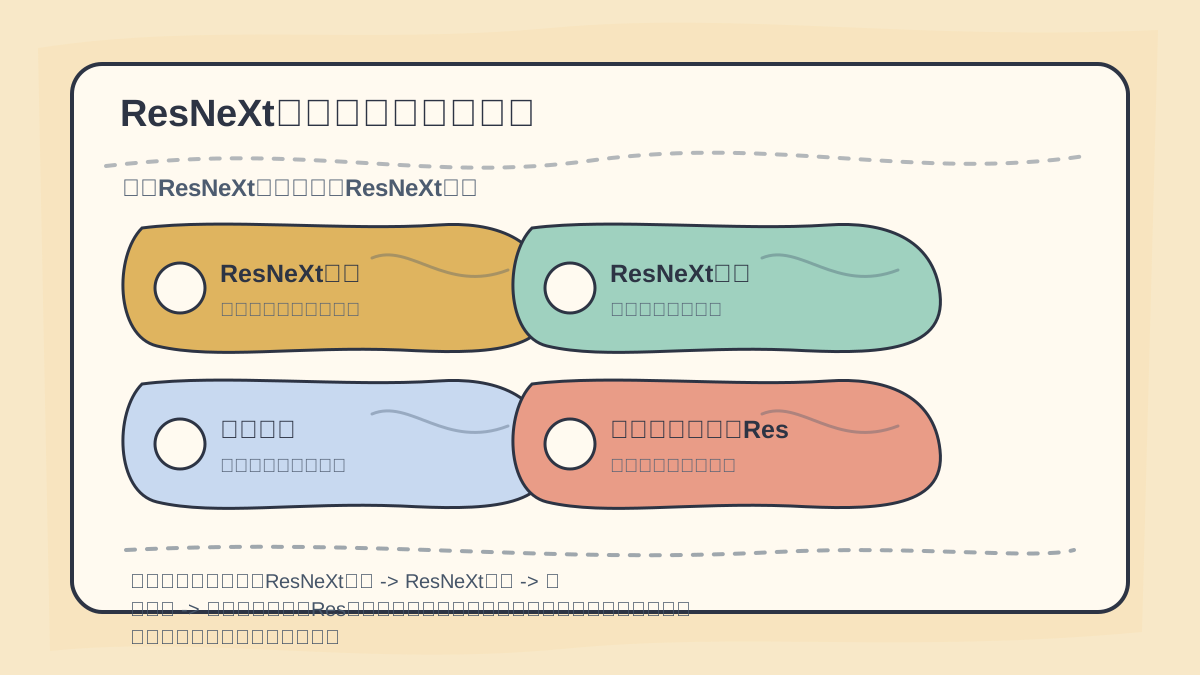
While reading this article, treat “ResNeXt Overview → ResNeXt Architecture → Grouped Convolution → Instance Analysis: Using Res…” as a checklist: first identify the object, action, and decision criteria, then revisit the case studies, code snippets, or metrics for verification.
import torch
import torch.nn as nn
import torchvision.models as models

class ResNeXt(nn.Module):
    def __init__(self, num_classes=10):
        super(ResNeXt, self).__init__()
        self.resnext = models.resnext50_32x4d(pretrained=True)  # 32 groups, 4 channels per group
        self.fc = nn.Linear(self.resnext.fc.in_features, num_classes)

    def forward(self, x):
        x = self.resnext(x)
        x = self.fc(x)
        return x
Training the Model
After defining the model, we select an appropriate loss function and optimizer, then proceed with training.
import torch.optim as optim

device = torch.device("cuda" if torch.cuda.is_available() else "cpu")
model = ResNeXt().to(device)
criterion = nn.CrossEntropyLoss()
optimizer = optim.Adam(model.parameters(), lr=0.001)

# Training loop
for epoch in range(10):
    model.train()
    for images, labels in train_loader:
        images, labels = images.to(device), labels.to(device)

        optimizer.zero_grad()
        outputs = model(images)
        loss = criterion(outputs, labels)
        loss.backward()
        optimizer.step()

    print(f'Epoch [{epoch+1}/10], Loss: {loss.item():.4f}')
Evaluating the Model
After training, we evaluate model performance on the test set.
model.eval()
correct = 0
total = 0

with torch.no_grad():
    for images, labels in test_loader:
        images, labels = images.to(device), labels.to(device)
        outputs = model(images)
        _, predicted = torch.max(outputs.data, 1)
        total += labels.size(0)
        correct += (predicted == labels).sum().item()

print(f'Accuracy of the model on the test images: {100 * correct / total:.2f}%')
Results Analysis
Following training and evaluation, we observe that ResNeXt achieves strong performance on CIFAR-10. Its combination of grouped convolutions and residual connections enables effective feature extraction. Moreover, thanks to reduced computational complexity, we can deploy larger models under the same bandwidth constraints—yielding higher accuracy.
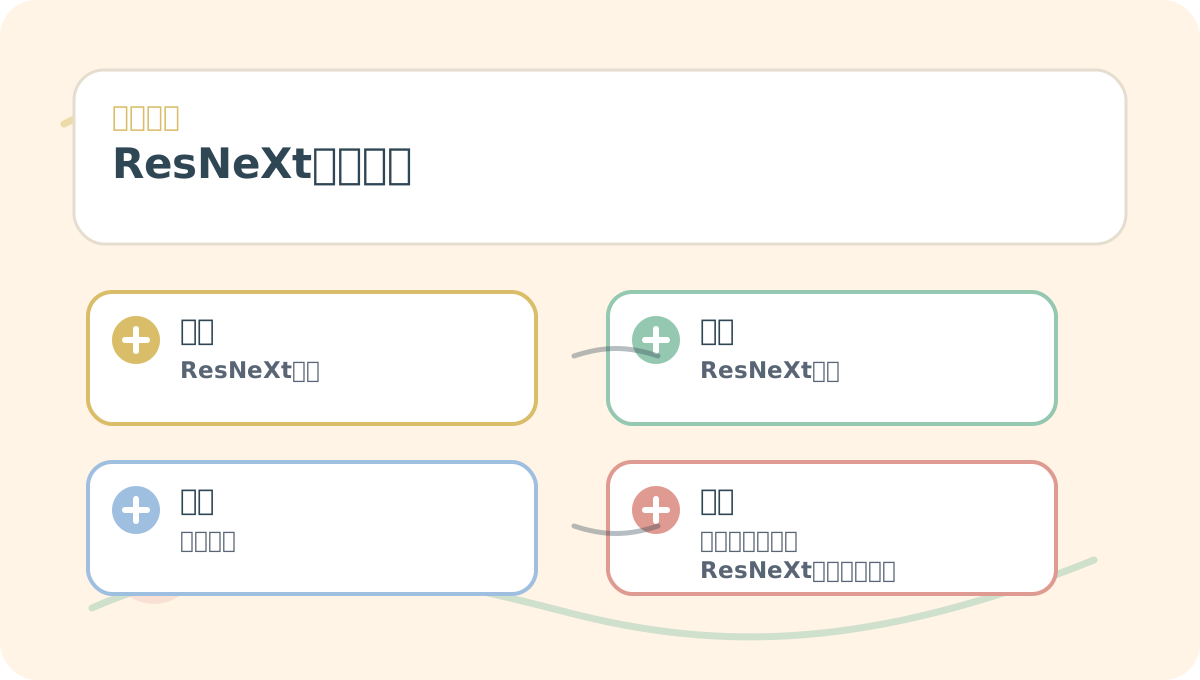
Read “ResNeXt Instance Analysis” through the lens of “Scenario, Concept, Action, Result.” First align these four elements; then return to parameters, code, or workflow details in the main text.
Key Advantages
- Strong Expressiveness: Grouped convolutions allow ResNeXt to capture richer, more diverse feature representations.
- Lower Computational Cost: Grouped convolutions deliver improved performance with fewer FLOPs.
At this point, you can summarize “ResNeXt Instance Analysis” into a retrospective table: first clarify the central narrative, then validate it using a small-scale task.
After finishing “ResNeXt Instance Analysis,” try walking through a minimal working example end-to-end—and then assess which steps you can now execute independently.
Conclusion
In this instance analysis, we thoroughly examined ResNeXt’s architecture and implementation, demonstrating its effectiveness for image classification. ResNeXt’s innovative design offers new perspectives and practical tools for building computer vision models. In the next article, we’ll explore the dynamic path characteristics of Pix2Pix—stay tuned!
Apply This Lesson
Turn this article into AI software, model, API, and security decisions.
English Article FAQ
Use this article as evidence before choosing AI tools
How should I use this AI Tutorials article?
Use it as the implementation or learning layer, then connect the idea to AI software buyer guides, tool comparisons, benchmarks, API choices, and security checks before making a production decision.
Is this English article different from the Chinese original?
The English edition is localized for global AI readers while preserving the original diagrams, screenshots, prompts, code examples, and source context from the Chinese article.
What should I read after Data preprocessing?
Continue with AI Software Buyer Guides, AI Tools Workbench, Best AI Coding Agents, AI Model Benchmarks, OpenAI vs Anthropic API, or LLM Security Tools depending on the decision you need to make.
Can this article alone choose an AI product or model?
No. Treat the article as evidence and context, then validate fit with pricing, privacy requirements, integration effort, benchmark results, workflow tests, and fallback planning.
Continue