English translation
53. Pix2Pix: Dynamic Path Exploration
AI Article Decision Snapshot
Turn the lesson into workflow, model, budget, and security checks before choosing tools.
Use this quick snapshot before leaving the article. It keeps the next search tied to practical AI software, model/API, cost, privacy, and implementation questions.
Workflow fit
Identify the real job behind the article: coding, research, document review, support, analytics, content, or internal automation.
Model or tool decision
Decide whether the next step is a software shortlist, an AI tool comparison, an API platform choice, or a model benchmark.
Budget and usage signal
Estimate seats, API calls, prompt volume, retries, review time, and fallback work before assuming the workflow is cheap.
Security and privacy review
Check whether source code, customer data, private documents, prompts, logs, or embeddings will enter the AI workflow.
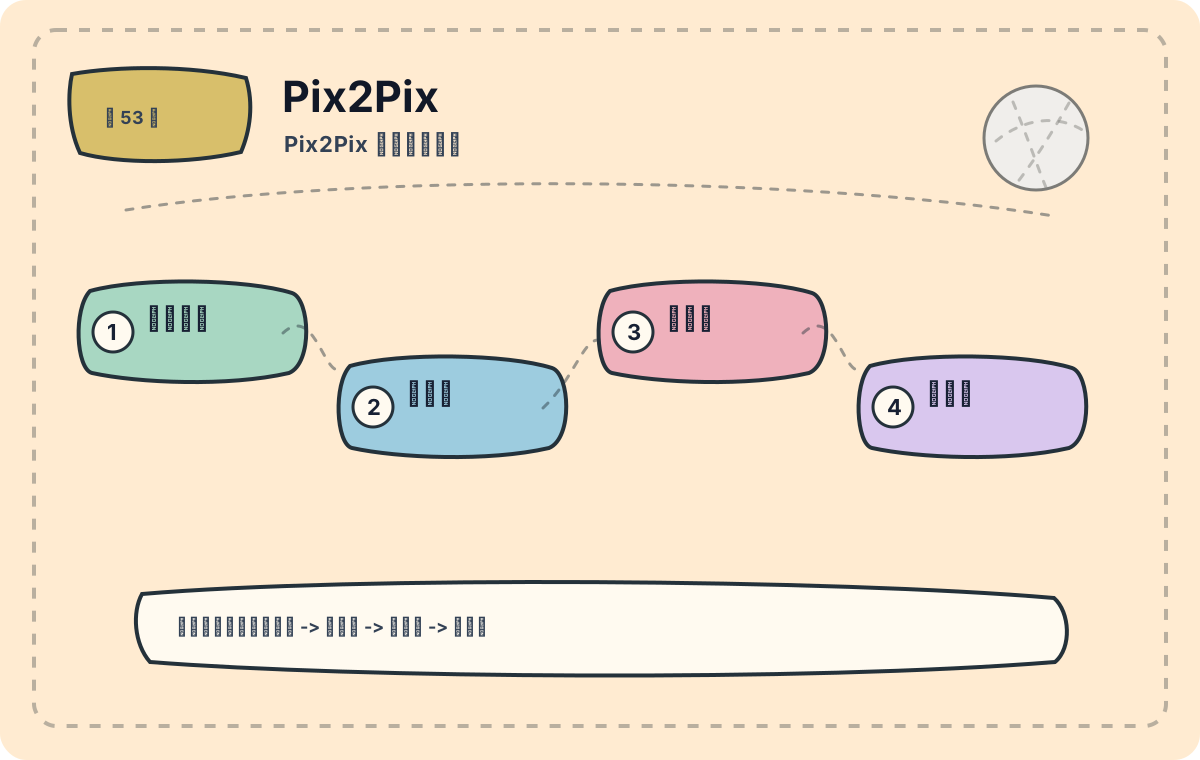
Pix2Pix is designed for image-to-image translation tasks where paired training samples are available. Rather than generating images from scratch, it learns a mapping from input images to corresponding target images. This article first establishes the big picture: what problem it solves, what its core components are, and in which types of tasks it fits best.
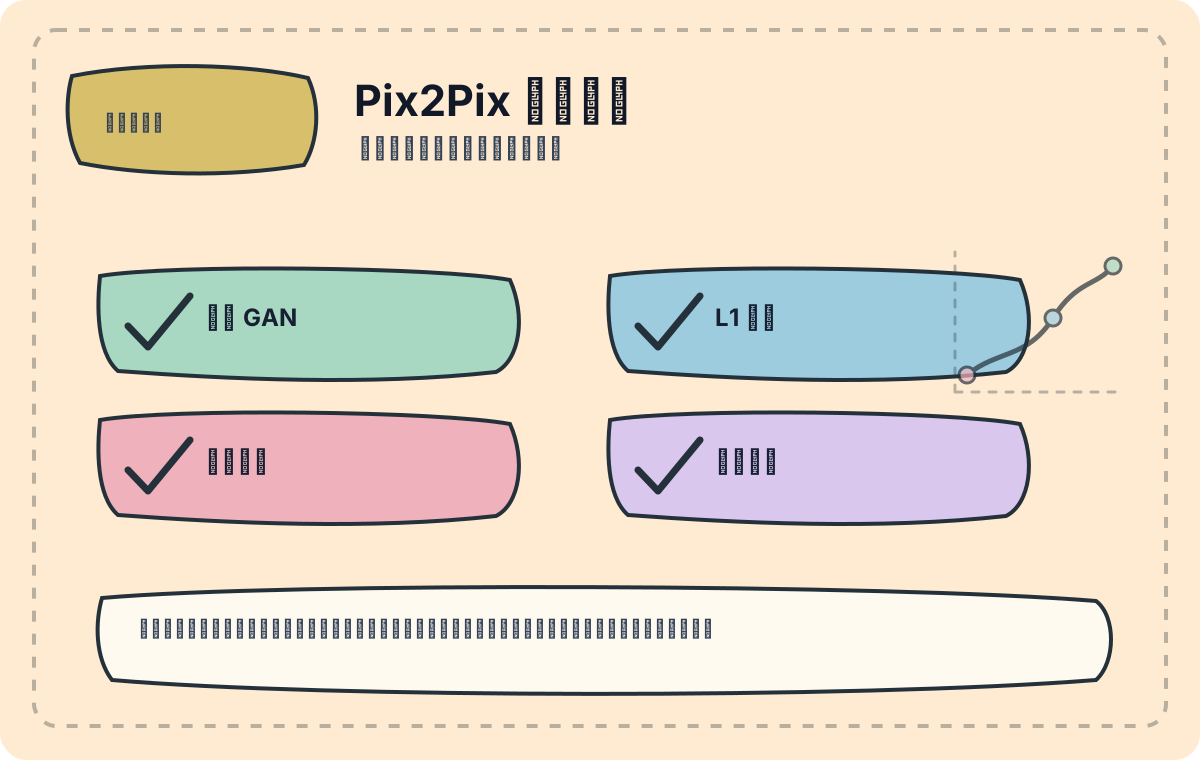
I’ll begin by verifying whether the training samples are truly paired, then check whether the structural consistency between input and generated images is preserved. If data pairing is incorrect, the model has little chance of recovery.
In the previous article, we conducted an in-depth analysis of ResNeXt, exploring its modular design and applications in visual recognition. Today, we step into the dynamic path of Pix2Pix—examining its architecture and generative capabilities—to prepare for our upcoming applied summary.
Overview of the Pix2Pix Architecture
Pix2Pix is a conditional generative adversarial network (cGAN)-based model designed to translate input images (e.g., line sketches, semantic label maps) into corresponding target images. The model consists of two primary components: a generator and a discriminator.
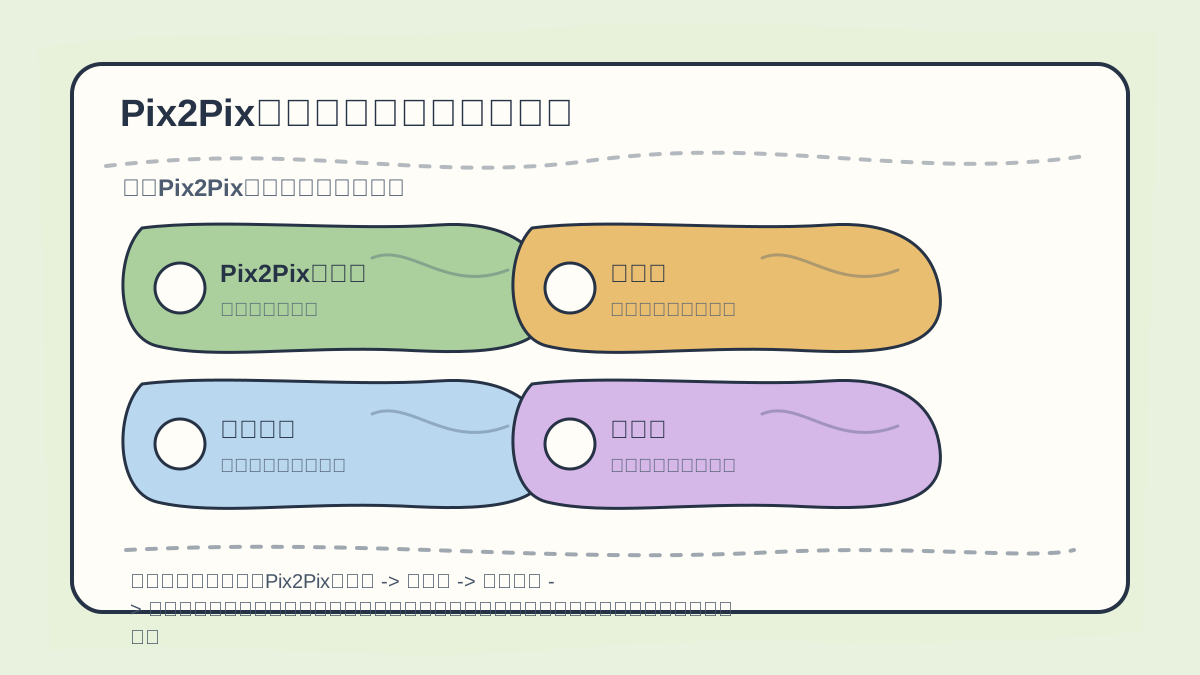
While reading this article, treat the sequence “Pix2Pix Architecture Overview → Generator → Case Analysis → Discriminator” as a verification checklist: first clarify the materials (inputs), operations (transformations), and outcomes (outputs); then revisit concrete examples, code snippets, or evaluation metrics for cross-checking.
Generator
The generator adopts a U-Net architecture, characterized by a symmetric encoder-decoder structure. The encoder extracts hierarchical image features, while the decoder reconstructs high-fidelity output images. During encoding, downsampling layers progressively reduce spatial resolution while increasing channel depth; during decoding, upsampling layers gradually restore spatial dimensions—and crucially, skip connections fuse corresponding encoder feature maps to preserve structural fidelity.
The generator’s core operation can be expressed as:
Here, denotes the input image, and is the generated output.
Case Analysis
Take urban scene translation as an example: the input is a line drawing, and the output is a photorealistic cityscape. Below is a Keras implementation snippet for the generator:
from keras.layers import Input, Conv2D, Conv2DTranspose, concatenate
from keras.models import Model

def build_generator(img_shape):
    input_img = Input(shape=img_shape)

    # Encoder
    down1 = Conv2D(64, (4, 4), strides=2, padding='same')(input_img)
    down2 = Conv2D(128, (4, 4), strides=2, padding='same')(down1)

    # Decoder
    up1 = Conv2DTranspose(64, (4, 4), strides=2, padding='same')(down2)
    merge1 = concatenate([up1, down1])
    up2 = Conv2DTranspose(3, (4, 4), strides=2, padding='same')(merge1)

    model = Model(input_img, up2)
    return model

generator = build_generator((256, 256, 3))
generator.summary()
Discriminator
The discriminator works in tandem with the generator, tasked with distinguishing real image pairs from fake ones. Its objective is implemented via a binary classification loss—given an image pair , it outputs a confidence score indicating whether is a realistic translation of .
The discriminator’s output can be formalized as:
where is the raw output of a neural network evaluating the plausibility of the pair .
Implementing the Dynamic Training Path
During training, the losses of the generator and discriminator interact dynamically—forming an evolving optimization trajectory. The generator strives to fool the discriminator (i.e., maximize misclassification), while the discriminator aims to classify correctly. This adversarial interplay continuously refines both networks’ performance.
In practice, we can implement this dynamic training loop using TensorFlow. Here's an illustrative training loop:
for epoch in range(num_epochs):
    for step, (real_x, real_y) in enumerate(dataset):
        # Generate fake image
        fake_y = generator(real_x)

        # Train discriminator
        with tf.GradientTape() as tape:
            real_logits = discriminator(real_x, real_y)
            fake_logits = discriminator(real_x, fake_y)
            d_loss = discriminator_loss(real_logits, fake_logits)
        grads = tape.gradient(d_loss, discriminator.trainable_variables)
        optimizer.apply_gradients(zip(grads, discriminator.trainable_variables))

        # Train generator
        with tf.GradientTape() as tape:
            fake_y = generator(real_x)
            fake_logits = discriminator(real_x, fake_y)
            g_loss = generator_loss(fake_logits)
        grads = tape.gradient(g_loss, generator.trainable_variables)
        optimizer.apply_gradients(zip(grads, generator.trainable_variables))

    print(f'Epoch: {epoch}, D Loss: {d_loss.numpy()}, G Loss: {g_loss.numpy()}')
Within this loop, the generator and discriminator alternate updates, iteratively improving their respective capabilities. Over time, measurable performance gains become evident.

When reviewing “Pix2Pix Dynamic Path Exploration”, consolidate key concepts, procedural steps, and observable outcomes onto a single page for efficient reflection.

When practicing “Pix2Pix Dynamic Path Exploration”, explicitly write down the input conditions, transformation actions, and visible results together—making future review and debugging straightforward.
Summary
Through the above analysis, we have thoroughly examined the dynamic training path of Pix2Pix, along with its foundational architecture and training mechanics—laying essential groundwork for understanding its real-world behavior. In the next article, we will focus on practical Pix2Pix applications, such as street-view synthesis and image inpainting—inviting you to witness firsthand how its powerful capabilities are realized.
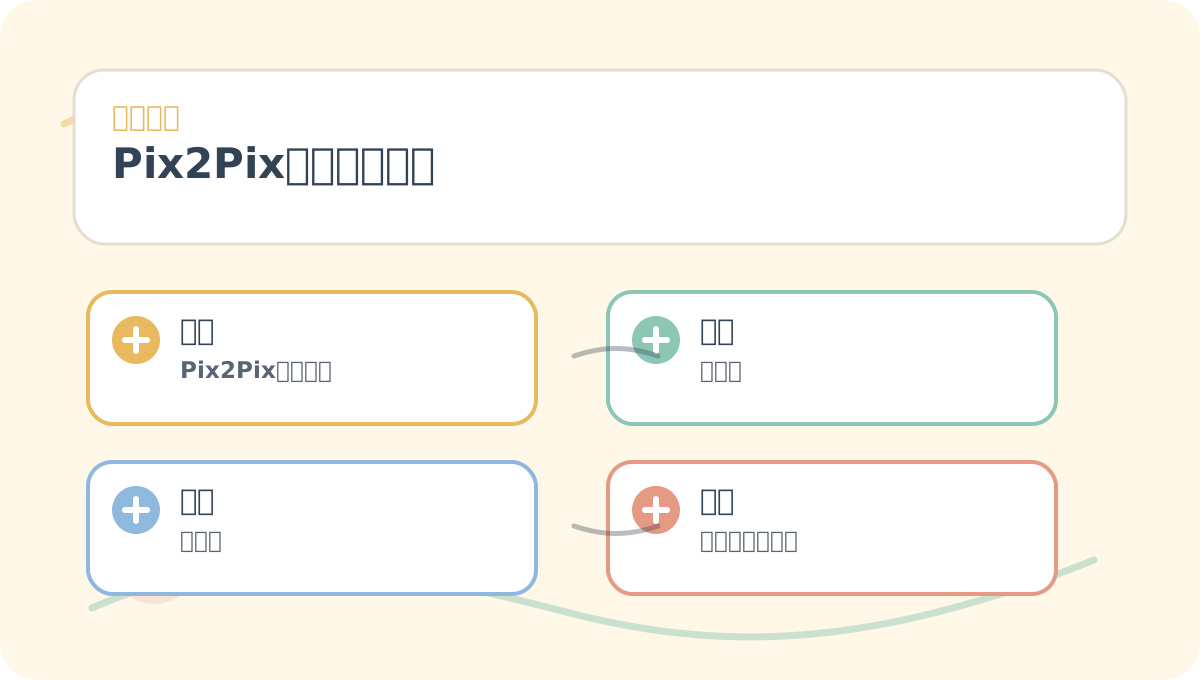
After finishing “Pix2Pix Dynamic Path Exploration”, reflect on three questions:
- What problem does it solve?
- At which step is error most likely to occur?
- Can I run a minimal working example end-to-end?
Apply This Lesson
Turn this article into AI software, model, API, and security decisions.
English Article FAQ
Use this article as evidence before choosing AI tools
How should I use this AI Tutorials article?
Use it as the implementation or learning layer, then connect the idea to AI software buyer guides, tool comparisons, benchmarks, API choices, and security checks before making a production decision.
Is this English article different from the Chinese original?
The English edition is localized for global AI readers while preserving the original diagrams, screenshots, prompts, code examples, and source context from the Chinese article.
What should I read after 53. Pix2Pix: Dynamic Path Exploration?
Continue with AI Software Buyer Guides, AI Tools Workbench, Best AI Coding Agents, AI Model Benchmarks, OpenAI vs Anthropic API, or LLM Security Tools depending on the decision you need to make.
Can this article alone choose an AI product or model?
No. Treat the article as evidence and context, then validate fit with pricing, privacy requirements, integration effort, benchmark results, workflow tests, and fallback planning.
Continue