English translation
Load the trained generator
AI Article Decision Snapshot
Turn the lesson into workflow, model, budget, and security checks before choosing tools.
Use this quick snapshot before leaving the article. It keeps the next search tied to practical AI software, model/API, cost, privacy, and implementation questions.
Workflow fit
Identify the real job behind the article: coding, research, document review, support, analytics, content, or internal automation.
Model or tool decision
Decide whether the next step is a software shortlist, an AI tool comparison, an API platform choice, or a model benchmark.
Budget and usage signal
Estimate seats, API calls, prompt volume, retries, review time, and fallback work before assuming the workflow is cheap.
Security and privacy review
Check whether source code, customer data, private documents, prompts, logs, or embeddings will enter the AI workflow.
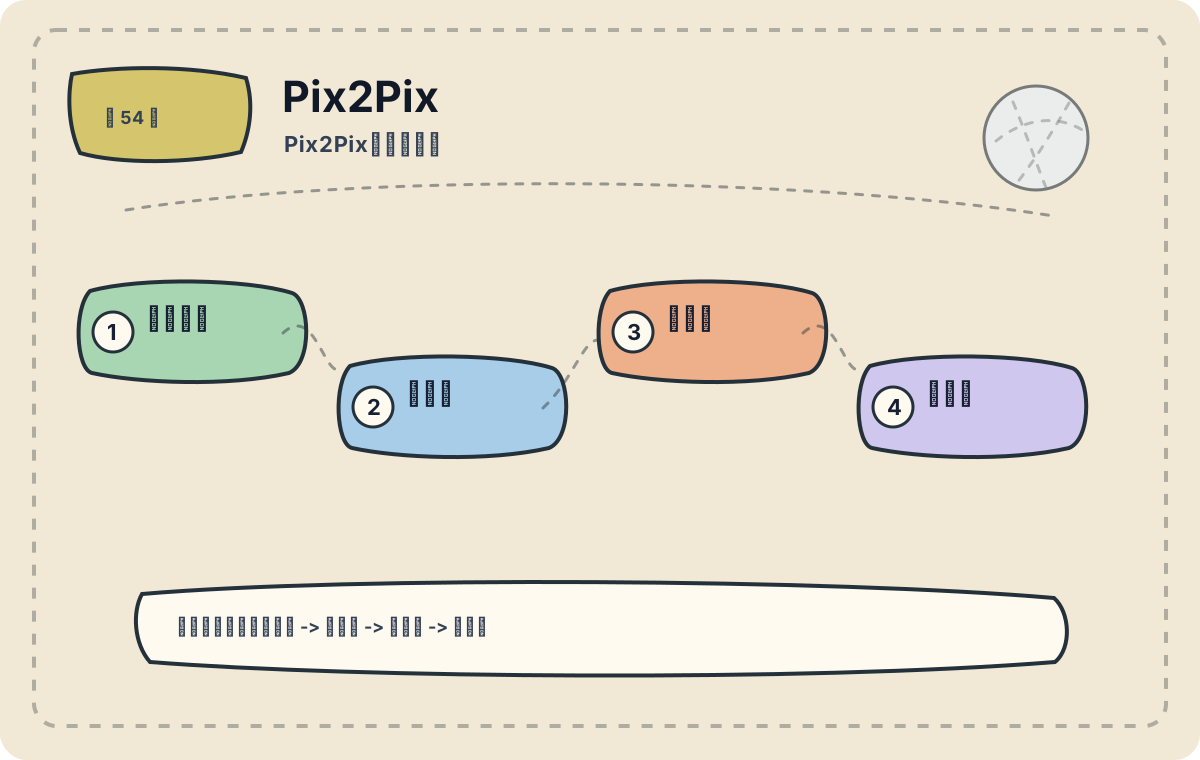
Pix2Pix is well-suited for image-to-image translation tasks where paired training samples are available. Rather than generating images from scratch, it learns a mapping from input images to corresponding target images. This article focuses on practical application scenarios. Before deploying Pix2Pix, first assess whether your task truly aligns with its design assumptions—then evaluate data scale, deployment cost, and performance boundaries.
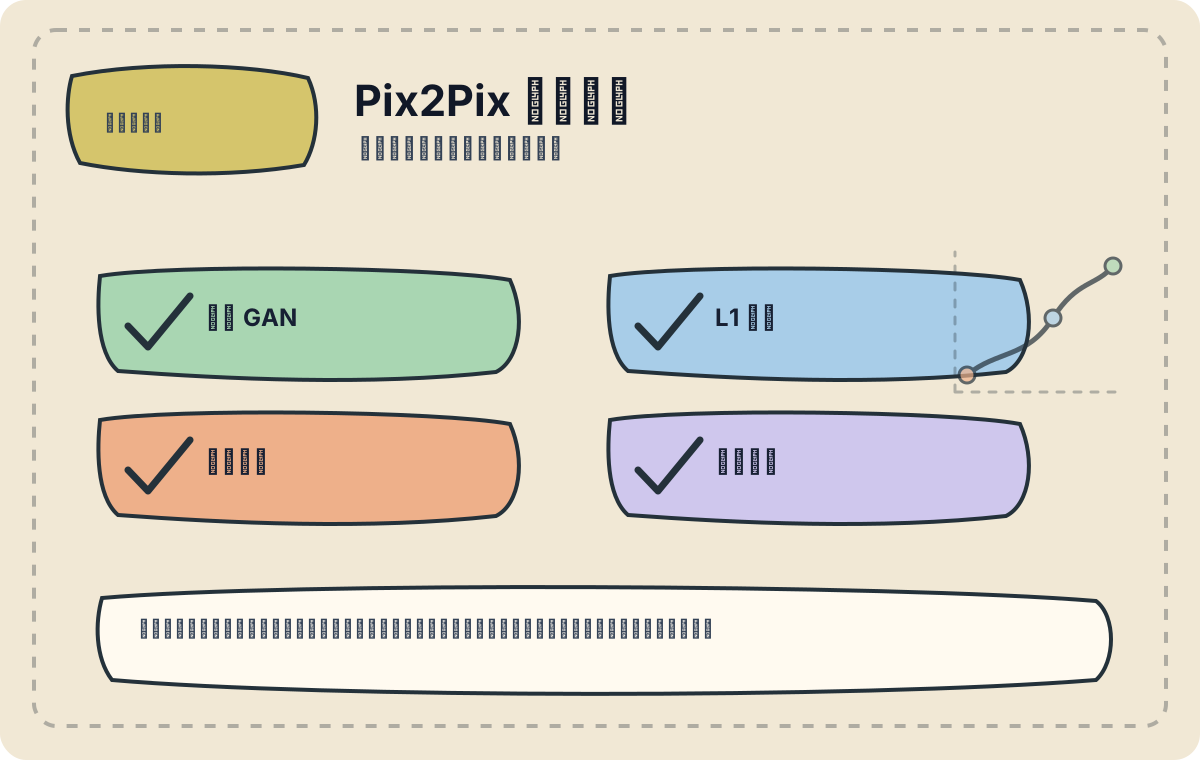
I begin by verifying whether the training samples are genuinely paired, then check whether the structural layout of the generated output remains consistent with that of the input. If the data pairing is incorrect, the model has little capacity to compensate.
In the previous section, “Pix2Pix for Dynamic Path Generation,” we explored how Pix2Pix can be applied to dynamic path generation—highlighting how conditional generative adversarial networks (cGANs) enable high-fidelity image synthesis. Next, we delve deeper into real-world applications of Pix2Pix, illustrating its impact across diverse domains.
Introduction to Pix2Pix
Pix2Pix is an image-to-image translation model built upon generative adversarial networks (GANs). Unlike traditional image generation methods, Pix2Pix generates a corresponding output image conditioned on a given input image. Its core idea is to jointly optimize adversarial loss and conditional (L1) loss, enabling the generator to produce high-quality, structurally faithful outputs.
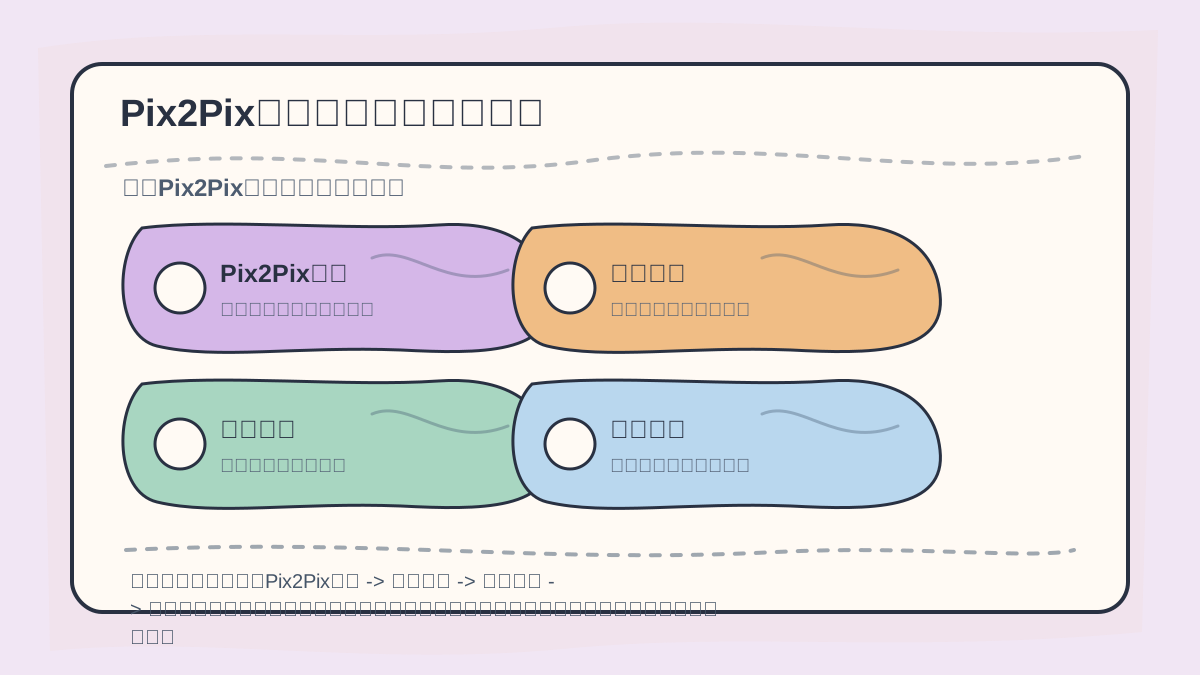
While reading this article, treat the sequence “Pix2Pix Introduction → Application Domains → Image Inpainting → Style Transfer” as a verification checklist: first grasp the object, the action, and the decision criteria; then revisit concrete examples, code snippets, or evaluation metrics to cross-check understanding.
Mathematically, the Pix2Pix objective can be expressed as:
where denotes the adversarial loss, is the generator, is the discriminator, is the L1 reconstruction loss, and is a weighting coefficient that balances fidelity (pixel-level similarity) against perceptual quality.
Application Domains
1. Image Inpainting
Before diving into the main text of “Pix2Pix Application Summary,” quickly scan the accompanying figures: What question does each figure pose? Which concepts must be clearly distinguished? At which step should you pause to experiment hands-on? And finally—by what standard will success be evaluated?
In image inpainting tasks, Pix2Pix effectively restores missing or corrupted regions. For example, when restoring a damaged photograph, users need only provide a mask indicating the defective region (e.g., black pixels), and the model synthesizes a natural, contextually coherent fill.
Case Study:
Suppose we have a damaged photo, with missing areas marked in black. Training a Pix2Pix model enables precisely this transformation:
import torch
from torchvision import transforms
from PIL import Image

# Load the trained generator
generator = torch.load('pix2pix_generator.pth')

# Load and preprocess the input image
input_image = Image.open('damaged_photo.jpg')
input_tensor = transforms.ToTensor()(input_image).unsqueeze(0)  # Add batch dimension

# Generate the repaired image
with torch.no_grad():
    output_tensor = generator(input_tensor)

# Save the output
output_image = transforms.ToPILImage()(output_tensor.squeeze())
output_image.save('repaired_photo.jpg')
Using this approach, Pix2Pix delivers effective, automated restoration of damaged image regions.
2. Style Transfer
Pix2Pix also supports style transfer tasks—for instance, converting architectural sketches into photorealistic renderings. Such capability proves highly valuable in fields like building design and digital art creation.
Case Study:
Imagine we have a hand-drawn architectural sketch. With Pix2Pix, we can transform it into a realistic architectural rendering.
# Load the sketch image
input_sketch = Image.open('sketch.jpg')
input_tensor = transforms.ToTensor()(input_sketch).unsqueeze(0)

# Generate the photorealistic rendering
with torch.no_grad():
    output_tensor = generator(input_tensor)

# Save the rendered output
output_image = transforms.ToPILImage()(output_tensor.squeeze())
output_image.save('output_rendering.jpg')
With just a few lines of code, users can rapidly convert rough sketches into polished, presentation-ready visualizations—significantly accelerating the design workflow.
3. Medical Image Analysis
In medical imaging, Pix2Pix can assist segmentation tasks—for example, isolating tumor regions from MRI scans. This capability offers substantial support to clinicians and researchers in diagnosis and biomedical research.
Case Study:
By annotating tumor regions in MRI scans, we train a Pix2Pix model to distinguish tumors from healthy tissue with high spatial accuracy.
# Load the MRI image
input_mri = Image.open('mri_with_tumor.jpg')
input_tensor = transforms.ToTensor()(input_mri).unsqueeze(0)

# Generate the segmentation map
with torch.no_grad():
    output_tensor = generator(input_tensor)

# Save the segmentation result
output_image = transforms.ToPILImage()(output_tensor.squeeze())
output_image.save('tumor_segmented.jpg')
This snippet demonstrates a practical use case of Pix2Pix in medical image segmentation.
After completing “Pix2Pix Application Summary,” try adapting it to your own scenario. Pay close attention to whether the input, processing logic, and output meaningfully align.
To apply “Pix2Pix Application Summary” to your own project, start small: isolate and validate just one critical decision point—for example, whether your data truly satisfies the paired-sample requirement.
Conclusion
Pix2Pix boasts broad applicability—from image inpainting and style transfer to medical image analysis—demonstrating exceptional power in conditional image generation. Through concrete case studies and executable code examples, we’ve gained deeper insight into how Pix2Pix operates across distinct domains. In the next section, we’ll explore “CycleGAN and Neural Networks,” further uncovering the expressive potential of GANs—and their role in unsupervised learning.
Apply This Lesson
Turn this article into AI software, model, API, and security decisions.
English Article FAQ
Use this article as evidence before choosing AI tools
How should I use this AI Tutorials article?
Use it as the implementation or learning layer, then connect the idea to AI software buyer guides, tool comparisons, benchmarks, API choices, and security checks before making a production decision.
Is this English article different from the Chinese original?
The English edition is localized for global AI readers while preserving the original diagrams, screenshots, prompts, code examples, and source context from the Chinese article.
What should I read after Load the trained generator?
Continue with AI Software Buyer Guides, AI Tools Workbench, Best AI Coding Agents, AI Model Benchmarks, OpenAI vs Anthropic API, or LLM Security Tools depending on the decision you need to make.
Can this article alone choose an AI product or model?
No. Treat the article as evidence and context, then validate fit with pricing, privacy requirements, integration effort, benchmark results, workflow tests, and fallback planning.
Continue