English translation
Load content and style images
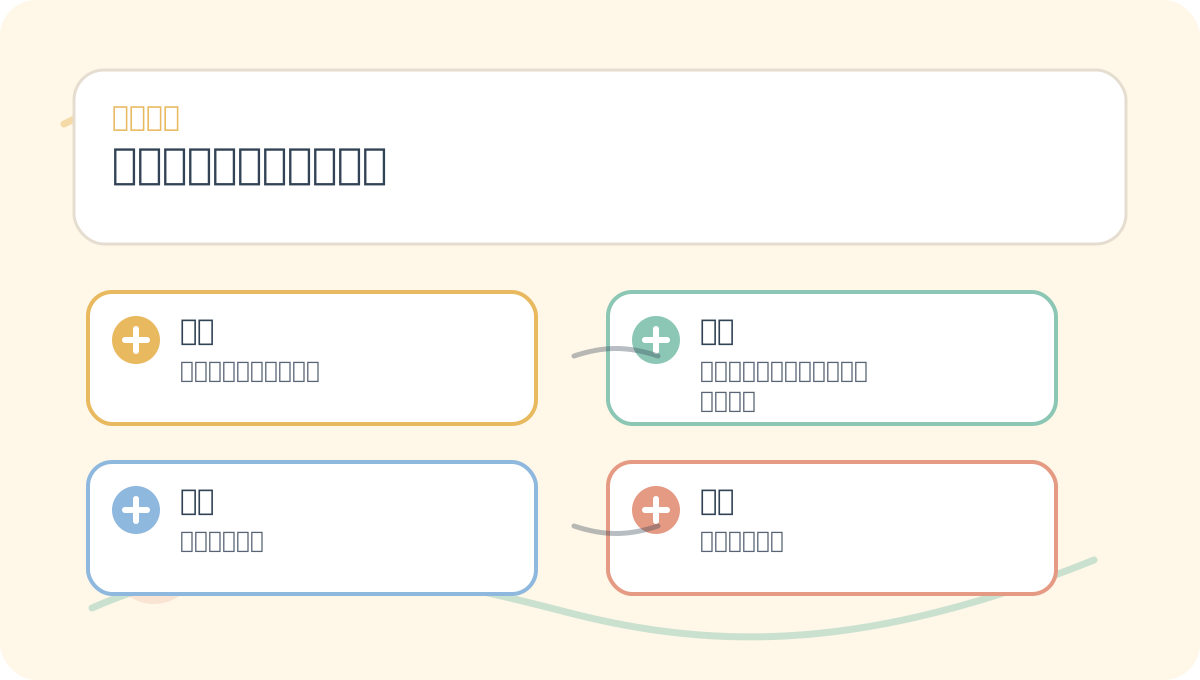
AI Article Decision Snapshot
Turn the lesson into workflow, model, budget, and security checks before choosing tools.
Use this quick snapshot before leaving the article. It keeps the next search tied to practical AI software, model/API, cost, privacy, and implementation questions.
Workflow fit
Identify the real job behind the article: coding, research, document review, support, analytics, content, or internal automation.
Model or tool decision
Decide whether the next step is a software shortlist, an AI tool comparison, an API platform choice, or a model benchmark.
Budget and usage signal
Estimate seats, API calls, prompt volume, retries, review time, and fallback work before assuming the workflow is cheap.
Security and privacy review
Check whether source code, customer data, private documents, prompts, logs, or embeddings will enter the AI workflow.
Spatial Transformer Networks (STNs) enable models to learn how to first align input data before performing downstream recognition or generation tasks. They are especially suited for tasks where inputs exhibit significant pose variation. This article begins by establishing a high-level conceptual map: what problem STNs solve, what their core components are, and in which types of tasks they are most appropriately deployed.
I will visualize the images before and after transformation to verify that the model has learned meaningful alignment—not merely cropping out key regions.
In the previous article, we explored various applications of Spatial Transformer Networks, demonstrating how they improve model performance by adaptively transforming input images. Today, we delve into one of the core components of neural style transfer: spatial transformation.
What Is a Spatial Transformer Network?
A Spatial Transformer Network (STN) is a differentiable, learnable module that automatically adjusts the spatial configuration of input features within a neural network—thereby enhancing model accuracy and robustness. In neural style transfer, STNs apply adaptive geometric transformations to both the content image and the style image, yielding stylized outputs with improved artistic coherence and visual appeal.
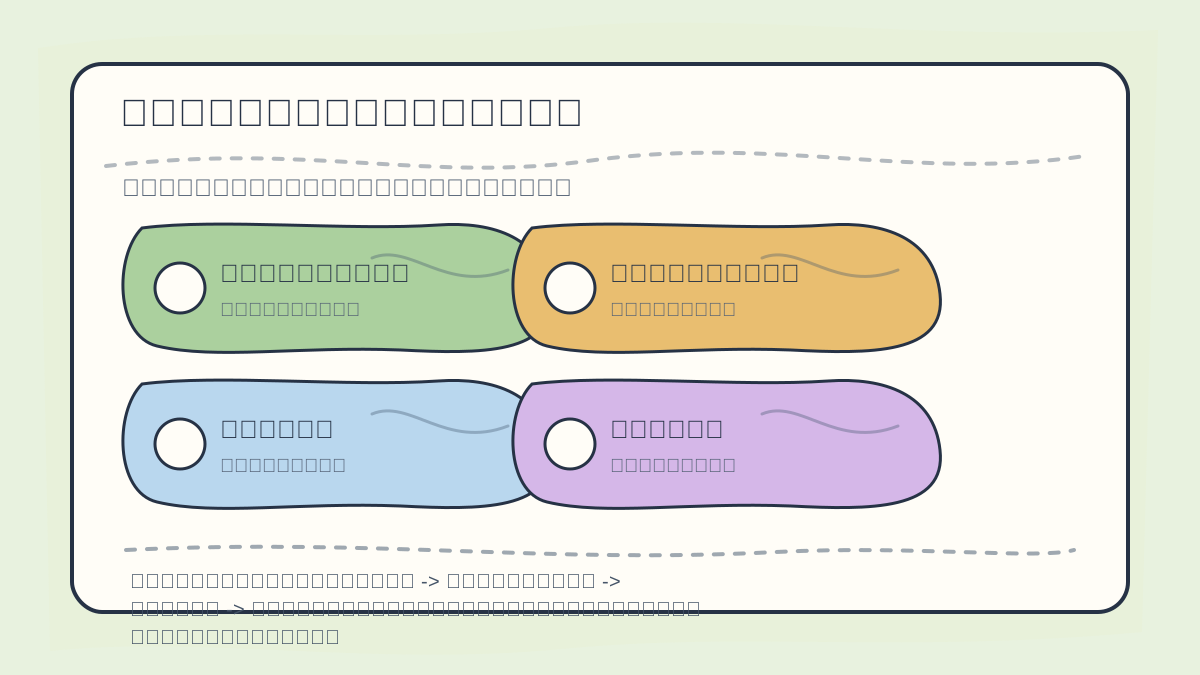
While reading this article, treat the sequence “What is an STN? → Spatial transformation in neural style transfer → Defining the network architecture → Style transfer methodology” as a verification checklist: first clarify the materials, operations, and outcomes; then revisit concrete examples, code snippets, or evaluation metrics to cross-check understanding.
The key components of an STN include:
- Localization Network: Takes the output from the preceding layer and passes it through a series of fully connected layers to produce a set of affine transformation parameters.
- Grid Generator: Constructs a sampling grid over the input feature map based on the computed transformation parameters.
- Sampler: Performs resampling of the input feature map using the generated grid, producing the transformed feature map.
Mathematically, this process is expressed as:
where denotes the input image, represents the transformation parameters predicted by the localization network, and is the resulting transformed image.
Application Example: Spatial Transformation in Neural Style Transfer
Suppose we wish to transfer the artistic characteristics of a style image onto a content image. Below are the fundamental steps to achieve this goal.
After finishing “Spatial Transformation in Neural Style Transfer”, take one minute to reflect: Are the key concepts clearly distinguished? Can the implementation steps be reproduced? Can you restate the conclusions in your own words?
1. Defining the Network Architecture
We implement our neural network using PyTorch. Below is foundational code for building both the Spatial Transformer Network and the neural style transfer pipeline.
import torch
import torch.nn as nn
import torchvision.transforms as transforms
from PIL import Image

class SpatialTransformer(nn.Module):
    def __init__(self):
        super(SpatialTransformer, self).__init__()
        # Define the localization network
        self.localization = nn.Sequential(
            nn.Conv2d(1, 8, kernel_size=7),
            nn.MaxPool2d(2, stride=2),
            nn.ReLU(True),
            nn.Conv2d(8, 10, kernel_size=5),
            nn.MaxPool2d(2, stride=2),
            nn.ReLU(True),
            nn.Conv2d(10, 10, kernel_size=3),
            nn.ReLU(True)
        )
        # Fully connected layers to predict transformation parameters
        self.fc_loc = nn.Sequential(
            nn.Linear(10 * 6 * 6, 32),
            nn.ReLU(True),
            nn.Linear(32, 3 * 2)
        )
        # Initialize weights and bias
        self.fc_loc[2].weight.data.zero_()
        self.fc_loc[2].bias.data.copy_(torch.tensor([1, 0, 0, 0, 0, 1]).float())

    def forward(self, x):
        # Pass through localization network
        xs = self.localization(x)
        xs = xs.view(-1, 10 * 6 * 6)
        theta = self.fc_loc(xs)
        theta = theta.view(-1, 2, 3)
        # Generate sampling grid and apply transformation
        grid = nn.functional.affine_grid(theta, x.size(), align_corners=False)
        output = nn.functional.grid_sample(x, grid, align_corners=False)
        return output
2. Style Transfer Methodology
Next, we implement the style transfer procedure. The core idea is to extract content and style features using a convolutional neural network—and then iteratively optimize a generated image so that it preserves the content structure while adopting the style texture.
The following code illustrates how to define content loss and style loss:
def compute_content_loss(target, generated):
    return nn.functional.mse_loss(generated, target)

def compute_style_loss(target_gram, generated_gram):
    return nn.functional.mse_loss(generated_gram, target_gram)

def gram_matrix(input):
    a = input.view(input.size(1), -1)
    return torch.mm(a, a.t())
3. Optimizing the Generated Image
Finally, we iteratively optimize the generated image to progressively match both the content and style representations. Here's a code example implementing the optimization loop:
from torchvision import models

# Load content and style images
content_image = Image.open('content.jpg')
style_image = Image.open('style.jpg')

# Initialize generated image and optimizer
generated_image = content_image.clone().requires_grad_(True)
optimizer = torch.optim.Adam([generated_image], lr=0.01)

# Pretrained VGG model for feature extraction
vgg = models.vgg19(pretrained=True).features.eval()

for i in range(300):
    optimizer.zero_grad()

    content_loss = compute_content_loss(vgg(generated_image), vgg(content_image))
    style_loss = compute_style_loss(gram_matrix(vgg(style_image)), gram_matrix(vgg(generated_image)))

    loss = content_loss + 100 * style_loss
    loss.backward()
    optimizer.step()
When reviewing “Spatial Transformation in Neural Style Transfer”, place key concepts, procedural steps, and observable outcomes side-by-side on a single page for efficient reflection.
When practicing “Spatial Transformation in Neural Style Transfer”, write down the input conditions, processing operations, and observable outcomes together—making future review and debugging straightforward.
Summary
In this article, we thoroughly examined the use of Spatial Transformer Networks in neural style transfer and illustrated their working principles and implementation workflow through concrete code examples. STNs not only introduce greater flexibility into style transfer pipelines but also lay a solid foundation for tackling more complex image processing tasks in the future.
In the next article, we will analyze the performance of neural style transfer—examining how transfer quality varies under different conditions and how to tune hyperparameters for optimal results. We hope this material supports your continued learning and practical application.
Apply This Lesson
Turn this article into AI software, model, API, and security decisions.
English Article FAQ
Use this article as evidence before choosing AI tools
How should I use this AI Tutorials article?
Use it as the implementation or learning layer, then connect the idea to AI software buyer guides, tool comparisons, benchmarks, API choices, and security checks before making a production decision.
Is this English article different from the Chinese original?
The English edition is localized for global AI readers while preserving the original diagrams, screenshots, prompts, code examples, and source context from the Chinese article.
What should I read after Load content and style images?
Continue with AI Software Buyer Guides, AI Tools Workbench, Best AI Coding Agents, AI Model Benchmarks, OpenAI vs Anthropic API, or LLM Security Tools depending on the decision you need to make.
Can this article alone choose an AI product or model?
No. Treat the article as evidence and context, then validate fit with pricing, privacy requirements, integration effort, benchmark results, workflow tests, and fallback planning.
Continue