English translation
Dify Troubleshooting Guide: Installation, Dependencies, Startup, and Usage Issues
AI Article Decision Snapshot
Turn the lesson into workflow, model, budget, and security checks before choosing tools.
Use this quick snapshot before leaving the article. It keeps the next search tied to practical AI software, model/API, cost, privacy, and implementation questions.
Workflow fit
Identify the real job behind the article: coding, research, document review, support, analytics, content, or internal automation.
Model or tool decision
Decide whether the next step is a software shortlist, an AI tool comparison, an API platform choice, or a model benchmark.
Budget and usage signal
Estimate seats, API calls, prompt volume, retries, review time, and fallback work before assuming the workflow is cheap.
Security and privacy review
Check whether source code, customer data, private documents, prompts, logs, or embeddings will enter the AI workflow.

When encountering issues with Dify, I first apply a layered diagnostic approach:
Is the service running?
Has the request reached the backend?
Has the model returned a response?
Has each workflow node correctly received and processed that result?
This systematic layer-by-layer analysis is significantly faster than jumping straight to prompt engineering.
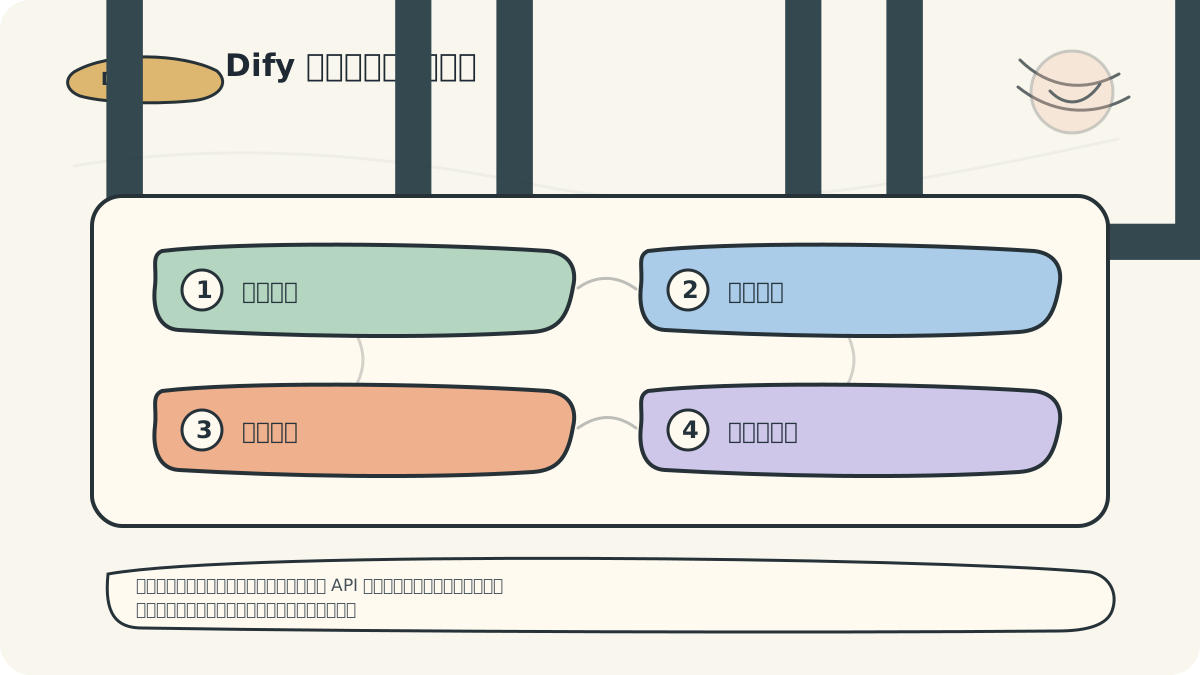
A robust troubleshooting sequence is:
- Check container or service status;
- Review API logs;
- Execute a minimal model invocation;
- Inspect application variables.
After these four steps, most issues become precisely localized.
In this article, we address the most common installation and usage issues users encounter while working with Dify—the generative AI application innovation engine. To ensure continuity, this guide builds upon insights from the earlier article “Application Case Study: User Feedback and Iterative Improvements”, and serves as a direct foundation for the upcoming “Troubleshooting Guide: Common Problems & Solutions.”
Installation Issues
Q1: Missing dependency packages during Dify installation

When diagnosing Dify installation or runtime issues, always verify:
- Dependency versions
- Container or service status
- Database connectivity
- Model invocation logs
- Output from a minimal end-to-end workflow
Problem Description: During initial Dify installation, certain required packages fail to install, causing the process to abort.
Solution:
- Ensure you have the latest stable versions of
Pythonandpip. Verify using:python --version pip --version - Install all dependencies listed in the requirements file:
pip install -r requirements.txt - If errors persist, manually install missing packages individually:
pip install <missing-package-name>
Case Illustration: A user encountered a numpy import error during setup. After following the above steps—including explicitly installing numpy—they successfully completed installation and launched Dify.
Q2: “Unable to connect to database” error after Dify startup
Problem Description: Dify displays “Unable to connect to database” on startup and fails to operate.
Solution:
- Validate database connection parameters in
config/database.yml: confirmhost,port,username, andpasswordare correct and match your database configuration. - Confirm the database service is active. For MySQL, run:
systemctl status mysql.service - Ensure firewall rules permit Dify to access the database port (e.g., 3306 for MySQL).
Case Illustration: A user misconfigured the host field in database.yml, pointing to localhost instead of the actual Docker network alias. Correcting this entry resolved the connection failure immediately.
Usage Issues
Q3: How do I configure API keys in Dify?
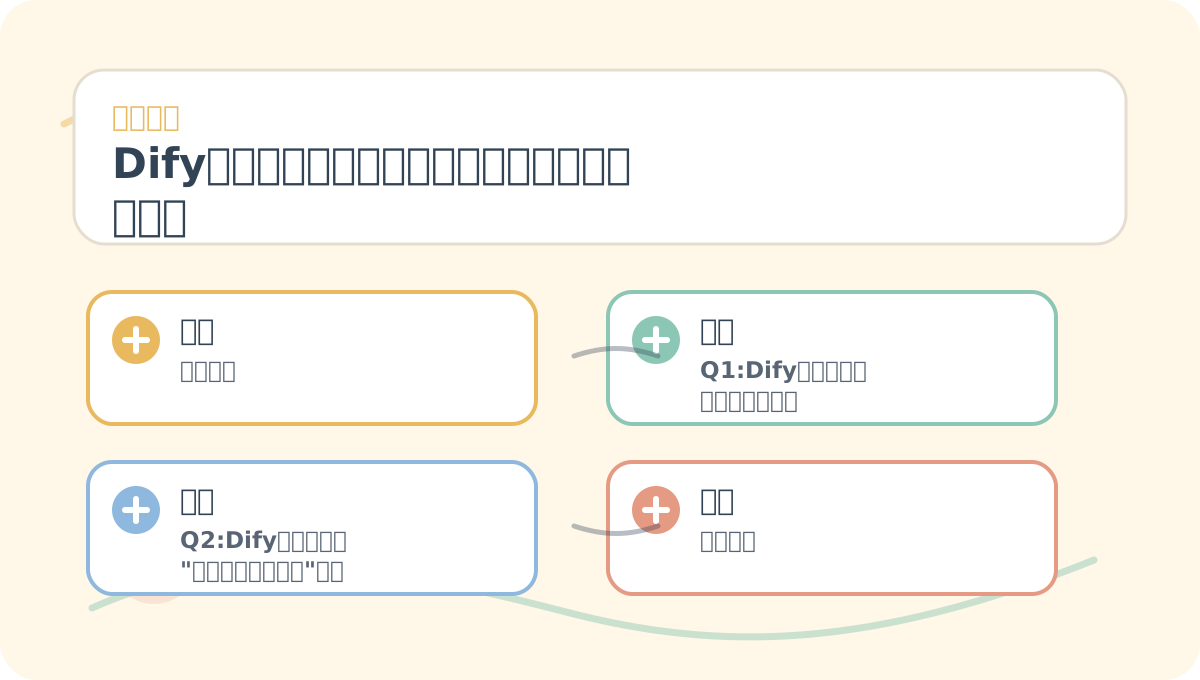
After reading “Dify Troubleshooting: Installation, Dependencies, Startup, and Usage Issues,” reflect on three questions:
- What core problem does this guide solve?
- Which step is most prone to human error?
- Can I independently reproduce and validate it using a minimal working example?
Problem Description: Users need to configure API keys in Dify to access external LLM services (e.g., GPT-3).
Solution:
- Locate the API key configuration section in
config/config.yml. - Add or update the relevant key under the
api_keysblock. Example:api_keys: gpt3: "YOUR_API_KEY_HERE" - Save the file and restart Dify for changes to take effect.
Case Illustration: A developer integrated GPT-3 but omitted the API key configuration, resulting in repeated 401 authentication failures. Adding the key per the instructions restored full functionality.
Q4: Empty output when generating content with Dify
Problem Description: Invoking Dify’s generative features returns blank or null output.
Solution:
- Verify input parameters—especially the prompt or input text—is non-empty and properly formatted.
- Examine any error messages returned by the API. If present, inspect logs using:
tail -f logs/dify.log - If unresolved, adjust generation parameters (e.g.,
max_tokens,temperature) to align with the target model’s API constraints.
Case Illustration: A user passed an empty string ("") as input to a text-generation workflow. After validating inputs and supplying a meaningful prompt, expected output was generated successfully.
Having read this guide, distill it into a concise retrospective table: clearly state the core diagnostic logic first, then validate it with one small, concrete task.
After finishing “Dify Troubleshooting: Installation, Dependencies, Startup, and Usage Issues,” pick one minimal end-to-end example and walk through the entire flow. Then assess which steps you can now execute confidently—and independently.
Summary
This article covered the most frequent installation and usage challenges encountered with Dify—the generative AI application innovation engine—and provided actionable, step-by-step solutions. Drawing from real user cases, we demonstrated how to resolve dependency failures, database misconfigurations, API key omissions, and empty-generation scenarios.
Remember: official documentation and community forums are invaluable resources—always consult them first when troubleshooting.
Next, we’ll dive deeper into an advanced Troubleshooting Guide, equipping you to diagnose and resolve complex, edge-case issues. Stay tuned for the next installment!
Apply This Lesson
Turn this article into AI software, model, API, and security decisions.
English Article FAQ
Use this article as evidence before choosing AI tools
How should I use this AI Tutorials article?
Use it as the implementation or learning layer, then connect the idea to AI software buyer guides, tool comparisons, benchmarks, API choices, and security checks before making a production decision.
Is this English article different from the Chinese original?
The English edition is localized for global AI readers while preserving the original diagrams, screenshots, prompts, code examples, and source context from the Chinese article.
What should I read after Dify Troubleshooting Guide: Installation, Dependencies, Startup, and Usage Issues?
Continue with AI Software Buyer Guides, AI Tools Workbench, Best AI Coding Agents, AI Model Benchmarks, OpenAI vs Anthropic API, or LLM Security Tools depending on the decision you need to make.
Can this article alone choose an AI product or model?
No. Treat the article as evidence and context, then validate fit with pricing, privacy requirements, integration effort, benchmark results, workflow tests, and fallback planning.
Continue