English translation
Updated UI snippet
AI Article Decision Snapshot
Turn the lesson into workflow, model, budget, and security checks before choosing tools.
Use this quick snapshot before leaving the article. It keeps the next search tied to practical AI software, model/API, cost, privacy, and implementation questions.
Workflow fit
Identify the real job behind the article: coding, research, document review, support, analytics, content, or internal automation.
Model or tool decision
Decide whether the next step is a software shortlist, an AI tool comparison, an API platform choice, or a model benchmark.
Budget and usage signal
Estimate seats, API calls, prompt volume, retries, review time, and fallback work before assuming the workflow is cheap.
Security and privacy review
Check whether source code, customer data, private documents, prompts, logs, or embeddings will enter the AI workflow.

After a Dify application goes live, user feedback tends to pile up rapidly—as chat logs. Truly valuable feedback must be transformed into an actionable queue: Which issue affects how many users? Is it rooted in prompts, knowledge base content, workflow logic, or UI design?

I log every piece of feedback into a simple spreadsheet: the user’s original wording, the exact input that triggered the issue, the type of failure observed, the assigned owner, and the next step. Only then does feedback meaningfully drive application improvement.
In our previous article, we conducted an in-depth analysis of generative AI applications across industries. Now, let’s go further—exploring the critical role of user feedback in real-world deployment, and how to translate that feedback into effective, measurable improvements. Through concrete examples, we’ll reveal how to align your generative AI application more closely with actual user needs—and elevate the overall user experience.
The Importance of User Feedback
User feedback is the engine that powers continuous optimization and innovation in generative AI applications. It not only helps us identify pain points during usage but also illuminates concrete paths forward. By systematically analyzing feedback, we can determine which features resonate most with users—and where gaps exist—enabling us to enhance the application’s overall value.

When improving a Dify application, begin by collecting: user-reported issues, failing inputs, output defects, node locations in the workflow, parameter variations, and retest results.
Case Study: Collecting User Feedback
Using Dify as an example, after launch we implemented multiple channels to gather user feedback, including:
- In-app feedback system: Users can submit feedback instantly while interacting with the application.
- Scheduled user interviews: One-on-one, in-depth conversations to uncover authentic user perspectives.
- Social media monitoring: Tracking public discussions about Dify on platforms like Twitter, Reddit, and community forums.
Through these channels, we gathered several high-impact insights. For instance, users reported that certain features felt unintuitive—slowing down task completion. This feedback directly prompted a redesign of key UI components, streamlining workflows and improving clarity.
Improvement Measures and Implementation
Once feedback is collected, the next step is rigorous analysis—and decisive action. Below are several improvement initiatives we successfully implemented:
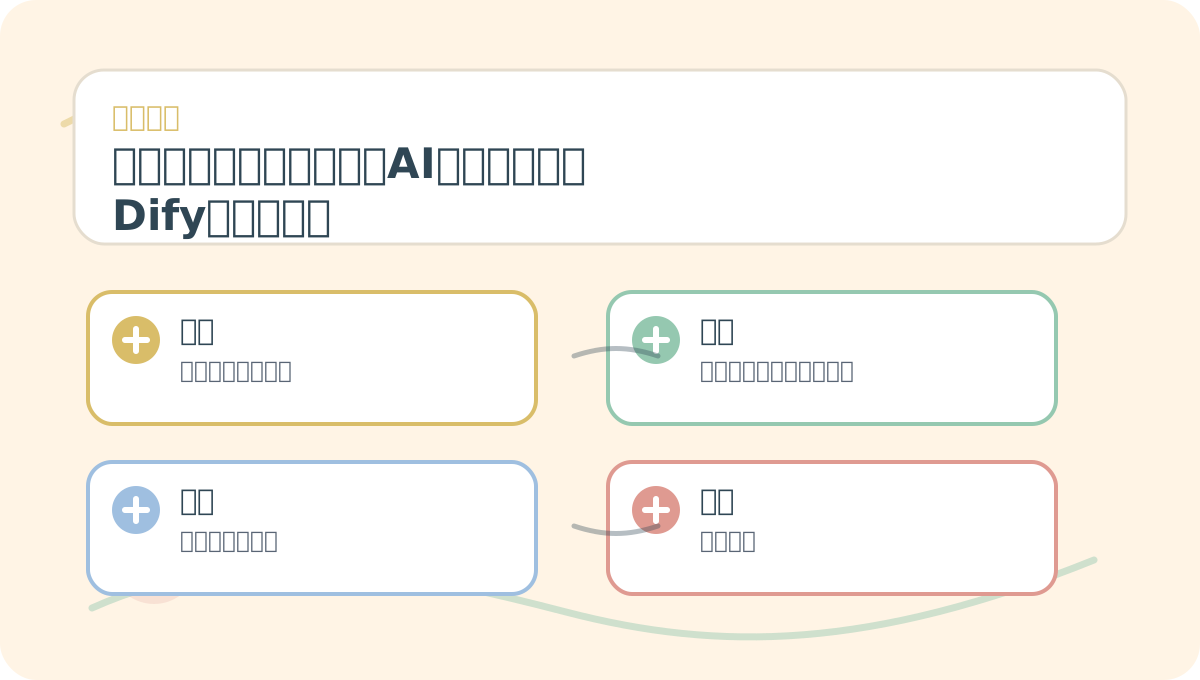
You don’t need to absorb “User Feedback and Improvement: Practical Experience with Dify, the Generative AI Innovation Engine” all at once. Start with one small, testable problem—then use the diagram and text to fill in conceptual context.
1. UI Optimization
Feedback revealed that some core features were buried too deeply in navigation, making them hard to discover. In response, we redesigned the interface:
# Updated UI snippet
def display_ui():
    print("Welcome to the Dify application!")
    print("Quick Navigation:")
    print("1. Create New Project")
    print("2. View Projects")
    print("3. Settings")
    print("4. Help")
By simplifying menu hierarchies and adding prominent navigation cues, we significantly improved user task efficiency.
2. Responsive Performance Enhancement
Users noted sluggish response times for generation tasks under high load. To address this, we optimized backend algorithms to maintain responsiveness even during traffic spikes.
We introduced asynchronous processing to distribute computational load:
import asyncio

async def generate_response(input_data):
    # Simulate generation process
    await asyncio.sleep(1)  # Simulate computation time
    return f"Generated content: {input_data}"

async def main():
    response = await generate_response("User request")
    print(response)

asyncio.run(main())
This change ensures stable, responsive performance—even during peak usage.
3. Expanded Learning Resources
Many users praised Dify’s capabilities but expressed uncertainty about how to use them effectively. In response, we enriched our learning ecosystem with video tutorials, step-by-step guides, and an updated FAQ section.
The Evolving Role of User Feedback
As Dify continues to evolve, the importance of user feedback will only grow. We remain committed to actively listening—leveraging agile development practices to iterate rapidly and refine the product continuously. Our ultimate goal is to build a truly user-centered application that delivers exceptional, intuitive experiences.
When revisiting “User Feedback and Improvement: Practical Experience with Dify, the Generative AI Innovation Engine,” avoid launching a large-scale project upfront. Instead, validate the core logic first—using just one simple, representative example.
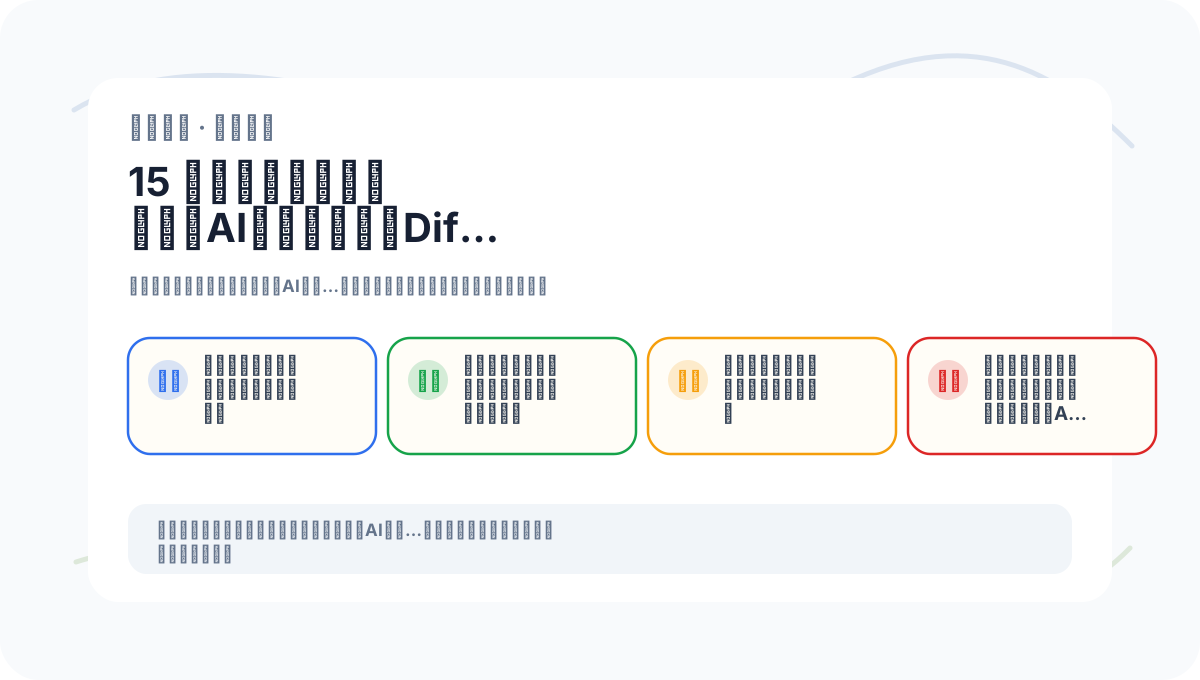
If you haven’t yet fully internalized “User Feedback and Improvement: Practical Experience with Dify, the Generative AI Innovation Engine,” walk through the four actions on this card to reinforce understanding.
In our next article, we’ll examine common challenges encountered during installation and initial setup of generative AI applications—and share practical, battle-tested solutions. Through this segment, we aim to help users install and configure Dify smoothly, ensuring a seamless, frustration-free onboarding experience.
Apply This Lesson
Turn this article into AI software, model, API, and security decisions.
English Article FAQ
Use this article as evidence before choosing AI tools
How should I use this AI Tutorials article?
Use it as the implementation or learning layer, then connect the idea to AI software buyer guides, tool comparisons, benchmarks, API choices, and security checks before making a production decision.
Is this English article different from the Chinese original?
The English edition is localized for global AI readers while preserving the original diagrams, screenshots, prompts, code examples, and source context from the Chinese article.
What should I read after Updated UI snippet?
Continue with AI Software Buyer Guides, AI Tools Workbench, Best AI Coding Agents, AI Model Benchmarks, OpenAI vs Anthropic API, or LLM Security Tools depending on the decision you need to make.
Can this article alone choose an AI product or model?
No. Treat the article as evidence and context, then validate fit with pricing, privacy requirements, integration effort, benchmark results, workflow tests, and fallback planning.
Continue