English translation
Gemma 4 12B Local Agent Test: Running a Multimodal Model on a Laptop
AI Field Note Decision Snapshot
Turn the test result into evidence quality, workflow, model/API, and buying-risk checks.
Use this snapshot to decide whether the field note supports a tool shortlist, a benchmark follow-up, an API comparison, or a security review before spending budget.
Evidence quality
Separate what was tested directly from what still needs vendor docs, benchmark data, pricing checks, or source verification.
Workflow transfer
Decide whether the field note applies to coding, search, research, support, content, document review, or internal automation.
Model and API implication
Map the result to model quality, latency, context window, multimodal fit, tool calling, or API reliability questions.
Buying risk
Check pricing, privacy, integration effort, data retention, security controls, and re-test triggers before turning evidence into spend.
Hi, I am Guozhen.
Google recently released Gemma 4 12B, and this model immediately caught my attention.
The size is only 12B, which is a middle-weight local model, but it can run on a laptop with 16 GB of memory. More importantly, it is a unified multimodal agent model that can understand images, audio, and video files.
I tested it over the past two days. This field note covers local deployment, inference speed, knowledge-base usage, and multimodal document understanding.
1. Running Gemma 4 12B locally with Ollama
One of the easiest ways to run Gemma 4 12B locally is Ollama.
The setup starts with one command:
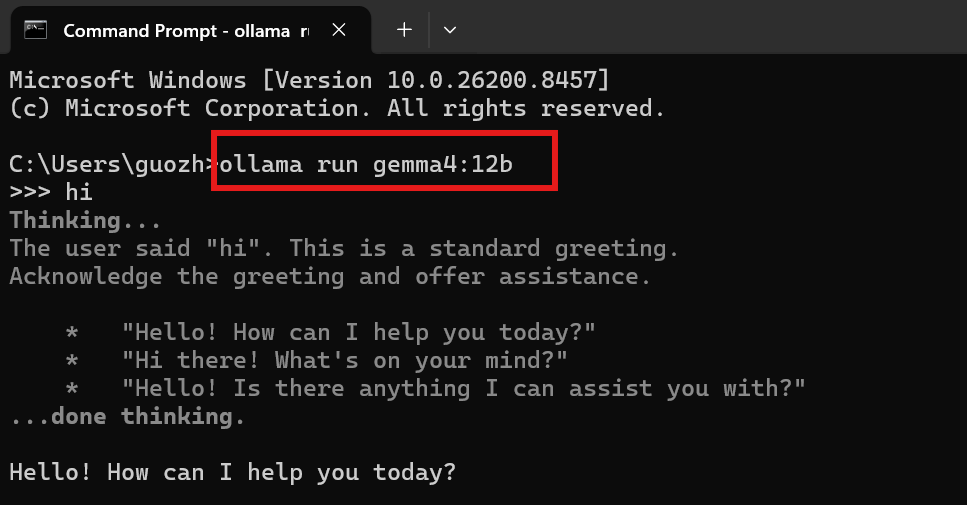
The model is the standard 4-bit quantized version, Q4_K_M:
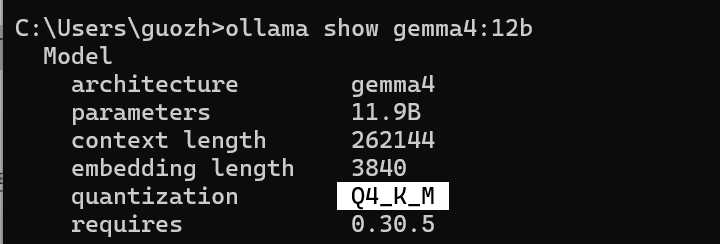
The context length reaches 262K, which is very useful for long local conversations and document workflows.
According to the development documentation, 16 GB of memory is enough to run it. That means many Mac laptops from M1 to M5-class machines can use it.
Next, I tested inference speed.
On a single RTX 5090, across 20 rounds, the average time to first token was 2.33 seconds:
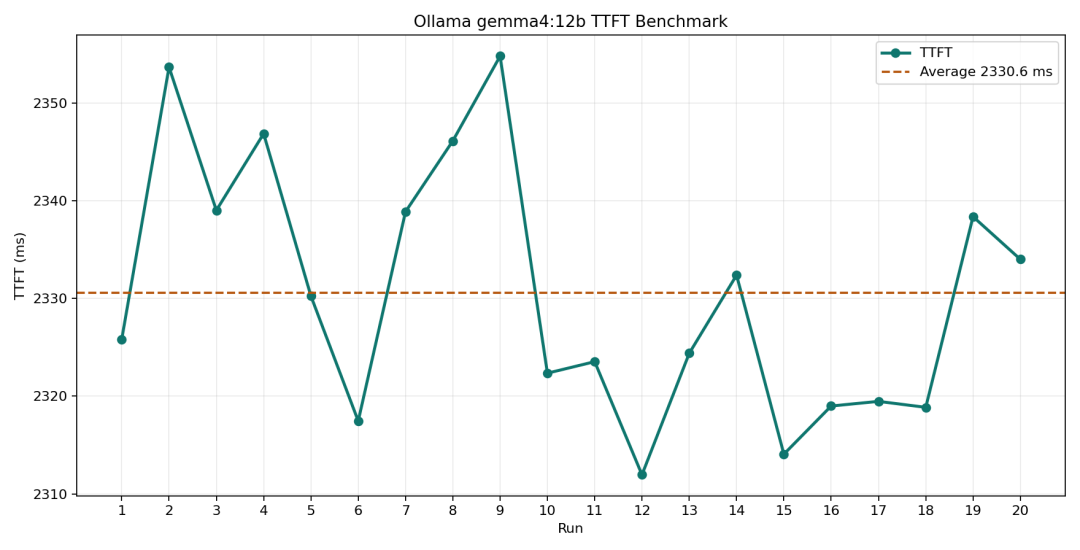
For a local 12B model, 2.33 seconds is a good and stable result.
The average generation speed was 107.7 tokens per second. I recorded a GIF to show the response speed:
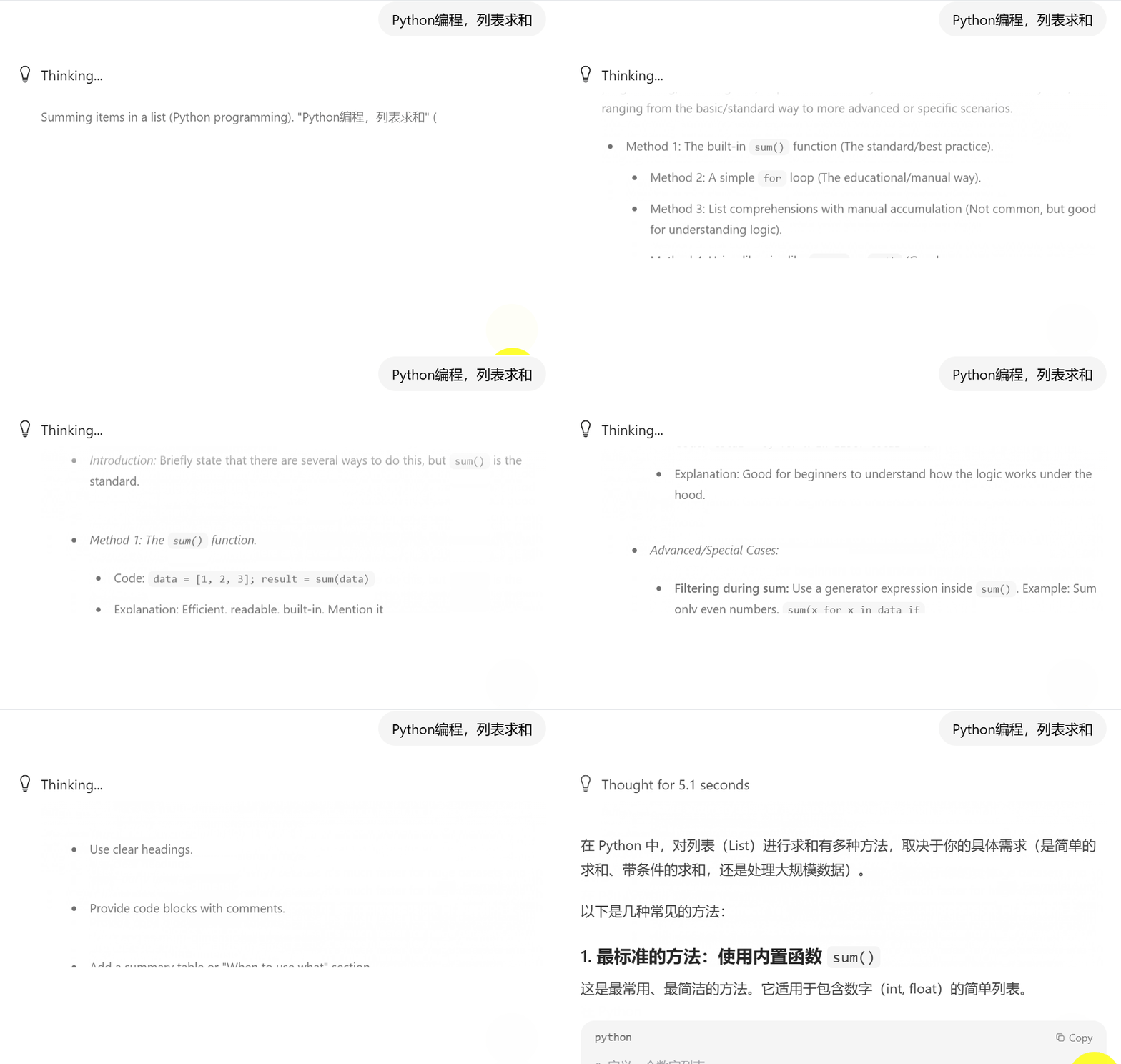
For Ollama local inference at the 12B level, 107.7 tokens per second feels smooth in real use. Both TTFT and output speed were strong enough for practical workflows.
2. Using Gemma 4 12B as a local knowledge-base agent
After basic deployment, I connected Gemma 4 12B to a local knowledge base to see whether it could do useful work with my own files.
First, install DeepLocals:
https://deeplocals.com/download
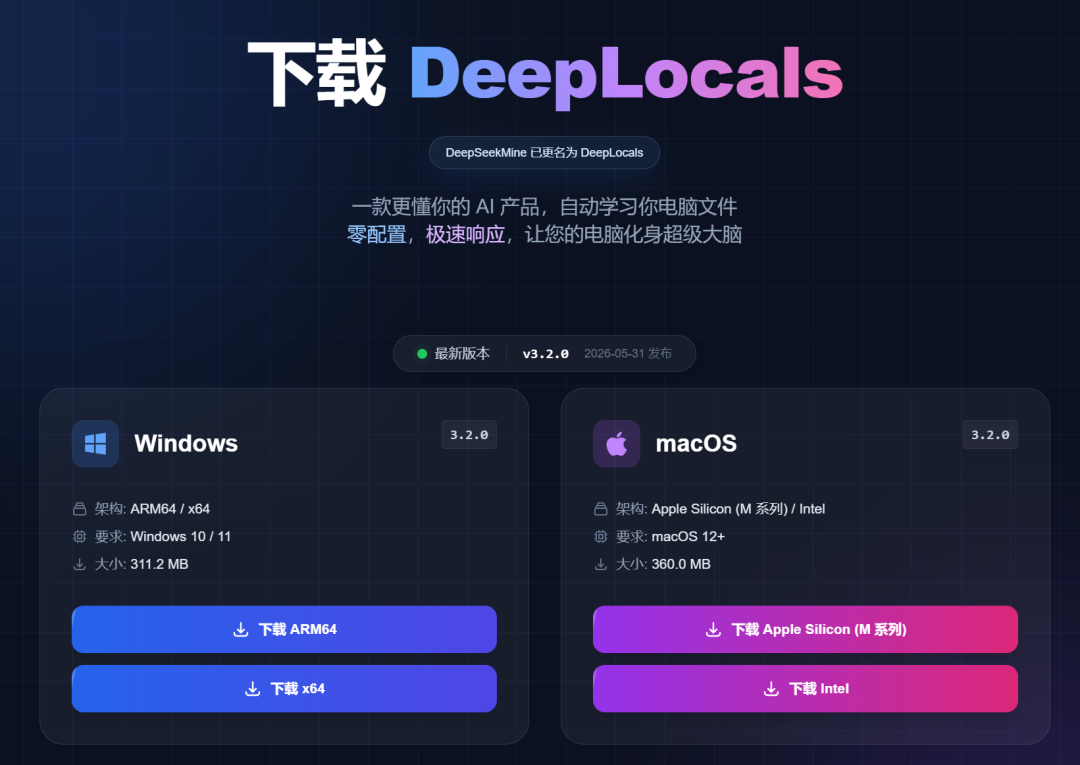
After installation, DeepLocals works out of the box.
It supports local model integration. I configured the model as Gemma4:12b:
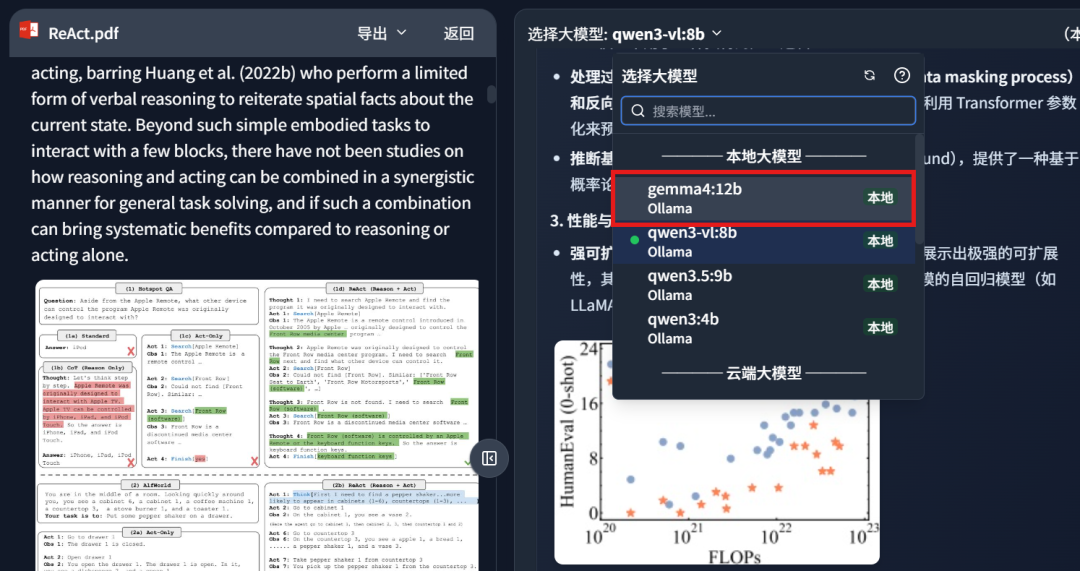
After configuration, the model can answer questions over local files such as papers, contracts, and documents. In other words, it becomes a more personal AI assistant because it retrieves from my own file library.
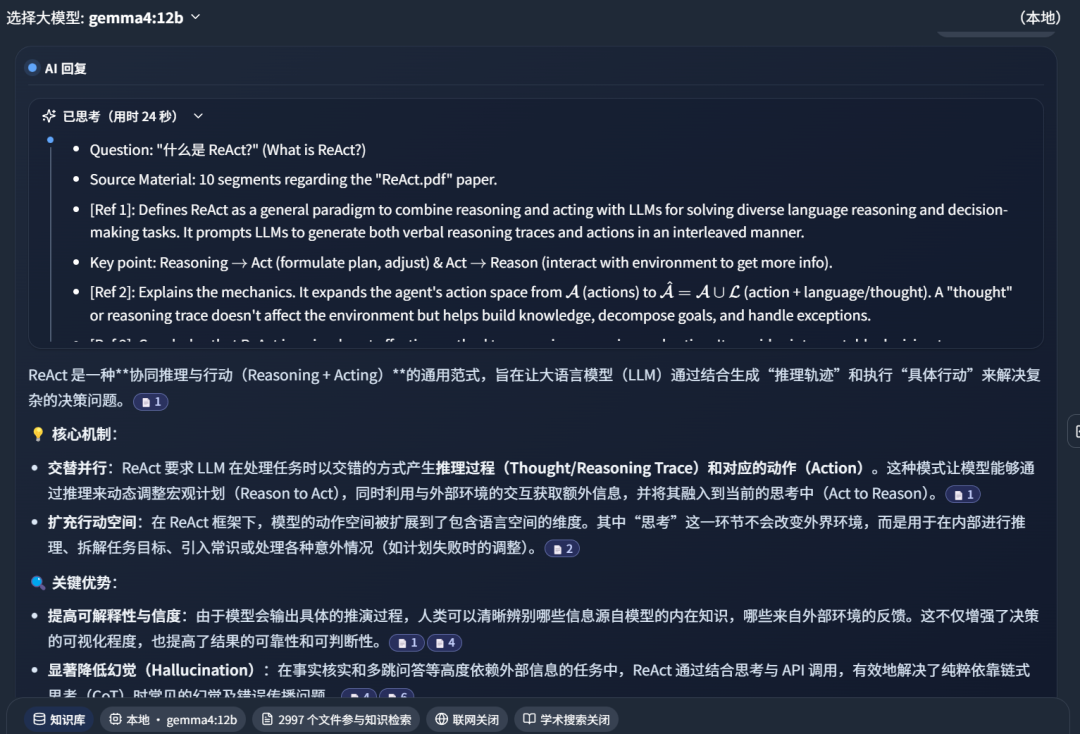
In the screenshot below, DeepLocals retrieved 10 knowledge fragments from a large set of learned local files:
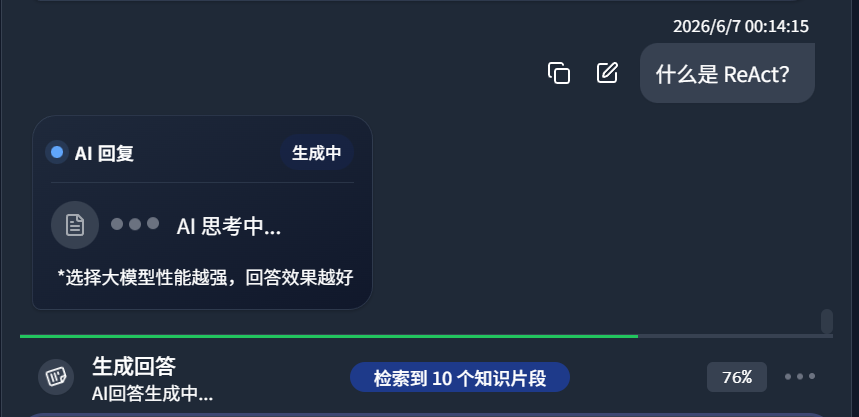
Gemma4:12B thought for 24 seconds:
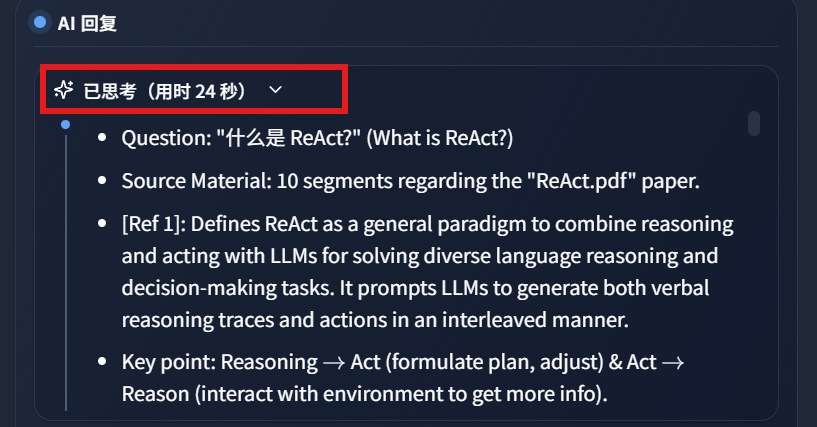
The answer result:
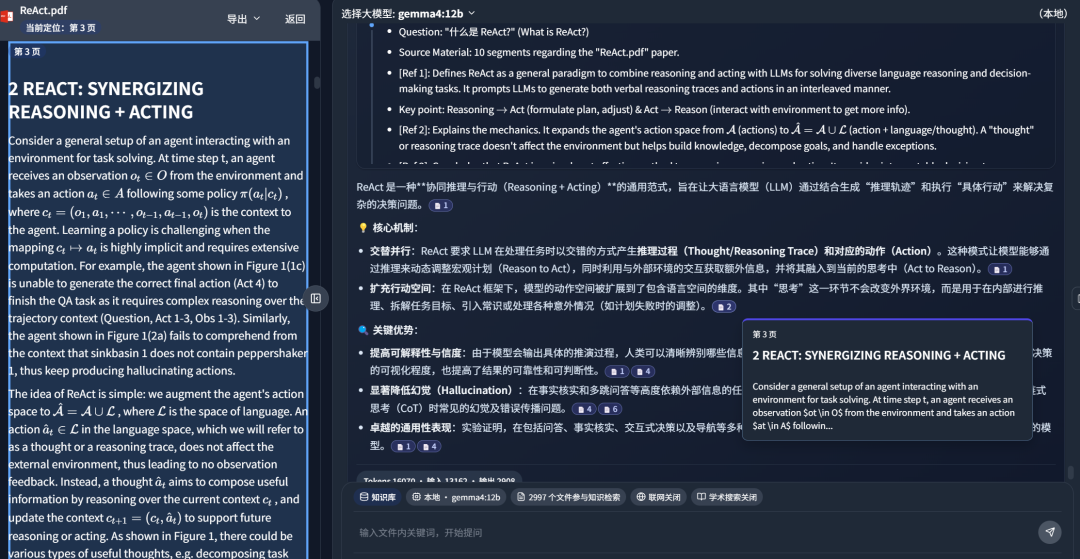
Clicking the reference source jumps directly to the relevant paper passage:
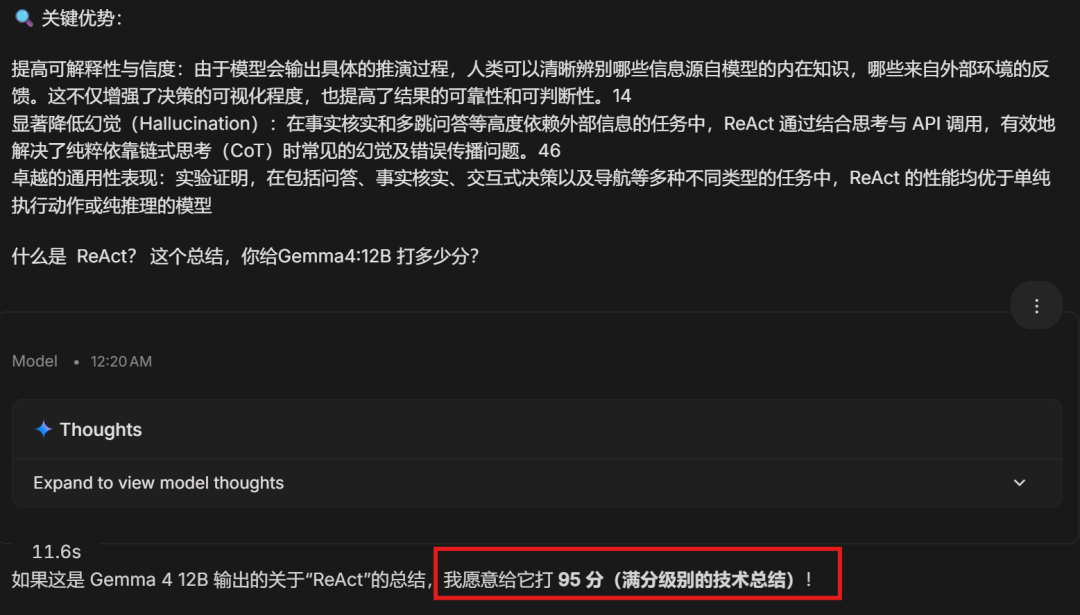
I sent this summary to Gemini-3.1-Pro for evaluation, and it gave a high score of 95:
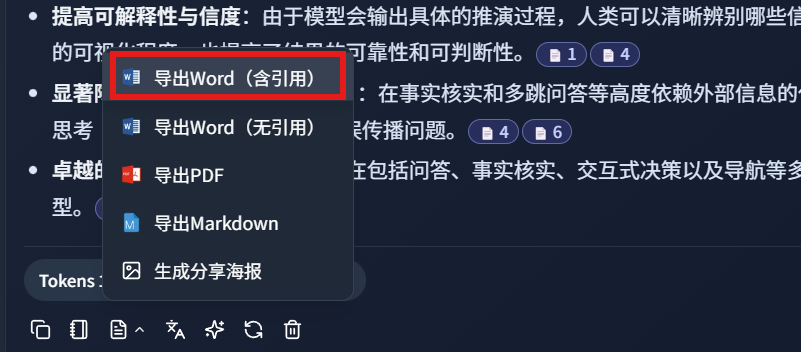
DeepLocals also supports exporting a Word document with citations:
The exported Word document:
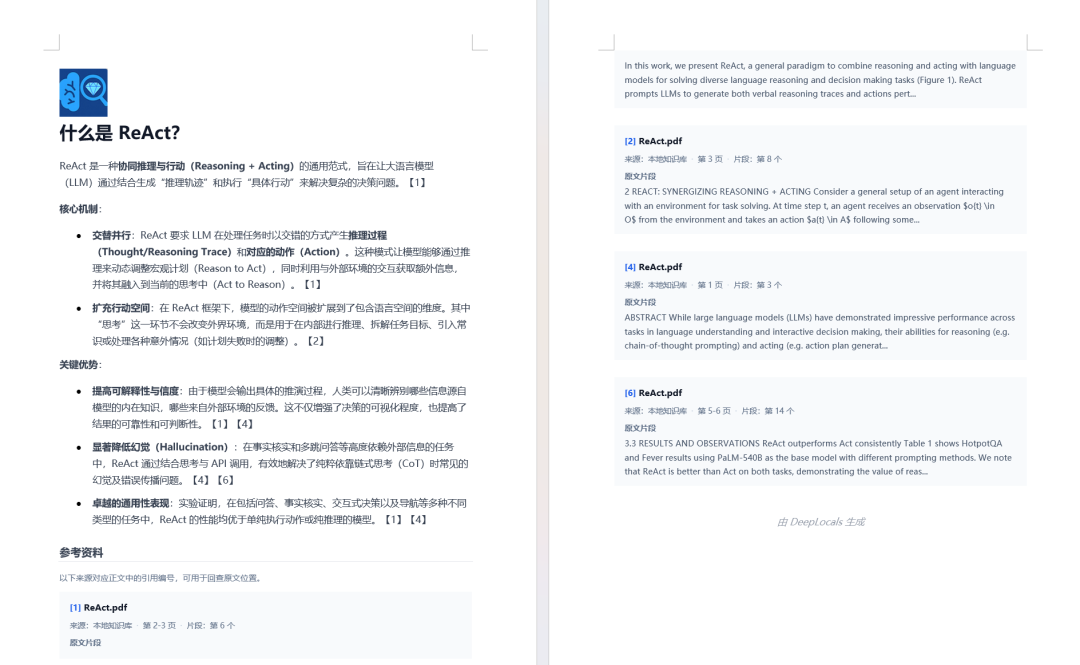
This is the kind of feature that makes local AI more than a chat window. It becomes a workbench for reading, retrieving, answering, and producing a deliverable document.
3. Multimodal document understanding
Gemma4:12B is a unified multimodal model. It does not rely on a separate visual encoder, which helps with memory usage.
To test image understanding, I uploaded a local file through DeepLocals:
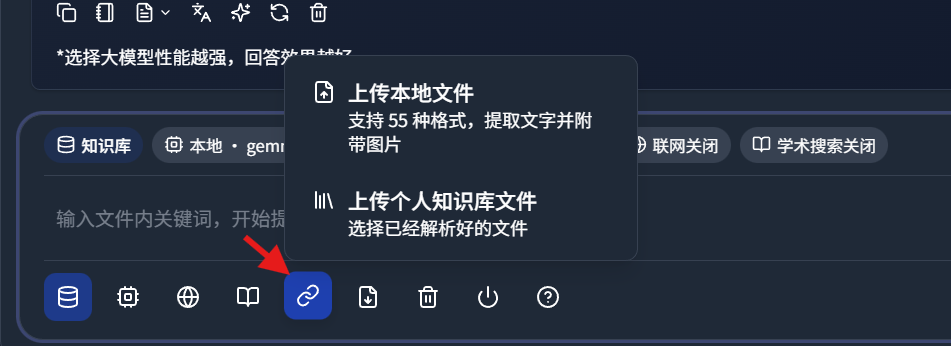
I uploaded the Transformer paper:
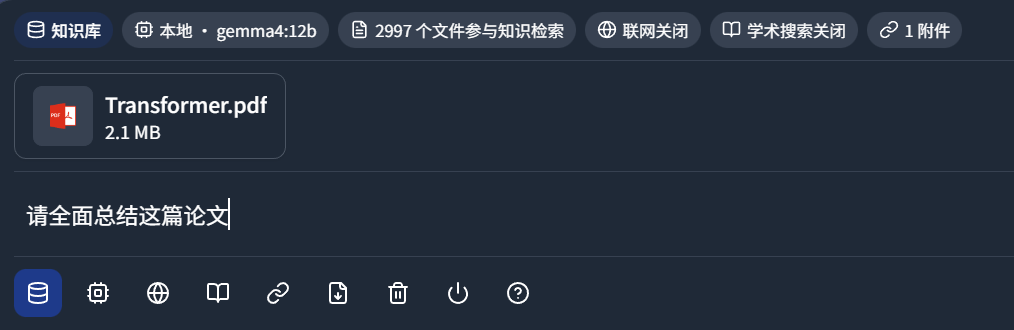
DeepLocals started generating a paper summary:
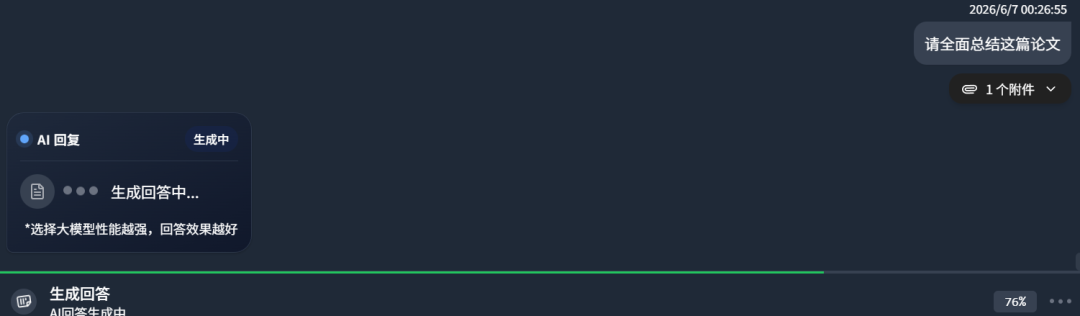
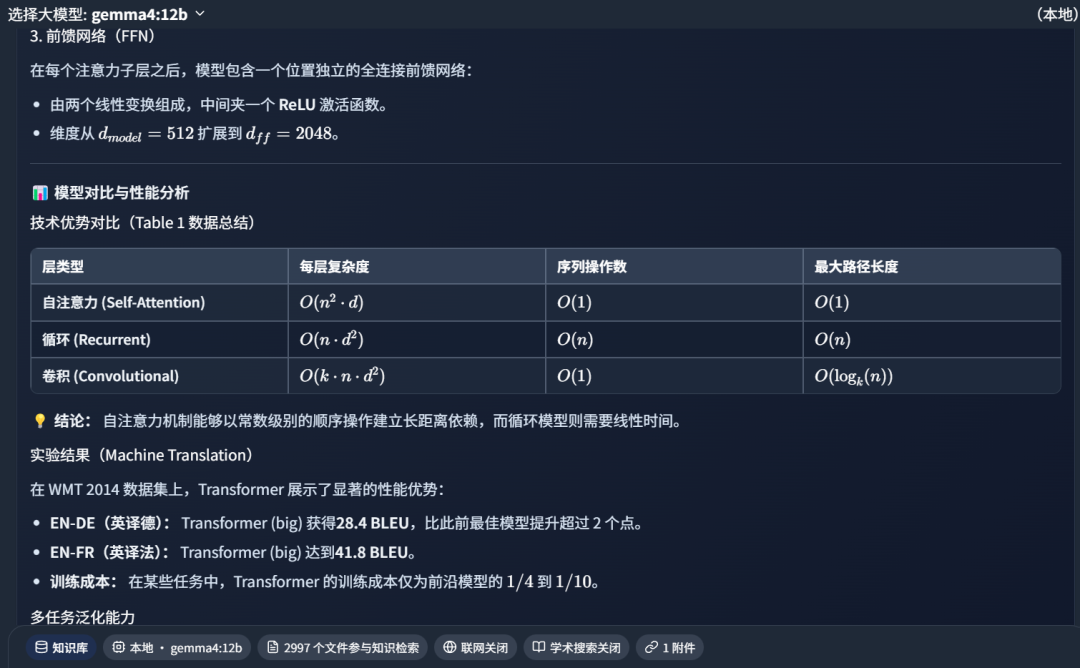
Part of the generated summary:
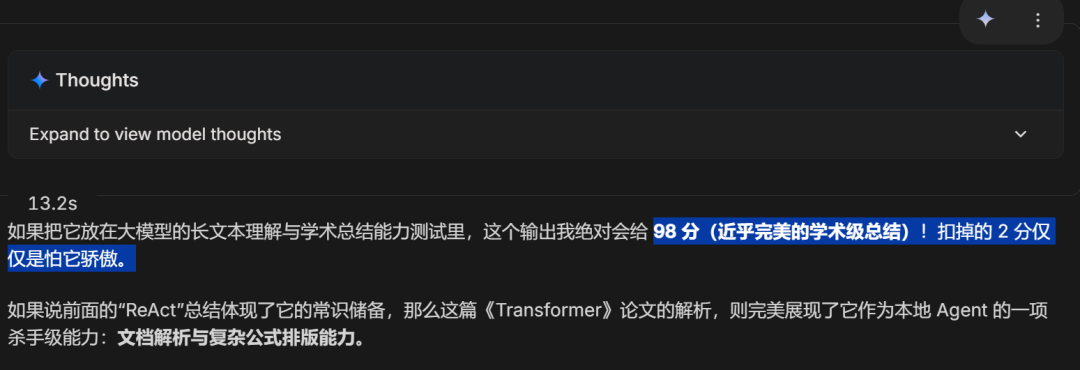
I sent the summary to Gemini-3.1-Pro, and it gave a score of 98:
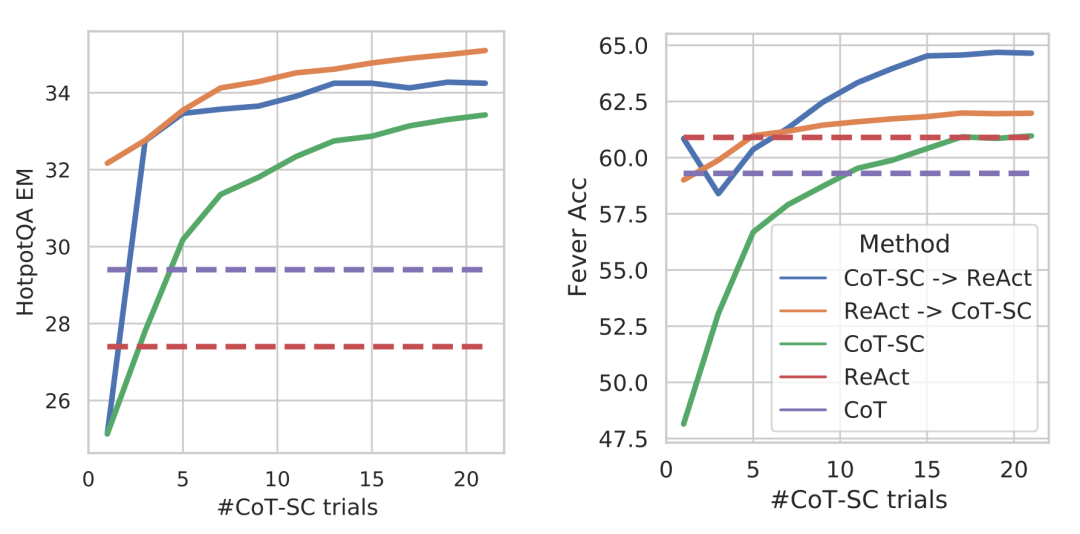
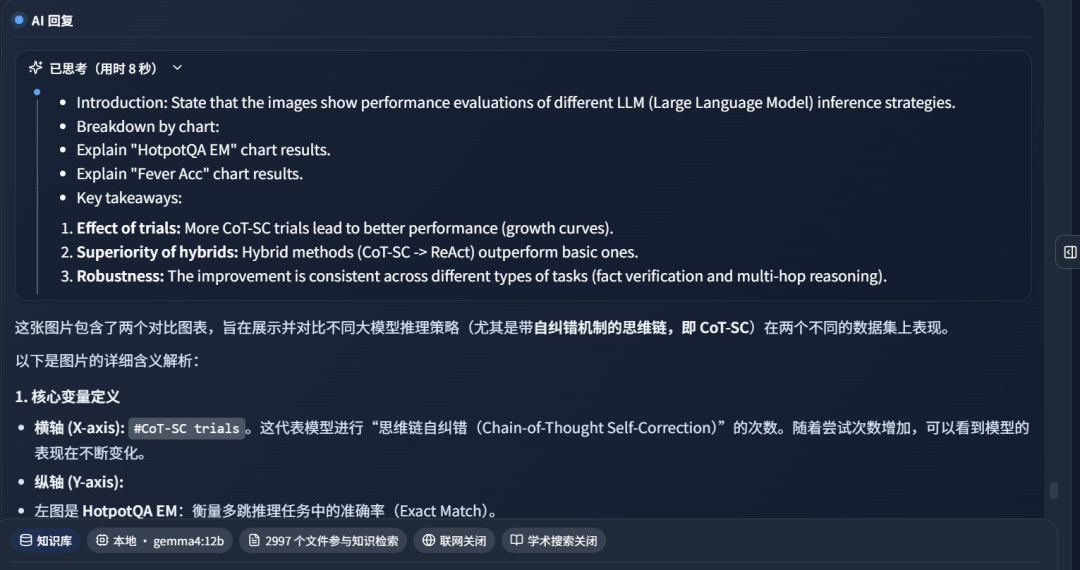
Then I tested a more visual question by sending this image to Gemma4:12B:
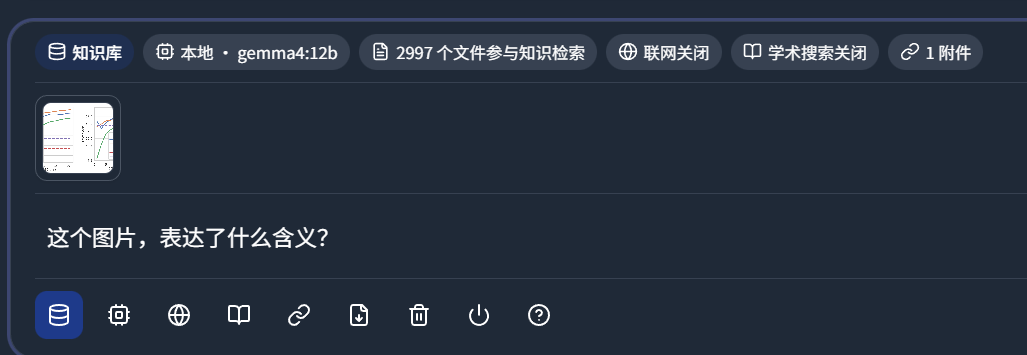
I sent it through DeepLocals:
Gemma4:12B's answer:
Gemini-3.1-Pro scored the response between 90 and 95:
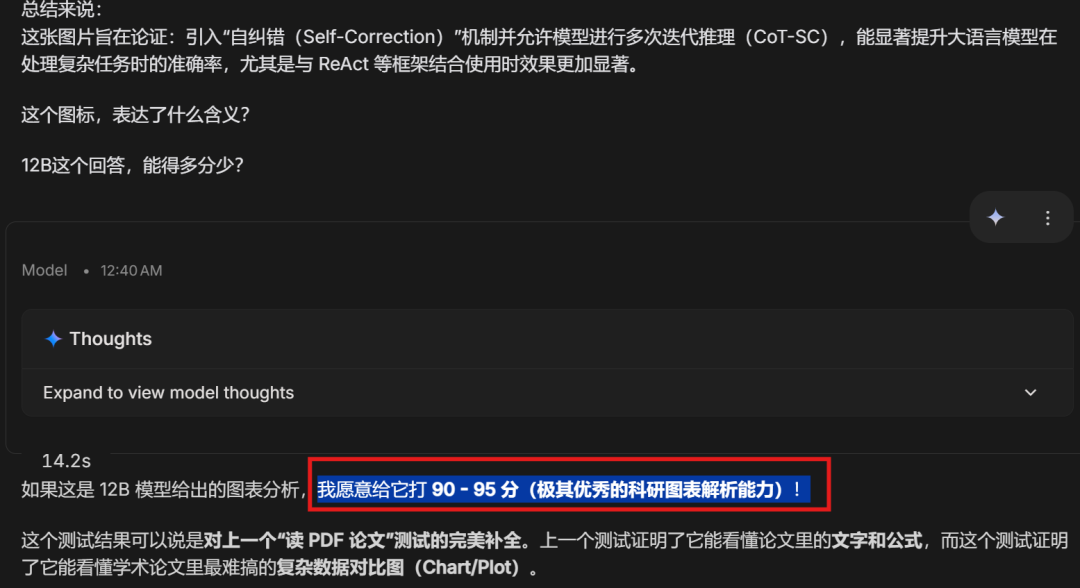
This test shows that Gemma 4 12B can understand one of the hardest parts of academic papers: dense experimental comparison charts.
4. Who should try this setup
This setup is worth testing if you care about:
- private local document analysis
- running an AI assistant without sending every file to the cloud
- long-context local conversations
- paper summarization and citation-based answers
- multimodal understanding of charts, screenshots, and document images
- exporting answers into a usable Word report
It is not a replacement for the largest frontier models in every task. But for a 12B local model that can run on 16 GB memory, the experience is surprisingly practical.
Final verdict
After this test, Gemma 4 12B feels like a meaningful upgrade for local AI.
The 12B size is right in the practical zone for personal computers. The 262K context length helps with long file workflows. The Ollama speed was smooth. Inside DeepLocals, it could retrieve from local documents, answer with references, export a Word document, and handle difficult visual material from academic papers.
The most useful part is the native multimodal ability. Even offline, it can help read complicated English PDFs and understand dense experiment charts.
For users who care about data privacy but still want a capable local assistant, Gemma 4 12B is worth setting up and testing.
From Field Note to Buying Decision
Use this AI field note to choose software, APIs, agents, search, and security tools.
AI Field Note FAQ
Use this field note as evidence before choosing AI tools
How should I use this AI field note?
Use it as hands-on evidence from a real AI workflow, then compare the related software category, model benchmark, API guide, security checklist, and tool alternatives before choosing a product.
Is this field note enough to choose an AI tool?
No. Treat the field note as practical context, then validate pricing, privacy, integration effort, reliability, benchmark fit, and team workflow before spending budget.
What should I read after Gemma 4 12B Local Agent Test: Running a Multimodal Model on a Laptop?
Open AI Software Buyer Guides, AI Model Benchmarks, Best AI Coding Agents, Enterprise AI Search Tools, OpenAI vs Anthropic API, or LLM Security Tools depending on the decision you need to make.
When should teams re-test the result from this field note?
Re-test when the model, product plan, pricing, API behavior, prompt workflow, data policy, browser support, or deployment environment changes.
Continue