English translation
Pseudocode example: Multi-factor authentication
AI Article Decision Snapshot
Turn the lesson into workflow, model, budget, and security checks before choosing tools.
Use this quick snapshot before leaving the article. It keeps the next search tied to practical AI software, model/API, cost, privacy, and implementation questions.
Workflow fit
Identify the real job behind the article: coding, research, document review, support, analytics, content, or internal automation.
Model or tool decision
Decide whether the next step is a software shortlist, an AI tool comparison, an API platform choice, or a model benchmark.
Budget and usage signal
Estimate seats, API calls, prompt volume, retries, review time, and fallback work before assuming the workflow is cheap.
Security and privacy review
Check whether source code, customer data, private documents, prompts, logs, or embeddings will enter the AI workflow.
Security Risk Assessment Framework

Permissions in AI systems cannot be assessed solely by UI menus. Whether a user can access the knowledge base, export records, modify models, or invoke external tools—all represent distinct permission levels.
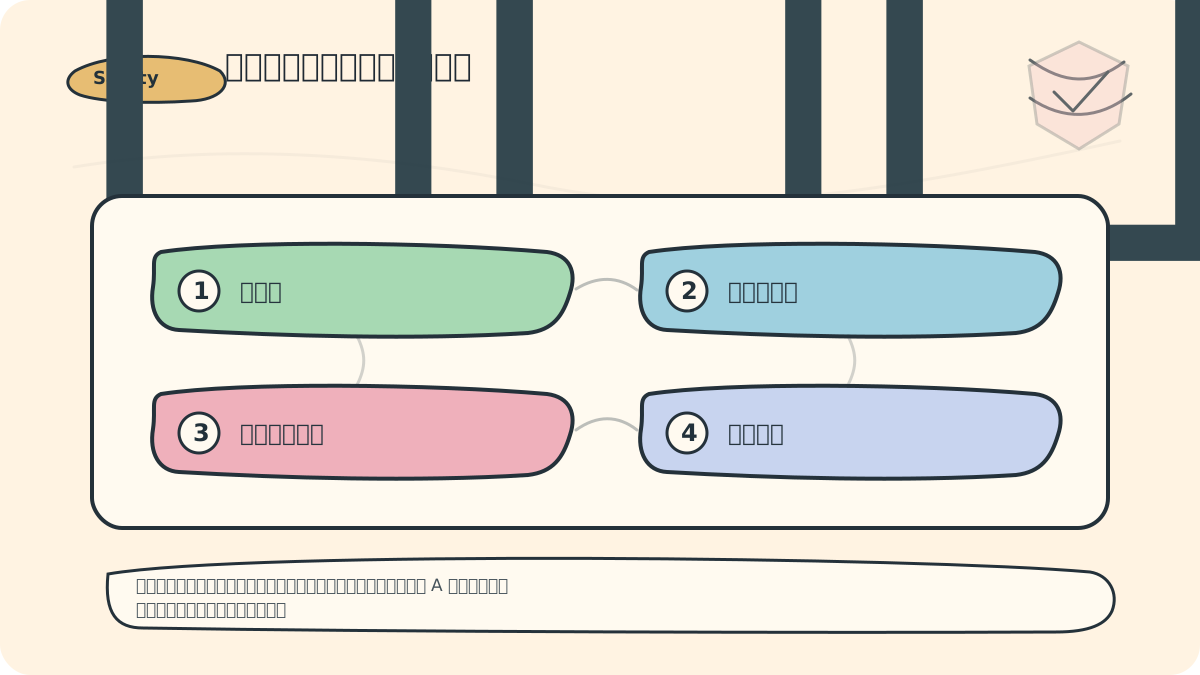
I’ll split the permission matrix into two tables: one governing data scope, and another governing action scope. A user authorized to view data from Project A is not necessarily permitted to edit prompts or publish applications.
In today’s digital world, safeguarding data security has become increasingly critical. When applied to artificial intelligence (AI) systems, data protection extends beyond technical implementation—it directly impacts user privacy and trust. As discussed in the previous chapter on Data Encryption and Storage Security, access control and authentication are pivotal mechanisms for preventing unauthorized access. In this section, we delve deeply into the concepts, technologies, and best practices of access control and authentication—illustrated with real-world case studies—to ensure our AI systems robustly protect sensitive data.
Fundamental Concepts of Access Control
Access control refers to the set of mechanisms that govern interactions between users and systems, ensuring only authorized individuals can access specific data or system functionalities. Common access control models include:
-
Role-Based Access Control (RBAC): Permissions are assigned based on predefined user roles. For example, an AI system may categorize users as “Administrator,” “User,” or “Guest,” each granted distinct access rights.
-
Attribute-Based Access Control (ABAC): Permissions are dynamically determined using attributes of users (e.g., department, clearance level), resources (e.g., sensitivity label, owner), and environmental conditions (e.g., time of day, geographic location). For instance, access to certain data may be restricted to users physically located within a specific region during business hours.
-
Time-Based Access Control: Certain data or functions may be available only during designated time windows—for example, corporate confidential data may be inaccessible outside standard working hours.
Case Study: Role-Based Access Control in Practice
Consider a healthcare AI system storing highly sensitive patient information—including medical histories and treatment plans—that implements RBAC to enforce strict access boundaries:
- Roles:
- Physician: May view, modify, and delete patient records.
- Nurse: May view patient records but is restricted to updating only basic vital signs and routine health metrics.
- Administrative Staff: May access patient contact details but is explicitly prohibited from viewing clinical notes or diagnostic reports.
By enforcing role-based access control, the healthcare AI system ensures that only personnel with appropriate authority and professional responsibility can access sensitive health data—thereby upholding patient privacy and regulatory compliance.
The Importance of Authentication
Authentication is the process of verifying a user’s identity to ensure only legitimate, authorized individuals gain system access. Common authentication methods include:
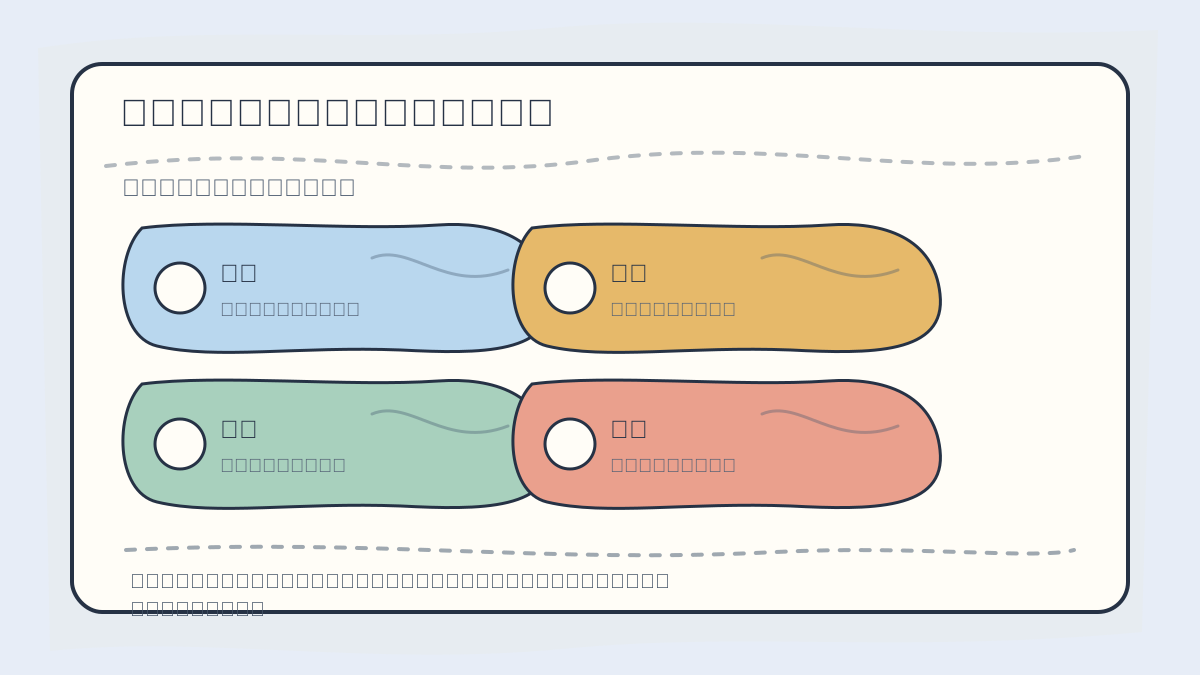
When designing access control and authentication systems, first evaluate: user identity, role permissions, resource scope, authentication method, audit logging capability, and exception handling.
-
Password-Based Authentication: Users submit a secret password to prove identity. However, password security heavily depends on user behavior—weak or reused passwords remain a major vulnerability. Mitigation strategies include enforcing complexity requirements (e.g., minimum length, mixed character types) and mandating periodic password rotation.
-
Multi-Factor Authentication (MFA): Combines two or more independent authentication factors—such as something you know (password), something you have (a mobile device receiving an OTP), and/or something you are (biometric verification). MFA significantly raises the barrier for attackers—even if credentials are compromised, gaining full access remains extremely difficult.
-
Biometric Authentication: Leverages unique physiological or behavioral traits—e.g., fingerprints, facial recognition, or iris patterns—for identity verification. These methods are now widely deployed across consumer devices and enterprise applications.
Case Study: Multi-Factor Authentication in Financial AI Applications
In the financial sector, MFA has become a cornerstone of customer account protection. For example, a banking AI application requires users to enter their password and input a time-limited, one-time passcode (OTP) sent via SMS to their registered phone number. Only upon successful validation of both credentials does the system grant login access.
# Pseudocode example: Multi-factor authentication
def login(user_input_password, user_input_otp):
    stored_password = get_stored_password(user_id)
    stored_otp = get_stored_otp(user_id)

    if user_input_password == stored_password and user_input_otp == stored_otp:
        return "Login successful"
    else:
        return "Login failed"
This layered approach substantially enhances account security in financial AI applications—dramatically reducing exposure to credential theft, phishing, and fraudulent transactions.
Best Practices
To implement access control and authentication effectively, adhere to the following industry-recognized best practices:
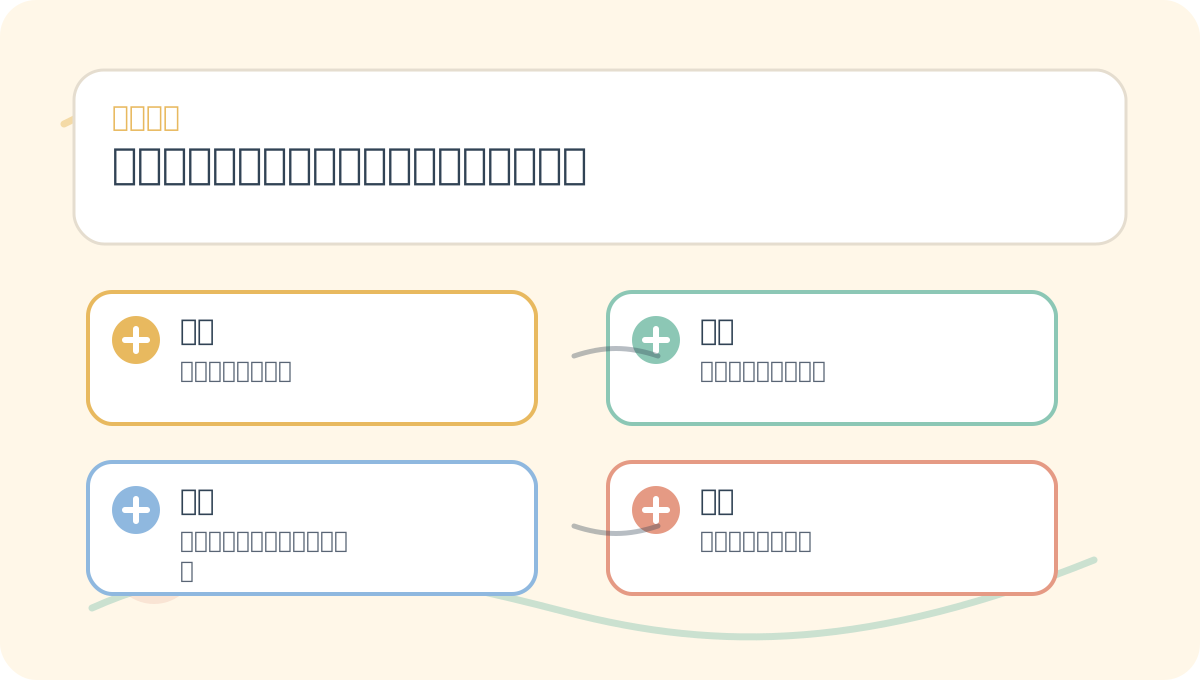
After completing Access Control and Authentication in Data Protection and Security Measures, take one minute to reflect: Are core concepts clearly distinguished? Can practice steps be reliably reproduced? Can key conclusions be restated concisely in your own words?
-
Principle of Least Privilege: Grant users only the minimum permissions necessary to perform their assigned tasks. This minimizes potential damage from accidental misuse, insider threats, or compromised accounts.
-
Regular Permission Audits: Systematically review access rights at scheduled intervals—and immediately revoke privileges when roles change or employment ends.
-
Enforce Strong Password Policies: Mandate complex, unique passwords and require periodic updates. Consider integrating password managers and banning commonly used or breached passwords.
-
Adopt Robust Authentication Mechanisms: Prioritize MFA wherever feasible; evaluate integration of biometric or hardware-based authenticators (e.g., FIDO2 security keys) for high-risk operations.
-
Monitor and Log All Access Events: Maintain comprehensive, tamper-resistant logs of authentication attempts and authorization decisions. Use automated alerting to detect anomalies—such as repeated failed logins, off-hours access, or privilege escalation attempts.
After studying Access Control and Authentication in Data Protection and Security Measures, try applying it to a scenario of your own—focusing specifically on whether inputs, processing logic, and outputs align coherently.
To apply Access Control and Authentication in Data Protection and Security Measures to your own project, begin by narrowing the scope—focus first on validating just one critical decision point.
Conclusion
Within AI systems, access control and authentication form the foundational pillars of data security and user privacy. Through rigorously designed controls and resilient authentication protocols, organizations can meaningfully reduce the risk of unauthorized access—and strengthen overall system integrity and trustworthiness. In the next chapter, we will explore the Secure Development Lifecycle, continuing our journey toward building safe, reliable, and ethically grounded AI environments.
Apply This Lesson
Turn this article into AI software, model, API, and security decisions.
English Article FAQ
Use this article as evidence before choosing AI tools
How should I use this AI Tutorials article?
Use it as the implementation or learning layer, then connect the idea to AI software buyer guides, tool comparisons, benchmarks, API choices, and security checks before making a production decision.
Is this English article different from the Chinese original?
The English edition is localized for global AI readers while preserving the original diagrams, screenshots, prompts, code examples, and source context from the Chinese article.
What should I read after Pseudocode example: Multi-factor authentication?
Continue with AI Software Buyer Guides, AI Tools Workbench, Best AI Coding Agents, AI Model Benchmarks, OpenAI vs Anthropic API, or LLM Security Tools depending on the decision you need to make.
Can this article alone choose an AI product or model?
No. Treat the article as evidence and context, then validate fit with pricing, privacy requirements, integration effort, benchmark results, workflow tests, and fallback planning.
Continue