English translation
Initialize H2O
AI Article Decision Snapshot
Turn the lesson into workflow, model, budget, and security checks before choosing tools.
Use this quick snapshot before leaving the article. It keeps the next search tied to practical AI software, model/API, cost, privacy, and implementation questions.
Workflow fit
Identify the real job behind the article: coding, research, document review, support, analytics, content, or internal automation.
Model or tool decision
Decide whether the next step is a software shortlist, an AI tool comparison, an API platform choice, or a model benchmark.
Budget and usage signal
Estimate seats, API calls, prompt volume, retries, review time, and fallback work before assuming the workflow is cheap.
Security and privacy review
Check whether source code, customer data, private documents, prompts, logs, or embeddings will enter the AI workflow.

Automated ensembling often improves performance scores—but at the cost of increased inference latency and reduced interpretability. In production, always assess whether the gains justify the added overhead.

I document which models are included in the ensemble, their respective weights, and the resulting increase in inference latency.
In the previous article, we explored the foundational concepts of ensemble learning, gaining insight into how combining multiple base learners can enhance overall model performance. Now, we delve deeper into automated machine learning (AutoML)—specifically, how to implement model ensembling and how AutoML tools automate this process.
The Value of Model Ensembling
Model ensembling combines predictions from multiple models with the goal of achieving better predictive performance than any single model alone. By reducing both variance and bias, ensemble methods improve generalization. In practice, widely adopted techniques such as Random Forests and Gradient Boosting Trees exemplify the power and popularity of ensembling.
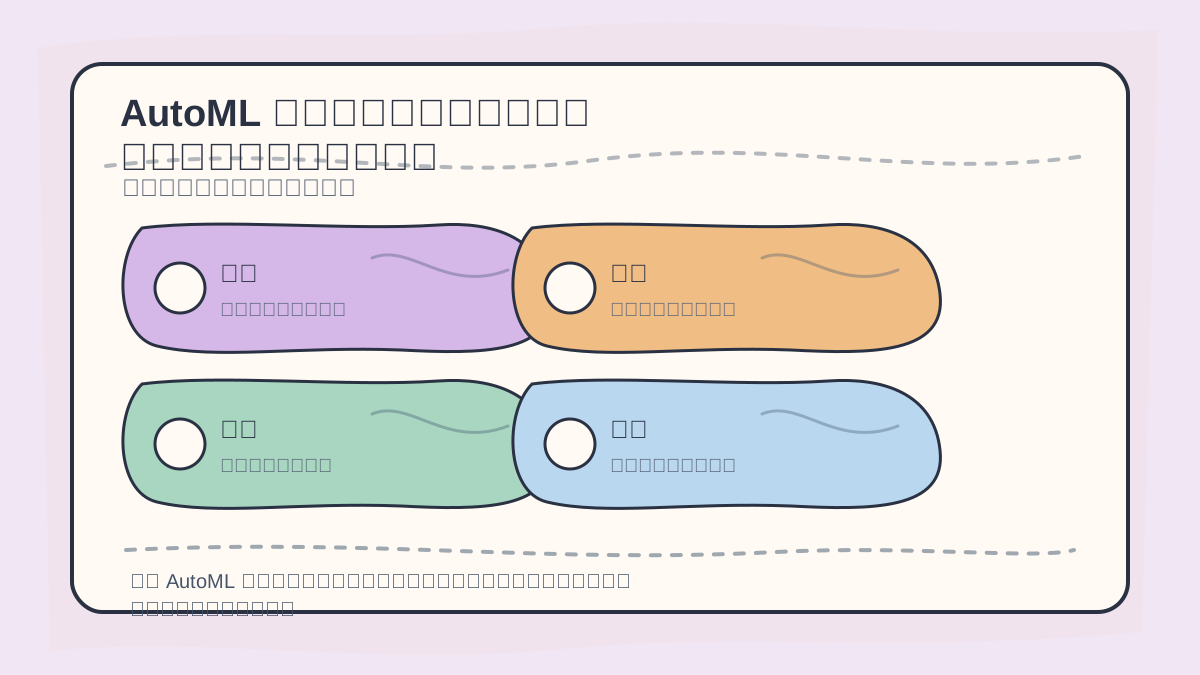
When applying AutoML-based ensembling, first evaluate candidate models, diversity among them, fusion strategies, validation metrics, training cost, and interpretability.
However, manual ensembling is often time-consuming and complex. AutoML addresses this challenge by automating the selection, combination, and optimization of multiple models—thereby delivering superior results more efficiently.
Advantages of AutoML
- Time Efficiency: Automatically selects and configures multiple algorithms and hyperparameters—eliminating tedious manual trial-and-error.
- Best Practices: Leverages state-of-the-art algorithmic practices, minimizing human error during model selection.
- Flexibility: Supports a wide range of models and ensembling strategies, enabling intelligent selection of optimal model combinations tailored to specific dataset characteristics.
Implementing Model Ensembling with AutoML
In this section, we demonstrate ensembling using popular AutoML tools—including H2O.ai and TPOT.
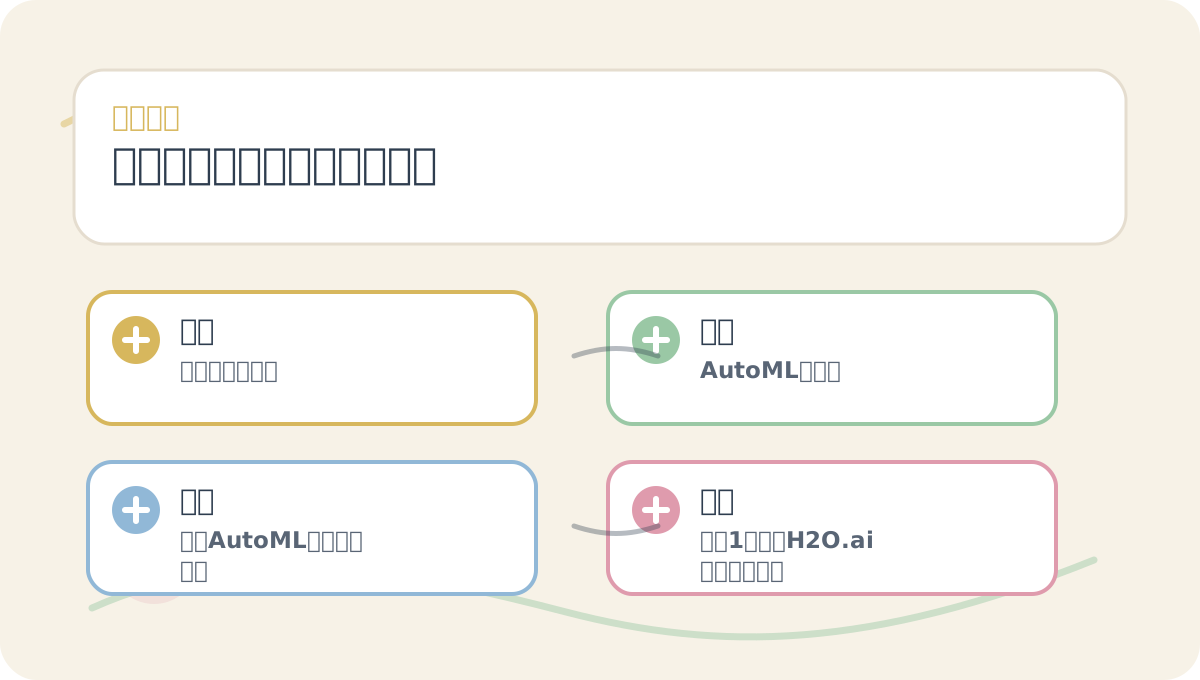
“Ensemble Modeling in Automated Machine Learning” is designed to be read alongside its visual aids. Begin by confirming your problem context and decision criteria; then proceed to conceptual explanations and step-by-step exercises—this helps connect ideas into a coherent mental model.
Case Study 1: Ensembling with H2O.ai
First, install H2O:
pip install h2o
Next, leverage H2O’s AutoML functionality to automatically train and ensemble multiple models:
import h2o
from h2o.automl import H2OAutoML

# Initialize H2O
h2o.init()

# Import dataset
data = h2o.import_file("path/to/your/data.csv")

# Specify features and target
x = data.columns[:-1]
y = data.columns[-1]
data[y] = data[y].asfactor()  # Convert target to factor for classification tasks

# Train AutoML model
aml = H2OAutoML(max_runtime_secs=3600, seed=1)
aml.train(x=x, y=y, training_frame=data)

# Review ensembled model leaderboard
lb = aml.leaderboard
print(lb)
In this example, after loading and preprocessing the data, H2OAutoML automatically trains numerous models within the specified time budget and constructs a unified, high-performing ensemble.
Case Study 2: Ensembling with TPOT
TPOT is another widely used AutoML tool that applies genetic programming to optimize full ML pipelines.
Install TPOT first:
pip install tpot
Then use it as follows:
from tpot import TPOTClassifier
from sklearn.datasets import load_iris
from sklearn.model_selection import train_test_split

# Load dataset
iris = load_iris()
X = iris.data
y = iris.target

# Split into training and test sets
X_train, X_test, y_train, y_test = train_test_split(X, y, train_size=0.75)

# Initialize TPOT classifier
tpot = TPOTClassifier(verbosity=2, generations=5, population_size=20, random_state=42)
tpot.fit(X_train, y_train)

# Evaluate performance
print(tpot.score(X_test, y_test))
TPOT explores and evolves diverse model pipelines via evolutionary algorithms—iteratively refining combinations to identify the most effective ensemble structure, balancing both efficiency and accuracy.
After completing “Ensemble Modeling in Automated Machine Learning”, try adapting it to one of your own use cases. Focus especially on whether inputs, processing steps, and outputs align coherently.
To apply “Ensemble Modeling in Automated Machine Learning” to your own task, start small: isolate and validate just one critical decision point.
Summary
By leveraging AutoML tools like H2O.ai and TPOT, we can implement model ensembling efficiently and robustly. This automation not only saves time but also enables intelligent, data-driven selection and combination of diverse models—leading to improved predictive performance. As AutoML technologies continue to mature, integrating ensemble learning strategies becomes increasingly accessible and impactful.
In the next article, we’ll explore “Balancing Efficiency and Effectiveness in Model Ensembling and Automation”, diving into practical trade-offs and strategies for optimizing ensemble design across varied real-world application scenarios.
Apply This Lesson
Turn this article into AI software, model, API, and security decisions.
English Article FAQ
Use this article as evidence before choosing AI tools
How should I use this AI Tutorials article?
Use it as the implementation or learning layer, then connect the idea to AI software buyer guides, tool comparisons, benchmarks, API choices, and security checks before making a production decision.
Is this English article different from the Chinese original?
The English edition is localized for global AI readers while preserving the original diagrams, screenshots, prompts, code examples, and source context from the Chinese article.
What should I read after Initialize H2O?
Continue with AI Software Buyer Guides, AI Tools Workbench, Best AI Coding Agents, AI Model Benchmarks, OpenAI vs Anthropic API, or LLM Security Tools depending on the decision you need to make.
Can this article alone choose an AI product or model?
No. Treat the article as evidence and context, then validate fit with pricing, privacy requirements, integration effort, benchmark results, workflow tests, and fallback planning.
Continue