English translation
Load the dataset
AI Article Decision Snapshot
Turn the lesson into workflow, model, budget, and security checks before choosing tools.
Use this quick snapshot before leaving the article. It keeps the next search tied to practical AI software, model/API, cost, privacy, and implementation questions.
Workflow fit
Identify the real job behind the article: coding, research, document review, support, analytics, content, or internal automation.
Model or tool decision
Decide whether the next step is a software shortlist, an AI tool comparison, an API platform choice, or a model benchmark.
Budget and usage signal
Estimate seats, API calls, prompt volume, retries, review time, and fallback work before assuming the workflow is cheap.
Security and privacy review
Check whether source code, customer data, private documents, prompts, logs, or embeddings will enter the AI workflow.

Real-world datasets are messier than pedagogical ones. Practical AutoML begins by accepting imperfect data—and then systematically exposing risks through a structured workflow.

I’ll retain one page dedicated to error-sample analysis. In real projects, failure cases often provide more actionable insights for improvement than average performance metrics.
In our prior discussion—“Balancing Efficiency and Effectiveness in Model Ensembling and Automation”—we recognized that optimizing both model performance and development efficiency remains a central challenge in modern data science. This article dives into practical case studies to explore how Automated Machine Learning (AutoML) can be effectively applied to real-world datasets—revealing its tangible advantages and identifying proven best practices.
1. Background of the Real-World Dataset
In this section, we demonstrate AutoML application using a publicly available healthcare dataset: the “Heart Disease UCI” dataset from Kaggle. The task is time-sensitive binary classification—predicting whether a patient has heart disease.
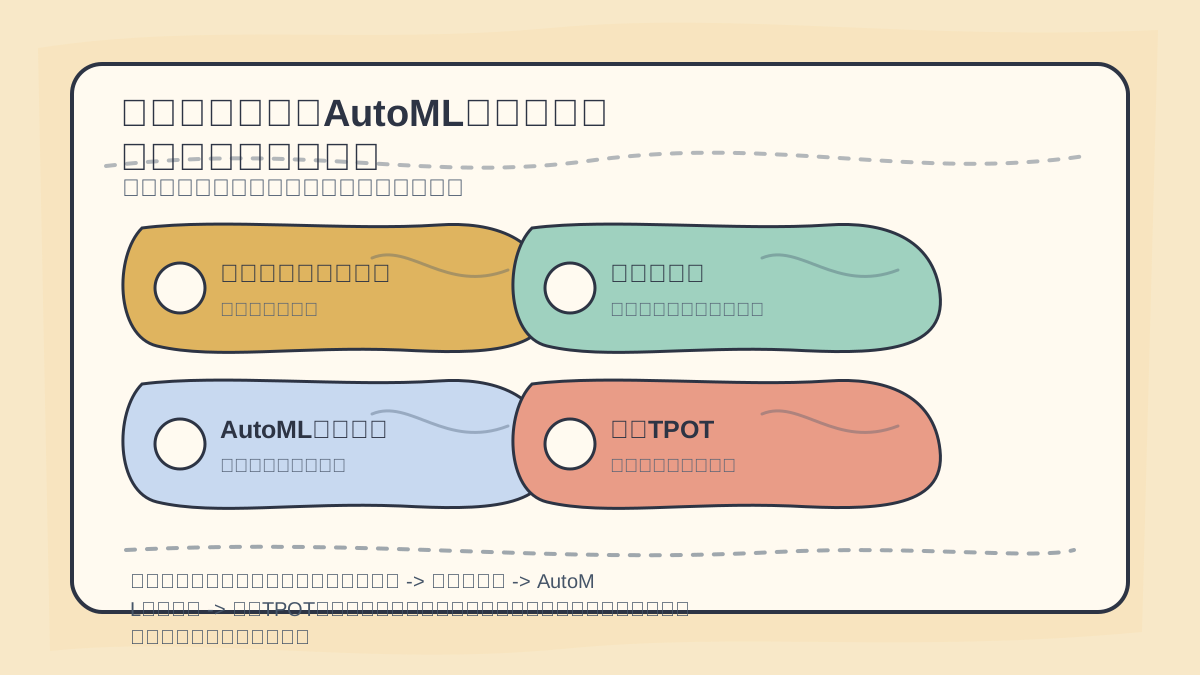
While reading this article, treat the sequence “Real-World Dataset Background → Dataset Overview → AutoML Tool Selection → Installing TPOT” as a verification checklist: first examine the object, path, and evidence; then circle back to validate against the case study, code snippets, or evaluation metrics.
Dataset Overview
- Size: 303 rows × 14 columns
- Features: Include age, sex, chest pain type, resting blood pressure, fasting blood sugar level, etc.
- Target variable:
targetcolumn, with values0(no heart disease) or1(heart disease present)
2. Selecting an AutoML Tool
Among the many AutoML frameworks available, TPOT and H2O.ai stand out as particularly robust options. We choose TPOT for this case study because it leverages genetic programming to automatically search over both model architectures and hyperparameters.
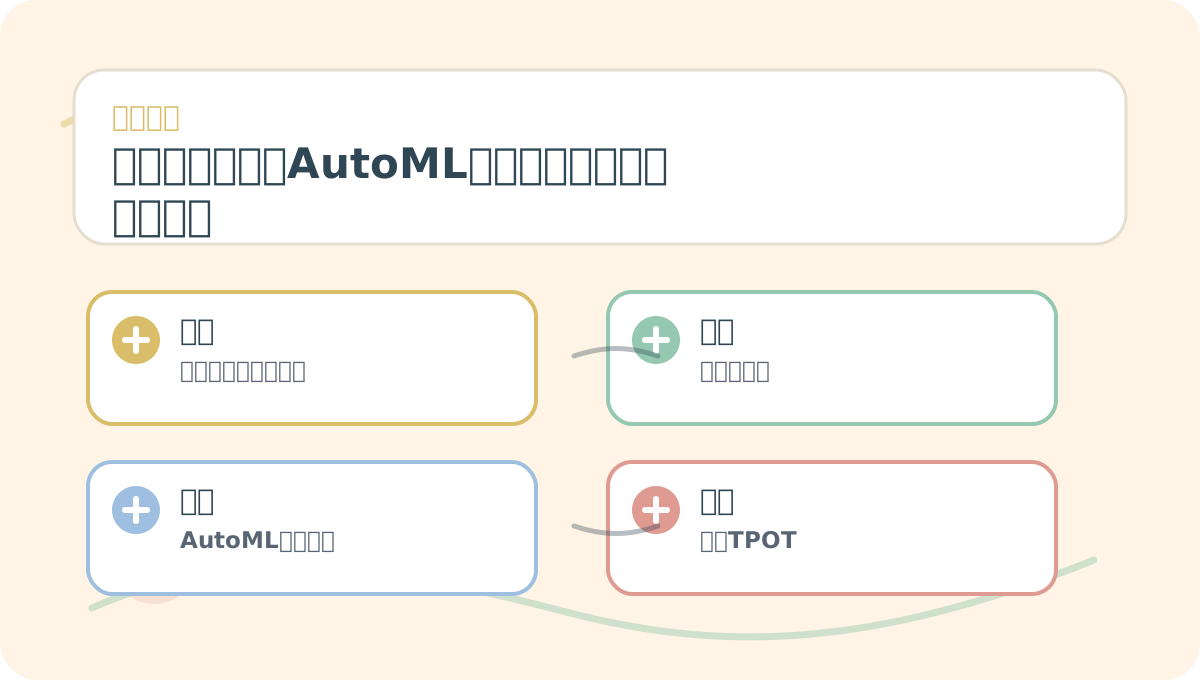
When studying “Real-World Dataset Applications in AutoML”, start with a small, reproducible scenario you can run yourself. Then revisit the underlying concepts and step-by-step exercises. After finishing, try retelling the entire process using your own example.
Installing TPOT
First, install the TPOT library. If not yet installed, run:
pip install tpot
3. Data Preprocessing
Before modeling, we must clean and preprocess the data.
Loading the Data
import pandas as pd

# Load the dataset
data = pd.read_csv('heart.csv')
Data Cleaning
After loading, inspect missing values and outliers:
# Check for missing values
print(data.isnull().sum())
Assuming no missing values exist, we proceed to feature selection and standardization.
Feature Selection and Standardization
from sklearn.model_selection import train_test_split
from sklearn.preprocessing import StandardScaler

# Separate features and target
X = data.drop('target', axis=1)
y = data['target']

# Split into training and test sets
X_train, X_test, y_train, y_test = train_test_split(X, y, test_size=0.2, random_state=42)

# Standardize features
scaler = StandardScaler()
X_train = scaler.fit_transform(X_train)
X_test = scaler.transform(X_test)
4. Automatic Model Selection Using TPOT
Now we apply TPOT to discover the optimal pipeline.
from tpot import TPOTClassifier

# Initialize TPOT
tpot = TPOTClassifier(verbosity=2, generations=5, population_size=20)
tpot.fit(X_train, y_train)
TPOT evolves pipelines across the specified number of generations, maintaining a population of candidate models, and automatically optimizes both algorithm choice and hyperparameter configuration.
5. Model Evaluation
After training, we evaluate performance using multiple complementary metrics—including accuracy, confusion matrix, and ROC curves.
Print the Best-Fitted Pipeline
print(tpot.fitted_pipeline_)
Compute Accuracy
from sklearn.metrics import accuracy_score

# Generate predictions
y_pred = tpot.predict(X_test)

# Calculate accuracy
accuracy = accuracy_score(y_test, y_pred)
print("Accuracy:", accuracy)
At this point, summarize “Real-World Dataset Applications in AutoML” into a retrospective table: first clarify the core narrative, then verify outcomes using a small, concrete subtask.
After completing “Real-World Dataset Applications in AutoML”, pick a minimal working example and walk through the full end-to-end pipeline. Then assess which steps you can now execute independently.
6. Conclusions and Insights
In this case study, we applied TPOT to the heart disease prediction task and successfully identified an optimized model via automated search. From this exercise, several key insights emerge:
- Data preprocessing is foundational: Regardless of the modeling approach, thorough cleaning and feature standardization remain indispensable for reliable model performance.
- Automation accelerates iteration: AutoML tools empower data scientists to rapidly prototype and compare models—freeing up cognitive bandwidth for deeper business understanding and domain-informed feature engineering.
- Model interpretability remains essential: While AutoML discovers high-performing pipelines, practitioners must still unpack their logic—interpreting decisions, diagnosing failures, and ensuring alignment with real-world constraints and ethics.
In upcoming sections, we will further explore “Practical Case Studies: Project Examples and Lessons Learned.” Stay tuned!
By applying AutoML to real-world datasets, we not only improve predictive performance—but also deepen our understanding of both data behavior and model mechanics—laying a solid foundation for future projects.
Apply This Lesson
Turn this article into AI software, model, API, and security decisions.
English Article FAQ
Use this article as evidence before choosing AI tools
How should I use this AI Tutorials article?
Use it as the implementation or learning layer, then connect the idea to AI software buyer guides, tool comparisons, benchmarks, API choices, and security checks before making a production decision.
Is this English article different from the Chinese original?
The English edition is localized for global AI readers while preserving the original diagrams, screenshots, prompts, code examples, and source context from the Chinese article.
What should I read after Load the dataset?
Continue with AI Software Buyer Guides, AI Tools Workbench, Best AI Coding Agents, AI Model Benchmarks, OpenAI vs Anthropic API, or LLM Security Tools depending on the decision you need to make.
Can this article alone choose an AI product or model?
No. Treat the article as evidence and context, then validate fit with pricing, privacy requirements, integration effort, benchmark results, workflow tests, and fallback planning.
Continue