English translation
Load the dataset
AI Article Decision Snapshot
Turn the lesson into workflow, model, budget, and security checks before choosing tools.
Use this quick snapshot before leaving the article. It keeps the next search tied to practical AI software, model/API, cost, privacy, and implementation questions.
Workflow fit
Identify the real job behind the article: coding, research, document review, support, analytics, content, or internal automation.
Model or tool decision
Decide whether the next step is a software shortlist, an AI tool comparison, an API platform choice, or a model benchmark.
Budget and usage signal
Estimate seats, API calls, prompt volume, retries, review time, and fallback work before assuming the workflow is cheap.
Security and privacy review
Check whether source code, customer data, private documents, prompts, logs, or embeddings will enter the AI workflow.

The focus of case analysis is not to showcase the best possible results, but rather to explain why certain decisions were made, where things went wrong, and how to avoid similar pitfalls next time.

I will clearly document the baseline, key decisions, failed attempts, and the final choice. A case study without thorough reflection is difficult to transfer to new projects.
In the previous article, we explored how to apply automated machine learning (AutoML) techniques to real-world datasets, walking through the entire workflow—from data preprocessing to model evaluation. In this article, we dive deeper into several concrete project examples to provide practical insights on how to effectively leverage AutoML tools and ultimately improve model performance.
Project Example 1: Disease Prediction Using Medical Data
Background
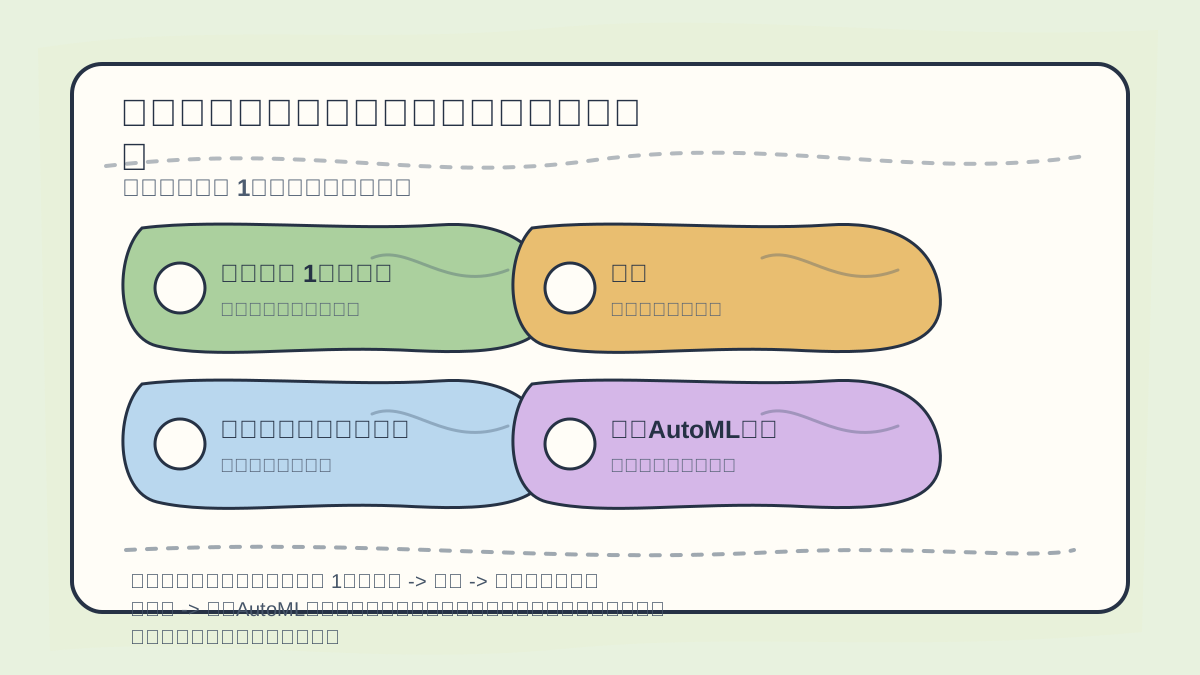
While reading this section, treat “Project Example 1: Medical Data → Background → Initial Data Loading & Preprocessing → AutoML Modeling” as a checklist line: first align the object, steps, and evidence, then revisit the case description, code, or metrics for verification.
Healthcare data is vast and complex, often comprising multiple variable types. For instance, in a diabetes prediction project, we used a real-world dataset containing numerous clinical indicators—such as age, weight, and blood pressure.
Initial Data Loading and Preprocessing
Using Python and the Pandas library, we can easily load the data and perform essential preprocessing steps.
import pandas as pd

# Load the dataset
data = pd.read_csv('diabetes.csv')

# Display basic dataset information
print(data.info())
During preprocessing, we may need to handle missing values, encode categorical variables, and scale features. AutoML tools such as TPOT or H2O.ai typically automate these steps—saving considerable time and effort.
Modeling with AutoML
We use the TPOT library to perform model selection and hyperparameter optimization.
from tpot import TPOTClassifier
from sklearn.model_selection import train_test_split

# Split into training and test sets
X = data.drop('Outcome', axis=1)
y = data['Outcome']
X_train, X_test, y_train, y_test = train_test_split(X, y, test_size=0.2, random_state=42)

# Initialize TPOTClassifier
tpot = TPOTClassifier(verbosity=2)
tpot.fit(X_train, y_train)

# Print the best-fitting pipeline
print(tpot.fitted_pipeline_)
Insights and Summary
In this project, AutoML enabled us to rapidly identify the optimal model and its corresponding hyperparameters. Moreover, it provided a fast iteration loop—allowing team members to concentrate on model improvement and domain-specific application, rather than spending excessive time manually selecting and tuning models.
Project Example 2: Financial Fraud Detection
Background
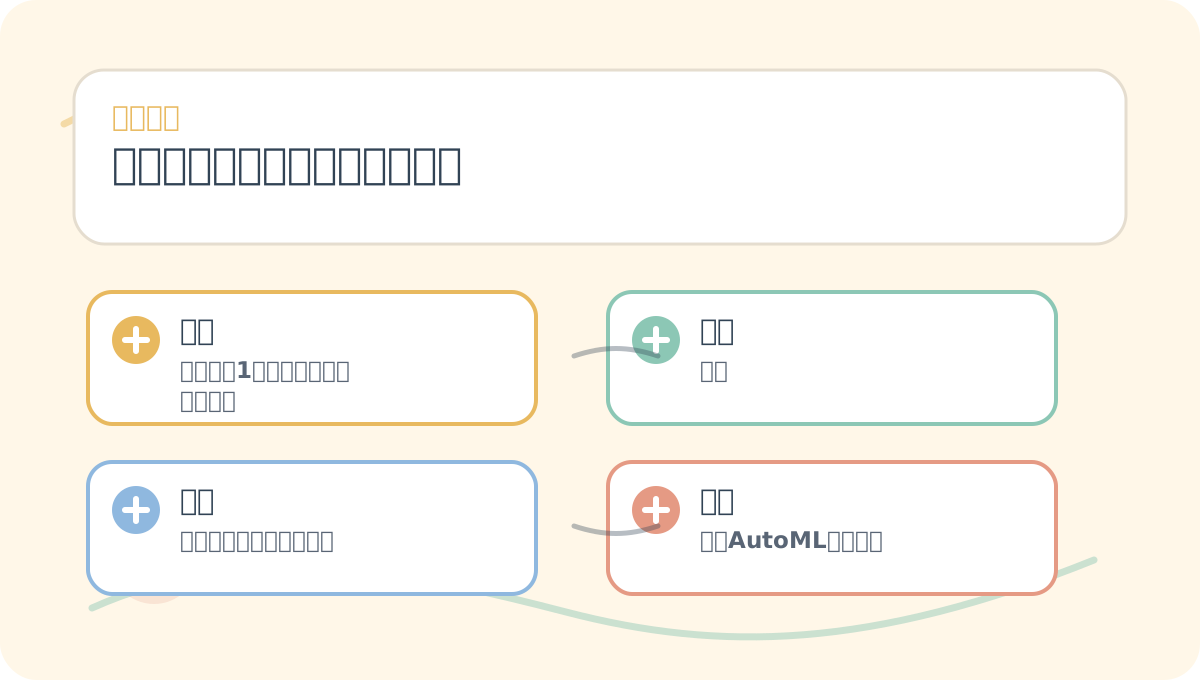
After finishing Practical Case Analysis: Project Examples and Insights, reflect on three questions:
- What problem does this solve?
- At which step is error most likely to occur?
- Can I reproduce this with a small, self-contained example?
In financial services, fraud detection is a critical use case. We used a real-world dataset containing millions of transaction records, featuring attributes such as transaction amount, timestamp, and user behavior patterns.
Data Processing and Feature Engineering
Financial data often suffers from severe class imbalance. During preprocessing, we first applied either undersampling or oversampling.
from sklearn.utils import resample

# Separate majority and minority classes
not_fraud = data[data['Fraud'] == 0]
fraud = data[data['Fraud'] == 1]

# Oversample the minority class
fraud_upsampled = resample(fraud, replace=True, n_samples=len(not_fraud), random_state=42)

# Combine balanced dataset
upsampled = pd.concat([not_fraud, fraud_upsampled])
Applying AutoML
In this project, we leveraged H2O.ai’s AutoML functionality to design and optimize our model.
import h2o
from h2o.automl import H2OAutoML

# Initialize H2O
h2o.init()

# Import data into H2O
h2o_data = h2o.H2OFrame(upsampled)

# Define target variable
y = 'Fraud'
X = upsampled.columns.tolist()
X.remove(y)

# Run AutoML
aml = H2OAutoML(max_runtime_secs=3600, seed=1)
aml.train(x=X, y=y, training_frame=h2o_data)
Insights and Summary
Applying AutoML to financial fraud detection allowed us to quickly explore many candidate models and converge on an optimal solution. Especially under severe class imbalance, AutoML’s automated feature selection and hyperparameter tuning significantly improved final model performance.
When reviewing Practical Case Analysis: Project Examples and Insights, place key concepts, procedural steps, and observable outcomes side-by-side on a single page for efficient reflection.
When practicing Practical Case Analysis: Project Examples and Insights, write down input conditions, processing actions, and observable outcomes together—making future review and validation straightforward.
Conclusion
Across the two real-world examples above, we demonstrated how AutoML tools enable effective modeling and prediction in complex, heterogeneous data environments. Whether in medical prediction or financial fraud detection, AutoML accelerates development cycles while enhancing model accuracy and practical value. In the next article, we’ll synthesize lessons learned from these cases—helping readers sidestep common pitfalls in their own AutoML practice.
Apply This Lesson
Turn this article into AI software, model, API, and security decisions.
English Article FAQ
Use this article as evidence before choosing AI tools
How should I use this AI Tutorials article?
Use it as the implementation or learning layer, then connect the idea to AI software buyer guides, tool comparisons, benchmarks, API choices, and security checks before making a production decision.
Is this English article different from the Chinese original?
The English edition is localized for global AI readers while preserving the original diagrams, screenshots, prompts, code examples, and source context from the Chinese article.
What should I read after Load the dataset?
Continue with AI Software Buyer Guides, AI Tools Workbench, Best AI Coding Agents, AI Model Benchmarks, OpenAI vs Anthropic API, or LLM Security Tools depending on the decision you need to make.
Can this article alone choose an AI product or model?
No. Treat the article as evidence and context, then validate fit with pricing, privacy requirements, integration effort, benchmark results, workflow tests, and fallback planning.
Continue