English translation
Load data
AI Article Decision Snapshot
Turn the lesson into workflow, model, budget, and security checks before choosing tools.
Use this quick snapshot before leaving the article. It keeps the next search tied to practical AI software, model/API, cost, privacy, and implementation questions.
Workflow fit
Identify the real job behind the article: coding, research, document review, support, analytics, content, or internal automation.
Model or tool decision
Decide whether the next step is a software shortlist, an AI tool comparison, an API platform choice, or a model benchmark.
Budget and usage signal
Estimate seats, API calls, prompt volume, retries, review time, and fallback work before assuming the workflow is cheap.
Security and privacy review
Check whether source code, customer data, private documents, prompts, logs, or embeddings will enter the AI workflow.

Common AutoML pitfalls are not mysterious: unclear data understanding, misaligned evaluation metrics, insufficient search budget, and unverified results.

Before starting a project, I draft a risk checklist—and after completion, I systematically review each item to assess whether any pitfalls were encountered.
In practical case studies of automated machine learning (AutoML), we not only analyze concrete project examples and their key insights but also distill valuable lessons learned from them. These lessons serve as critical guidance for future projects. This article delves into the challenges and insights encountered during AutoML implementation, laying the groundwork for subsequent synthesis and forward-looking discussion.
The Importance of Data Preprocessing
In most machine learning projects, data preprocessing is one of the decisive factors for success. In our case study—a financial credit scoring model—poor data cleaning led to suboptimal early results. For instance, the dataset contained missing values, outliers, and inconsistent categorical labels. Without appropriate preprocessing at the outset, subsequent model training could not yield satisfactory performance.

While reading this article, treat the sequence “data preprocessing → sensible model & hyperparameter selection → model interpretability & usability → efficient operations & continuous integration” as a verification checklist: first examine the object, path, and evidence; then return to the case description, code, or metrics for cross-validation.
In this case, we applied the following code for data cleaning:
import pandas as pd

# Load data
data = pd.read_csv('credit_data.csv')

# Handle missing values
data.fillna(data.median(), inplace=True)

# Remove outliers
data = data[data['credit_score'] < 900]

# Encode categorical variables
data = pd.get_dummies(data, columns=['gender', 'employment_status'])
These preprocessing steps significantly improved model performance. Indeed, high-quality data forms the essential foundation enabling AutoML tools to learn effectively.
Sensible Model and Hyperparameter Selection
Although AutoML tools typically explore numerous models and hyperparameter configurations, our case study revealed that “blind trial-and-error” is rarely optimal. For example, in a customer churn prediction project, preliminary experiments showed that a simple logistic regression model struck an excellent balance between accuracy and computational efficiency. By contrast, complex ensemble models—while achieving higher classification accuracy—required prohibitively long training times, hindering rapid iteration in production.
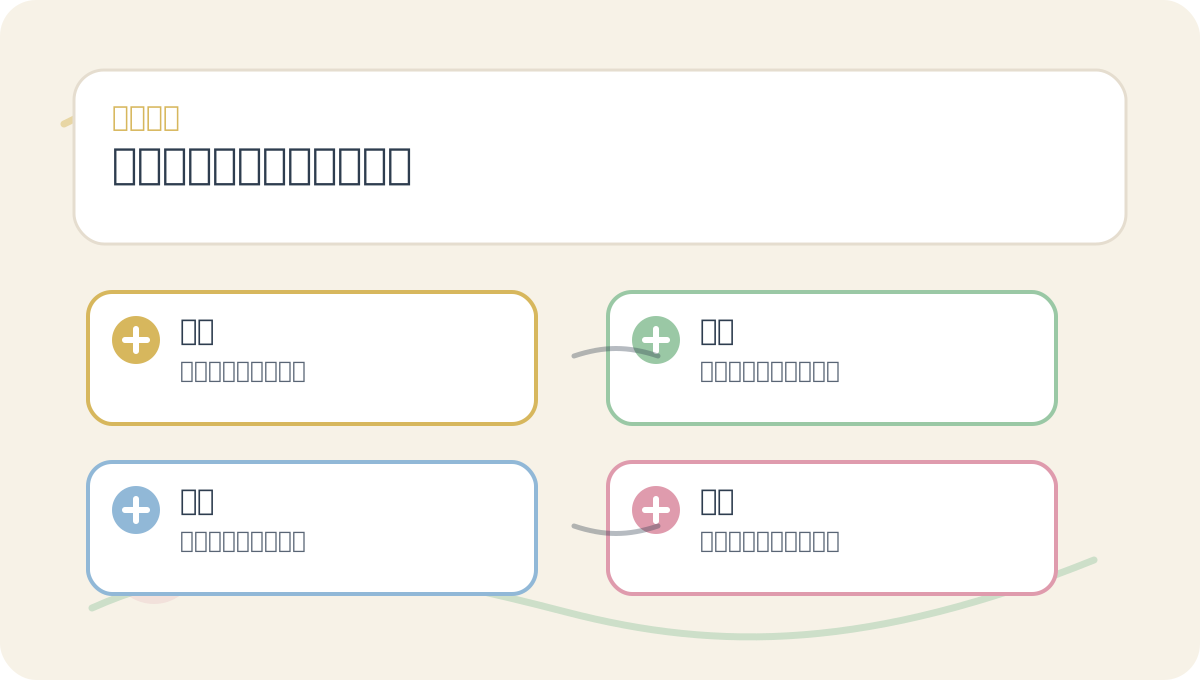
Before diving into the main text of Lessons Learned in Automated Machine Learning, quickly scan the accompanying illustrations: What question do they pose? Which concepts need clear distinction? At which step should you take action? And by what criteria will final validation be performed?
Using the TPOT library, we easily explored diverse model combinations. Below is an example of automated hyperparameter optimization:
from tpot import TPOTClassifier

# Prepare train/test splits
X_train, X_test, y_train, y_test = ...  # Data splitting logic

# Initialize TPOT
tpot = TPOTClassifier(verbosity=2, generations=5, population_size=20)
tpot.fit(X_train, y_train)

# Evaluate model
print(tpot.score(X_test, y_test))
This case further underscores that thoughtful model selection and hyperparameter tuning are pivotal to achieving efficient, production-ready AutoML performance.
Model Interpretability and Usability
Across multiple AutoML projects we implemented, strong model interpretability proved vital for stakeholder communication. In a disease prediction model deployed in healthcare, explaining why the model made a given decision was indispensable. Leveraging the SHAP (SHapley Additive exPlanations) library, we delivered deep, actionable insights into the model’s decision logic—thereby strengthening trust among clinicians and end users.
Here’s a code snippet demonstrating SHAP-based interpretability:
import shap

# Load a trained model
model = ...  # Your fitted model here

# Compute SHAP values
explainer = shap.TreeExplainer(model)
shap_values = explainer.shap_values(X_test)

# Visualize explanations
shap.summary_plot(shap_values, X_test)
This approach ensured that, beyond predictive accuracy, our models remained meaningfully integrated into real-world workflows—greatly enhancing overall project usability.
Efficient Operations and Continuous Integration
In AutoML practice, continuous integration (CI) and continuous delivery (CD) are equally critical. We found that establishing an efficient model monitoring and retraining pipeline substantially improves long-term model performance. In a live business setting, for instance, we leveraged GitHub Actions to automate model training and evaluation. Each time the dataset was updated, a triggered event pulled the latest data and retrained the model.
A sample GitHub Actions configuration is shown below:
name: CI/CD for AutoML

on:
  push:
    branches: [ main ]

jobs:
  build:
    runs-on: ubuntu-latest
    steps:
      - name: Checkout Code
        uses: actions/checkout@v2
      - name: Set up Python
        uses: actions/setup-python@v2
        with:
          python-version: '3.8'
      - name: Install Dependencies
        run: |
          python -m pip install -r requirements.txt
      - name: Train Model
        run: python train.py
This setup ensures AutoML models consistently reflect evolving business needs and fresh data—delivering true operational efficiency.

After completing Lessons Learned in Automated Machine Learning, try applying it to your own scenario—pay close attention to whether inputs, processing steps, and outputs align coherently.
To apply Lessons Learned in Automated Machine Learning to your own task, start small: isolate and validate just one critical judgment point.
Summary
Through these lessons learned, we underscore the critical importance of data preprocessing, model selection, interpretability, and operational strategy in AutoML projects. These insights extend beyond individual case studies—they provide a robust foundation for future AutoML applications. In our next article, we will synthesize the current state of AutoML and outline its future trajectory, exploring cutting-edge developments and emerging trends in the field.
Apply This Lesson
Turn this article into AI software, model, API, and security decisions.
English Article FAQ
Use this article as evidence before choosing AI tools
How should I use this AI Tutorials article?
Use it as the implementation or learning layer, then connect the idea to AI software buyer guides, tool comparisons, benchmarks, API choices, and security checks before making a production decision.
Is this English article different from the Chinese original?
The English edition is localized for global AI readers while preserving the original diagrams, screenshots, prompts, code examples, and source context from the Chinese article.
What should I read after Load data?
Continue with AI Software Buyer Guides, AI Tools Workbench, Best AI Coding Agents, AI Model Benchmarks, OpenAI vs Anthropic API, or LLM Security Tools depending on the decision you need to make.
Can this article alone choose an AI product or model?
No. Treat the article as evidence and context, then validate fit with pricing, privacy requirements, integration effort, benchmark results, workflow tests, and fallback planning.
Continue