English translation
Getting Started with Claude Code: Reading Repositories, Modifying Files, and Running Tests
AI Article Decision Snapshot
Turn the lesson into workflow, model, budget, and security checks before choosing tools.
Use this quick snapshot before leaving the article. It keeps the next search tied to practical AI software, model/API, cost, privacy, and implementation questions.
Workflow fit
Identify the real job behind the article: coding, research, document review, support, analytics, content, or internal automation.
Model or tool decision
Decide whether the next step is a software shortlist, an AI tool comparison, an API platform choice, or a model benchmark.
Budget and usage signal
Estimate seats, API calls, prompt volume, retries, review time, and fallback work before assuming the workflow is cheap.
Security and privacy review
Check whether source code, customer data, private documents, prompts, logs, or embeddings will enter the AI workflow.

After installing Claude Code, the most common beginner mistake is to jump straight into your first prompt with: “Please optimize this project.” That sounds perfectly reasonable—but it’s far too vague for a code assistant. It has no idea whether you mean optimizing performance, UI, APIs, SEO, build speed, or code architecture.
For your first session, I recommend following the rhythm: Read → Ask → Modify → Verify → Review.
I trust Claude Code most when it explains its reasoning. Before modifying any file, it should articulate why that location needs change; after modification, it should clearly report verification results—not just return a seemingly complete answer.

This section includes a minimal hands-on exercise: change only one low-risk piece of copy (e.g., a button label), then ask Claude Code to list all touched files, relevant test commands, and remaining risks. This way, readers internalize how to work with the tool—not just what commands to type.
Step 1: Read Only — No File Modifications
Once inside your project’s root directory, launch Claude Code:
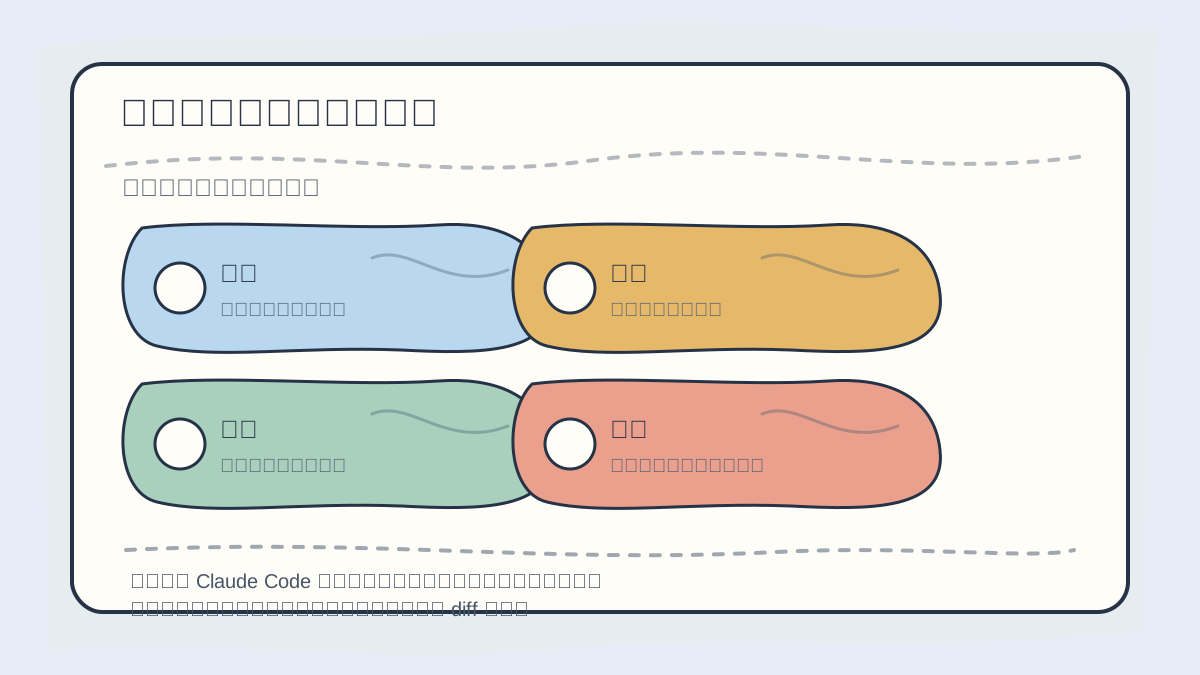
On your first repository interaction with Claude Code, choose a narrow, verifiable task: first read the structure, then modify one well-defined element, and finally review changes using CLI commands and git diff.
claude
Your first message can be:
Do not modify any files yet. Please analyze the current project and tell me:
1. The tech stack used
2. The main entry point files
3. Commands for local development and building
4. Your top 5 most important directories
5. Which files carry high modification risk
This step builds Claude Code’s mental map of the codebase—and gives you a chance to spot hallucinations. If it misidentifies a Next.js app as Vue, or confuses backend entry points, pause before letting it make changes.
Step 2: Ask It to Locate a Specific Entry Point
Say you want to update the homepage button text. Avoid vague requests like “Optimize the homepage.” Instead, ask precisely:
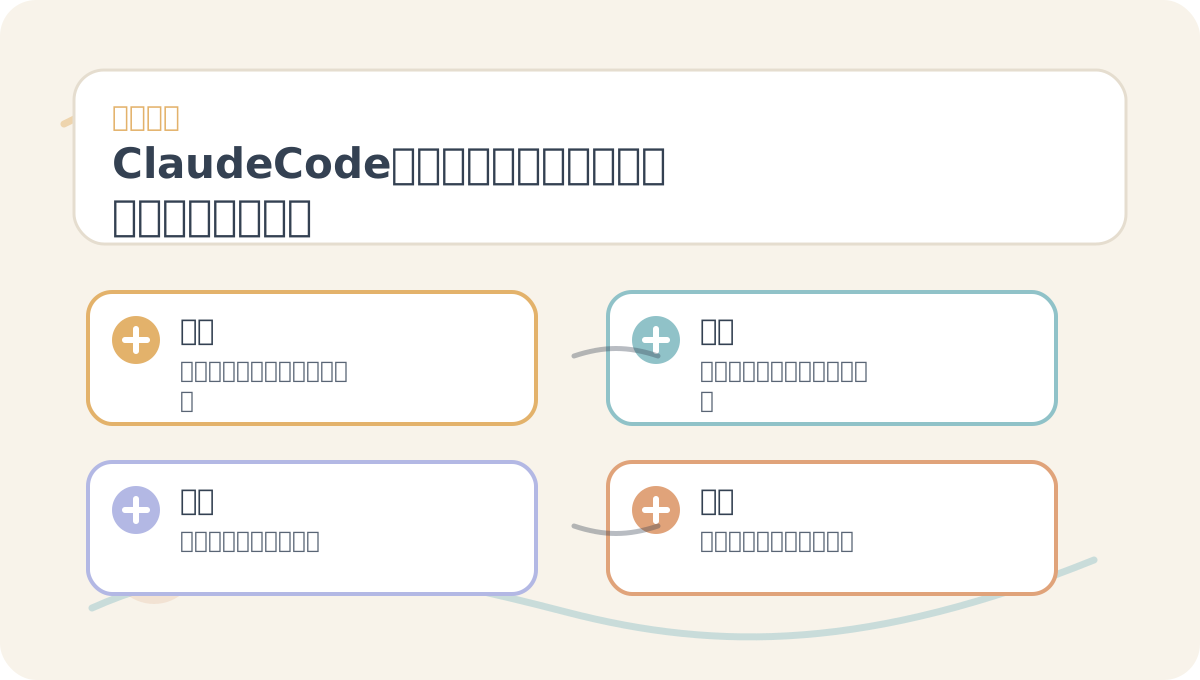
Before reading “Claude Code First Steps: Read Repositories, Modify Files, Run Tests,” glance at the diagram showing the path from problem to outcome. After reading, revisit the diagram to verify whether you can reproduce each step.
I’d like to update the call-to-action button text in the hero section of the homepage.
First, locate the related component and styling files—do not modify anything yet.
List the files you’ll inspect and briefly describe the role of each.
This kind of question plays to Claude Code’s strengths: searching files, tracing imports, and navigating routing logic. Your job is to validate whether the identified files are actually correct.
Step 3: Modify Just One Small Thing
Once location is confirmed, assign a low-risk change:
Change only the primary homepage button text from “Start Experience” to “View Today’s AI.”
Do not alter layout, routing, or any other copy.
After modifying, please provide a concise summary of the changes.
The key here is strict scope control. On your first try, don’t ask it to simultaneously update UI, APIs, state management, and data structures. Small, focused changes build trust—and make rollback trivial.
Step 4: Run Existing Project Validation
After the change, instruct it to run validation commands already present in the project:
Consult package.json or project documentation to select appropriate verification commands.
Prefer type checking, linting, or building. Do not install new dependencies.
If the project is Python-based, have it locate pytest; for frontend projects, check for pnpm build, npm run build, or npm run lint; for backend services, look for targeted test suites.
I strongly advise against asking it to “add a full test framework” on day one. Reuse existing tooling—it’s the lowest-risk path forward.
Step 5: Review the git diff—Not Just the Response
After Claude Code applies changes, always inspect the actual diff:
git diff
Or ask directly within the session:
Please list all modified files and explain why each needed change.
Flag any modifications unrelated to the original request.
A productive Claude Code workflow isn’t “I never look at code”—it’s “I delegate code discovery and repetitive tasks to it, but retain final judgment.”
First-Time Use Checklist
Before committing your first change, verify at least these five items:
When revisiting “Claude Code First Steps: Read Repositories, Modify Files, Run Tests,” don’t attempt a large-scale project right away. Start with one simple example to confirm the core workflow is clear.
If you haven’t fully internalized “Claude Code First Steps: Read Repositories, Modify Files, Run Tests,” walk through these four actions again:
- Did it modify files outside your explicit instructions?
- Did it introduce new dependencies?
- Did it touch
.env, secrets, or deployment scripts? - Did builds or tests pass?
- Can you clearly explain the purpose and impact of this change?
Only if all five items check out should you proceed to its second task.
In the next article, we’ll write CLAUDE.md—a per-project “work instruction manual” that helps Claude Code onboard faster and avoid detours.
References:
Apply This Lesson
Turn this article into AI software, model, API, and security decisions.
English Article FAQ
Use this article as evidence before choosing AI tools
How should I use this AI Tutorials article?
Use it as the implementation or learning layer, then connect the idea to AI software buyer guides, tool comparisons, benchmarks, API choices, and security checks before making a production decision.
Is this English article different from the Chinese original?
The English edition is localized for global AI readers while preserving the original diagrams, screenshots, prompts, code examples, and source context from the Chinese article.
What should I read after Getting Started with Claude Code: Reading Repositories, Modifying Files, and Running Tests?
Continue with AI Software Buyer Guides, AI Tools Workbench, Best AI Coding Agents, AI Model Benchmarks, OpenAI vs Anthropic API, or LLM Security Tools depending on the decision you need to make.
Can this article alone choose an AI product or model?
No. Treat the article as evidence and context, then validate fit with pricing, privacy requirements, integration effort, benchmark results, workflow tests, and fallback planning.
Continue