English translation
Project Notes
AI Article Decision Snapshot
Turn the lesson into workflow, model, budget, and security checks before choosing tools.
Use this quick snapshot before leaving the article. It keeps the next search tied to practical AI software, model/API, cost, privacy, and implementation questions.
Workflow fit
Identify the real job behind the article: coding, research, document review, support, analytics, content, or internal automation.
Model or tool decision
Decide whether the next step is a software shortlist, an AI tool comparison, an API platform choice, or a model benchmark.
Budget and usage signal
Estimate seats, API calls, prompt volume, retries, review time, and fallback work before assuming the workflow is cheap.
Security and privacy review
Check whether source code, customer data, private documents, prompts, logs, or embeddings will enter the AI workflow.
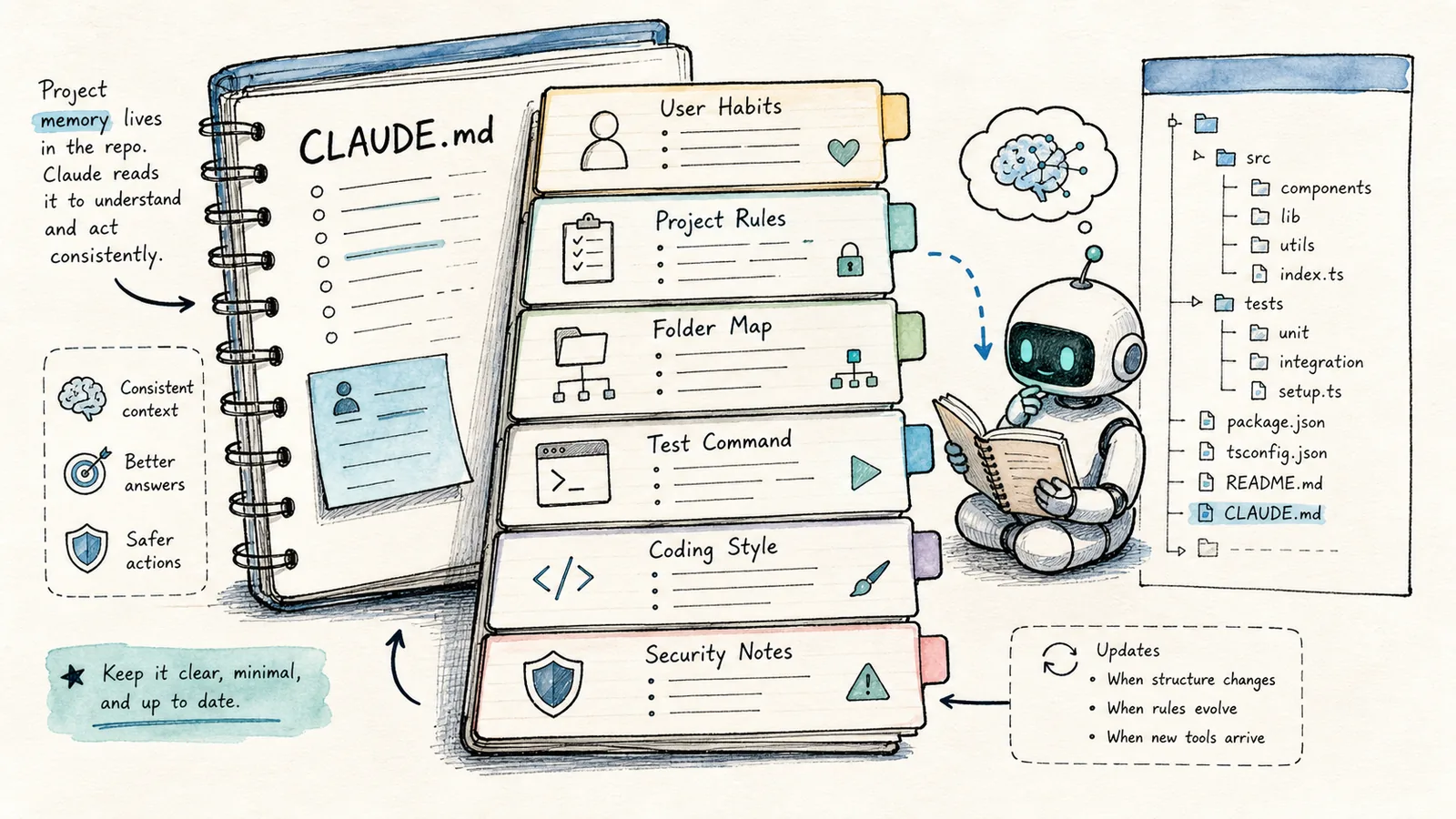
If you were to adopt just one habit when using Claude Code, make it CLAUDE.md.
What truly slows down AI-powered programming isn’t usually the model’s inability to write code—it’s that the model must re-guess your project’s conventions every single time:
- npm or pnpm?
- What’s the test command?
- Which directories are off-limits?
- Where’s the production deployment script?
- What’s the API style?
- Should code comments be in Chinese?
CLAUDE.md is where you explicitly document those project conventions. Claude Code reads this memory file during your session—so subsequent tasks align more closely with your project.
The most valuable part of CLAUDE.md isn’t slogans or platitudes—it’s concrete, real-world rules:
- Which directories must never be modified
- Which command verifies correctness
- What must be checked before release
- Which business logic requires extra caution

Treat it like an onboarding document for a new teammate. Whatever a colleague needs to know on their first day entering the repo—Claude Code needs to know exactly that, too. That’s how memory files stay functional—not decorative.
Start with /init to Generate a Draft
Once you open Claude Code in your project root directory, run:

When maintaining your memory file, prioritize clarity on:
- Project structure
- Test commands
- Forbidden modification zones
- Commit formatting standards
- Deployment workflow
Only then can follow-up tasks remain consistent.
/init
As noted in the official command documentation, /init generates a starter version of CLAUDE.md the first time you enter a repository—and /memory lets you fine-tune it afterward. You can write it manually, but beginners will save time using /init: it auto-analyzes your project structure and drafts an initial version.
But don’t trust the generated draft outright. Open the file and revise every line to reflect rules you genuinely intend to enforce long-term.
A Practical CLAUDE.md Template
Here’s the structure I commonly use:
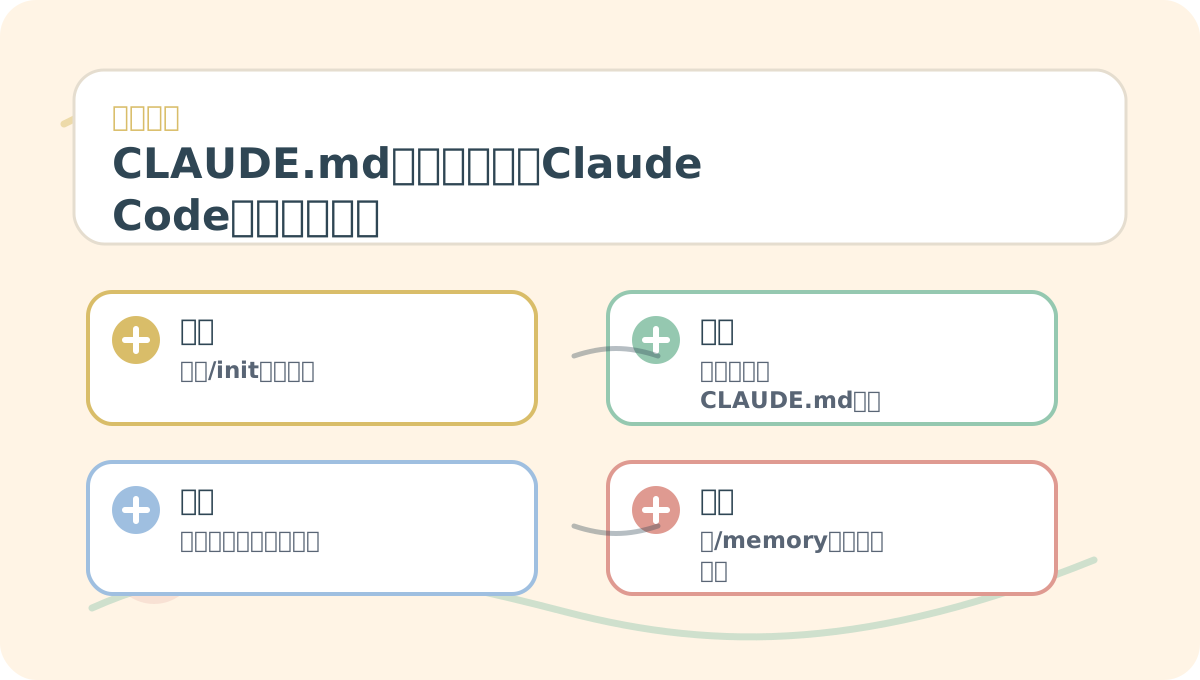
When learning “CLAUDE.md Memory Files: Teaching Claude Code Your Project Conventions”, start with a small, reproducible scenario you control. Then review the related concepts and step-by-step exercises. After reading, restate everything using your own example.
# Project Notes

## Tech stack
- Frontend: Next.js / React / TypeScript
- Styling: Tailwind CSS
- Content: Markdown files under content/

## Commands
- Install: npm install
- Dev: npm run dev
- Build: npm run build

## Working rules
- Do not edit .env files, API keys, certificates, or auto-generated folders.
- Prefer small, narrowly scoped changes.
- Run `npm run build` before marking a task as complete.
- Leave unrelated uncommitted (dirty) files untouched.

## Content rules
- Chinese articles must be practical and concrete—not theoretical or abstract.
- Avoid generic AI filler phrases (e.g., “This is a powerful tool…”).
- Store all images under `public/images/`.
What matters isn’t elegant formatting—it’s specificity. As the official memory documentation emphasizes: a rule like “Use 2-space indentation” is far more actionable than “Write clean, readable code.”
What to Include—and What Not to Include
✅ Suitable for CLAUDE.md:
- Project startup, testing, and build commands
- Directory structure overview
- Coding style and naming conventions
- Files or directories strictly off-limits for modification
- Validation steps required before deployment
- Domain-specific terminology and definitions
❌ Avoid putting in CLAUDE.md:
- Passwords, API keys, or server credentials
- Temporary chat logs or session history
- Persona traits unrelated to the project (e.g., “be friendly”)
- Vague, overly broad directives like “Please work carefully.”
CLAUDE.md is an engineering specification—not a wish list. The more precise and grounded the rules, the more useful the file becomes.
Use /memory to Check What’s Loaded
Inside Claude Code, run:
/memory
Per the official documentation, /memory displays which memory files are currently loaded in your session—including CLAUDE.md, CLAUDE.local.md, and any custom rule files—and lets you adjust auto-memory behavior. This is invaluable for debugging: if you’ve written a rule but Claude Code isn’t following it, /memory tells you whether the file was even loaded in the first place.
My Recommendation: Separate Project-Level and Personal-Level Rules
- ✅ Project-level conventions belong in the repo’s
CLAUDE.md—shared across the team. - ✅ Personal preferences (e.g., default language, editor shortcuts) belong in your user-level config—never committed to the project.
After reading “CLAUDE.md Memory Files: Teaching Claude Code Your Project Conventions”, pick one small, self-contained example and walk through the full workflow end-to-end. Then assess which steps you can now execute independently.
By this point, you should be able to distill “CLAUDE.md Memory Files: Teaching Claude Code Your Project Conventions” into a concise retrospective table: first clarify the core idea, then validate it against a concrete micro-task.
For example:
- ✅ “This project uses pnpm—not npm install” → belongs in the shared
CLAUDE.md. - ❌ “I prefer replies in Chinese” → a personal preference; better kept out of team-shared files.
Next up: Planning Mode. For complex requests, skipping upfront planning often leads Claude Code to over-modify—making sweeping, unreviewable changes instead of incremental, safe ones.
References:
Apply This Lesson
Turn this article into AI software, model, API, and security decisions.
English Article FAQ
Use this article as evidence before choosing AI tools
How should I use this AI Tutorials article?
Use it as the implementation or learning layer, then connect the idea to AI software buyer guides, tool comparisons, benchmarks, API choices, and security checks before making a production decision.
Is this English article different from the Chinese original?
The English edition is localized for global AI readers while preserving the original diagrams, screenshots, prompts, code examples, and source context from the Chinese article.
What should I read after Project Notes?
Continue with AI Software Buyer Guides, AI Tools Workbench, Best AI Coding Agents, AI Model Benchmarks, OpenAI vs Anthropic API, or LLM Security Tools depending on the decision you need to make.
Can this article alone choose an AI product or model?
No. Treat the article as evidence and context, then validate fit with pricing, privacy requirements, integration effort, benchmark results, workflow tests, and fallback planning.
Continue