English translation
Plan-Driven Task Decomposition: Don’t Rush Complex Requests in Claude Code
AI Article Decision Snapshot
Turn the lesson into workflow, model, budget, and security checks before choosing tools.
Use this quick snapshot before leaving the article. It keeps the next search tied to practical AI software, model/API, cost, privacy, and implementation questions.
Workflow fit
Identify the real job behind the article: coding, research, document review, support, analytics, content, or internal automation.
Model or tool decision
Decide whether the next step is a software shortlist, an AI tool comparison, an API platform choice, or a model benchmark.
Budget and usage signal
Estimate seats, API calls, prompt volume, retries, review time, and fallback work before assuming the workflow is cheap.
Security and privacy review
Check whether source code, customer data, private documents, prompts, logs, or embeddings will enter the AI workflow.
The more complex the requirement, the less you should ask Claude Code to modify code immediately.
For example, if you say “Optimize my homepage to improve conversion rate,” it might simultaneously change the title, layout, routing, styling, data fetching, images, and SEO—seemingly working hard. But in the end, you’ll struggle to determine which specific change actually drove improvement—and even harder to roll back selectively.
Instead, I recommend adopting a “plan-first” workflow: let Claude Code first observe, enumerate options, decompose tasks, flag risks—and only then decide whether (and how) to proceed.
When a requirement spans multiple modules, I first ask Claude Code to draft a plan—and explicitly request that it highlight the most risky files. The plan need not be long, but it must clearly demonstrate its grasp of scope.
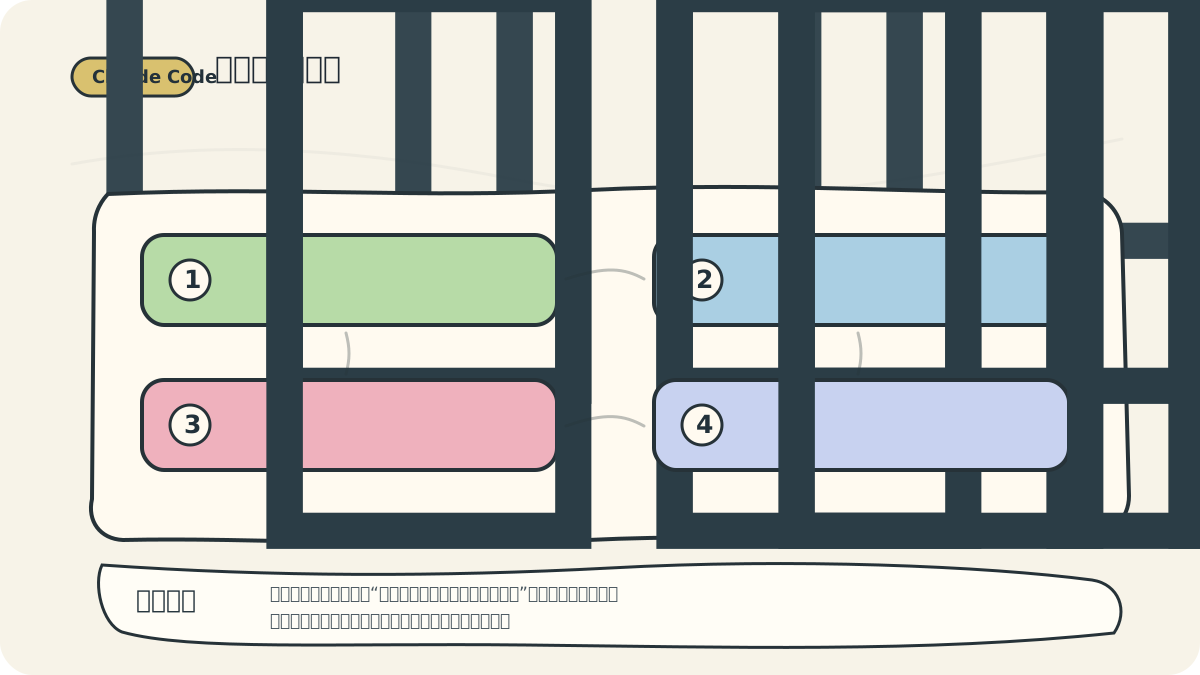
If the plan contains only vague statements like “modify code, run tests, summarize and commit,” I ask it to rewrite. A strong plan points to concrete files, specific checks, and explicit exclusions—what won’t be changed.
A Practical Opening Prompt
For complex tasks, I often use this prompt:

When using planning mode, first decompose the task into: file scope, implementation order, risk points, and verification commands. Clarify the path before letting the tool act—it leads to more stable outcomes.
Do not modify any files yet.
First, analyze the current implementation and produce a step-by-step plan.
Your plan must include:
1. Which files you will read
2. What exactly you intend to change at each step
3. Where potential risks lie
4. How success will be verified
I will confirm before execution begins.
The core idea here is to defer execution authority. While Claude Code excels at execution, alignment on direction must come first.
What Makes a Good Plan?
A reliable plan shouldn’t just say “optimize the page,” “fix bugs,” or “run tests.” That’s too vague.
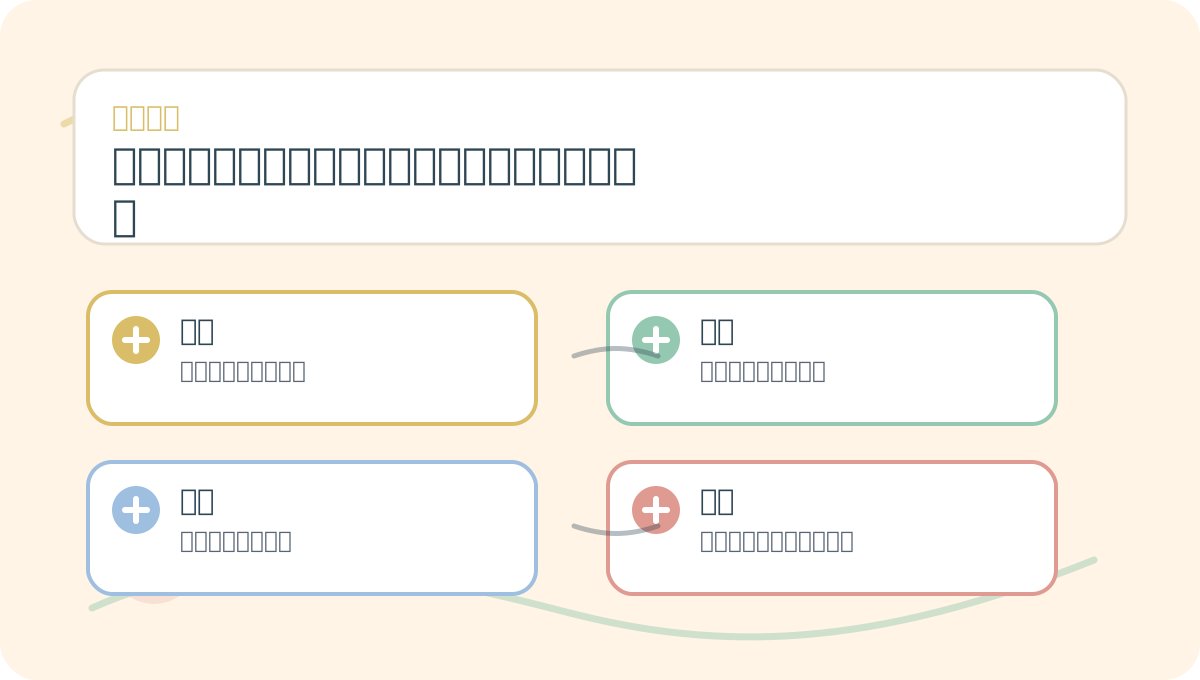
When learning “Planning Mode & Task Decomposition: Don’t Rush to Let It Modify Code Directly for Complex Requests,” start with a small, reproducible scenario you control. Then study the related concepts and practice steps. After reading, restate the ideas using your own example.
A better plan looks like this:
1. Read app/page.tsx and related homepage components to confirm information architecture.
2. Review global styles to identify light/dark theme variables.
3. Adjust only the hero section copy and primary CTA button—do not modify data APIs.
4. Run `npm run build` after changes.
5. Verify mobile responsiveness: check whether navigation buttons wrap or overflow.
Notice how this plan enables scope assessment. It specifies which files to read, which parts to change, which parts to leave untouched, and how to validate.
Require Explicit Acceptance Criteria
Acceptance criteria are the most commonly omitted element in plans. Add this line:
Please specify acceptance criteria for this task. Each criterion must be verifiable either manually or via command-line checks.
Examples include:
- Build completes successfully.
- Tutorial entry point is visible above the fold on the homepage.
- Mobile navigation does not wrap or overflow.
- Login and payment logic remains unmodified.
git diffshows no changes to unrelated files.
With such criteria, Claude Code’s response won’t stop at “Optimization complete.”
Break Complex Tasks into Multiple Commits
If a single requirement spans UI, data, SEO, content, and deployment, break it into distinct rounds:
- First, revise content structure.
- Next, update UI presentation.
- Then add SEO enhancements and structured data.
- Finally, build, commit, and deploy.
Each round yields a clear diff—making issues easier to isolate and debug. Never cram everything into one session.
When Is Direct Execution Appropriate?
Low-risk, narrowly scoped, and easily verifiable tasks can be executed directly. For example:
When practicing “Planning Mode & Task Decomposition: Don’t Rush to Let It Modify Code Directly for Complex Requests,” write input conditions, processing actions, and observable outcomes together—so they’re easy to review later.
When reviewing “Planning Mode & Task Decomposition: Don’t Rush to Let It Modify Code Directly for Complex Requests,” keep key concepts, procedural steps, and observable outcomes on the same page for efficient recall.
Change the text of these 3 buttons to Chinese. Change only the text—not the styles.
Or:
Add a test case for this function handling empty-array input. Do not modify the function implementation.
These tasks don’t require lengthy plans—because you’ve already defined precise boundaries.
The more you use Claude Code, the clearer it becomes: true time savings come not from “getting AI to do more in one go,” but from “ensuring every AI action is inspectable, reversible, and verifiable.”
Next up: permissions and security boundaries. Any tool capable of executing commands needs clearly defined red lines.
References:
Apply This Lesson
Turn this article into AI software, model, API, and security decisions.
English Article FAQ
Use this article as evidence before choosing AI tools
How should I use this AI Tutorials article?
Use it as the implementation or learning layer, then connect the idea to AI software buyer guides, tool comparisons, benchmarks, API choices, and security checks before making a production decision.
Is this English article different from the Chinese original?
The English edition is localized for global AI readers while preserving the original diagrams, screenshots, prompts, code examples, and source context from the Chinese article.
What should I read after Plan-Driven Task Decomposition: Don’t Rush Complex Requests in Claude Code?
Continue with AI Software Buyer Guides, AI Tools Workbench, Best AI Coding Agents, AI Model Benchmarks, OpenAI vs Anthropic API, or LLM Security Tools depending on the decision you need to make.
Can this article alone choose an AI product or model?
No. Treat the article as evidence and context, then validate fit with pricing, privacy requirements, integration effort, benchmark results, workflow tests, and fallback planning.
Continue