English translation
Integrate MCP with Claude Code: Connect Documents, Browsers, and Internal Tools
AI Article Decision Snapshot
Turn the lesson into workflow, model, budget, and security checks before choosing tools.
Use this quick snapshot before leaving the article. It keeps the next search tied to practical AI software, model/API, cost, privacy, and implementation questions.
Workflow fit
Identify the real job behind the article: coding, research, document review, support, analytics, content, or internal automation.
Model or tool decision
Decide whether the next step is a software shortlist, an AI tool comparison, an API platform choice, or a model benchmark.
Budget and usage signal
Estimate seats, API calls, prompt volume, retries, review time, and fallback work before assuming the workflow is cheap.
Security and privacy review
Check whether source code, customer data, private documents, prompts, logs, or embeddings will enter the AI workflow.
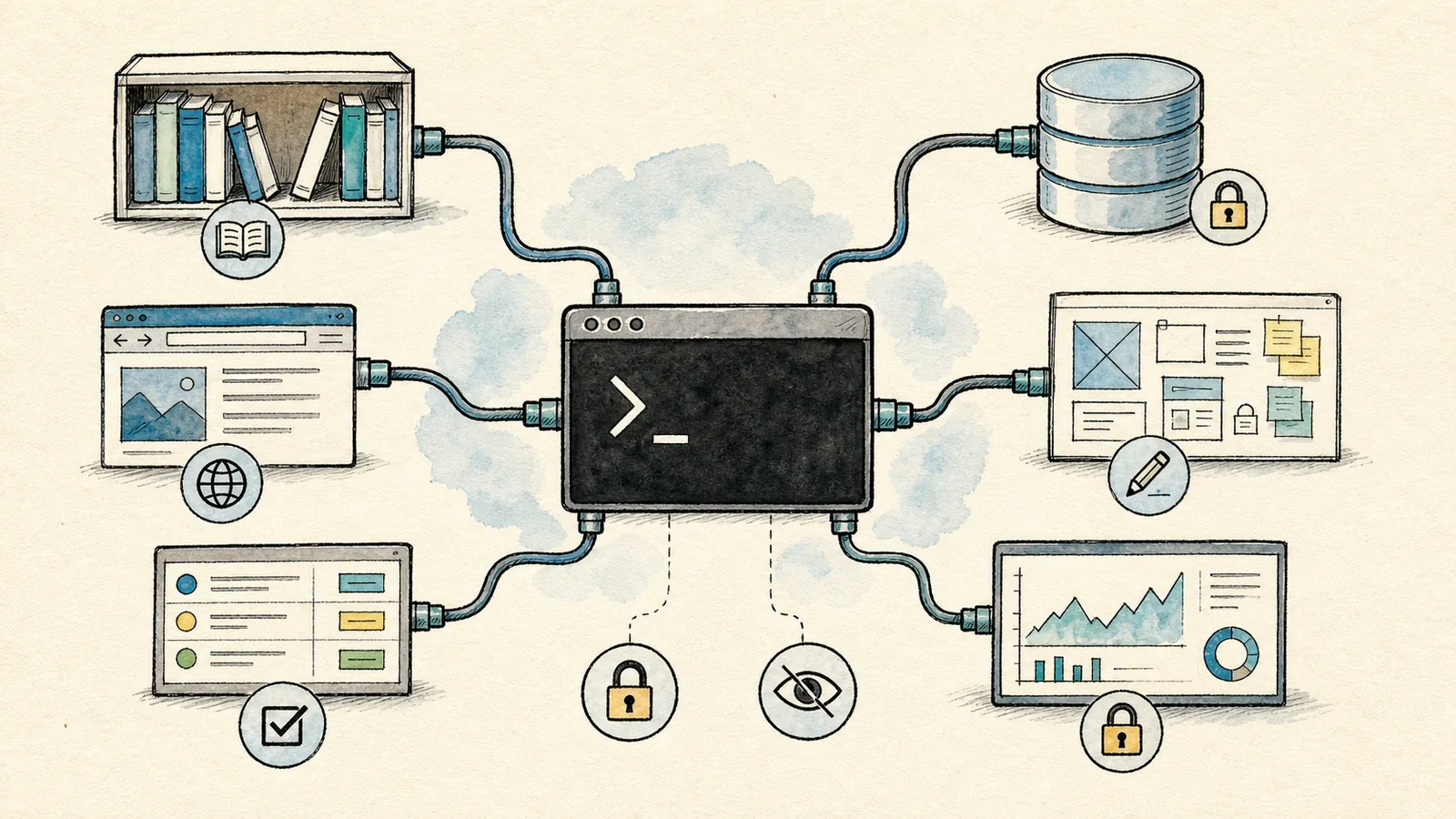
The previous articles focused on helping Claude Code better understand your project. MCP solves a different problem: enabling Claude Code to connect to tools beyond your project.
Examples include documentation systems, web browsers, GitHub, read-only database queries, design mockups, monitoring dashboards, and internal knowledge bases. Without MCP, you’d need to manually copy information into the chat; with MCP, Claude Code can invoke preconfigured servers to fetch fresher, more accurate context.
MCP’s core value lies in integrating external systems into Claude Code—but I recommend starting with low-risk, read-only tools: documentation, issue trackers, and browser inspection. Write access and production systems should only be considered once your operational processes mature.
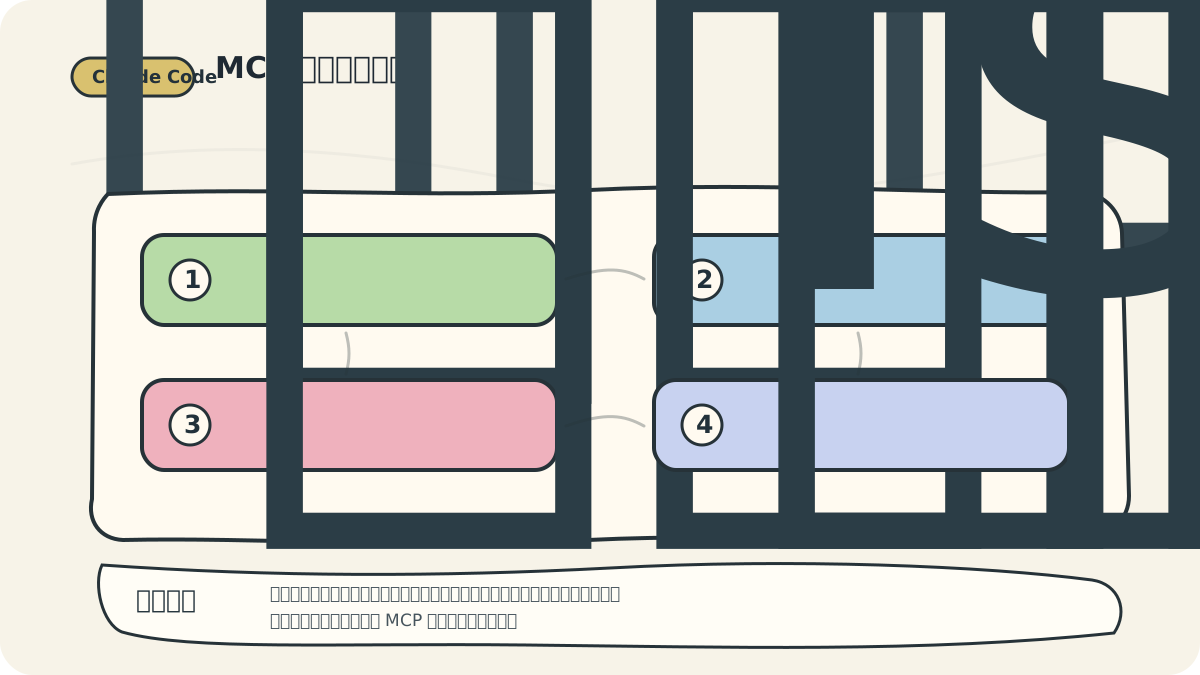
The key idea illustrated here is progressive trust: first enable tools to supply context, then require human confirmation before any action, and only gradually expand execution capabilities. This ensures that adopting MCP doesn’t instantly erase all security and operational boundaries.
What Problems Is MCP Well Suited For?
Scenarios well suited for MCP:
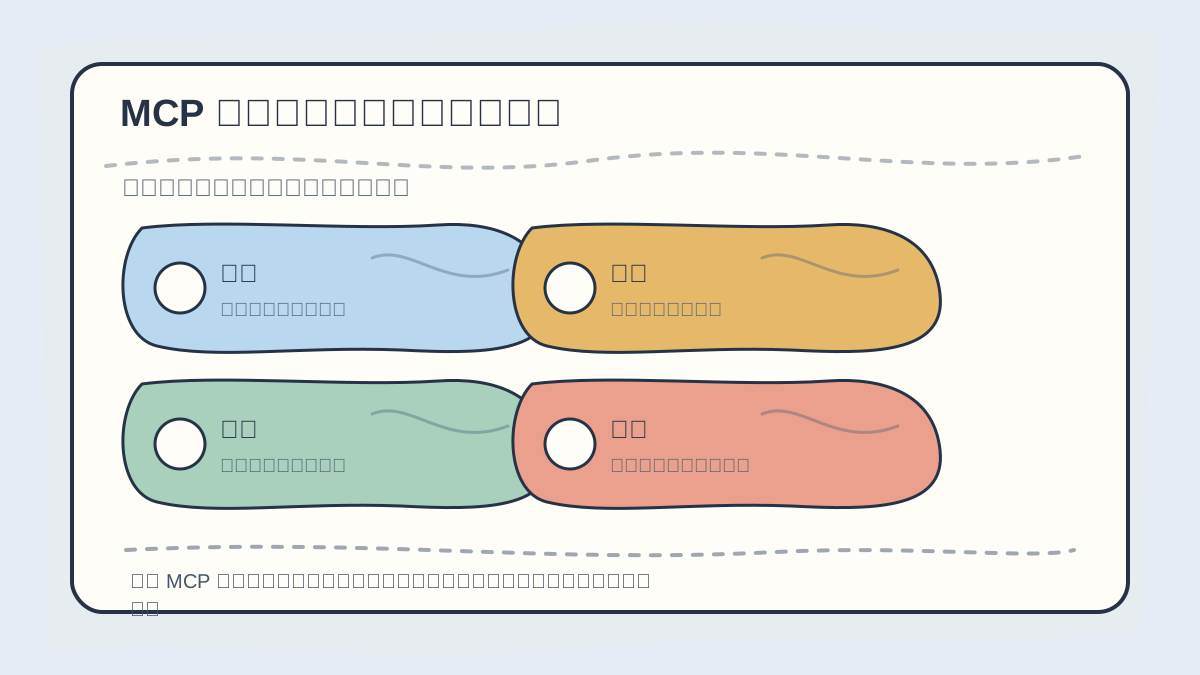
Before integrating an MCP server, explicitly document its purpose, read/write scope, authentication method, failure-handling strategy, and logging boundaries.
✅ Suitable for MCP:
- Looking up official API or framework documentation—no reliance on model memory.
- Searching GitHub issues or pull requests.
- Querying internal knowledge bases for project conventions.
- Retrieving summaries from monitoring systems or log aggregators.
- Inspecting live web pages via browser integration.
- Performing read-only queries against databases.
❌ Not suitable for MCP:
- Granting direct write access to production databases.
- Exposing root-level server privileges as callable tools.
- Hardcoding secrets (e.g., API keys) into version-controlled configuration files.
- Integrating sensitive internal systems solely to avoid one manual copy-paste step.
MCP provides connectivity, not completeness. More integrations mean greater responsibility—especially around permission design and least-privilege enforcement.
Essential Management Commands
The official MCP documentation lists several frequently used CLI commands:
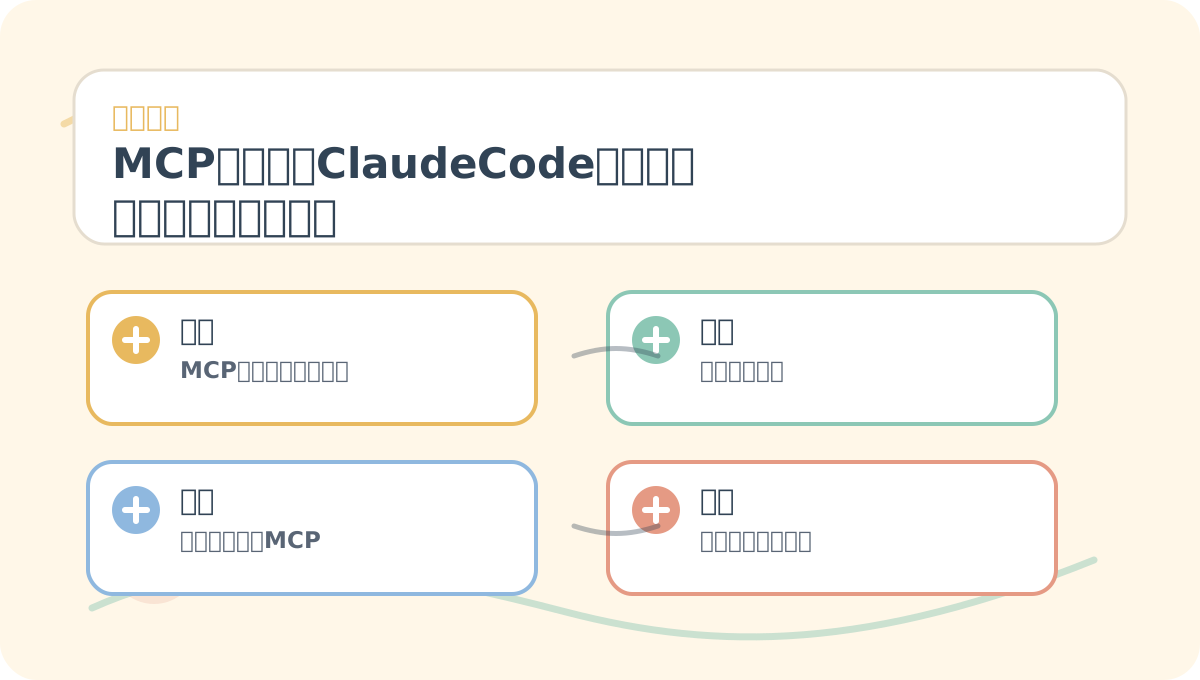
After reading “8. MCP Integration: Connecting Claude Code to Documentation, Browsers, and Internal Tools”, take one minute to reflect: → Are the core concepts clearly distinguished? → Can you reproduce the hands-on steps? → Can you restate the conclusions in your own words?
claude mcp list
claude mcp get github
claude mcp remove github
Within a Claude Code session, you can also use:
/mcp
The /mcp panel displays the status of connected servers and the number of available tools. If a server is running but exposes no tools, the panel will indicate that explicitly. This interface is especially helpful when diagnosing real-world MCP issues.
Recommended First MCP Setup
New users shouldn’t attempt to configure ten servers at once. Instead, start with just three categories:
- Documentation tools: Look up API references, framework guides, and internal project handbooks.
- Code collaboration tools: Fetch GitHub issues, PRs, and review comments.
- Browser tools: Open URLs, capture screenshots, and inspect interactive elements.
These three categories deliver immediate productivity gains and are relatively straightforward to secure. Databases, production logs, and internal enterprise platforms can wait until you’ve gained confidence and refined your practices.
Configuration Must Respect Scope Boundaries
Never mix project-wide MCP configurations with personal ones. In team projects, commit only low-risk, read-only, broadly useful server configurations—ones everyone needs and trusts. Personal tokens, private tools, and experimental servers belong exclusively in your local or user-specific configuration directory.
If you must include MCP configuration in a shared project repo, never hardcode credentials. Use environment variables—and verify your .gitignore reliably excludes them.
A Practical Workflow Example
Suppose you want Claude Code to update an API call based on official documentation. You could prompt it like this:
After finishing “8. MCP Integration: Connecting Claude Code to Documentation, Browsers, and Internal Tools”, try walking through a small end-to-end example first—then assess which steps you can now execute independently.
By this point, consider distilling “8. MCP Integration: Connecting Claude Code to Documentation, Browsers, and Internal Tools” into a concise reflection table: clarify the main narrative first, then validate it using a concrete micro-task.
First, use MCP to retrieve the latest official documentation. Then, compare it against how the API is currently invoked in the codebase.
Do not modify anything based on memory alone. After citing the relevant documentation excerpts, propose a concrete revision plan.
This instruction is critical: consult source material first, then act. AI tools are especially prone to misapplying outdated mental models when generating new integrations—MCP directly mitigates that risk.
The next article covers Subagents. While MCP connects Claude Code to tools, Subagents enable it to delegate tasks across specialized roles.
References:
Apply This Lesson
Turn this article into AI software, model, API, and security decisions.
English Article FAQ
Use this article as evidence before choosing AI tools
How should I use this AI Tutorials article?
Use it as the implementation or learning layer, then connect the idea to AI software buyer guides, tool comparisons, benchmarks, API choices, and security checks before making a production decision.
Is this English article different from the Chinese original?
The English edition is localized for global AI readers while preserving the original diagrams, screenshots, prompts, code examples, and source context from the Chinese article.
What should I read after Integrate MCP with Claude Code: Connect Documents, Browsers, and Internal Tools?
Continue with AI Software Buyer Guides, AI Tools Workbench, Best AI Coding Agents, AI Model Benchmarks, OpenAI vs Anthropic API, or LLM Security Tools depending on the decision you need to make.
Can this article alone choose an AI product or model?
No. Treat the article as evidence and context, then validate fit with pricing, privacy requirements, integration effort, benchmark results, workflow tests, and fallback planning.
Continue