English translation
6. Approval, Sandboxing, and Security Boundaries: Empowering Codex to Work Safely
AI Article Decision Snapshot
Turn the lesson into workflow, model, budget, and security checks before choosing tools.
Use this quick snapshot before leaving the article. It keeps the next search tied to practical AI software, model/API, cost, privacy, and implementation questions.
Workflow fit
Identify the real job behind the article: coding, research, document review, support, analytics, content, or internal automation.
Model or tool decision
Decide whether the next step is a software shortlist, an AI tool comparison, an API platform choice, or a model benchmark.
Budget and usage signal
Estimate seats, API calls, prompt volume, retries, review time, and fallback work before assuming the workflow is cheap.
Security and privacy review
Check whether source code, customer data, private documents, prompts, logs, or embeddings will enter the AI workflow.
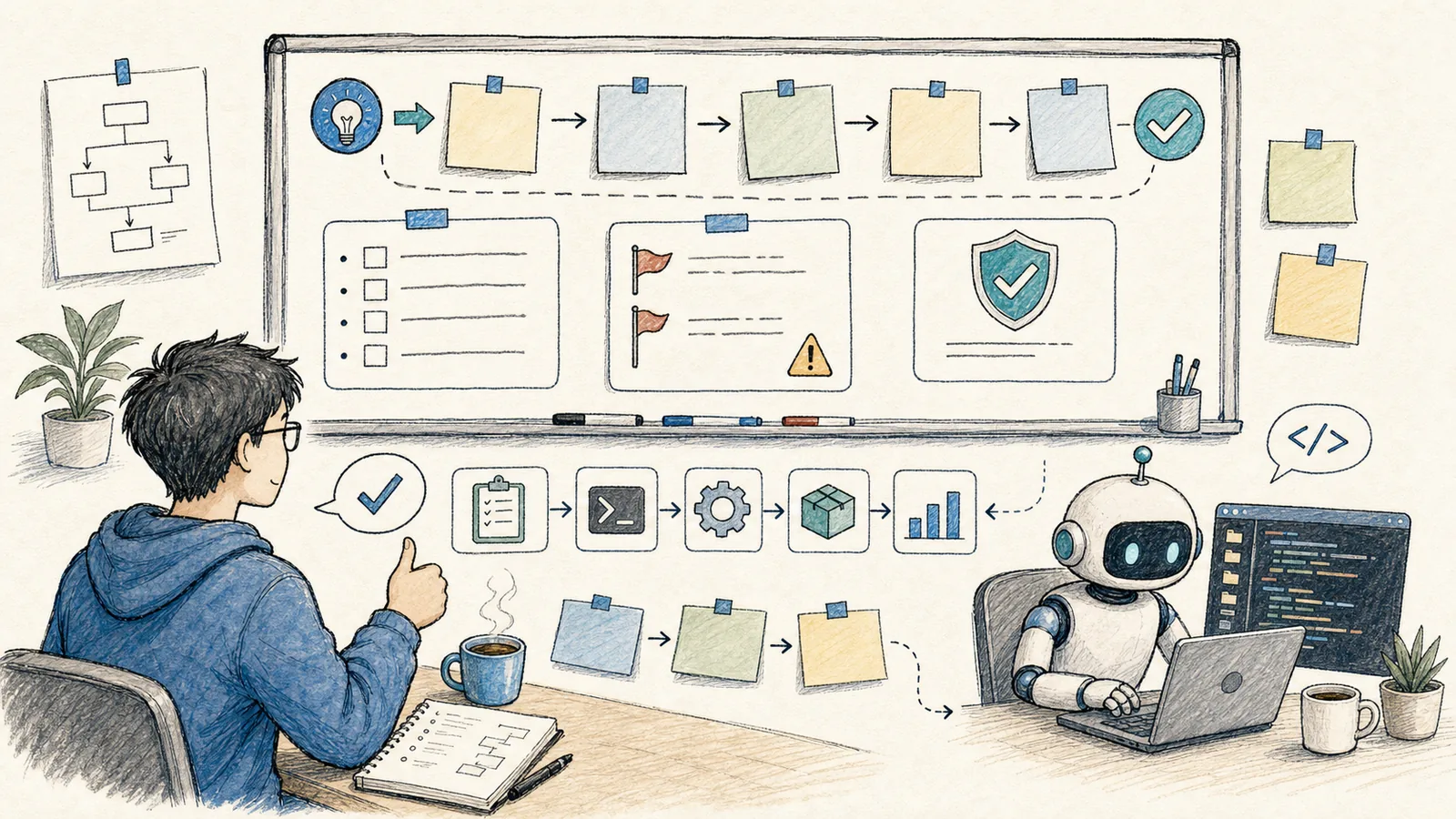
Codex can read files, modify files, and execute commands. The more powerful it is, the more critical it becomes to understand its security boundaries.
The official security documentation divides safety controls into two layers: sandbox mode and approval policy. In Chinese terms: the sandbox defines where Codex is technically allowed to touch, while the approval policy determines when it must pause and ask for your explicit permission.
Codex’s security boundaries cannot be secured by a vague reminder like “be careful.” Instead, I categorize operations into tiers—read-only, local writes, validation checks, and remote changes—with each successive tier requiring increasingly explicit authorization.
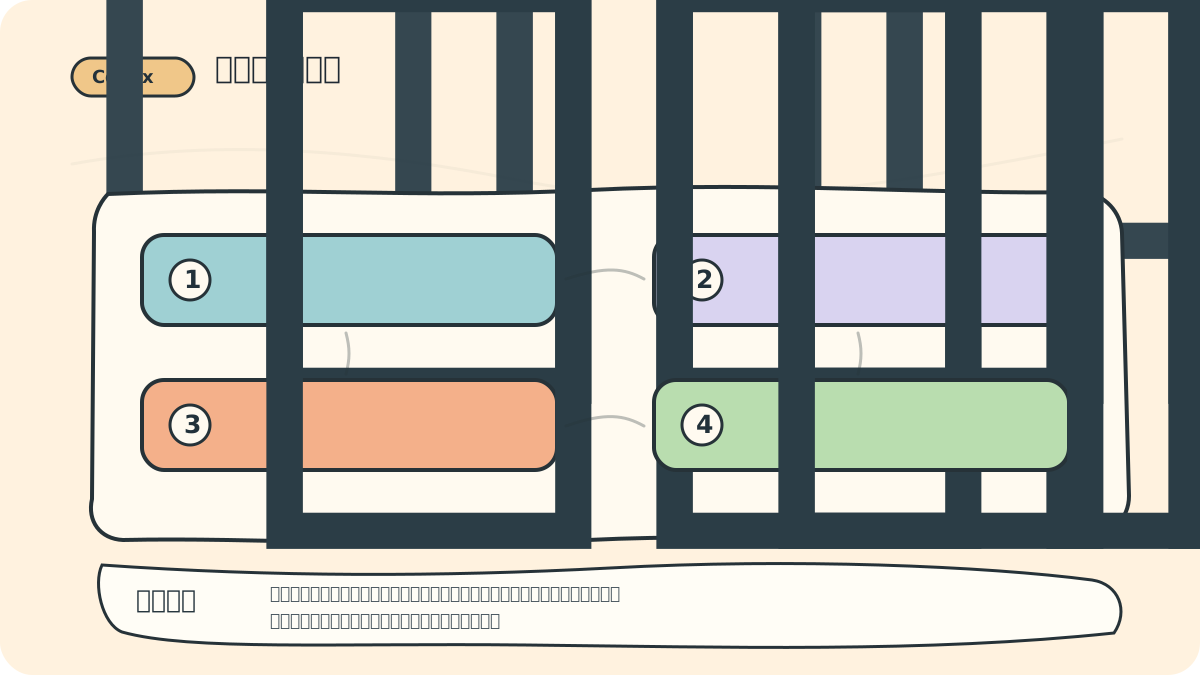
This diagram reminds readers: being able to execute automatically does not mean it should. Especially for operations involving databases, payments, servers, secrets, or deletions—extra confirmation and rollback paths are mandatory.
Beginners: Start with Default Permissions
By default, the local CLI, IDE extension, and Codex App restrict write access to the current workspace only—and typically disable network access entirely. The official documentation also recommends that newcomers begin with these conservative defaults. Only later, once you’ve confirmed that a specific project genuinely requires broader permissions, should you deliberately expand them.
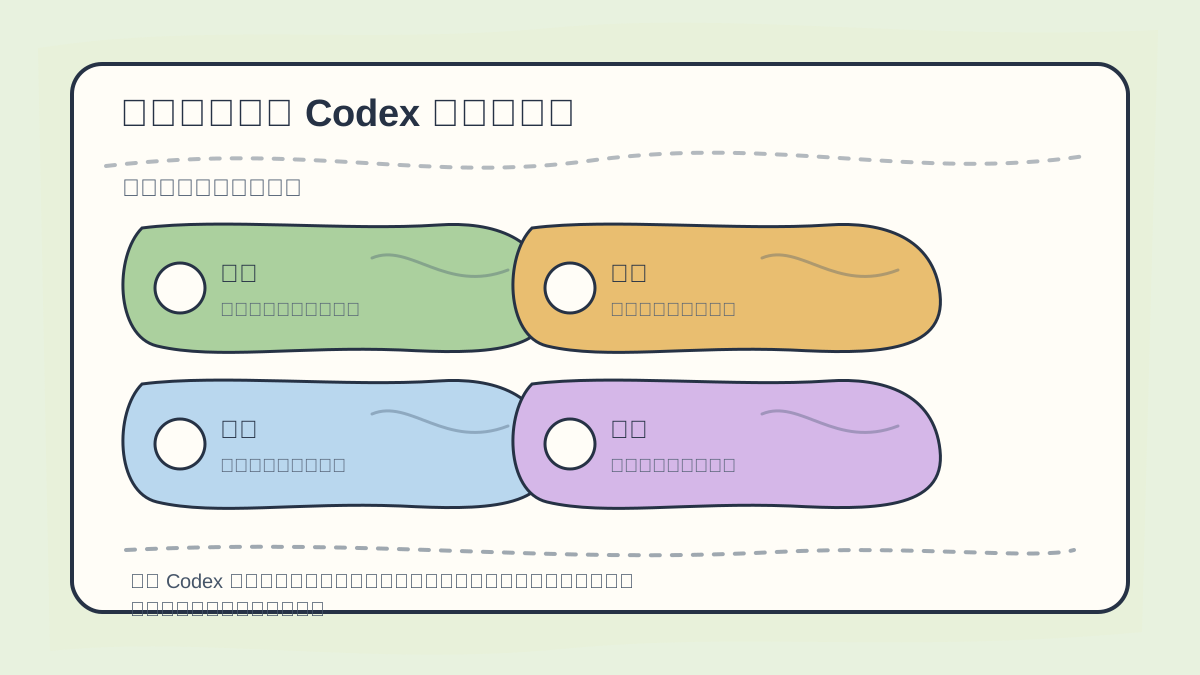
When configuring Codex’s sandbox and approval settings, first distinguish which commands affect only the local environment versus those that alter external systems. Clear boundaries make collaboration safer.
Common secure configurations:
codex --sandbox workspace-write --ask-for-approval on-request
This allows reading, writing, and command execution within the current workspace—but pauses to request approval whenever an operation would cross defined boundaries.
If you only want Codex to read your project and explain code—without modifying any files—use:
codex --sandbox read-only --ask-for-approval on-request
This is ideal for initial exploration of unfamiliar repositories.
Commands That Require Extra Caution
Low-risk:
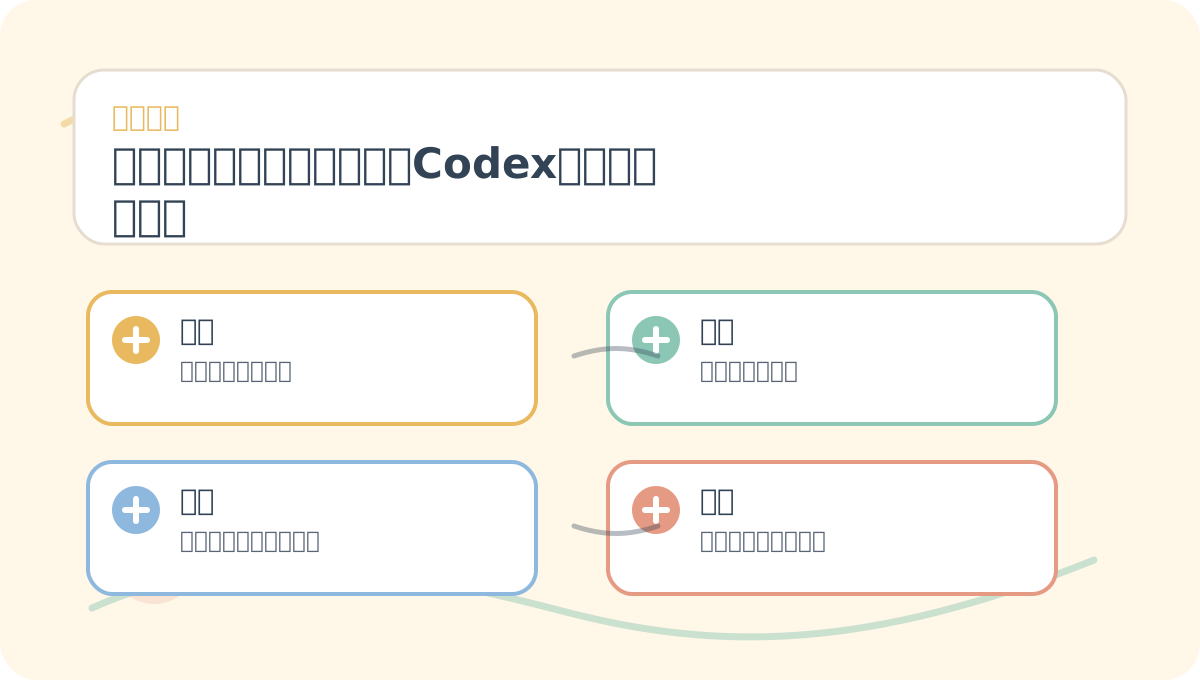
By the end of “Approvals, Sandboxing, and Security Boundaries: Let Codex Get Work Done—Without Crossing the Line,” treat the flowchart in this figure as a checklist: Is the problem clearly defined? Are actions concrete and actionable? Can the decision criteria be reused?
git statusgit diffrg(ripgrep)ls- Existing build, lint, and test scripts
Medium-risk:
- Installing dependencies
- Modifying configuration files
- Editing database migration files
- Accessing the network
- Interacting with remote repositories
High-risk:
- Deleting directories
- Resetting Git history
- Reading or printing secrets (e.g., API keys, passwords)
- Interacting with production databases
- SSH-ing into production servers to run scripts
- Modifying payment logic, authentication flows, quota enforcement, or webhook callbacks
High-risk commands aren’t forbidden forever—they’re simply never executed without prior planning, backups, explicit confirmation, and post-execution verification.
Disabled Network Access Is a Feature, Not a Bug
As stated in the official documentation, Codex’s local agent disables network access by default. The reason is straightforward: untrusted web content may contain malicious instructions, and dependency-installation scripts might inadvertently read sensitive environment variables. When network access is needed, enable it per-project—and preferably restrict it to specific, trusted domains.
If Codex is only fixing a local CSS issue, network access is unnecessary. If you need it to consult up-to-date documentation, explicitly constrain it to official docs or pre-approved sources.
Never Start with Full Permissions
Modes like --dangerously-bypass-approvals-and-sandbox or --sandbox danger-full-access are intended only for environments already hardened externally (e.g., air-gapped CI systems). For ordinary local projects, never trade away safety just to skip a few approval prompts.
What you truly need is: automate frequent, low-risk tasks—and require confirmation for infrequent, high-risk ones. This way, Codex saves time without turning your laptop or servers into an unbounded experimental playground.
Embed Safety Rules in Your Project
Document security boundaries directly in AGENTS.md:
## Safety
- Do not read `.env`, private keys, certificates, or database dumps.
- Do not run destructive Git commands unless explicitly requested.
- Ask for confirmation before modifying deployment scripts or production configurations.
- Run `build` before reporting task completion.
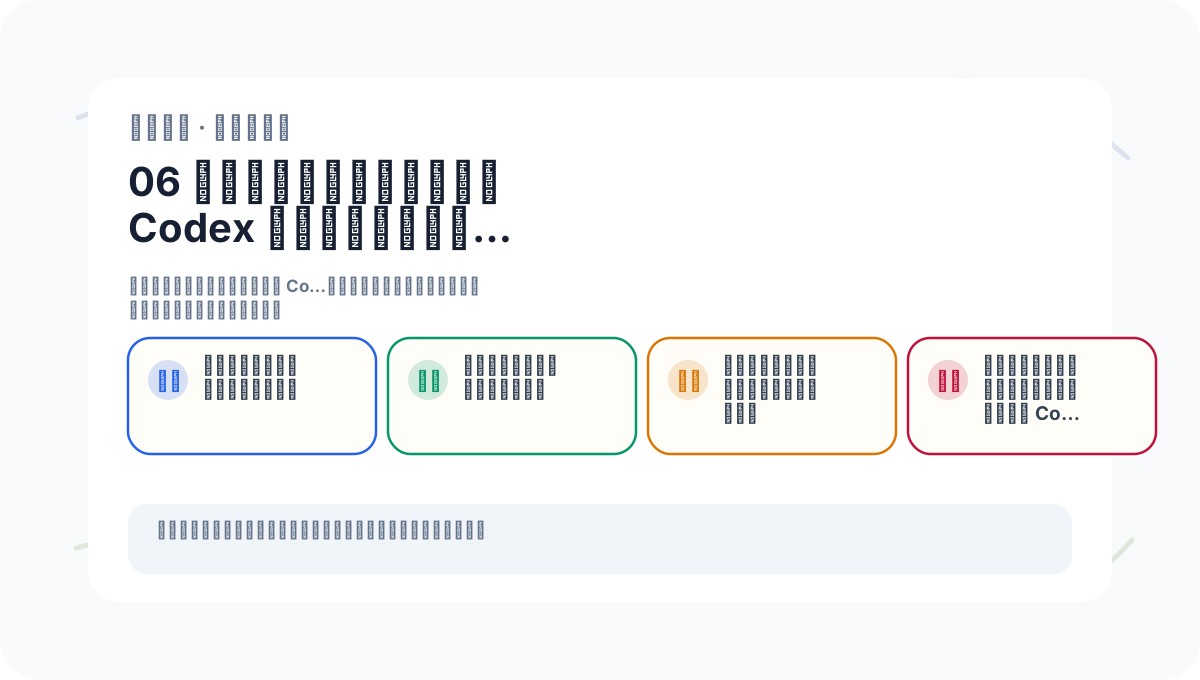
To apply “Approvals, Sandboxing, and Security Boundaries: Let Codex Get Work Done—Without Crossing the Line” to your own work, start small: validate just one critical decision point in your workflow.
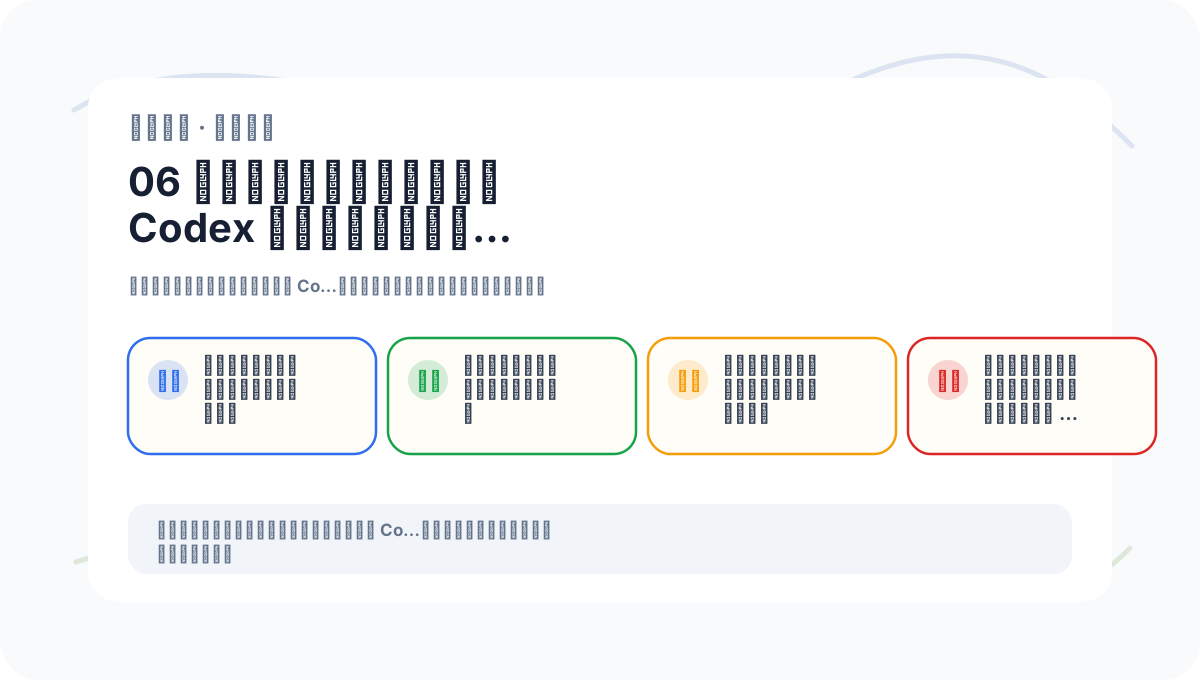
After studying “Approvals, Sandboxing, and Security Boundaries: Let Codex Get Work Done—Without Crossing the Line,” try adapting it to one of your own scenarios. Focus especially on whether inputs, processing logic, and outputs align coherently.
Security isn’t enforced by constant reminders—it’s sustained by consistent rules and reliable tooling working together.
References:
Apply This Lesson
Turn this article into AI software, model, API, and security decisions.
English Article FAQ
Use this article as evidence before choosing AI tools
How should I use this AI Tutorials article?
Use it as the implementation or learning layer, then connect the idea to AI software buyer guides, tool comparisons, benchmarks, API choices, and security checks before making a production decision.
Is this English article different from the Chinese original?
The English edition is localized for global AI readers while preserving the original diagrams, screenshots, prompts, code examples, and source context from the Chinese article.
What should I read after 6. Approval, Sandboxing, and Security Boundaries: Empowering Codex to Work Safely?
Continue with AI Software Buyer Guides, AI Tools Workbench, Best AI Coding Agents, AI Model Benchmarks, OpenAI vs Anthropic API, or LLM Security Tools depending on the decision you need to make.
Can this article alone choose an AI product or model?
No. Treat the article as evidence and context, then validate fit with pricing, privacy requirements, integration effort, benchmark results, workflow tests, and fallback planning.
Continue