English translation
OpenClaw Zero: A Beginner's Learning Roadmap
AI Article Decision Snapshot
Turn the lesson into workflow, model, budget, and security checks before choosing tools.
Use this quick snapshot before leaving the article. It keeps the next search tied to practical AI software, model/API, cost, privacy, and implementation questions.
Workflow fit
Identify the real job behind the article: coding, research, document review, support, analytics, content, or internal automation.
Model or tool decision
Decide whether the next step is a software shortlist, an AI tool comparison, an API platform choice, or a model benchmark.
Budget and usage signal
Estimate seats, API calls, prompt volume, retries, review time, and fallback work before assuming the workflow is cheap.
Security and privacy review
Check whether source code, customer data, private documents, prompts, logs, or embeddings will enter the AI workflow.
If you’re already familiar with ChatGPT, Claude, or Gemini, your first impression of OpenClaw might be: “Isn’t this just another AI chat tool?”
No—it’s not.
Standard chat tools solve “answering questions.” OpenClaw aims to solve “integrating tasks into your real workflow—and completing part of them safely.” It accepts tasks via a chat interface, routes them to a model for understanding, then invokes memory, skills, files, browsers, workflows, and approval mechanisms—before returning the final result to you.
That’s why this series is titled “From Zero,” not “Quick Start.” OpenClaw isn’t about memorizing installation commands. It’s about building a personal methodology for using an AI assistant:
- Which tasks can it execute autonomously?
- Which ones should it only analyze—not act on?
- Which steps must pause for your explicit confirmation?
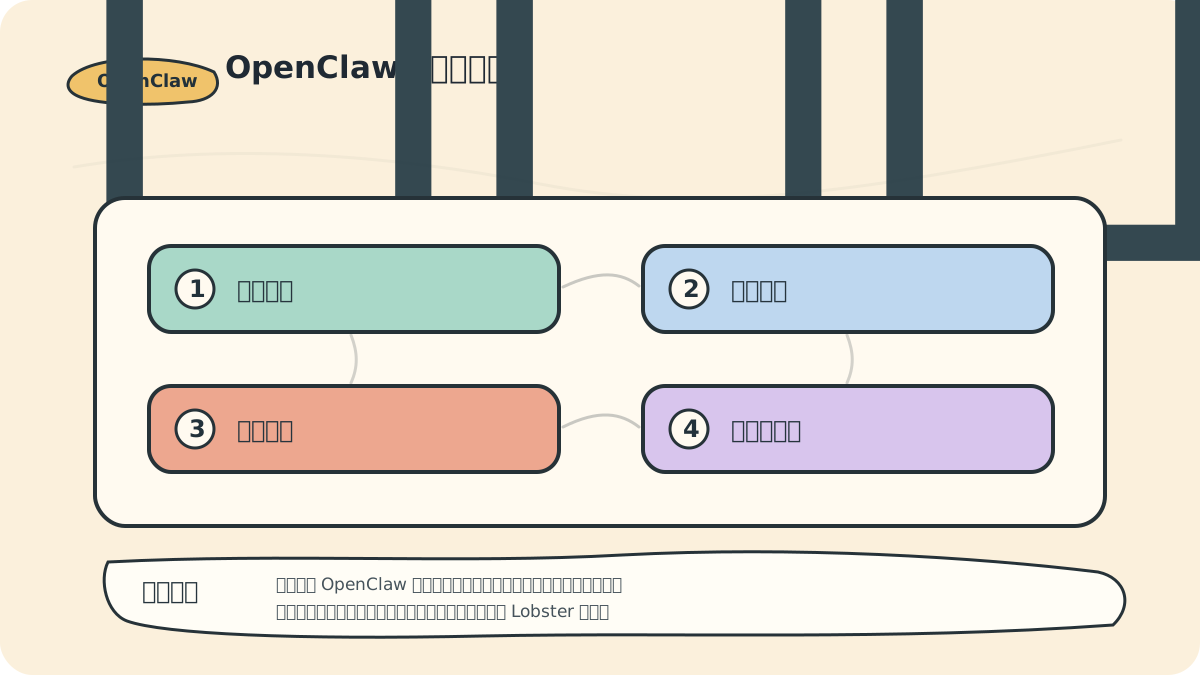
You can read this roadmap as follows:
- Left side: Where tasks enter (your input channels)
- Center: OpenClaw’s orchestration engine and capabilities
- Right side: Approval gates and execution
When learning OpenClaw, don’t chase “full automation” from day one. First, walk the entire path end-to-end—then optimize.
I recommend structuring your learning as a validation-driven progression:
- Confirm messages arrive at the entry point
- Verify the model generates coherent responses
- Integrate tools and memory
- Finally, design Lobster workflows
Skipping this order risks early failure—often due to permission misconfigurations or overambitious automation.
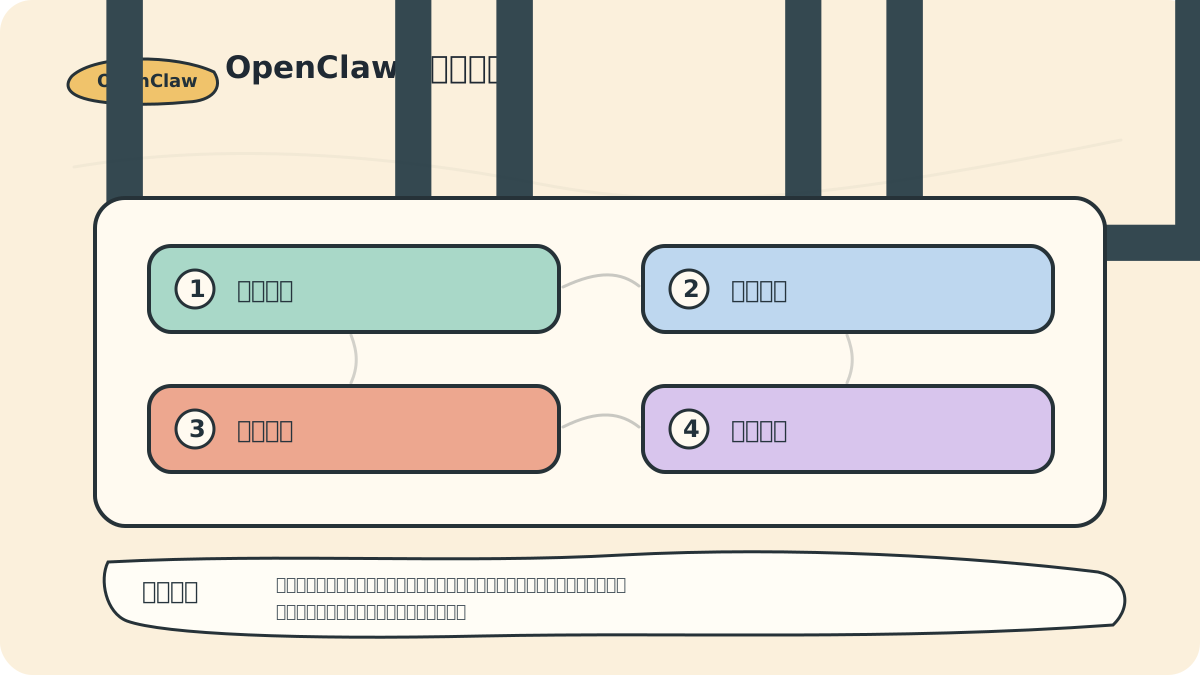
By the end of this course, you shouldn’t just know what modules exist—you should be able to articulate:
- Your first safe, real-world task
- The exact permissions required
- How to recover if it fails
What This Course Solves
This course isn’t for passive observers—it’s for people who want to build a real personal AI assistant.
What you’ll ultimately gain isn’t a polished conversational bot—but a working system that handles concrete tasks. For example:
- You hand it a project directory; it performs a read-only inspection of
README, dependencies, folder structure, and Git status. - You ask it to organize today’s AI-related materials—it categorizes them under Large Models, Agents, Tools, Papers, and Products.
- You submit an article; it evaluates structure, factual accuracy, source attribution, and readability.
- When asked to perform high-risk actions, it pauses automatically and waits for your confirmation.
That’s what makes OpenClaw worth learning: It doesn’t just drop a large language model into another chat window. Instead, it embeds the model in a governable, reusable, auditable execution environment.
How OpenClaw Actually Works
Let’s begin with this system diagram.
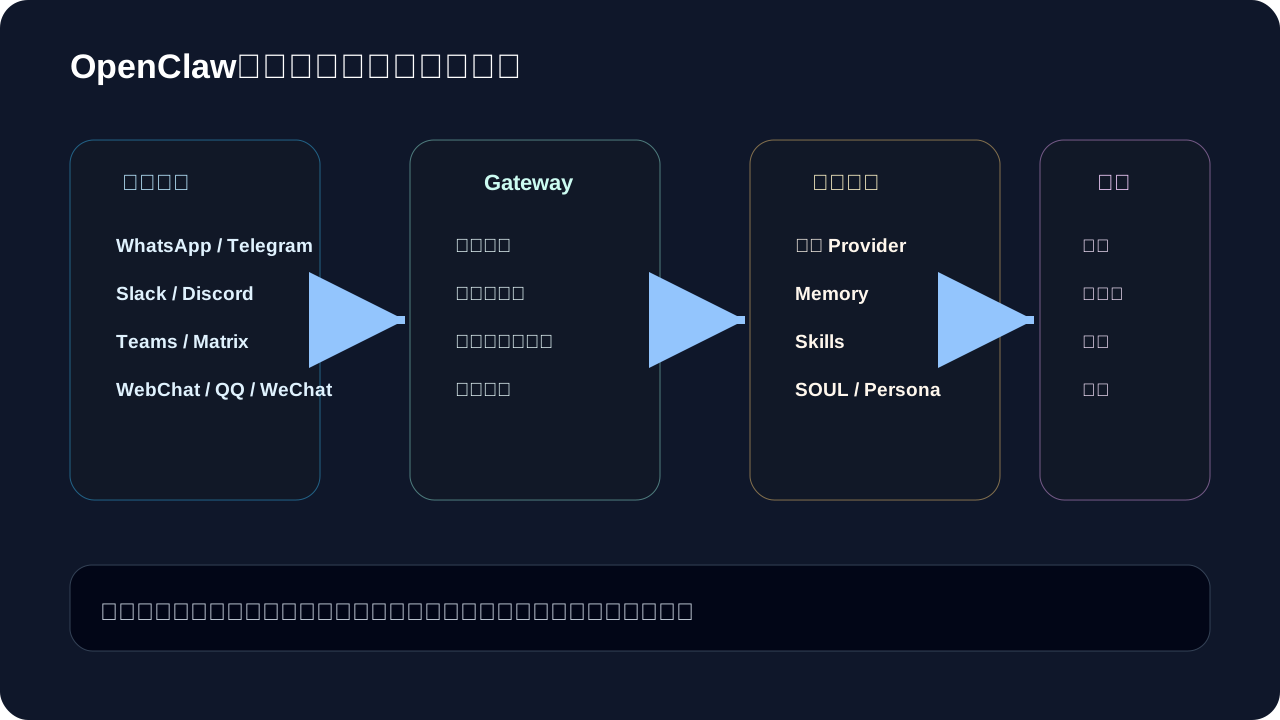
OpenClaw decomposes into four layers:
Layer 1: Chat Entry Points Messages can arrive via Telegram, Slack, Discord, WebChat, WeChat, QQ, and more. As a beginner, avoid connecting all channels at once—start with the lowest-risk, most familiar one.
Layer 2: Gateway Think of this as the central dispatch hub. It receives messages, preserves context, selects models, invokes tools, and manages approvals. If the Gateway isn’t stable, everything downstream—including skills and workflows—will falter.
Layer 3: Assistant Brain This layer houses the Model Provider, Memory, Skills, and Persona components.
- The model determines comprehension and generation quality
- Memory encodes long-term preferences
- Skills capture repeatable procedures
Layer 4: Tools Files, browsers, calendars, email, scripts, and third-party APIs all live here. The more powerful your tools, the more carefully you must manage permissions—because these tools don’t just respond; they change the external world.
Remember just one sentence while studying this diagram: OpenClaw’s core isn’t “connecting more tools”—it’s forming a stable, closed loop among messages, context, models, tools, and approvals.
The Most Common Beginner Pitfall
Many learners jump straight into Agent development by:
- Connecting all accounts
- Granting maximum permissions
- Building fully autonomous assistants
This almost always leads to failure.
A safer, more sustainable sequence is:
- Get OpenClaw running locally
- Connect one low-risk chat entry point
- Start with read-only tasks—no file modifications
- Codify one simple skill
- Only then embed multi-step tasks into Lobster workflows
Skipping foundational steps and jumping straight to complex automation makes debugging extremely difficult: Was the model misunderstood? Was context insufficient? Were tool permissions misconfigured? Or was the workflow logic flawed? In early stages, keep problems small and isolated.
Full Series Learning Roadmap
The next five lessons will build this system step-by-step—each tackling exactly one core objective.
Lesson 1: What Is OpenClaw?
Go to Lesson 1: What Is OpenClaw?
This lesson clarifies how OpenClaw differs from ordinary AI chats, Claude Code, GitHub Copilot, Dify, Coze, and similar tools.
By the end, you’ll confidently answer three key questions:
- Why is OpenClaw more like a personal AI assistant than a chat interface?
- Why do multi-channel, multi-model, multi-tool systems require a centralized Gateway?
- Why must Agent systems prioritize permissions, logging, and approval controls?
Lesson 2: Installation & First Launch
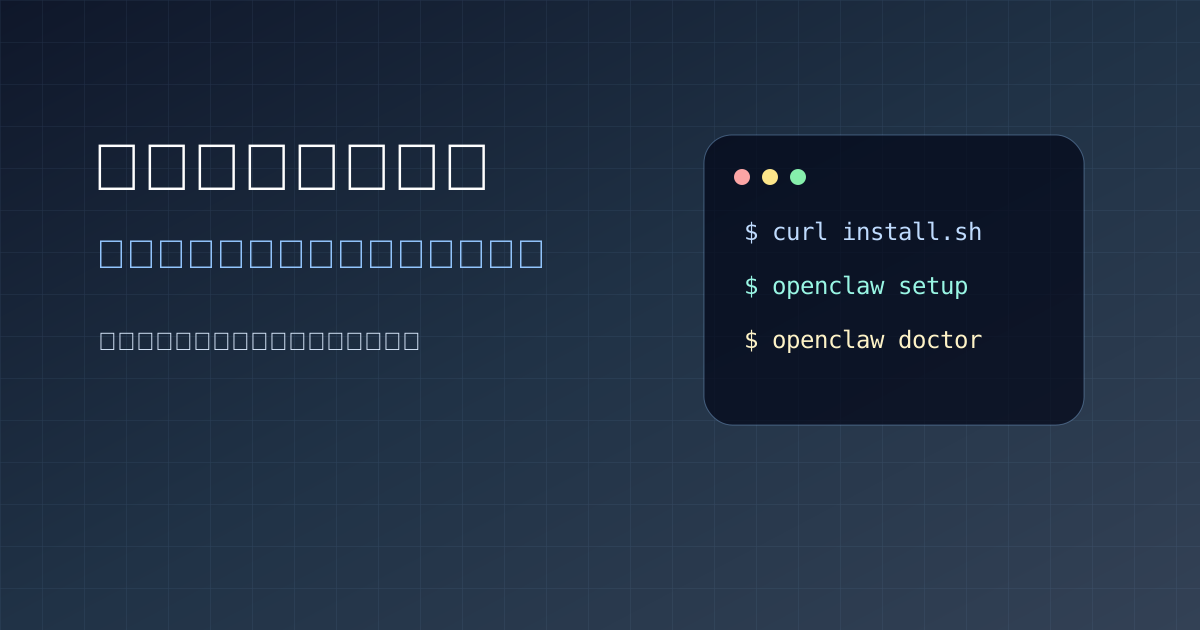
Go to Lesson 2: Installation & First Launch
This lesson has one goal: get OpenClaw up and running.
You’ll verify your Node.js environment, install OpenClaw, run openclaw onboard, start the Gateway, and complete your first conversation. Resist the urge to tweak advanced configurations—or connect production accounts—just yet. First, confirm stable, predictable replies.
At the end of this lesson, record these details:
My OS:
Node version:
OpenClaw startup command:
Model Provider used:
Time of first successful reply:
Issues encountered:
This log will prove invaluable later when troubleshooting.
Lesson 3: Channels, Models, Memory & Skills
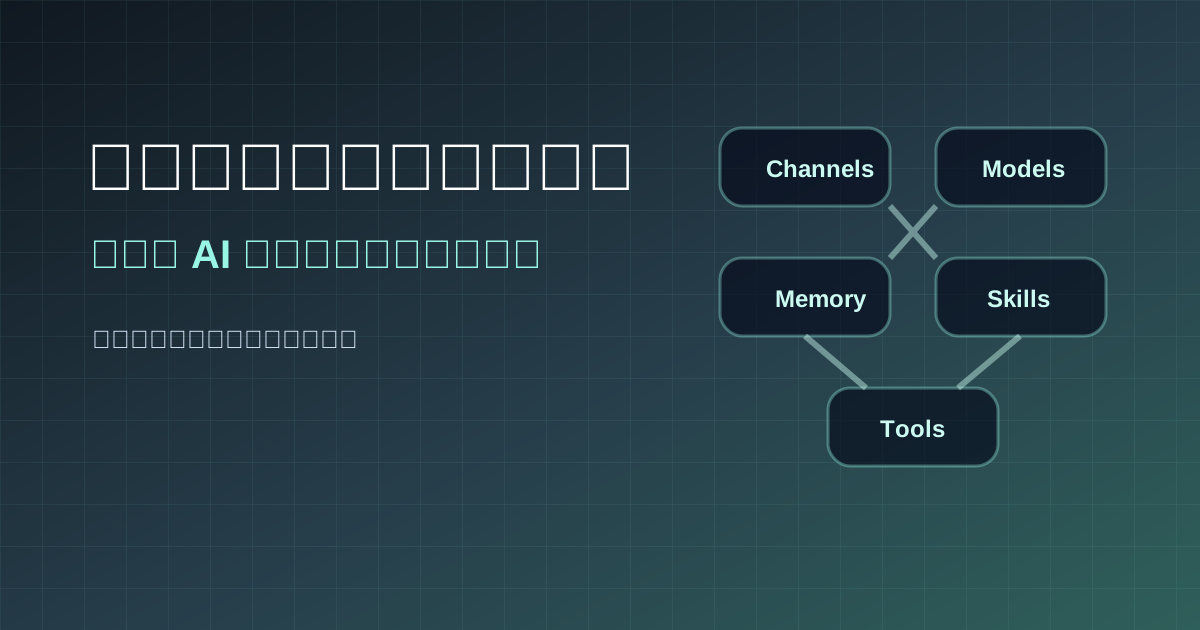
Go to Lesson 3: Channels, Models, Memory & Skills
This lesson transforms OpenClaw from software into your personal assistant.
- Channels define where messages originate
- Models determine how tasks are understood and resolved
- Memory stores your preferences and habits
- Skills codify repeatable actions
Think of this lesson as equipping your assistant’s workspace: entry point, brain, notebook, and toolbox—all need proper placement.
What matters most isn’t mastering every config option—but learning to diagnose:
- Which channel suits this specific task?
- Does this task demand a powerful (and costly) model—or is a lightweight one sufficient?
- Which preferences deserve permanent storage in memory?
- Which recurring steps should become reusable skills?
Lesson 4: Lobster Workflows
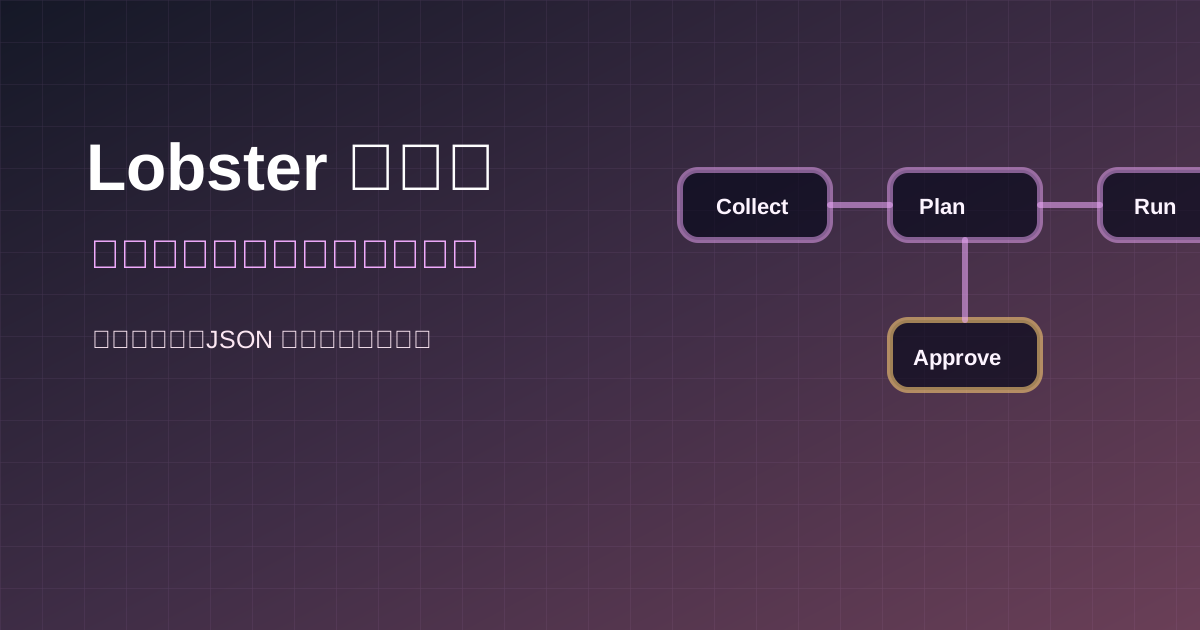
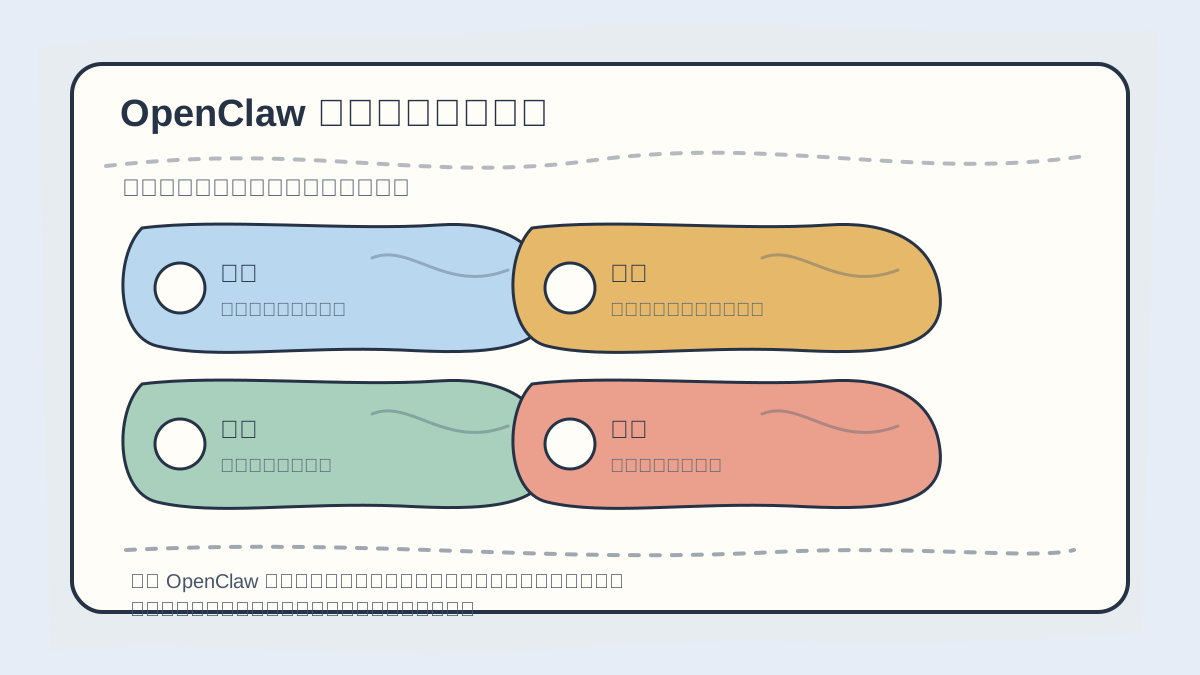
When learning projects like OpenClaw, roadmaps must translate into actionable prerequisites. Ensure your hardware, environment, control interfaces, and debugging paths are ready before diving into experiments—this prevents unnecessary stalls.
Go to Lesson 4: Lobster Workflows
Single-turn chats handle ad-hoc queries well—but real work is inherently multi-step. Publishing an article, for instance, involves:
- Reading the draft
- Checking structure
- Verifying sources
- Generating revision suggestions
- Pausing for your approval
- Applying edits
- Re-checking before publishing
Such tasks belong in Lobster.
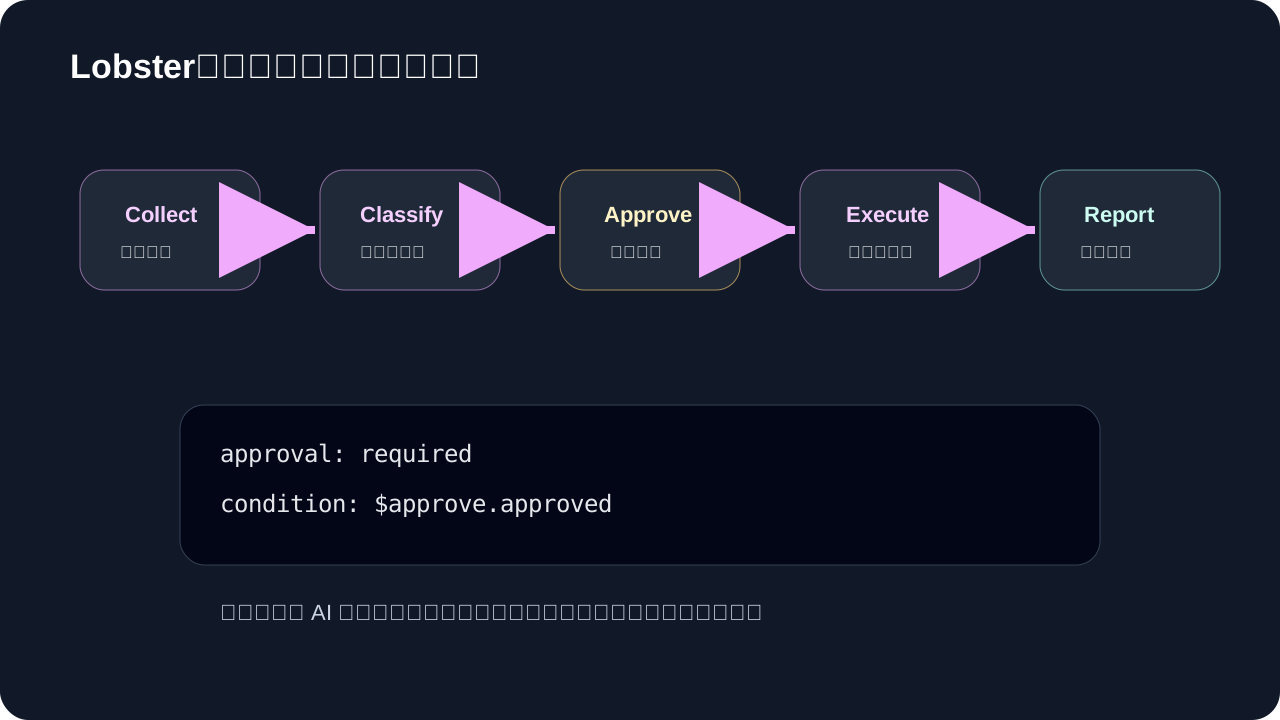
The critical insight here is that approval sits at the center. A robust Agent workflow doesn’t rush through all steps—it deliberately pauses at key decision points to let you steer direction. This balances efficiency with safety: no irreversible action proceeds without human oversight.
Start with three low-risk Lobster flows:
- Daily AI digest summary
- Pre-publish checklist
- Read-only project status report
Once those stabilize, advance to workflows involving write operations.
Lesson 5: Safety Boundaries & Your First Real-World Checklist
Go to Lesson 5: Safety Boundaries & First Real-World Checklist
If your Agent can read files, modify them, send messages, or call APIs—it must operate within strict safety boundaries. Otherwise, greater capability equals greater risk.
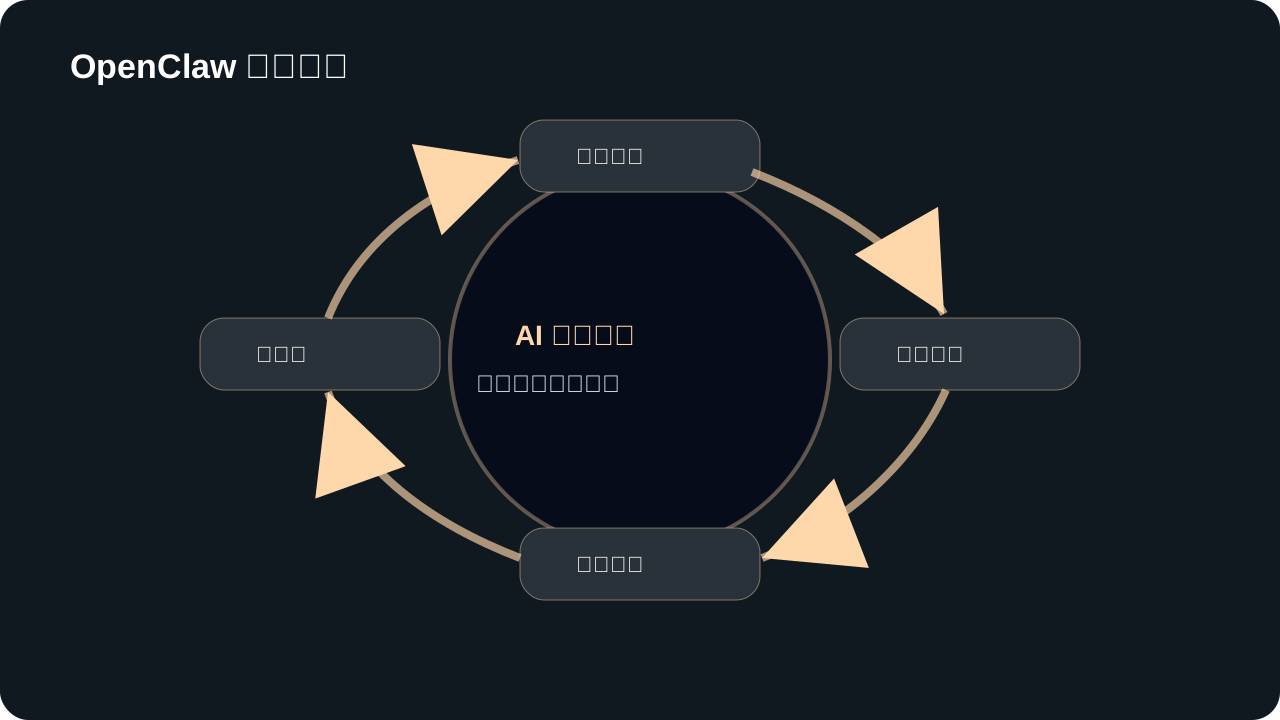
Use this safety diagram directly as your operational checklist:
- Principle of Least Privilege: Grant read-only access unless writes are essential; restrict file access to specific directories—not the entire filesystem.
- Approval Gates: Deletions, message sends, publishes, payments, and live configuration changes require manual confirmation.
- Audit Logging: Log all significant actions—enabling review, accountability, and incident reconstruction.
- Reversibility: Before executing any action, ask: How would I undo this? Actions with no rollback path demand extra scrutiny.
Safety isn’t about limiting OpenClaw—it’s about enabling long-term, trustworthy usage. An uncontrollable automation tool inevitably loses user confidence.
Week 1 Learning Plan
If you’re starting today, follow this rhythm:
| Day | Focus Area | Deliverable |
|---|---|---|
| Day 1 | Lessons 0–1: Understand positioning | List 3 real tasks you’d delegate to OpenClaw |
| Day 2 | Install & first launch | Stable local replies confirmed |
| Day 3 | Connect one chat channel | Send a read-only task from a fixed entry point |
| Day 4 | Configure model, memory & skills | Build a template for one repeatable task |
| Day 5 | Design a Lobster workflow | Map out a multi-step task visually |
| Day 6 | Add approvals & logging | Identify which steps must require confirmation |
| Day 7 | Review & consolidate config | Document your first personalized assistant setup |
Don’t aim for complexity in Week 1. If OpenClaw reliably completes one small, real task, the system has already begun delivering value.
Three Starter Exercises
Exercise 1: Project Documentation Read-Only Audit
Please perform a read-only inspection of this project’s README, package.json, directory structure, and recent Git status.
Summarize: what this project does, how to launch it, and any obvious risks.
Do NOT modify any files.
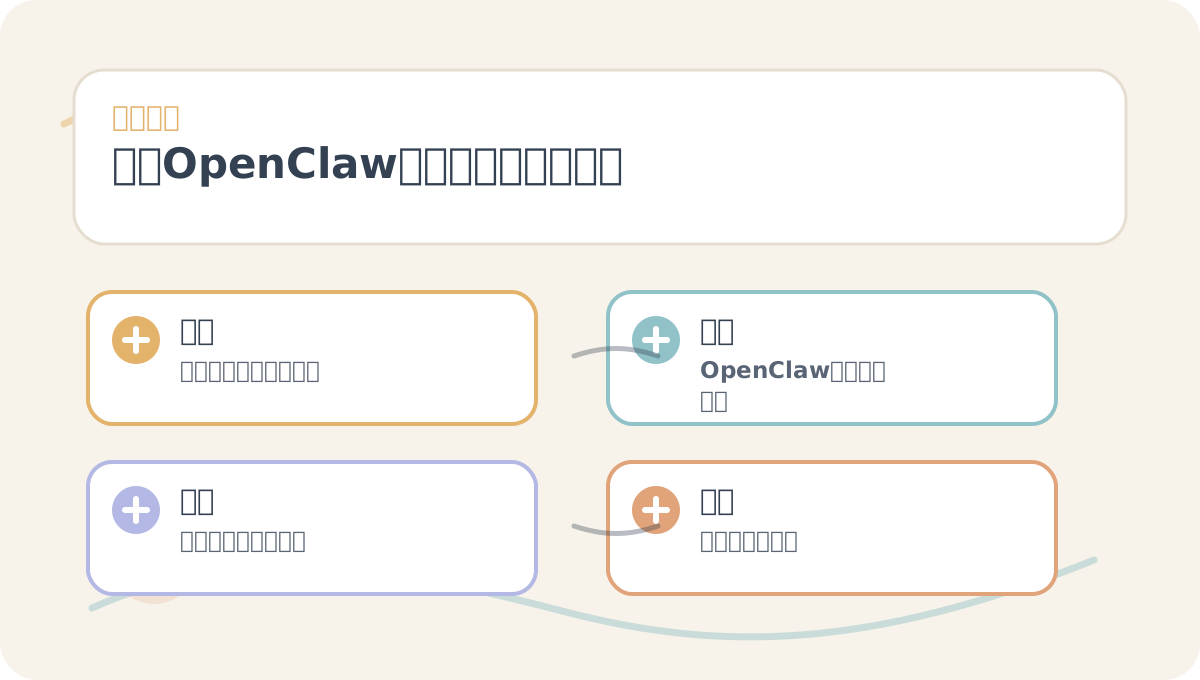
Before reading “OpenClaw From Zero,” use its visuals to orient yourself to the main thread. After reading, revisit those images to identify which steps you can execute immediately—and which still require supplemental resources.
This exercise tests OpenClaw’s ability to understand local context—while posing virtually zero risk.
Exercise 2: Daily AI Information Digest
Aggregate today’s newly published AI-related content, categorized under: “Large Models,” “Agents,” “Tools,” “Papers,” and “Products.”
For each category, extract 3 key takeaways—and flag items worthy of deeper follow-up.
This exercise reveals the long-term value of a personal AI assistant: It’s not about one-off answers—it’s about daily noise reduction.
Exercise 3: Pre-Publish Article Review
Assess whether this article is ready for publication on my website.
Focus on: clarity of title, paragraph length, redundancy, and presence of source attribution.
Provide revision suggestions only—do NOT edit the file directly.
Once comfortable, upgrade this into a Lobster workflow: inspect → suggest → await approval → apply edits → re-inspect → generate publish-ready checklist.
Core Judgment Framework for Using OpenClaw
Before delegating any task to OpenClaw, ask yourself four questions:
- What context does this task require?
- Which tools must it invoke?
- At which step could unintended side effects occur?
- Which step must pause for my explicit confirmation?
Answering these consistently means you’re no longer “trying out an AI tool”—you’re designing your personal AI work system.
Next, we begin in earnest: What is OpenClaw—and how does it differ from ordinary chatbots?
References
- OpenClaw GitHub: https://github.com/openclaw/openclaw
- OpenClaw Official Site: https://openclaw.ai
- OpenClaw Documentation: https://docs.openclaw.ai
- Lobster Tool Docs: https://docs.openclaw.ai/tools/lobster
After finishing “OpenClaw From Zero,” pick a small sample task and walk through the full flow end-to-end—then assess which steps you can now execute independently.
Having reached this point, distill “OpenClaw From Zero” into a concise retrospective table: first clarify the overarching narrative, then validate it against a single concrete task.
Apply This Lesson
Turn this article into AI software, model, API, and security decisions.
English Article FAQ
Use this article as evidence before choosing AI tools
How should I use this AI Tutorials article?
Use it as the implementation or learning layer, then connect the idea to AI software buyer guides, tool comparisons, benchmarks, API choices, and security checks before making a production decision.
Is this English article different from the Chinese original?
The English edition is localized for global AI readers while preserving the original diagrams, screenshots, prompts, code examples, and source context from the Chinese article.
What should I read after OpenClaw Zero: A Beginner's Learning Roadmap?
Continue with AI Software Buyer Guides, AI Tools Workbench, Best AI Coding Agents, AI Model Benchmarks, OpenAI vs Anthropic API, or LLM Security Tools depending on the decision you need to make.
Can this article alone choose an AI product or model?
No. Treat the article as evidence and context, then validate fit with pricing, privacy requirements, integration effort, benchmark results, workflow tests, and fallback planning.
Continue