English translation
What Is OpenClaw? A Productive Personal AI Assistant
AI Article Decision Snapshot
Turn the lesson into workflow, model, budget, and security checks before choosing tools.
Use this quick snapshot before leaving the article. It keeps the next search tied to practical AI software, model/API, cost, privacy, and implementation questions.
Workflow fit
Identify the real job behind the article: coding, research, document review, support, analytics, content, or internal automation.
Model or tool decision
Decide whether the next step is a software shortlist, an AI tool comparison, an API platform choice, or a model benchmark.
Budget and usage signal
Estimate seats, API calls, prompt volume, retries, review time, and fallback work before assuming the workflow is cheap.
Security and privacy review
Check whether source code, customer data, private documents, prompts, logs, or embeddings will enter the AI workflow.
The most valuable aspect of OpenClaw isn’t that it offers yet another chat interface—it’s that it integrates chat entry points, models, tools, memory, skills, and workflows into a personal AI operating system. When you send a single message from your chat app, OpenClaw can read files in its workspace, invoke tools, execute tasks, and return results.
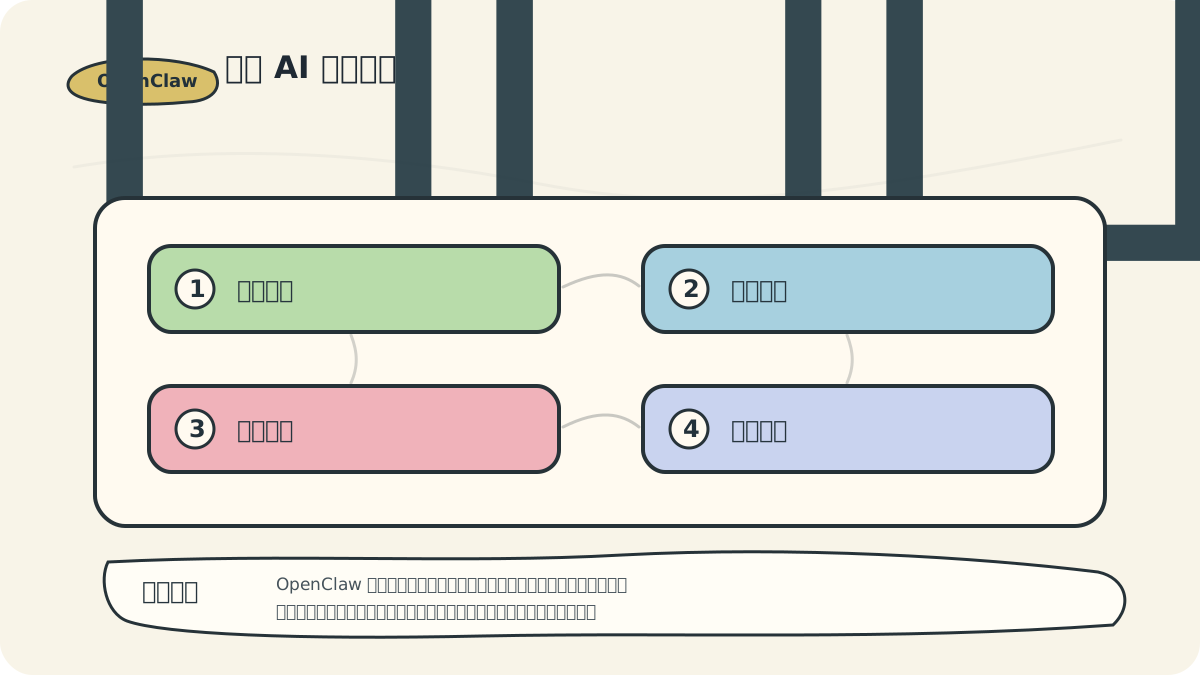
OpenClaw’s value lies in connecting message inputs with real execution capability—making it more like an assistant embedded within a personal operating system. Precisely because it accepts and executes tasks, defining its operational boundaries becomes more critical than for ordinary chat tools.
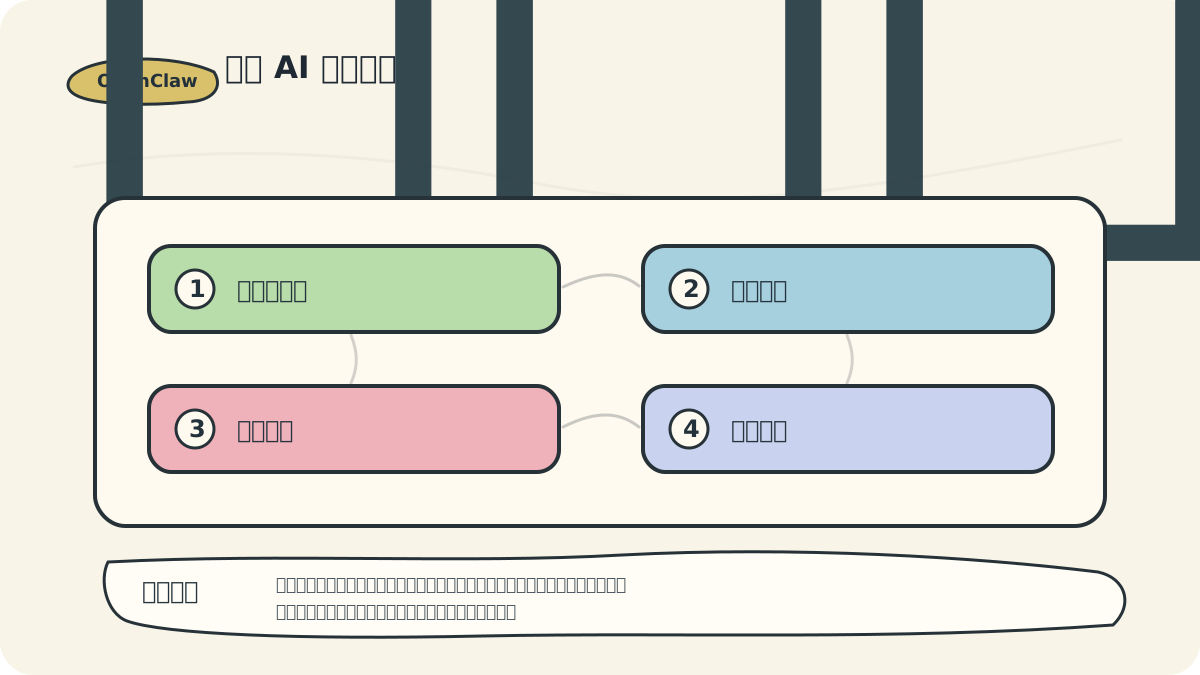
I’ll begin by granting only myself the ability to issue commands—and restrict actions strictly to read-only operations (e.g., summarizing, organizing). Only after OpenClaw reliably handles daily briefings, document summarization, and file validation will I gradually introduce write actions requiring explicit human confirmation.
1. One-Sentence Definition of OpenClaw
OpenClaw is a personal AI assistant platform that runs on your own device or server.
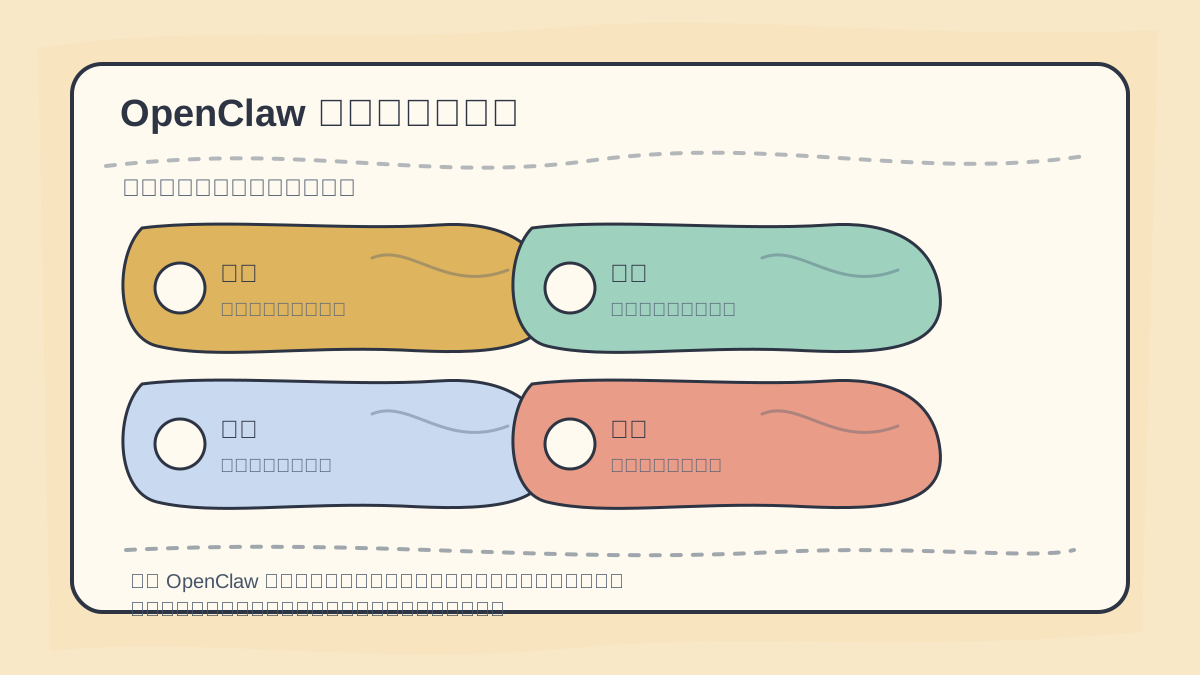
To understand what OpenClaw is, place it inside a real-world workflow: What tasks does it receive? Which tools does it invoke? What actions does it perform? How is task completion verified?
It solves this problem: You don’t want to open a dozen different AI tools every day, copy-paste context manually, or trigger scripts one-by-one. Instead, you want a persistent assistant—one that accepts tasks through familiar chat interfaces and executes them safely within well-defined boundaries.
2. How OpenClaw Differs from Ordinary Chatbots
Standard chatbots primarily do three things:
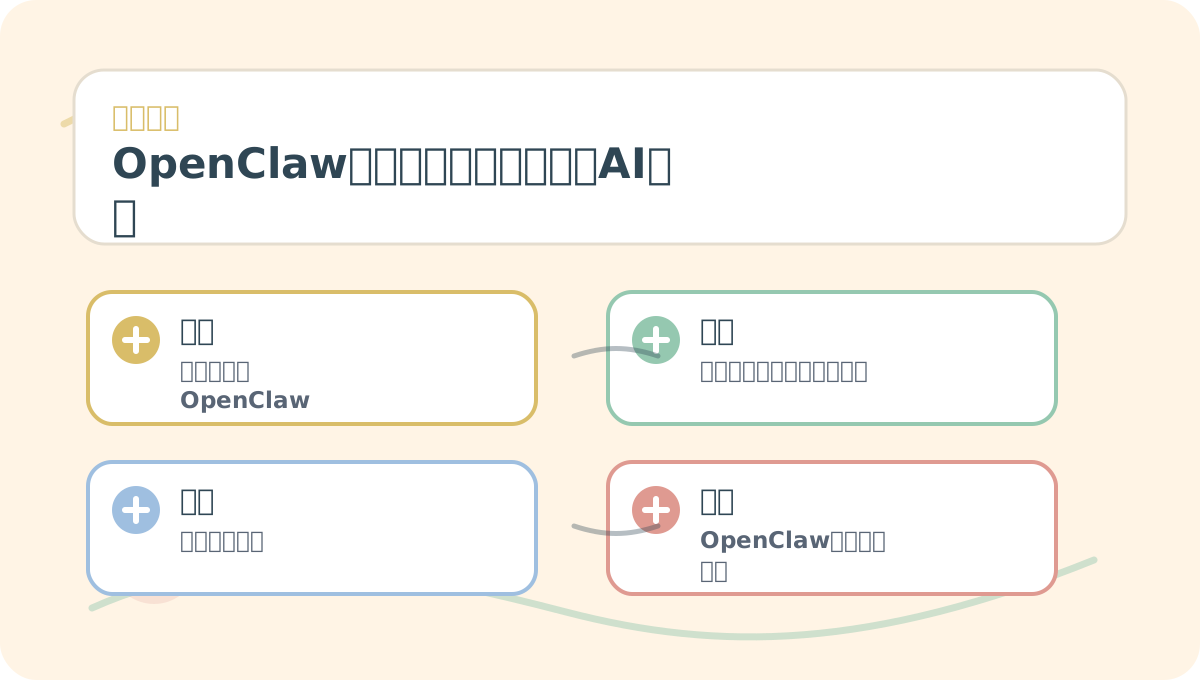
When reading “What Is OpenClaw: A Task-Executing Personal AI Assistant,” first identify the concrete use case you aim to solve—then connect key concepts with hands-on practice steps. This prevents getting lost in isolated terminology when diving into details.
- Understand your question
- Generate a response
- Maintain conversational context within the current session
OpenClaw goes further: it connects to real systems:
- Message Entry Points: WhatsApp, Telegram, Slack, Discord, WeChat, QQ, WebChat, etc.
- Models: Integrates with your preferred large language model provider
- Tools: File systems, web browsers, calendars, email clients, automation engines, etc.
- Memory: Long-term storage and retrieval of information relevant to you
- Skills: Codified, reusable procedures derived from repeated workflows
- Workflows: Multi-step, deterministic pipelines built with Lobster—including approval gates
So OpenClaw’s focus isn’t “being better at chatting”—it’s “reliably receiving and completing tasks.”
3. Why “Lobster”?
The OpenClaw community identity and project culture prominently feature the “Lobster Assistant.” As noted in the official README, OpenClaw was built specifically for Molty, a spacefaring lobster-themed AI assistant. For learners, think of the “lobster” as an assistant with claws: It doesn’t just answer questions—it reaches out with its claws to grab tools, move files, and organize tasks.
Of course, the more capable the assistant, the more essential clear boundaries become. Claws help you grip—but they can also pinch the wrong thing. So safety remains the central theme emphasized repeatedly throughout this course.
4. Where OpenClaw Fits Best
4.1 Personal Productivity
For example, automating your morning routine:
- What meetings are scheduled today?
- What pending tasks carried over from yesterday?
- Which emails require replies?
- Which project tasks are at risk?
OpenClaw excels here because it operates as a persistent assistant—not restarting from scratch each time.
4.2 Content Creation
You can ask it to:
- Gather source materials
- Organize topic ideas
- Draft article outlines
- Verify images and links
- Rewrite content in consistent tones—for WeChat Official Accounts, blogs, or video scripts
These repetitive, structured tasks are ideal candidates for skill encapsulation.
4.3 Developer Assistance
You can instruct it to:
- Analyze project directory structure
- Run test suites
- Summarize logs
- Diagnose build failures
- Draft pull request descriptions
However, high-risk operations—such as deployments, database modifications, authentication changes, or payment processing—must always require explicit human review and approval.
4.4 Home & Team Assistance
With multi-platform integration (e.g., family group chats, team channels), OpenClaw can manage shared calendars, send reminders, synchronize knowledge bases, and prepare pre-meeting materials.
Crucially, permissions must be carefully scoped: Not all group messages should be processed by AI—and not every contact should have direct command authority over your assistant.
5. Key Concepts When Learning OpenClaw
| Concept | Role |
|---|---|
| Gateway | Control plane managing messages, sessions, tools, and events |
| Channel | Your communication entry point with the assistant—e.g., Telegram, Slack, WebChat |
| Agent | The intelligent entity that actually performs tasks |
| Workspace | Secure environment where agents read/write files and store skills |
| Memory | Persistent storage of preferences, project context, and long-term knowledge |
| Skill | Reusable, documented task specification—like a “recipe” for recurring work |
| Tool | External capability enabling real-world actions (e.g., file I/O, API calls) |
| Lobster | Framework for building multi-step, deterministic workflows—with built-in approval checkpoints |
When reviewing “What Is OpenClaw: A Task-Executing Personal AI Assistant,” keep key concepts, procedural steps, and observable outcomes on the same page for quick reference.
When practicing “What Is OpenClaw: A Task-Executing Personal AI Assistant,” record input conditions, processing actions, and visible outputs together—so you can easily audit and reproduce results later.
6. Summary of This Section
OpenClaw shifts AI from a “chat tab” to a resident assistant. It bridges your existing communication channels and real-world tooling—so learning it requires equal attention to two dimensions:
- How to make it more capable at executing tasks
- How to ensure it operates only within safe, well-defined boundaries
In the next section, we’ll install OpenClaw and run our first successful launch.
Apply This Lesson
Turn this article into AI software, model, API, and security decisions.
English Article FAQ
Use this article as evidence before choosing AI tools
How should I use this AI Tutorials article?
Use it as the implementation or learning layer, then connect the idea to AI software buyer guides, tool comparisons, benchmarks, API choices, and security checks before making a production decision.
Is this English article different from the Chinese original?
The English edition is localized for global AI readers while preserving the original diagrams, screenshots, prompts, code examples, and source context from the Chinese article.
What should I read after What Is OpenClaw? A Productive Personal AI Assistant?
Continue with AI Software Buyer Guides, AI Tools Workbench, Best AI Coding Agents, AI Model Benchmarks, OpenAI vs Anthropic API, or LLM Security Tools depending on the decision you need to make.
Can this article alone choose an AI product or model?
No. Treat the article as evidence and context, then validate fit with pricing, privacy requirements, integration effort, benchmark results, workflow tests, and fallback planning.
Continue