English translation
OpenClaw-Zero: Channel Modeling for Memory and Skills
AI Article Decision Snapshot
Turn the lesson into workflow, model, budget, and security checks before choosing tools.
Use this quick snapshot before leaving the article. It keeps the next search tied to practical AI software, model/API, cost, privacy, and implementation questions.
Workflow fit
Identify the real job behind the article: coding, research, document review, support, analytics, content, or internal automation.
Model or tool decision
Decide whether the next step is a software shortlist, an AI tool comparison, an API platform choice, or a model benchmark.
Budget and usage signal
Estimate seats, API calls, prompt volume, retries, review time, and fallback work before assuming the workflow is cheap.
Security and privacy review
Check whether source code, customer data, private documents, prompts, logs, or embeddings will enter the AI workflow.
The real appeal of OpenClaw lies not in being a single-point tool, but in functioning as an integrated system of components. You can issue tasks via a chat interface, where the Gateway routes them to an Agent; the Agent then orchestrates models, memory, skills, and tools to complete the work.
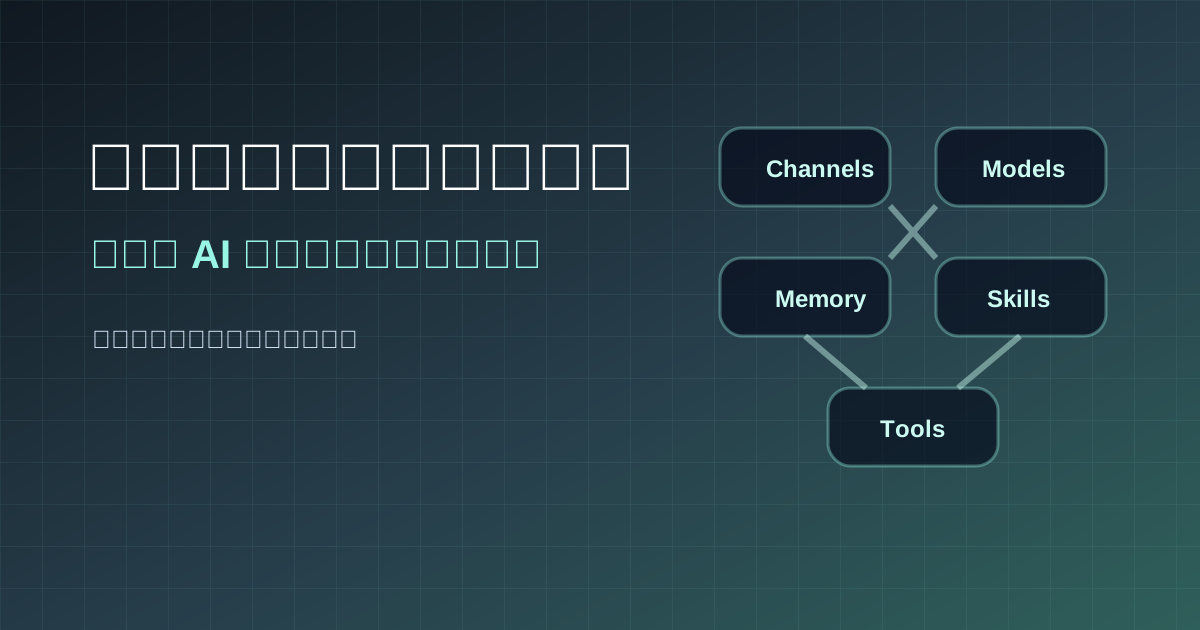
These four concepts—channel, model, memory, and skill—are easily conflated.
- Channel determines where your message originates.
- Model determines what the assistant can reason and respond with.
- Memory maintains long-term context across interactions.
- Skill encodes fixed, repeatable workflows.
Clear layering makes debugging straightforward.
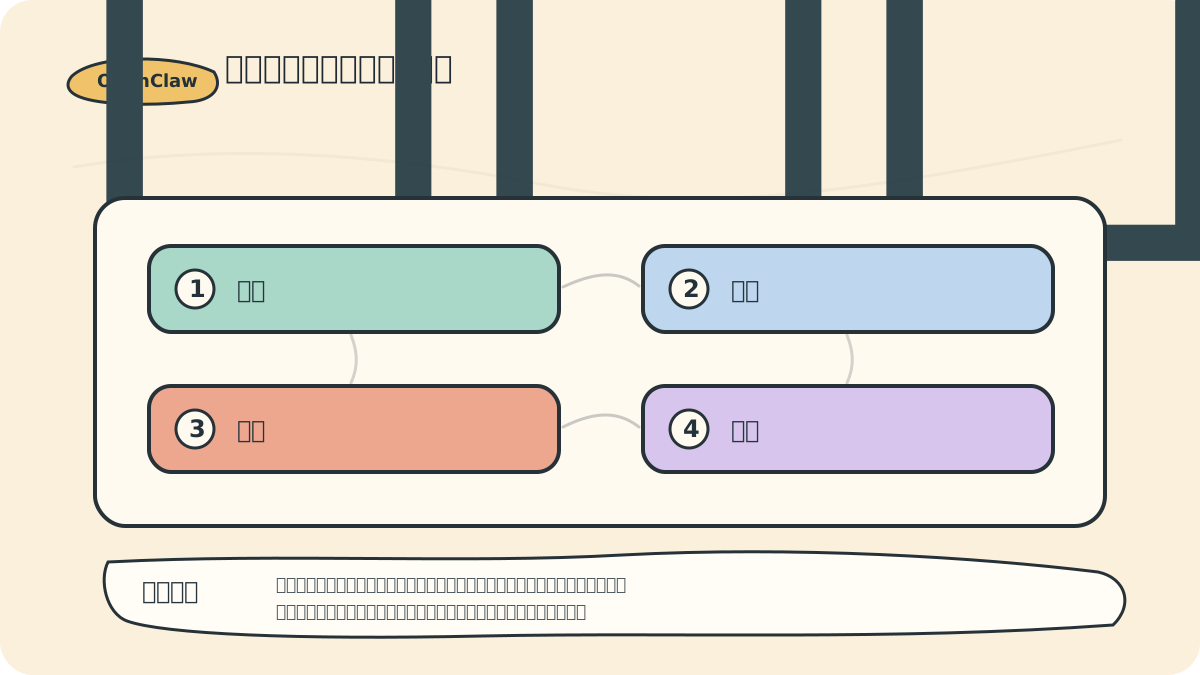
If the assistant gives an incorrect response, first ask: Which layer failed?
- Did the input message fail to arrive (channel)?
- Is the model’s capability insufficient (model)?
- Has memory content become outdated or inaccurate (memory)?
- Was the skill’s workflow incorrectly defined (skill)?
This approach is far more actionable than simply saying, “The AI doesn’t work well.”
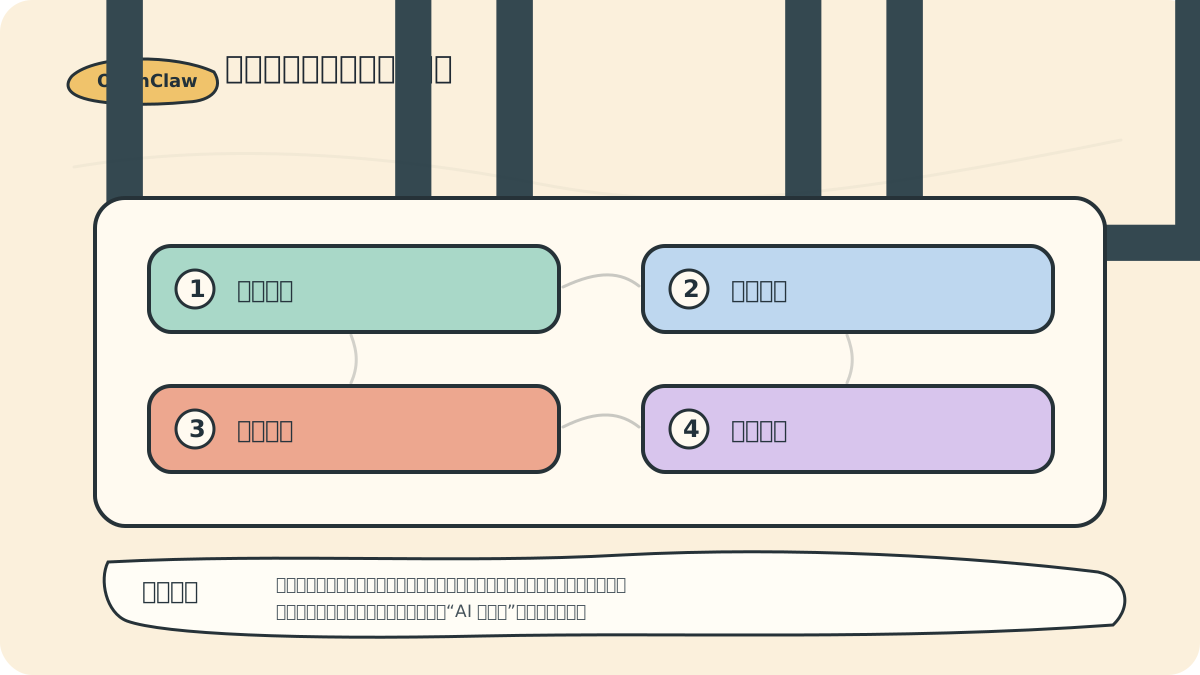
1. Channel: Where You Talk to the Assistant
The official README lists numerous supported channels, including WhatsApp, Telegram, Slack, Discord, Google Chat, Signal, iMessage, Microsoft Teams, Matrix, Feishu (Lark), LINE, Mattermost, Nextcloud Talk, Twitch, Zalo, WeChat, QQ, and WebChat.
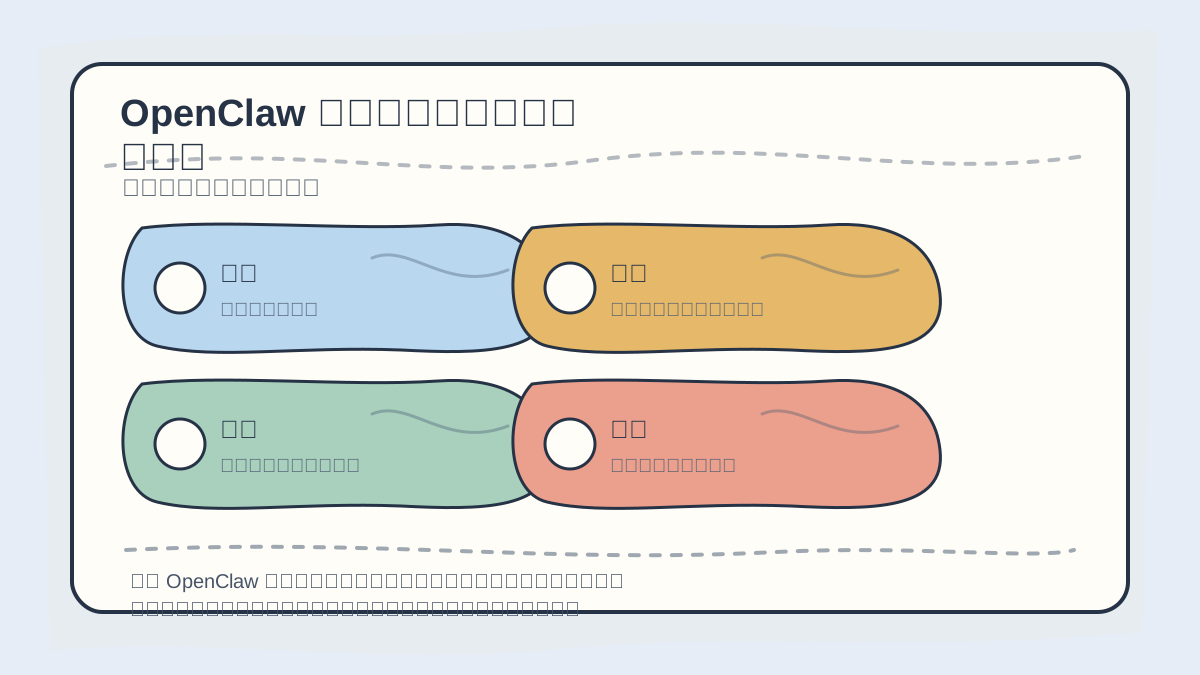
When learning OpenClaw’s channel–model–memory–skills architecture, start by tracing:
- Where does information enter?
- How is state preserved?
- Which skill triggers which action?
Clarifying this data flow defines usage boundaries—and makes system behavior predictable.
Don’t be overwhelmed by the number of options. Start with just one, based on your needs:
- For mobile convenience: Choose Telegram or WhatsApp.
- For team collaboration: Choose Slack or Discord.
- For local prototyping: Choose WebChat.
- For domestic use cases (e.g., China): Explore WeChat, QQ, etc. later.
More channels mean more entry points—and broader security surface area. So begin with only the one you know best.
2. Model: The Assistant’s “Brain”
OpenClaw supports flexible model configurations. You may use your trusted primary model—or define fallback strategies.
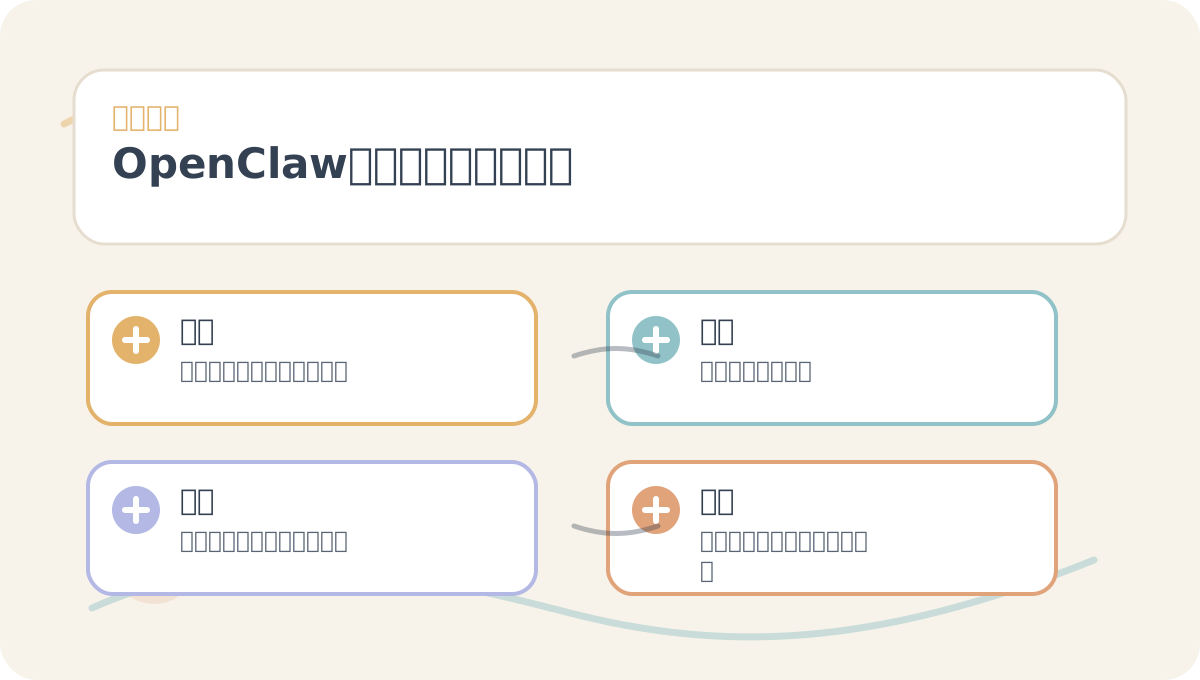
While reading “OpenClaw: Channels, Models, Memory & Skills”, treat its diagrams as navigation cards:
- First grasp the overall sequence.
- Then understand why each step is designed that way.
- Finally, verify edge cases and boundary conditions.
When selecting a model, evaluate these four criteria:
- Context length: Long-running or multi-step tasks require extended context windows.
- Tool-calling reliability: Can the model consistently generate structured, valid tool calls?
- Cost: Persistent assistants incur ongoing inference expenses.
- Privacy & compliance: Which tasks are safe to send to cloud APIs—and which must stay local?
Recommended practice: Begin with one stable primary model. Only introduce multi-model routing once core workflows run smoothly.
3. Memory: Reducing Repetitive Questions
One key value of OpenClaw is its ability to accumulate and retain contextual knowledge over time. You can configure it to remember:
- Your project directory structure.
- Your writing style and tone preferences.
- Your deployment constraints (e.g., environment, permissions).
- Your frequent contacts and standard operating procedures.
- Any long-term preferences you explicitly authorize for storage.
It should never store:
- Passwords.
- API keys.
- Private keys.
- One-time verification codes.
- Unverified assumptions or guesses.
More memory isn’t always better. Effective memory entries should be concise, precise, and verifiable.
4. Skill: Codifying Repeatable Workflows
A skill is essentially a documented procedure: “When encountering this type of task, follow this exact sequence.”
Examples include:
- WeMedia article topic curation skill.
- GitHub project evaluation skill.
- Blog course publishing skill.
- Server health-check skill.
- Daily AI news summary skill.
Skills don’t replace models—they reduce cognitive load on the model by eliminating repeated process discovery.
5. Tool: Enabling Real Action
The tool layer defines what OpenClaw can actually do. Examples include:
- Reading files.
- Modifying source code.
- Launching a browser.
- Interfacing with calendar services.
- Organizing emails.
- Sending messages.
- Creating tasks.
- Executing scripts.
Tools also introduce risk. Any tool that modifies external state (e.g., writes, deletes, sends) must be gated by explicit approval or strictly bounded permissions.
6. A Recommended Starter Configuration
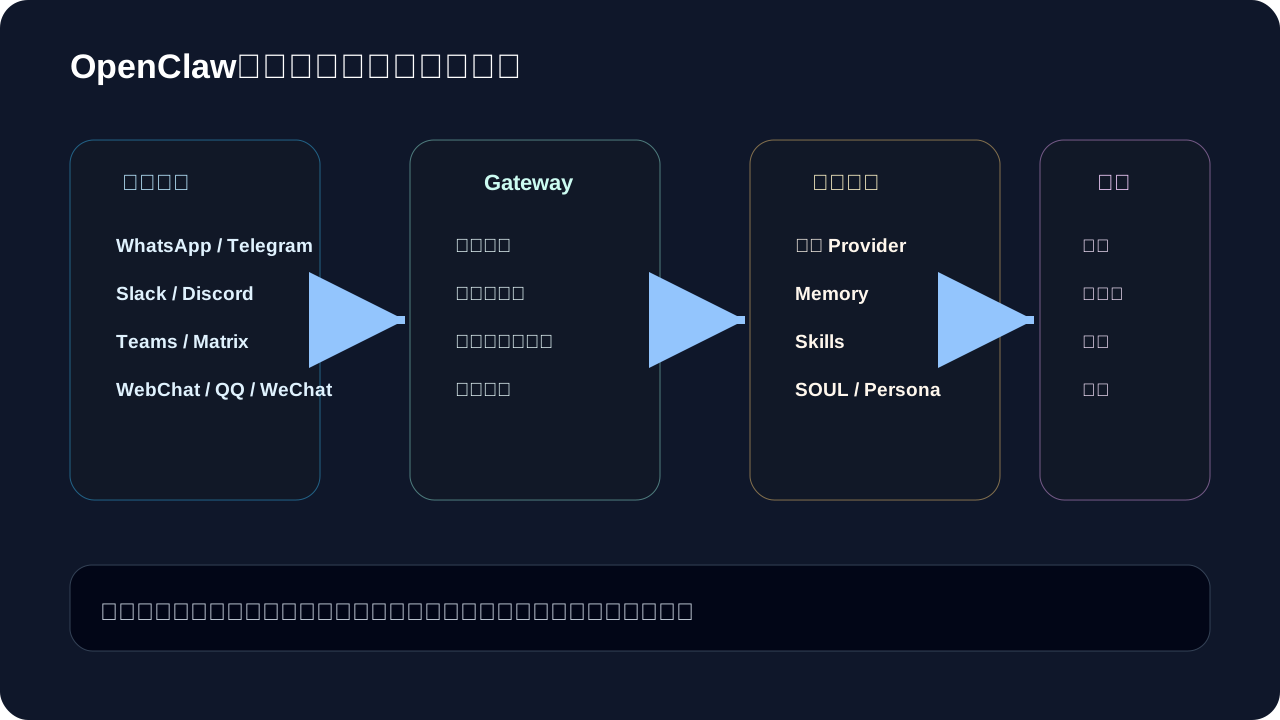
Start with this pragmatic setup:
| Component | Beginner Recommendation |
|---|---|
| Channel | Connect only WebChat or Telegram. |
| Model | Use one reliable primary model. |
| Memory | Store only project paths and verified preferences. |
| Skill | Codify one high-frequency workflow first. |
| Tool | Enable read-only access initially; add write permissions incrementally. |
| Approval | Require confirmation for all side-effect operations. |
This configuration won’t win design awards—but it will sustain long-term, reliable usage.
If you haven’t fully internalized “OpenClaw: Channels, Models, Memory & Skills”, revisit the four actions on this card to retrace the fundamentals.
When reviewing “OpenClaw: Channels, Models, Memory & Skills”, avoid launching large projects upfront. Instead, validate the core logic using one simple, end-to-end example.
7. Summary
OpenClaw’s power emerges from composition:
- Channels receive tasks.
- Models perform reasoning.
- Memory preserves continuity.
- Skills enable reuse.
- Tools execute actions.
In the next section, we’ll explore Lobster workflows—the part of the system best suited for handling complex, multi-stage tasks.
Apply This Lesson
Turn this article into AI software, model, API, and security decisions.
English Article FAQ
Use this article as evidence before choosing AI tools
How should I use this AI Tutorials article?
Use it as the implementation or learning layer, then connect the idea to AI software buyer guides, tool comparisons, benchmarks, API choices, and security checks before making a production decision.
Is this English article different from the Chinese original?
The English edition is localized for global AI readers while preserving the original diagrams, screenshots, prompts, code examples, and source context from the Chinese article.
What should I read after OpenClaw-Zero: Channel Modeling for Memory and Skills?
Continue with AI Software Buyer Guides, AI Tools Workbench, Best AI Coding Agents, AI Model Benchmarks, OpenAI vs Anthropic API, or LLM Security Tools depending on the decision you need to make.
Can this article alone choose an AI product or model?
No. Treat the article as evidence and context, then validate fit with pricing, privacy requirements, integration effort, benchmark results, workflow tests, and fallback planning.
Continue