English translation
Data augmentation
AI Article Decision Snapshot
Turn the lesson into workflow, model, budget, and security checks before choosing tools.
Use this quick snapshot before leaving the article. It keeps the next search tied to practical AI software, model/API, cost, privacy, and implementation questions.
Workflow fit
Identify the real job behind the article: coding, research, document review, support, analytics, content, or internal automation.
Model or tool decision
Decide whether the next step is a software shortlist, an AI tool comparison, an API platform choice, or a model benchmark.
Budget and usage signal
Estimate seats, API calls, prompt volume, retries, review time, and fallback work before assuming the workflow is cheap.
Security and privacy review
Check whether source code, customer data, private documents, prompts, logs, or embeddings will enter the AI workflow.
At its core, EfficientNet scales depth, width, and resolution simultaneously—rather than blindly increasing just one dimension. This article focuses on practical application scenarios. First, assess whether your task truly aligns with EfficientNet’s strengths; then evaluate data scale, deployment cost, and performance boundaries.
I examine input resolution, parameter count, inference latency, and accuracy together. True efficiency demands a holistic cost-benefit analysis.
In the previous article, we delved into EfficientNet’s node-level operations, exploring how its efficient architectural design enhances image classification performance. This article continues our exploration of EfficientNet, shifting focus to its real-world performance and concrete application case studies. Thanks to its uniquely balanced architecture, EfficientNet excels across multiple domains—especially in image recognition and object detection tasks.
Application Domains of EfficientNet
1. Image Classification
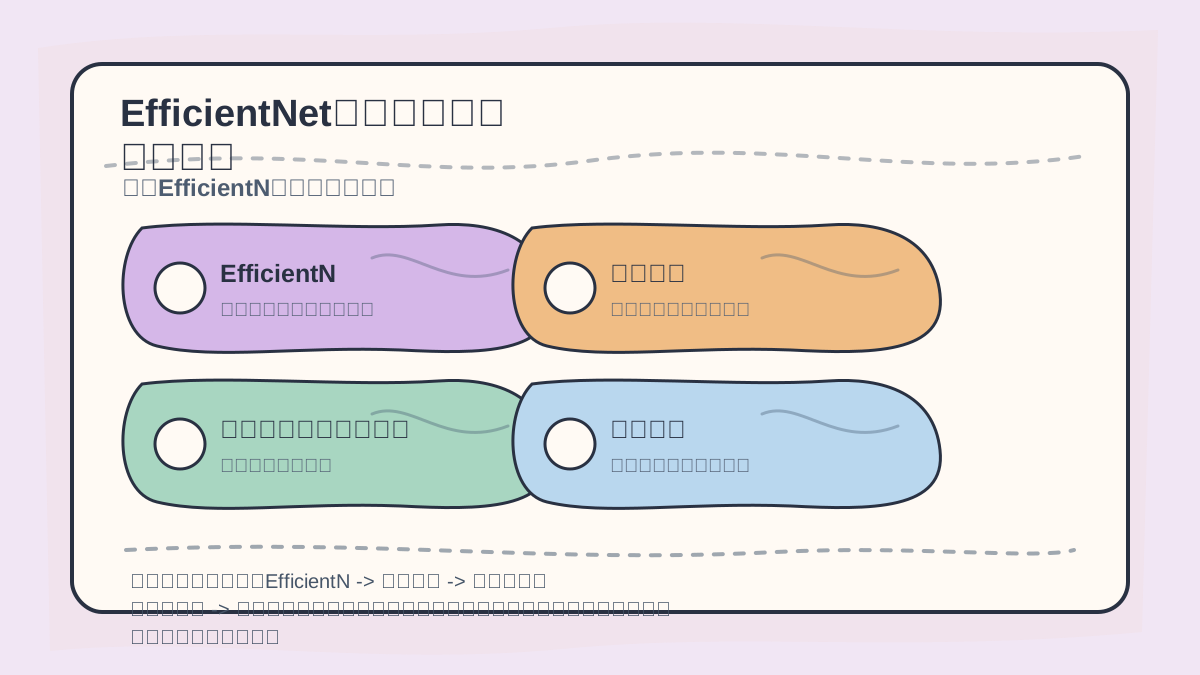
While reading this section, treat the sequence “EfficientNet → Image Classification → Case Study: Plant Disease Classification → Object Detection” as a verification checklist: first align the object, steps, and evidence; then revisit the case description, code, or metrics for validation.
Image classification remains EfficientNet’s most widespread application. A prominent example is Kaggle’s Plant Disease Detection challenge.
Case Study: Plant Disease Classification
This competition required participants to predict the type of disease affecting plant leaves from images. Using EfficientNet, top-performing solutions achieved high classification accuracy. Below is a simplified code example demonstrating EfficientNet-based image classification:
import tensorflow as tf
from tensorflow.keras.applications import EfficientNetB0
from tensorflow.keras.preprocessing.image import ImageDataGenerator

# Data augmentation
train_datagen = ImageDataGenerator(
    rescale=1./255,
    rotation_range=20,
    width_shift_range=0.2,
    height_shift_range=0.2,
    shear_range=0.2,
    zoom_range=0.2,
    horizontal_flip=True,
    fill_mode='nearest'
)

train_generator = train_datagen.flow_from_directory(
    'data/train',
    target_size=(224, 224),
    batch_size=32,
    class_mode='categorical'
)

# Load EfficientNet backbone
model = EfficientNetB0(weights='imagenet', include_top=False, input_shape=(224, 224, 3))

# Add custom classification head
x = tf.keras.layers.GlobalAveragePooling2D()(model.output)
x = tf.keras.layers.Dense(256, activation='relu')(x)
outputs = tf.keras.layers.Dense(num_classes, activation='softmax')(x)

# Assemble full model
model = tf.keras.models.Model(inputs=model.input, outputs=outputs)

# Compile model
model.compile(optimizer='adam', loss='categorical_crossentropy', metrics=['accuracy'])

# Train model
model.fit(train_generator, epochs=10)
In this example, data augmentation techniques improve model generalization. EfficientNetB0 serves as a feature extractor, while custom fully connected layers perform final classification.
2. Object Detection
EfficientNet has also been successfully integrated into object detection pipelines—particularly when paired with established frameworks such as Faster R-CNN or YOLO.
Case Study: Building Detection on Maps
In a real-time monitoring and map-updating project, Faster R-CNN—using EfficientNet as its backbone feature extractor—delivered strong results, accurately identifying buildings even in complex urban scenes.
The following code snippet illustrates how to integrate EfficientNet with Faster R-CNN:
from keras_frcnn import config, keras_frcnn

# Load configuration and weights
config = config.Config()
model = keras_frcnn.Frcnn(config)

# Replace default backbone with EfficientNetB0
base_model = EfficientNetB0(weights='imagenet', include_top=False)
model.model_rpn.layers[0] = base_model

# Train
model.fit(training_data, epochs=10)
Here, EfficientNetB0 replaces the conventional convolutional backbone in Faster R-CNN, leading to improved detection accuracy and efficiency.
3. Image Generation and Style Transfer
EfficientNet can also support generative tasks—including neural style transfer—by leveraging its powerful feature representation capabilities alongside traditional CNN architectures.
Case Study: Neural Style Transfer
In style transfer, EfficientNet extracts both content features (from the content image) and style features (from the style image); a composite loss function then guides the iterative generation of the stylized output.
Below is a high-level framework for style transfer using EfficientNet:
from tensorflow.keras.applications import EfficientNetB0
from tensorflow.keras.models import Model

# Load pre-trained model for feature extraction
base_model = EfficientNetB0(weights='imagenet')

# Extract features from a specific layer (e.g., top convolutional layer)
content_model = Model(inputs=base_model.input, outputs=base_model.get_layer('top_conv').output)

# Core style transfer function
def style_transfer(content_image, style_image):
    # Extract content and style features
    content_features = content_model.predict(content_image)
    style_features = content_model.predict(style_image)

    # Combine features to synthesize stylized output
    # (Implementation details omitted)
After completing “EfficientNet Application Cases,” try adapting it to your own scenario. Pay close attention to whether inputs, processing steps, and outputs form a coherent, end-to-end mapping.
To apply “EfficientNet Application Cases” to your own task, start small: isolate and validate just one critical decision point first.
Summary
The above cases demonstrate EfficientNet’s versatility and robustness across diverse applications—from image classification and object detection to image generation. Its highly efficient feature extraction capability makes it an indispensable tool in modern deep learning practice. In upcoming sections, we will explore graph neural network architectures—further expanding our deep learning knowledge foundation.
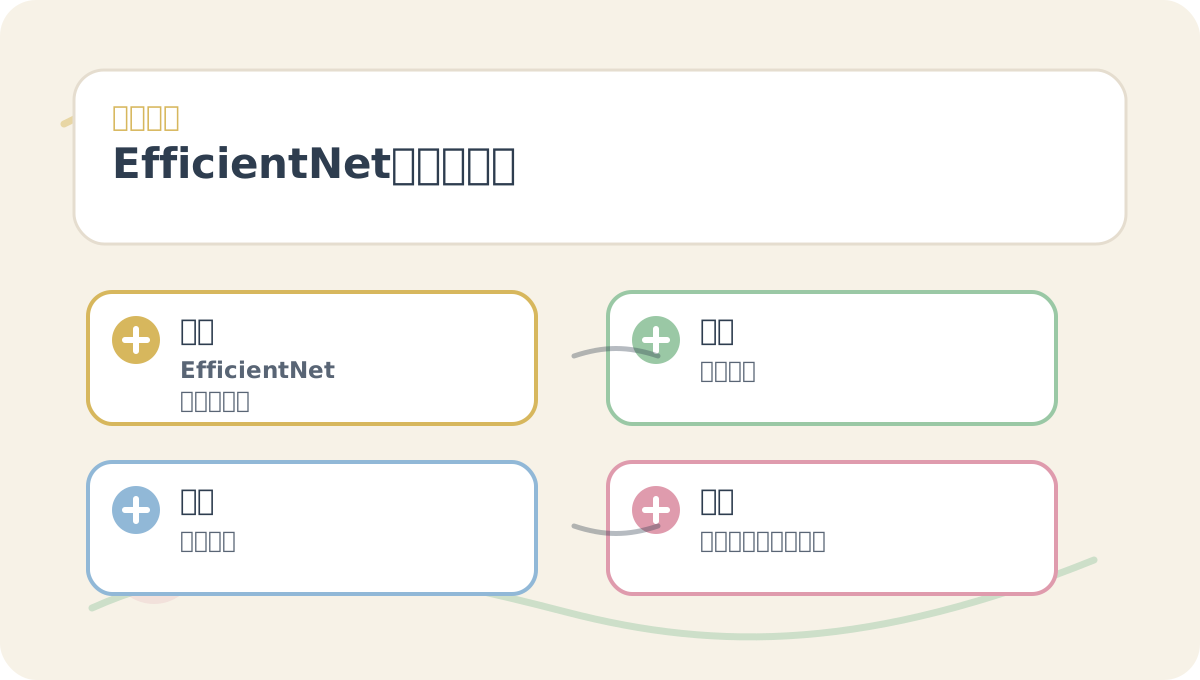
“EfficientNet Application Cases” is best read alongside its diagrams. Begin by confirming the problem statement and evaluation criteria; then proceed to conceptual explanations and step-by-step exercises—this approach helps connect ideas into a clear, logical thread.
Apply This Lesson
Turn this article into AI software, model, API, and security decisions.
English Article FAQ
Use this article as evidence before choosing AI tools
How should I use this AI Tutorials article?
Use it as the implementation or learning layer, then connect the idea to AI software buyer guides, tool comparisons, benchmarks, API choices, and security checks before making a production decision.
Is this English article different from the Chinese original?
The English edition is localized for global AI readers while preserving the original diagrams, screenshots, prompts, code examples, and source context from the Chinese article.
What should I read after Data augmentation?
Continue with AI Software Buyer Guides, AI Tools Workbench, Best AI Coding Agents, AI Model Benchmarks, OpenAI vs Anthropic API, or LLM Security Tools depending on the decision you need to make.
Can this article alone choose an AI product or model?
No. Treat the article as evidence and context, then validate fit with pricing, privacy requirements, integration effort, benchmark results, workflow tests, and fallback planning.
Continue