English translation
AutoML Tutorial #17: Automating Feature Engineering with Tools
AI Article Decision Snapshot
Turn the lesson into workflow, model, budget, and security checks before choosing tools.
Use this quick snapshot before leaving the article. It keeps the next search tied to practical AI software, model/API, cost, privacy, and implementation questions.
Workflow fit
Identify the real job behind the article: coding, research, document review, support, analytics, content, or internal automation.
Model or tool decision
Decide whether the next step is a software shortlist, an AI tool comparison, an API platform choice, or a model benchmark.
Budget and usage signal
Estimate seats, API calls, prompt volume, retries, review time, and fallback work before assuming the workflow is cheap.
Security and privacy review
Check whether source code, customer data, private documents, prompts, logs, or embeddings will enter the AI workflow.

Tools can help you generate features—but they cannot determine whether a feature carries business meaning. Every automated output must be clearly named, attributed to its source, and versioned.

I randomly audit auto-generated field names and their underlying computation logic. Features I cannot meaningfully interpret—even if they improve model performance—must be treated with caution.
In the previous article, we explored key steps in feature engineering, including feature generation and transformation. In this article, we focus on leveraging practical tools to automate feature engineering—boosting efficiency and reducing manual intervention, especially when working with complex datasets.
Why Automate Feature Engineering?
Feature engineering is a critical step in machine learning—it directly impacts model performance. Automating it enables faster data exploration, more robust identification of important signals, and reduced risk of human error. Using dedicated tools significantly accelerates the feature engineering process, freeing data scientists to invest more time in model selection, evaluation, and business interpretation.
Popular Feature Engineering Automation Tools
Below, we introduce several widely adopted tools for automating feature engineering—and illustrate each with a concrete example:
-
Featuretools
Featuretoolsis a powerful open-source library designed for automated feature engineering. Its core idea is deep feature synthesis (DFS)—a method that recursively applies aggregation and transformation operations across relational data to generate rich, interpretable features.Example:
Suppose we have tabular user behavior data—including click logs. WithFeaturetools, we can automatically derive features such as total number of clicks per user and average time interval between consecutive clicks.import featuretools as ft # Load sample data clicks = ft.demo.load_clickstream() # Create an EntitySet es = ft.EntitySet(id='clickstream_data') es = es.entity_from_dataframe(entity_id='clicks', dataframe=clicks, index='click_id', time_index='time') # Generate features via Deep Feature Synthesis features, feature_defs = ft.dfs(entityset=es, target_entity='clicks')Running this code yields a rich set of new features—many of which may substantially improve predictive power.
-
TSFresh
For time-series data,TSFreshis a highly effective tool. It automatically extracts hundreds of meaningful, domain-agnostic statistical features from time-series segments—ideal for forecasting, anomaly detection, and classification tasks.Example:
Suppose we’re analyzing sensor readings and want to extract features predictive of equipment failure.from tsfresh import extract_features import pandas as pd # Simulate a multivariate time-series DataFrame df = pd.DataFrame({ 'id': [1] * 10 + [2] * 10, 'time': list(range(10)) * 2, 'value': [1.0, 2.3, 3.1, 4.5, 3.6, 2.9, 3.0, 4.5, 5.1, 6.0] + [2.1, 2.2, 2.5, 3.3, 3.8, 4.0, 4.5, 5.2, 5.8, 6.5] }) # Extract time-series features features = extract_features(df, column_id='id', column_sort='time')TSFreshdelivers a comprehensive set of statistical descriptors (e.g., mean, variance, entropy, autocorrelation)—ready for downstream modeling. -
AutoFeat
AutoFeatis a lightweight, scikit-learn–compatible library that automatically constructs composite features (e.g., interactions, polynomials, ratios) from raw input features—while intelligently pruning low-value combinations.Example:
Suppose we have housing price data and wish to discover high-performing feature interactions.from autofeat import AutoFeatRegressor import pandas as pd # Load sample data X = pd.DataFrame({ 'size': [1500, 1600, 1700], 'bedrooms': [3, 3, 4], 'age': [10, 15, 20], 'price': [300000, 350000, 400000] }) # Initialize and fit the AutoFeat pipeline model = AutoFeatRegressor(verbose=1) model.fit(X.drop('price', axis=1), X['price']) # Transform inputs into enriched feature space X_new = model.transform(X.drop('price', axis=1))The resulting
X_newcontains both original features and newly constructed ones—optimized for regression performance.
Choosing the Right Feature Engineering Tool
Selecting an appropriate tool depends on several practical considerations:
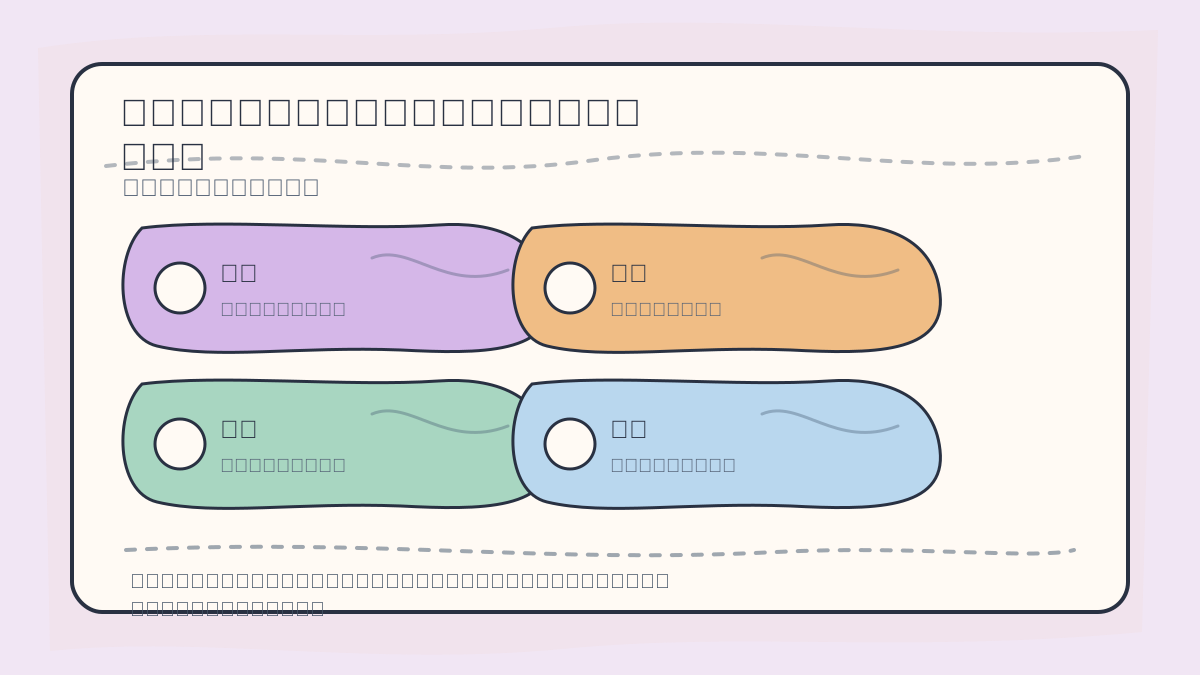
When evaluating or applying a feature engineering tool, assess: input schema compatibility, supported transformations, number and interpretability of generated features, risk of data leakage, feature importance ranking, and cross-validated performance impact.
- Data Type Compatibility: Some tools specialize in time series (
TSFresh), relational data (Featuretools), or tabular numeric features (AutoFeat). Choose based on your data structure. - Ease of Use & Integration: Consider API consistency, learning curve, and compatibility with your existing ML stack (e.g., scikit-learn, PySpark).
- Community & Documentation: Active maintenance, clear examples, and responsive support accelerate adoption and troubleshooting.
When reviewing “AutoML Tutorial Series: Feature Engineering Automation — Using Tools to Implement Feature Engineering”, consolidate key concepts, implementation steps, and observable outcomes onto a single page for efficient revision.
When practicing “AutoML Tutorial Series: Feature Engineering Automation — Using Tools to Implement Feature Engineering”, explicitly document: input conditions, applied transformations, and resulting outputs—to enable reliable replication and future validation.
Summary
In this article, we examined modern tools for automating feature engineering—and demonstrated how each can be applied to real-world scenarios. Thoughtful use of these tools enhances both the speed and quality of feature development, ultimately strengthening model performance and business impact.
In the next article, we’ll explore “Hyperparameter Optimization: Methods for Hyperparameter Tuning”. Stay tuned!
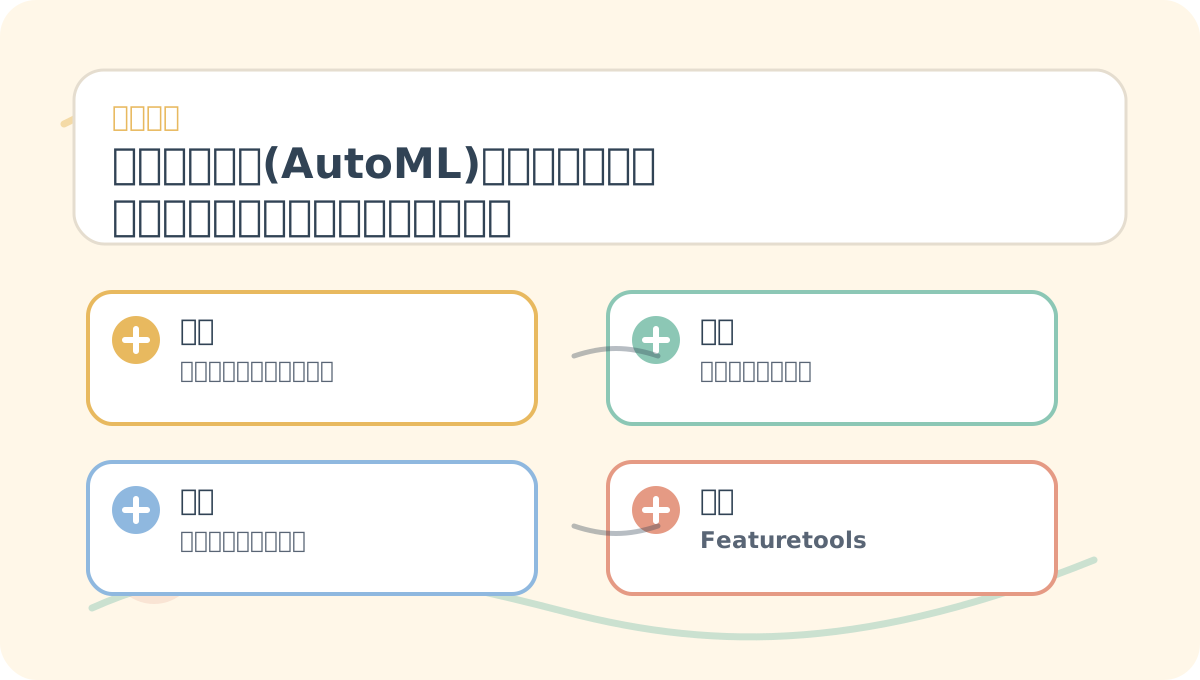
After reading “AutoML Tutorial Series: Feature Engineering Automation — Using Tools to Implement Feature Engineering”, take one minute to reflect:
✅ Are core concepts clearly distinguished?
✅ Can all hands-on steps be reproduced independently?
✅ Can you restate key conclusions in your own words?
By strategically combining complementary feature engineering tools, practitioners can flexibly adapt to diverse data types—and unlock higher-value features that drive both modeling success and business outcomes.
Apply This Lesson
Turn this article into AI software, model, API, and security decisions.
English Article FAQ
Use this article as evidence before choosing AI tools
How should I use this AI Tutorials article?
Use it as the implementation or learning layer, then connect the idea to AI software buyer guides, tool comparisons, benchmarks, API choices, and security checks before making a production decision.
Is this English article different from the Chinese original?
The English edition is localized for global AI readers while preserving the original diagrams, screenshots, prompts, code examples, and source context from the Chinese article.
What should I read after AutoML Tutorial #17: Automating Feature Engineering with Tools?
Continue with AI Software Buyer Guides, AI Tools Workbench, Best AI Coding Agents, AI Model Benchmarks, OpenAI vs Anthropic API, or LLM Security Tools depending on the decision you need to make.
Can this article alone choose an AI product or model?
No. Treat the article as evidence and context, then validate fit with pricing, privacy requirements, integration effort, benchmark results, workflow tests, and fallback planning.
Continue